Skip to Main Content
Sam's Club
Sam's Club
All Departments
All Services
Member ratings & reviews for
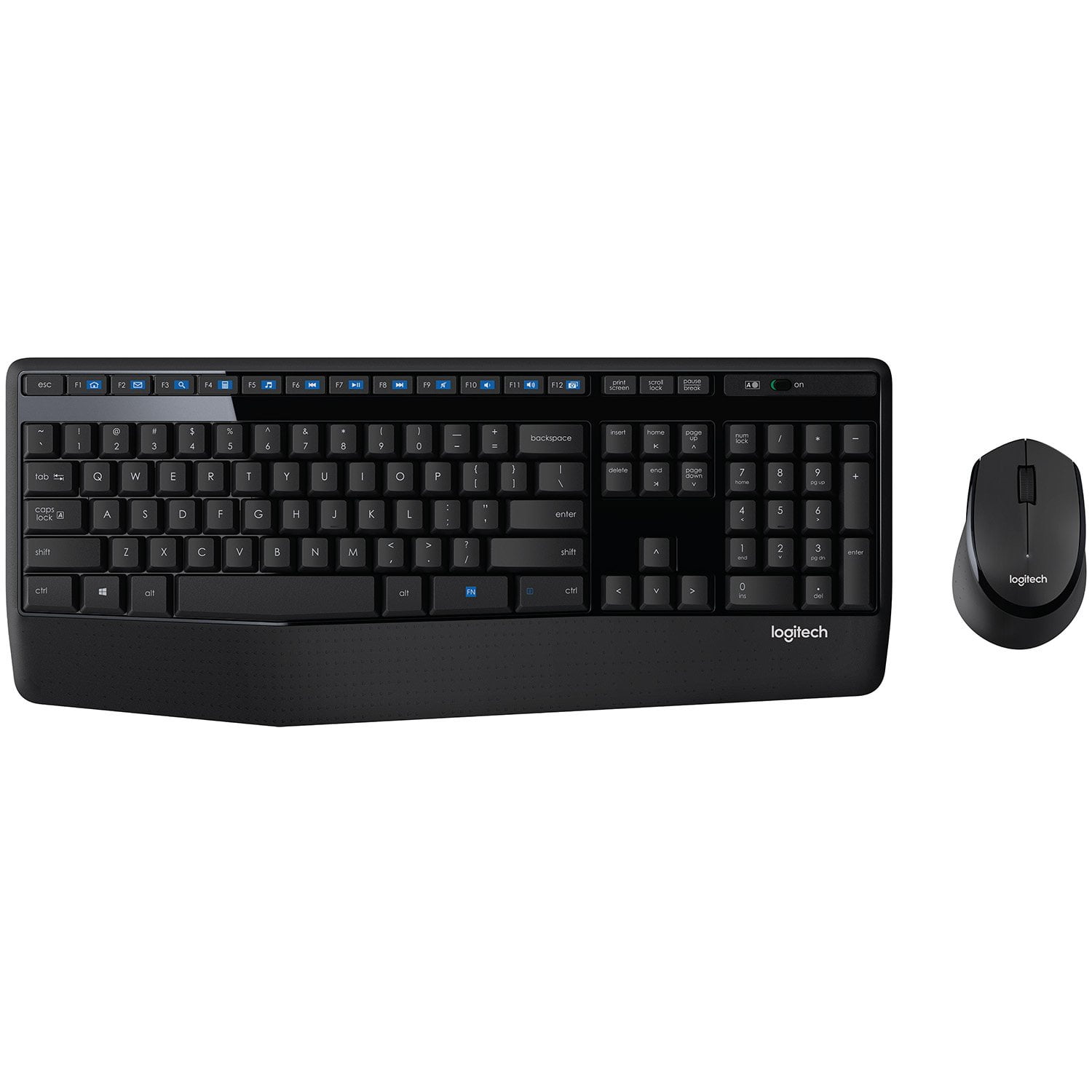
Logitech MK345 Wireless Combo
4.3 out of 5 stars
stars
59 ratings58 reviews
  1. 5 stars66% (39)
  2. 4 stars17% (10)
  3. 3 stars7% (4)
  4. 2 stars0% (0)
  5. 1 star10% (6)
Sort by |
Showing 31-40 of 58 reviews
Aug 17, 2024
Reviewer name: Nelson
5 out of 5 stars
5 out of 5 stars review

Verified Purchase

[This review was collected as part of a promotion.] Great product and no issues so far.

Review from walmart.com
Helpful?0WRAZWHGRDNT9785510787
reply from Logitech

Thank you for your positive review of the Logitech MK345 keyboard and mouse combo! We're glad to hear that you're enjoying the product and haven't encountered any issues.

Jun 5, 2022
Reviewer name: Elle
1 out of 5 stars
1 out of 5 stars review

Verified Purchase

I have had several Logitech wireless keyboards

Review from walmart.com
Helpful?0WRAZWHGRDNT9785510787
Apr 24, 2021
Reviewer name: Nicole
4 out of 5 stars
4 out of 5 stars review

Verified Purchase

Nice keyboard

Wish it had a number lock icon to show it is actually on.

Review from walmart.com
Helpful?0WRAZWHGRDNT9785510787
Mar 31, 2021
Reviewer name: Lf
1 out of 5 stars
1 out of 5 stars review

Verified Purchase

Terrible keyboard wireless not

Terrible terrible terrible wireless keyboard do not buy

Review from walmart.com
Helpful?0WRAZWHGRDNT9785510787
reply from Logitech

Hello Lf, Very sorry to hear how terrible you found the keyboard with the MK345 Wireless Combo to be. You mentioned in the title something about it not being wireless. If you're having connection problems, be sure that the receiver is connected directly to your computer and not on a USB hub. Try plugging the receiver into a different USB port closer to your keyboard and mouse. Remove any metallic objects between the receiver and your keyboard and mouse. Check that you pulled the battery tab out of your keyboard and mouse. If none of these things resolves your connection issue, or if that wasn't the issue in the first place, here's a link to the product support page for the MK345: https://support.logi.com/hc/en-us/articles/360024317573--Getting-Started-Wireless-Combo-MK345. Here you'll find tutorials, software downloads, warranty information, and more. Hope that you found this helpful and that all is going well. Thank you for being a Logitech customer. - Richard from Logitech

Jan 24, 2023
Reviewer name: Leonard
5 out of 5 stars
5 out of 5 stars review

Verified Purchase

Works great

It arrived on time and works great.

Review from walmart.com
Helpful?0WRAZWHGRDNT9785510787
Jul 31, 2020
Reviewer name: Anonymous
5 out of 5 stars
5 out of 5 stars review

Verified Purchase

danmarjs

I had a different model and this model is better

Review from walmart.com
Helpful?0WRAZWHGRDNT9785510787
Dec 17, 2018
Reviewer name: CoffeeDrinker
5 out of 5 stars
5 out of 5 stars review

Verified Purchase

Very good price on a very good keyboard/mouse comb

Very good price on a very good keyboard/mouse combo. Timely delivery

Helpful?0WRAZWHGRDNT9785510787
Nov 21, 2020
Reviewer name: Robert
4 out of 5 stars
4 out of 5 stars review

Verified Purchase

Like the feel and the spacing of the keys.

Review from walmart.com
Helpful?0WRAZWHGRDNT9785510787
Jan 6, 2021
Reviewer name: Toni
4 out of 5 stars
4 out of 5 stars review

Verified Purchase

The keys are a bit noisy but otherwise Ive been pleased.

Review from walmart.com
Helpful?0WRAZWHGRDNT9785510787
Sep 29, 2020
Reviewer name: Preetham
5 out of 5 stars
5 out of 5 stars review

Verified Purchase

This keyboard and mouse is perfect at this price.

Review from walmart.com
Helpful?0WRAZWHGRDNT9785510787