Skip to Main Content
Sam's Club
Sam's Club
All Departments
All Services
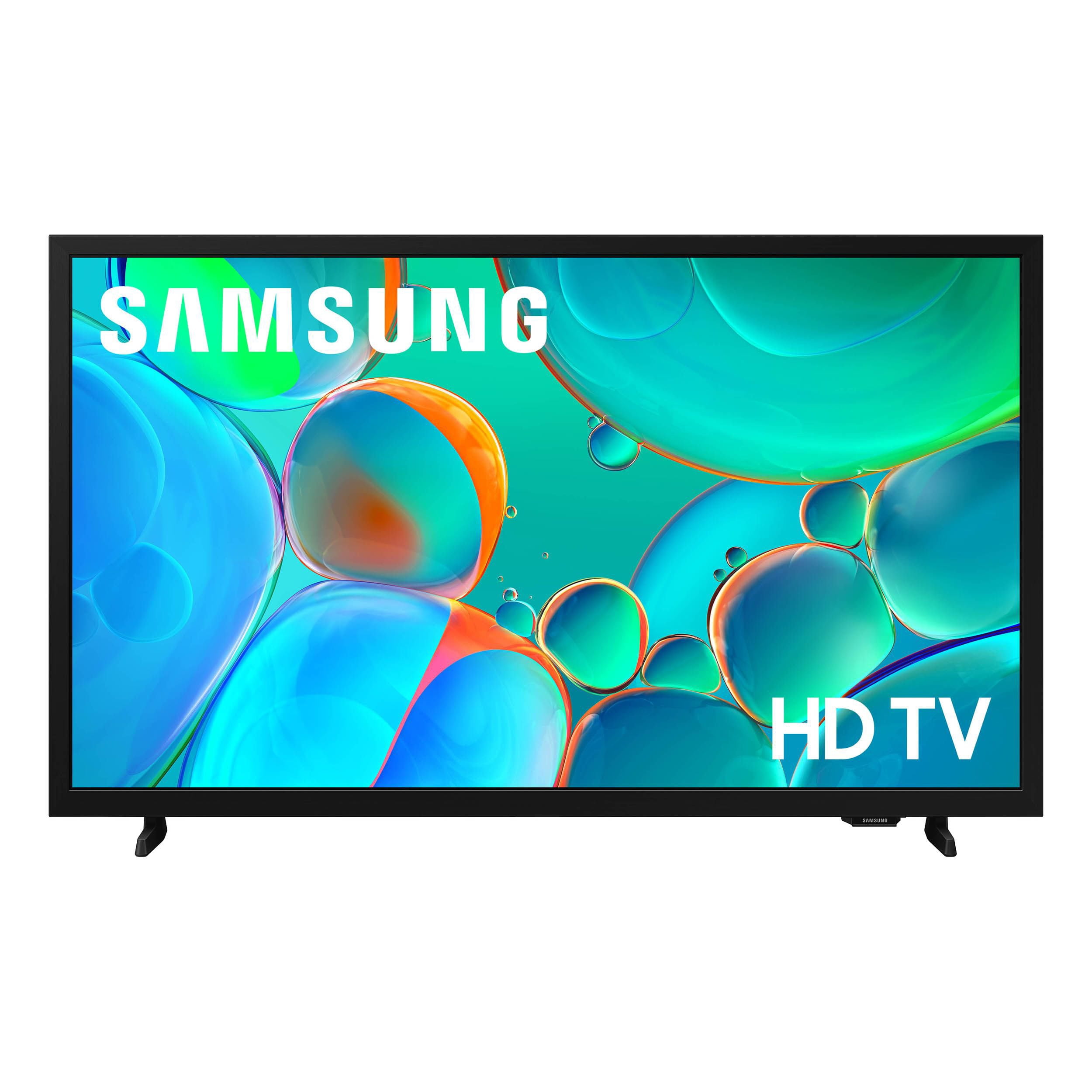
Customer reviews for SAMSUNG 32” Class H5000F Series LED HD Smart Tizen TV for
SAMSUNG 32” Class H5000F Series LED HD Smart Tizen TV
4.7 out of 5 stars
stars
2,241 ratings2,241 reviews
  1. 5 stars77% (1,724)
  2. 4 stars17% (371)
  3. 3 stars4% (82)
  4. 2 stars1% (30)
  5. 1 star2% (34)
Sort by |
Showing 651-660 of 2,241 reviews
May 20, 2026
Jean
5 out of 5 stars review

Excellent Picture!!

[This review was collected as part of a promotion.] Very easy to set up and was able to navigate the setup up of Direct Tv without any problem!! Have had several Samsung TV's and would not buy any other make.

Review from Samsung US
Helpful?3BXE5P3J9PH420390161112
May 12, 2026
Djthagreat1
4 out of 5 stars review

Great product

[This review was collected as part of a promotion.] Very good product lots of functions. Easy to use and log in security is outstanding brightness is superb

Review from Samsung US
Helpful?3BXE5P3J9PH420390161112
May 24, 2026
Spades digg
5 out of 5 stars review

Great features

[This review was collected as part of a promotion.] Very good product good visibility immersive great interface great security good brightness awesome contrast

Review from Samsung US
Helpful?3BXE5P3J9PH420390161112
May 5, 2026
Kippa1968
5 out of 5 stars review

Great tv

[This review was collected as part of a promotion.] Decent tv, works well with other Samsung devices. The screen brightness is usually not a problem on a sunny day.

Review from Samsung US
Helpful?3BXE5P3J9PH420390161112
Apr 20, 2026
Mimi
5 out of 5 stars review

Fantastic Purchase!

[This review was collected as part of a promotion.] I love my TV! The color and view is amazing! It's like you are there in the movie/ TV show! I need another one lol. Oh and the sound?! Phenomenal!

Review from Samsung US
Helpful?3BXE5P3J9PH420390161112
May 3, 2026
Kunal
1 out of 5 stars review

Great tv

[This review was collected as part of a promotion.] Lost the remote and its useless now , hard to change channels and some are not giving permission to press the button not sure what to do

Review from Samsung US
Helpful?3BXE5P3J9PH420390161112
reply from Samsung Advisor

Hi Kunal, We appreciate your feedback. Please know you can use a third-party remote with the H5000F TV or order a replacement remote on our website. For further assistance, contact Samsung Support at 1-800-SAMSUNG (8AM – 9PM EST Mon – Fri, 8AM – 6PM Sat – Sun), or reach us via text anytime. You can also visit ‘Support’ on our website for: • Live Chat • Manuals, Software, & Warranty Info ~Samsung Advisor

Apr 20, 2026
Molldoll
4 out of 5 stars review

I find little wrong with it

[This review was collected as part of a promotion.] I wish the screen brightness had more options, I find it too bright on the lowest setting. Otherwise I have no issues with it!

Review from Samsung US
Helpful?3BXE5P3J9PH420390161112
Apr 20, 2026
Dogmom
5 out of 5 stars review

Percent buy

[This review was collected as part of a promotion.] The way the brightness and contrast flow together is great. The interface system makes a great view. Security is a great touch with the app capabilities

Review from Samsung US
Helpful?3BXE5P3J9PH420390161112
Apr 21, 2026
Love2Shop
2 out of 5 stars review

Brightness

[This review was collected as part of a promotion.] This tv was great when I got it but I've only had it for 6 months or so and the brightness keeps going in and out. It would be a great tv if it weren't for that.

Review from Samsung US
Helpful?3BXE5P3J9PH420390161112
reply from Samsung Advisor

Hi Love2Shop, We appreciate you sharing details about the brightness fluctuations you’ve experienced on your Samsung H5000F TV. This behavior may be related to energy-saving features or dynamic picture settings that adjust the screen brightness automatically. Please try disabling the following features: Settings > All Settings > General & Privacy > Power and Energy Saving > Brightness Optimization, Energy Saving Solution, and Motion Lighting If these are already off, check if Contrast Enhancer is enabled, which can also cause brightness to shift depending on content: Settings > All Settings > Picture > Expert Settings > Contrast Enhancer To ensure optimal performance, please also confirm your TV is running the latest firmware: Settings > Support > Software Update > Update Now We hope these steps help stabilize your screen brightness. If you continue to experience issues, please don’t hesitate to contact Samsung Customer Support at 1-800-SAMSUNG,8AM – 9PM EST Mon – Fri, 8AM – 6PM Sat – Sun. LiveChat is also available via the ‘Support’ link on our website. ~ Samsung Advisor

Apr 10, 2026
Mack
5 out of 5 stars review

32 inches is fine

[This review was collected as part of a promotion.] Great TV for the price I've never had any problems with the software or updates or anything like that I highly recommend Samsung televisions going forward

Review from Samsung US
Helpful?3BXE5P3J9PH420390161112