Skip to Main Content
Sam's Club
Sam's Club
All Departments
All Services
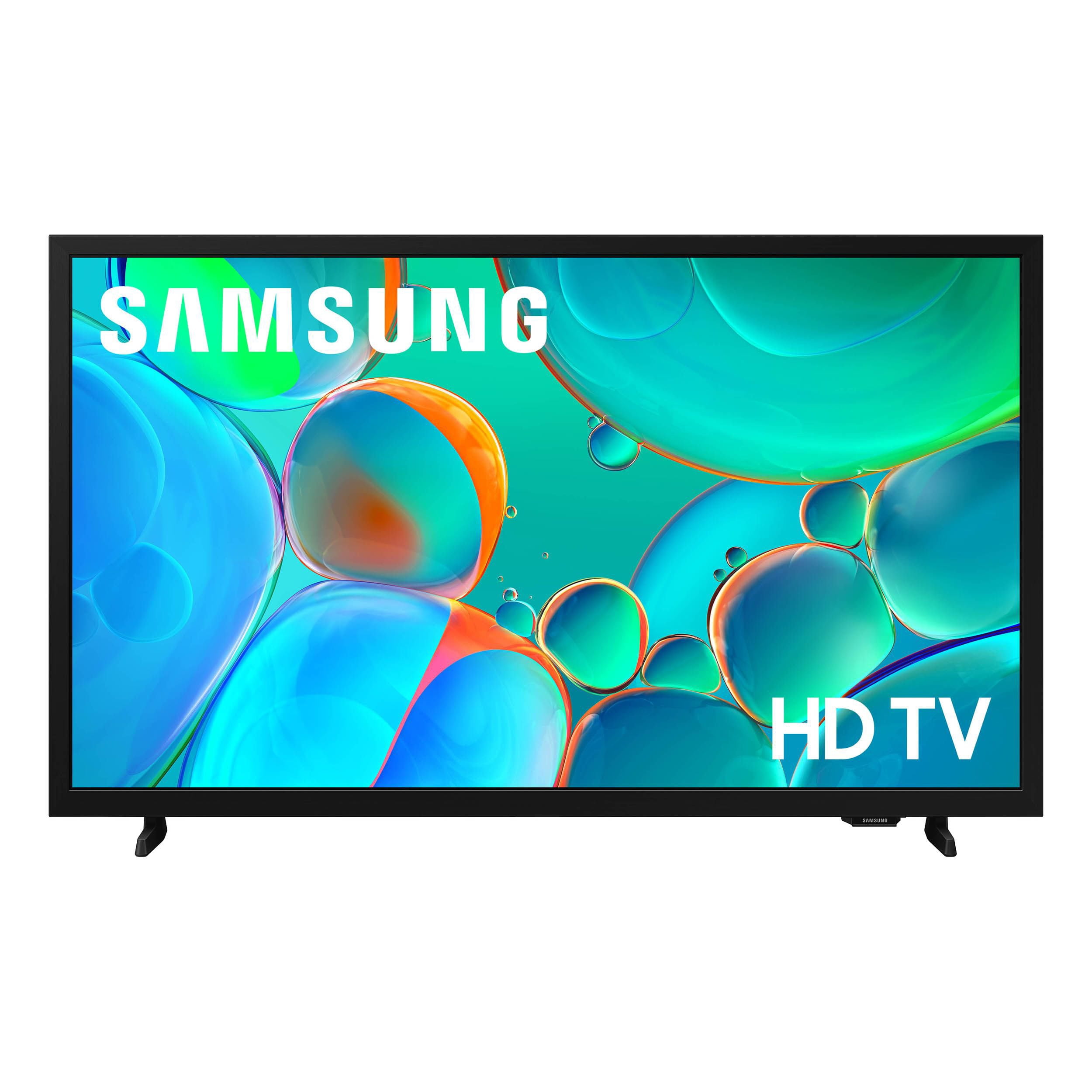
Customer reviews for SAMSUNG 32” Class H5000F Series LED HD Smart Tizen TV for
SAMSUNG 32” Class H5000F Series LED HD Smart Tizen TV
4.7 out of 5 stars
stars
2,234 ratings2,234 reviews
  1. 5 stars77% (1,722)
  2. 4 stars16% (368)
  3. 3 stars4% (82)
  4. 2 stars1% (28)
  5. 1 star2% (34)
Sort by |
Showing 621-630 of 2,234 reviews
May 11, 2026
Billhddd
4 out of 5 stars review

Bill H Samsung TV review

[This review was collected as part of a promotion.] Samsung Tv is very clear and sharp. Sound is very good. It's a little confusing switching from TV to UBS picture slide and return. Bill

Review from Samsung US
Helpful?3BXE5P3J9PH420390161112
May 3, 2026
Kunal
1 out of 5 stars review

Great tv

[This review was collected as part of a promotion.] Lost the remote and its useless now , hard to change channels and some are not giving permission to press the button not sure what to do

Review from Samsung US
Helpful?3BXE5P3J9PH420390161112
reply from Samsung Advisor

Hi Kunal, We appreciate your feedback. Please know you can use a third-party remote with the H5000F TV or order a replacement remote on our website. For further assistance, contact Samsung Support at 1-800-SAMSUNG (8AM – 9PM EST Mon – Fri, 8AM – 6PM Sat – Sun), or reach us via text anytime. You can also visit ‘Support’ on our website for: • Live Chat • Manuals, Software, & Warranty Info ~Samsung Advisor

Apr 20, 2026
DattheB
5 out of 5 stars review

Excellent choice at a great price

[This review was collected as part of a promotion.] We now have 3 Samsung televisions, because the first one purchased was such a great choice. Clear, crisp picture. True sound. Easy to set up. Great features.

Review from Samsung US
Helpful?3BXE5P3J9PH420390161112
May 7, 2026
Diamond
4 out of 5 stars review

Very awesome colors featuring 👌

[This review was collected as part of a promotion.] Bright colors, excellent audio, designed well, nice sizes, good TV for a sound system hooked up to it overall I'm loving been.

Review from Samsung US
Helpful?3BXE5P3J9PH420390161112
Apr 21, 2026
Love TV
5 out of 5 stars review

Great Features

[This review was collected as part of a promotion.] This is a very bright picture. Looks great with everything I watch. I love how the apps are already loaded on to the TV.

Review from Samsung US
Helpful?3BXE5P3J9PH420390161112
May 11, 2026
Baldmule21
5 out of 5 stars review

Great Sounds

[This review was collected as part of a promotion.] This is a great great TV color contrast brightness, and loud sound, I wear hearing aids so I can hear my Samsung TV

Review from Samsung US
Helpful?3BXE5P3J9PH420390161112
May 5, 2026
Ms V
5 out of 5 stars review

The Benefits Of Having a Samsung TV

[This review was collected as part of a promotion.] I love my TV. Its the best TV I've ever had. The color, brightness, contrast, and sound is great! Samsung will be the only TV I will purchase from now on.

Review from Samsung US
Helpful?3BXE5P3J9PH420390161112
Apr 15, 2026
Troy Story
5 out of 5 stars review

Amazing Tv

[This review was collected as part of a promotion.] I love the immersion , the contrast and brightness are perfect , great interface and securitybas well!!

Review from Samsung US
Helpful?3BXE5P3J9PH420390161112
Apr 20, 2026
Mark
5 out of 5 stars review

Amazing features

[This review was collected as part of a promotion.] Great product, the picture is super clear and the main menu interface is super easy to navigate. I love the talk feature

Review from Samsung US
Helpful?3BXE5P3J9PH420390161112
May 11, 2026
MsVMa
2 out of 5 stars review

Bad Resolution

[This review was collected as part of a promotion.] Terrible resolution. I have 3 other Samsung Tvs and they are all having im thinking pic tube issues. All have terrible resolution screens.

Review from Samsung US
Helpful?3BXE5P3J9PH420390161112
reply from Samsung Advisor

Hi MsVMa, We appreciate your feedback on the picture quality of Samsung’s H5000F TV. If the image doesn’t quite match your preferences, there are several adjustments you can make to better suit your viewing environment and content type. First, please ensure your TV is running the latest firmware, as updates may include important picture quality enhancements. Go to: Home > Left directional button > Settings > Support > Software Update > Update Now To explore picture mode options, navigate to: Home > Left directional button > Settings > All Settings > Picture > Picture Mode. Options include: • Standard – Ideal for general viewing • Dynamic – Brighter and more vibrant for well-lit spaces • Eco – Optimized for energy efficiency • Movie – Best for viewing in low light • Filmmaker Mode – Preserves the content creator’s intent and disables motion smoothing for supported content You can further customize your image by going to: Settings > All Settings > Picture > Expert Settings, where you can adjust Brightness, Contrast, Color Tone, Sharpness, Contrast Enhancer and more. If you’d like help finding the best picture settings for your preferences, please don’t hesitate to contact Samsung Support at 1-800-SAMSUNG, available 8AM – 9PM EST Mon – Fri, 8AM – 6PM Sat – Sun. You can also LiveChat with an agent or explore additional resources on our website by clicking the ‘Support’ link. ~ Samsung Advisor