Skip to Main Content
Sam's Club
Sam's Club
All Departments
All Services
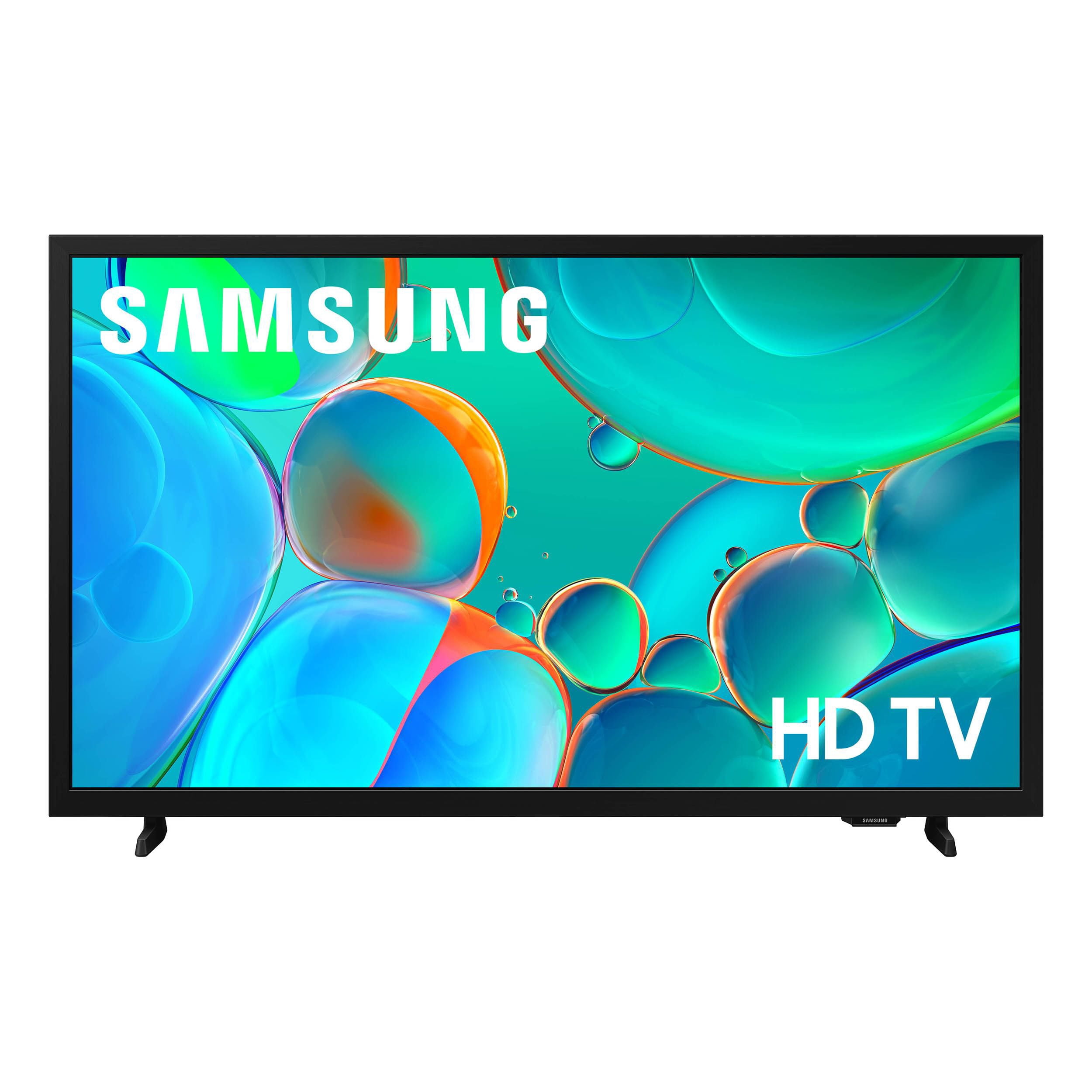
Customer reviews for SAMSUNG 32” Class H5000F Series LED HD Smart Tizen TV for
SAMSUNG 32” Class H5000F Series LED HD Smart Tizen TV
4.6 out of 5 stars
stars
2,960 ratings2,957 reviews
  1. 5 stars76% (2,250)
  2. 4 stars16% (479)
  3. 3 stars4% (120)
  4. 2 stars2% (49)
  5. 1 star2% (62)
Sort by |
Showing 601-610 of 2,957 reviews
Jun 14, 2026
Reviewer name: ShoppingQueenC
5 out of 5 stars
5 out of 5 stars review

Verified Purchase

I love my new t.v. , the color is vibrant, and I love all the included apps 💕

Review from walmart.com
Helpful?3BXE5P3J9PH420390161112
Jul 24, 2026
Reviewer name: thomas
1 out of 5 stars
1 out of 5 stars review

Verified Purchase

Difficult to set Don't have Samsung account

Review from walmart.com
Helpful?3BXE5P3J9PH420390161112
Jul 17, 2026
Reviewer name: Tony
5 out of 5 stars
5 out of 5 stars review

Verified Purchase

do you want type security this one's hard to set up which is a good thing

Review from walmart.com
Helpful?3BXE5P3J9PH420390161112
Jul 24, 2026
Reviewer name: Patricia
2 out of 5 stars
2 out of 5 stars review

Verified Purchase

remote control is hard to understand back in 1960:!

Review from walmart.com
Helpful?3BXE5P3J9PH420390161112
Jun 15, 2026
Reviewer name: Diane
1 out of 5 stars
1 out of 5 stars review

Verified Purchase

the tv goes offsometimes no sound

Review from walmart.com
Helpful?3BXE5P3J9PH420390161112
reply from Samsung

Hi Diane,<br /><br />We appreciate your feedback regarding your H5000F TV’s performance. If you&#39;re experiencing slow apps, freezing, or lag in general response time, try the following steps:<br /><br />1. Check for firmware updates – Keeping your TV up to date can resolve many performance issues: Home &gt; left directional key &gt; Settings &gt; Support &gt; Software Update &gt; Update Now<br />2. Run Device Care – This tool checks system memory, frees up cached data, and closes background apps that could be slowing things down: Home &gt; left directional key &gt; Settings &gt; Support &gt; Device Care &gt; Start Device Care<br />3. Cold boot your TV – With the TV powered on, press and hold the Power button on your remote for 5&#43; seconds until the TV restarts. This helps refresh the system.<br /><br />If you&#39;re still noticing performance issues after these steps, please contact Samsung Support at 1-800-SAMSUNG (8AM – 9PM EST Mon – Fri, 8AM – 6PM Sat – Sun). You can also connect with a LiveChat agent via the ‘Support’ link on our website.<br /><br />~Samsung Advisor

Jul 23, 2026
Reviewer name: danna
5 out of 5 stars
5 out of 5 stars review

Verified Purchase

A Great Buy!

great price and value for the money!

Review from walmart.com
Helpful?3BXE5P3J9PH420390161112
Jul 16, 2026
Reviewer name: ricky
5 out of 5 stars
5 out of 5 stars review

Verified Purchase

It does have some privacy concerns printed on the outside of the box.Read the box before you buy.

Review from walmart.com
Helpful?3BXE5P3J9PH420390161112
Sep 3, 2026
Reviewer name: anonymous
5 out of 5 stars
5 out of 5 stars review

Verified Purchase

Great picture

Review from walmart.com
Helpful?3BXE5P3J9PH420390161112
Aug 26, 2026
Reviewer name: Paul
4 out of 5 stars
4 out of 5 stars review

Verified Purchase

works well

Review from walmart.com
Helpful?3BXE5P3J9PH420390161112
Sep 3, 2026
Reviewer name: Michael
1 out of 5 stars
1 out of 5 stars review

Verified Purchase

do not waste your money.

Review from walmart.com
Helpful?3BXE5P3J9PH420390161112