Skip to Main Content
Sam's Club
Sam's Club
All Departments
All Services
Customer reviews for SAMSUNG 32” Class H5000F Series LED HD Smart Tizen TV for
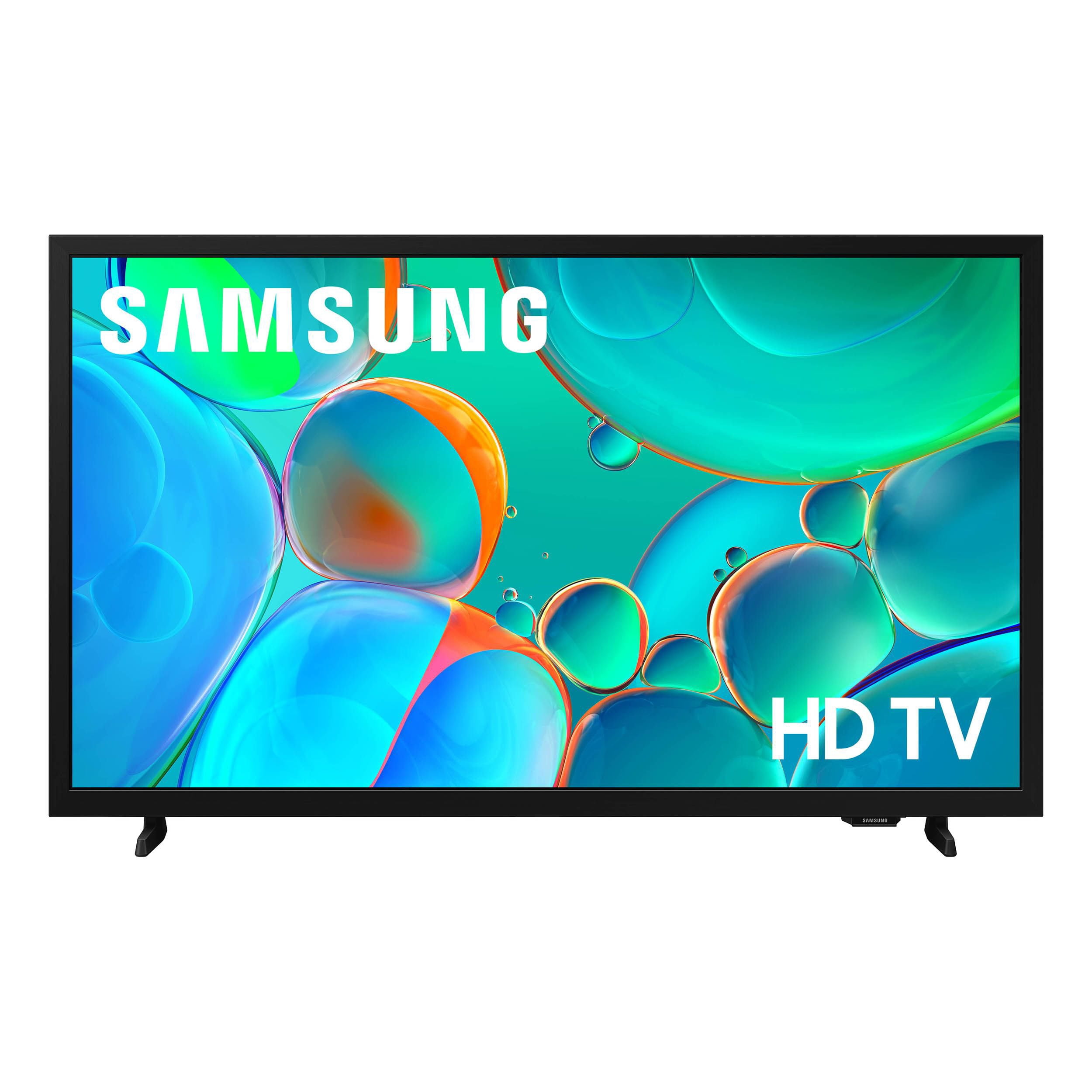
SAMSUNG 32” Class H5000F Series LED HD Smart Tizen TV
4.7 out of 5 stars
stars
2,234 ratings2,234 reviews
  1. 5 stars77% (1,722)
  2. 4 stars16% (368)
  3. 3 stars4% (82)
  4. 2 stars1% (28)
  5. 1 star2% (34)
Sort by |
Showing 441-450 of 2,234 reviews
Jun 22, 2026
Arie
5 out of 5 stars review

Great features

[This review was collected as part of a promotion.] Very bright louder nice volume fits your level of choice , contrast is good the interface sharp pretty soundstaging is good .

Review from Samsung US
Helpful?3BXE5P3J9PH420390161112
Jun 1, 2026
Tank
5 out of 5 stars review

Great bedroom tv

[This review was collected as part of a promotion.] Fits on top of the dresser, great picture, have had 0 problems, great tv for the price. Can't go wrong here.

Review from Samsung US
Helpful?3BXE5P3J9PH420390161112
Jun 13, 2026
Tippykk
5 out of 5 stars review

Beautiful picture.

[This review was collected as part of a promotion.] The brightness and contrast of the picture is incredible. It has a user friendly interface. Even a ludite could use it. Looks so real is an immersive experience.

Review from Samsung US
Helpful?3BXE5P3J9PH420390161112
Jun 1, 2026
Neil J
5 out of 5 stars review

Basic great experience

[This review was collected as part of a promotion.] Great TV for the money. My simple background noise TV, easy web access and good sound. Add a simple sound bar and it great experience for the dollar

Review from Samsung US
Helpful?3BXE5P3J9PH420390161112
Mar 16, 2026
Luv2shop
5 out of 5 stars review

Great features!

[This review was collected as part of a promotion.] .It was helpful and great great color definition.\n Clear videos and pictures.\n Interface was awesome, immersion was superb. Great security.\nBrightness in contrast was also great

Review from Samsung US
Helpful?3BXE5P3J9PH420390161112
Jun 22, 2026
Kathie
5 out of 5 stars review

Love it!!

Perfect tv for our teenagers bedroom and for a very fair price.. Love the design and the sound quality is spot on. It was so easy to set up and get to watching her favorite shows. Thanks Samsung.

Review from Samsung US
Helpful?3BXE5P3J9PH420390161112
Jun 1, 2026
Anonymous
4 out of 5 stars review

Amazing quality

[This review was collected as part of a promotion.] This TV quality is amazing. Its crystal clear and I feel like im right in the middle of the action when im watching it. Absolutely love it. The picture quality is a 9.5 outta 10!

Review from Samsung US
Helpful?3BXE5P3J9PH420390161112
Jun 1, 2026
Barbara
5 out of 5 stars review

Reliably excellent

[This review was collected as part of a promotion.] Love my Samsung TVs! Tops in detail, resolution, and sound quality. I have had NO performance issues over several years of ownership of a 32" and 54" HDTVs.

Review from Samsung US
Helpful?3BXE5P3J9PH420390161112
Jun 1, 2026
JACKIE1404
5 out of 5 stars review

Great picture

[This review was collected as part of a promotion.] Brightness is great, good image. Contrast is great as well, no issues with that. Immersion is fantastic, issues there. Interface is wonderful and great security. Will recommend!

Review from Samsung US
Helpful?3BXE5P3J9PH420390161112
Jun 20, 2026
Holiday04
3 out of 5 stars review

it's okay

[This review was collected as part of a promotion.] It was okay it didn't last more than 1 year,I got it as a gift for my son,and boy was he upset when it went out,it just didn't turn on one morning

Review from Samsung US
Helpful?3BXE5P3J9PH420390161112
reply from Samsung Advisor

Hi Holiday04, We're sorry to hear you’re having trouble powering on your H5000F TV. Please try these steps: 1. Power cord check: Ensure the TV’s power cord is securely connected at both ends and not visibly damaged. 2. Wall outlet check: Plug the TV directly into a working wall outlet (not a surge protector or power strip) and look for the red standby light near the bottom edge of the TV. o Solid red light: Press the power button on the TV (underneath the Samsung logo) or use the remote. o No light: The TV isn’t getting power. o Blinking light: The TV may require service. 3. Test the remote: If the standby light is on but the TV won’t power on with the remote, try using the power button on the TV itself. 4. If the TV turns on but there’s no picture, try pressing the Home button. If the menu appears, check for correct source selection or potential external device issues. If the issue continues, please reach out so we can help with further diagnostics or service. Call Samsung Support at 1-800-SAMSUNG (8AM – 9PM EST Mon – Fri, 8AM – 6PM Sat – Sun), or chat with us online via the ‘Support’ link on our website. ~ Samsung Advisor