Skip to Main Content
Sam's Club
Sam's Club
All Departments
All Services
Customer reviews for SAMSUNG 32” Class H5000F Series LED HD Smart Tizen TV for
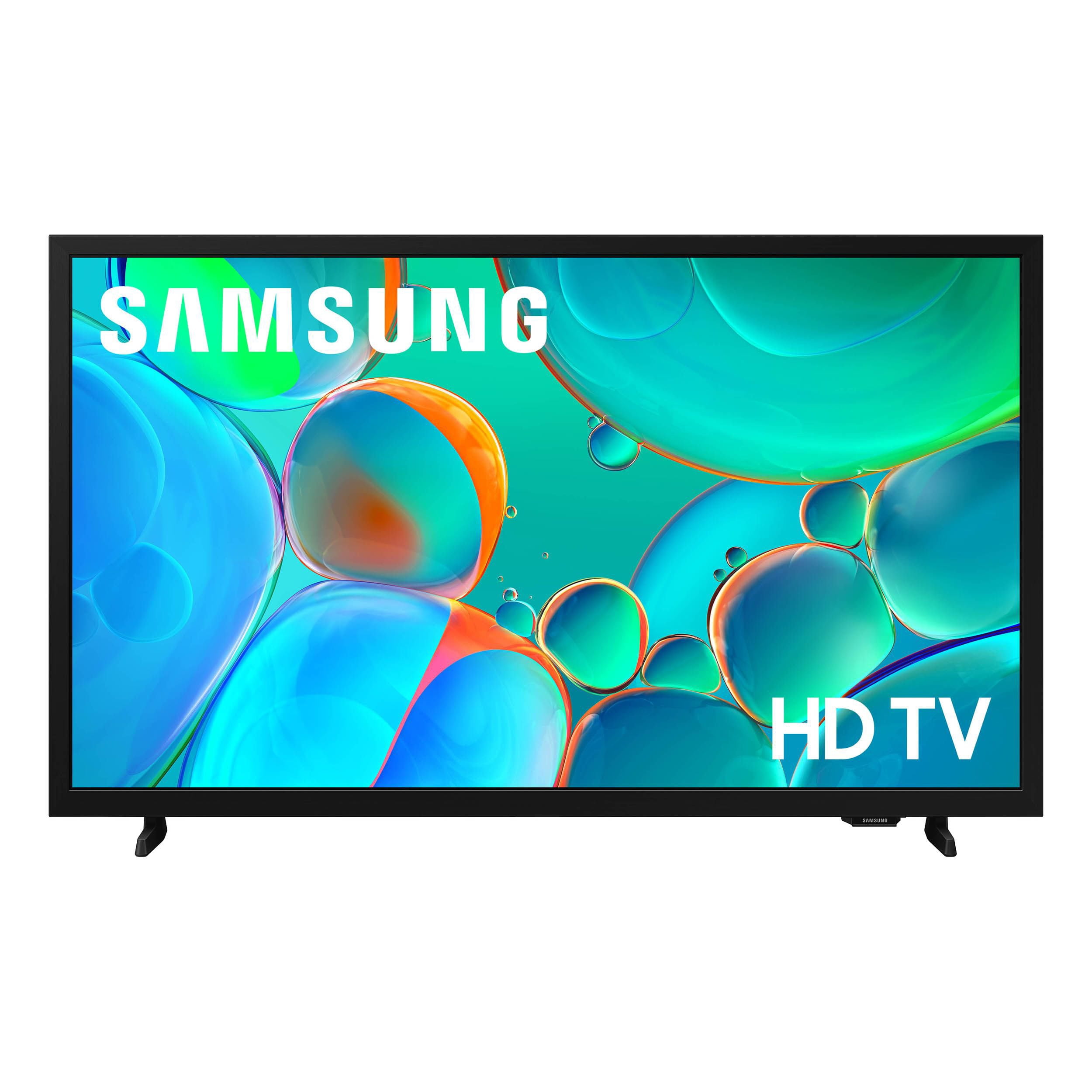
SAMSUNG 32” Class H5000F Series LED HD Smart Tizen TV
4.7 out of 5 stars
stars
2,234 ratings2,234 reviews
  1. 5 stars77% (1,722)
  2. 4 stars16% (368)
  3. 3 stars4% (82)
  4. 2 stars1% (28)
  5. 1 star2% (34)
Sort by |
Showing 331-340 of 2,234 reviews
May 4, 2026
DustinLDobson
5 out of 5 stars review

Best TV I've ever owned!

[This review was collected as part of a promotion.] The Smart TV is awesomesauce! Great picture and fast surfing! I can set a pass code if I choose too and the durability is outstanding. I have dropped it from about 3ft and it landed on its screen but nothing happened and it still works like it's brand new from the box! 5 out of 5 star rating from me.

Review from Samsung US
Helpful?3BXE5P3J9PH420390161112
May 21, 2026
Adriana
2 out of 5 stars review

Volume stops working and TV goes MUTE by itself.

[This review was collected as part of a promotion.] My problem with its TV was the sounds volume. After using the TV for a few hours the volume was off completely mute. I had to turn Off The TV for a few minutes and then turn on again so the volume will work again. It is very frustrating When you're watching a show and the TV goes mute by itself. I want a TV that has a good sounds good volume In a good image Quality .

Review from Samsung US
Helpful?3BXE5P3J9PH420390161112
reply from Samsung Advisor

Hi Adriana, Thank you for your review and for sharing your experience with your H5000F TV. If you’re not hearing any sound, whether using TV speakers or an external audio device, here are several steps that can help get things working again. 1. Start with Basic Checks • Make sure the TV isn’t muted and the volume is turned up. • If using an external audio device, ensure it’s powered on, set to the correct source, and the volume is turned up there as well. • Unplug your TV for 30 seconds, then plug it back in and power it on. 2. HDMI ARC / eARC Connection • Use a certified High-Speed HDMI cable with Ethernet. Connect it to the HDMI eARC ports on both the TV and the soundbar/receiver. • Enable these settings: o Settings > All Settings > Sound > Expert Settings > HDMI eARC Mode = Auto o Settings > All Settings > General & Privacy > External Device Manager > Anynet+ (HDMI-CEC) = On • Check the digital audio format: Settings > All Settings > Sound > Expert Settings > Digital Output Audio Format o If you're not sure what your connected device supports, set it to Auto. 4. Bluetooth Audio Connection • Pair your Bluetooth device: Settings > All Settings > Sound > Sound Output > Bluetooth Speaker List • If your Bluetooth device doesn’t appear or won’t connect, move it closer to the TV, ensure it’s in pairing mode, and select Scan. • If paired but no sound, unpair the device and try reconnecting. 5. Wi-Fi / Wireless Speakers • Confirm the speakers and the TV are on the same Wi-Fi network. Use: Settings > All Settings > Sound > Sound Output > Wi-Fi Speaker Surround Setup • Reboot both the TV and the Wi-Fi speakers, and check your router for connection strength. 6. Other Helpful Tips • Run a Sound Test: Settings > Support > Device Care > Self Diagnosis > Sound Test • Update TV firmware to rule out compatibility issues: Settings > Support > Software Update > Update Now • If using a cable box or external streaming device, double-check that the device’s audio output settings are set to HDMI or the appropriate output. If you still don’t hear sound after following these steps, please don’t hesitate to reach out so we can assist further. You can call Samsung Support at 1-800-SAMSUNG, available from 8AM – 9PM EST Mon – Fri, 8AM – 6PM Sat – Sun. You can also visit the Samsung website and click on ‘Support’ for: • Live Chat • Manuals, Software, & Warranty Info ~ Samsung Advisor

Apr 13, 2026
TRAIN
5 out of 5 stars review

Great Durability

[This review was collected as part of a promotion.] Well its been around 12 years since I purchased this replacing TV that had a tube. It was easy to install; the clarity of the picture was brilliant and sharp and can read the numbers on every jersey of each player. This model will be retired to the "mancave" once a new Samsung is purchased

Review from Samsung US
Helpful?3BXE5P3J9PH420390161112
Apr 19, 2026
Luv2Shop
5 out of 5 stars review

Great features

[This review was collected as part of a promotion.] The Samsung t.v. has great features. Easy to connect to your Samsung phone and use your phone as a remote control device. It also has is easy to connect to cable or Amazon t.v. etc. Clarity is amazing so is sound especially if you add a sound bar. Watching movies is so much better with the sound bar.

Review from Samsung US
Helpful?3BXE5P3J9PH420390161112
May 20, 2026
Sammy_Gz
5 out of 5 stars review

How great my samsung tv treats me

[This review was collected as part of a promotion.] I love my samsung tv. I love samsung everything, but honestly the tv is of great quality, all the parts are sturdy and function very well. I just don't understand the fact that such a great tv/product doesn't have fiber optics, and I have to introduce an audio extractor for fiber optics and I think it takes away from sound quality cause its a generic audio extractor and not a samsung one . But its great overall.

Review from Samsung US
Helpful?3BXE5P3J9PH420390161112
Apr 20, 2026
ROBOCHICK
4 out of 5 stars review

Awesome features and picture

[This review was collected as part of a promotion.] My Samsung TV has a great user interface very easy to navigate . The color immersion is wonderful and I love how vivid the picture is . You can adjust the brightness as low and high as you like as well as the contrast. I use the channel locks for my children so they are unable to view programs that are not suited for them . Overall I love Samsung products

Review from Samsung US
Helpful?3BXE5P3J9PH420390161112
Apr 6, 2026
Samsunggirl
5 out of 5 stars review

Great Purchase

[This review was collected as part of a promotion.] My Samsung TV has been a game-changer for my home entertainment setup! 📺 I absolutely love how seamlessly I can connect my phone to it, making screen mirroring a breeze. Plus, the picture quality is truly stunning, bringing all my favorite shows and movies to life. It's been so convenient for sharing photos and videos with family and friends. Honestly, I'm super impressed with the overall experience. #SamsungTV #SmartHome #TechLife

Review from Samsung US
Helpful?3BXE5P3J9PH420390161112
Apr 25, 2026
Dusty
4 out of 5 stars review

Amazing and vibrant !

[This review was collected as part of a promotion.] I've never had an issue with this TV from the moment I got it The vibrant colors the easy to navigate home screens I would never get too hot it doesn't take up a lot of space cuz even better I have left it on for a weekend and never had an issue with anything I have nothing but good things to say about the TV itself

Review from Samsung US
Helpful?3BXE5P3J9PH420390161112
Apr 7, 2026
Zetman43
4 out of 5 stars review

Good TV for our Kitchen Area

[This review was collected as part of a promotion.] Wanted a small TV for our Kitchen area. We enjoy Samsung TV Plus so this was a good option for us. Has the same interface and remote as other TV's in the house and sense I have a Samsung phone this works well.

Review from Samsung US
Helpful?3BXE5P3J9PH420390161112
Apr 20, 2026
Italian guy
5 out of 5 stars review

A must have.

[This review was collected as part of a promotion.] Easy to setup. Highly impressed with the picure,easy to set up with wifi,and connection to wifi is fast and does not lag. I own nothing but LG,and trust all their products. Picture is bright, sharp and excellent. Sound is ok.

Review from Samsung US
Helpful?3BXE5P3J9PH420390161112