Skip to Main Content
Sam's Club
Sam's Club
All Departments
All Services
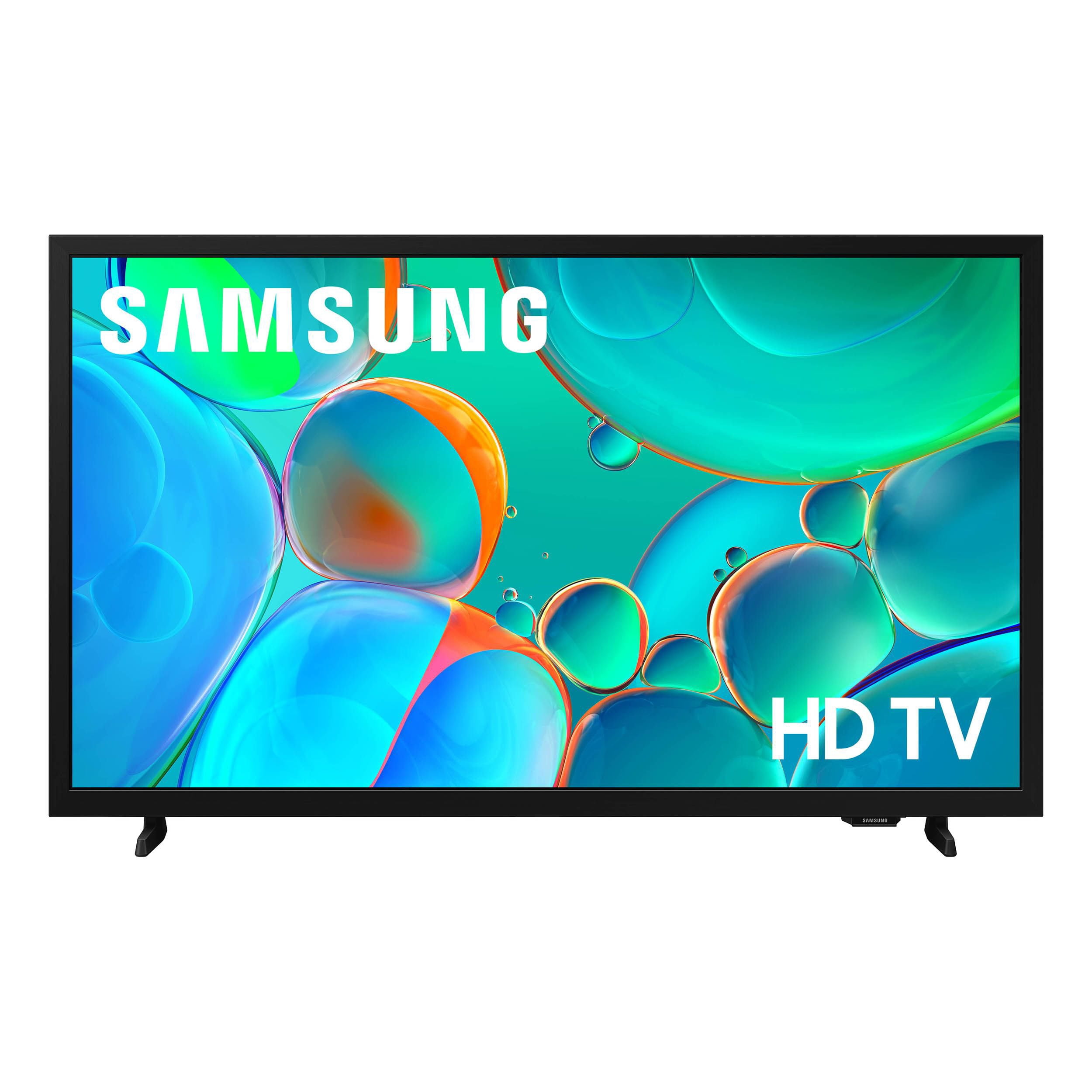
Customer reviews for SAMSUNG 32” Class H5000F Series LED HD Smart Tizen TV for
SAMSUNG 32” Class H5000F Series LED HD Smart Tizen TV
4.6 out of 5 stars
stars
3,106 ratings3,102 reviews
  1. 5 stars76% (2,356)
  2. 4 stars16% (503)
  3. 3 stars4% (126)
  4. 2 stars2% (53)
  5. 1 star2% (68)
Sort by |
Showing 2,081-2,090 of 3,102 reviews
May 25, 2026
Reviewer name: Sarvonne
5 out of 5 stars
5 out of 5 stars review

Happy

[This review was collected as part of a promotion.] Love it beautiful life family and friends 🧡 and faithful

Review from Samsung US
Helpful?3BXE5P3J9PH420390161112
Feb 9, 2026
Reviewer name: Britt
5 out of 5 stars
5 out of 5 stars review

Good quality

[This review was collected as part of a promotion.] Five stars no feedback good quality HD is amazing easy use

Review from Samsung US
Helpful?3BXE5P3J9PH420390161112
Mar 23, 2026
Reviewer name: Mandi
5 out of 5 stars
5 out of 5 stars review

Love this

[This review was collected as part of a promotion.] Color is perfect!!! picture is great and so is sound!!!

Review from Samsung US
Helpful?3BXE5P3J9PH420390161112
Mar 23, 2026
Reviewer name: Juan
5 out of 5 stars
5 out of 5 stars review

Great features

[This review was collected as part of a promotion.] I've had my Samsung TV for a year now and it is the best TV I've ever had

Review from Samsung US
Helpful?3BXE5P3J9PH420390161112
May 8, 2026
Reviewer name: Domo
1 out of 5 stars
1 out of 5 stars review

Cheap

[This review was collected as part of a promotion.] I want olded now i don't like it any more I need to be updated and improved

Review from Samsung US
Helpful?3BXE5P3J9PH420390161112
reply from Samsung Advisor

Hi Domo, Thank you for your feedback. For optimal performance, please ensure your H5000F TV is running the latest firmware. You can check this by going to: Home > left directional key > Settings > Support > Software Update To further optimize performance, try running Device Care, which checks memory, clears unused cached data, and closes background apps: Home > left directional key > Settings > Support > Device Care > Start Device Care If issues continue, please reach Samsung Support at 1-800-SAMSUNG, available 8AM – 9PM EST Mon – Fri, 8AM – 6PM Sat – Sun. LiveChat is also available via the ‘Support’ link on our website. ~ Samsung Advisor

Apr 20, 2026
Reviewer name: Scoople62oof
5 out of 5 stars
5 out of 5 stars review

Very good product.

[This review was collected as part of a promotion.] Very good highlight, and production wouldn't trade it for nothing in the world.

Review from Samsung US
Helpful?3BXE5P3J9PH420390161112
May 11, 2026
Reviewer name: Jaybuysit
5 out of 5 stars
5 out of 5 stars review

Just what needed. Fit my son's room perfectly

[This review was collected as part of a promotion.] Perfect for a kids room and for gaming. Easily goes on the wall without a problem

Review from Samsung US
Helpful?3BXE5P3J9PH420390161112
Apr 10, 2026
Reviewer name: spacebarshift
5 out of 5 stars
5 out of 5 stars review

MyTV

[This review was collected as part of a promotion.] Awesome deal for me at Video Only. Fits my living room.

Review from Samsung US
Helpful?3BXE5P3J9PH420390161112
May 2, 2026
Reviewer name: Elishield
5 out of 5 stars
5 out of 5 stars review

Great features

[This review was collected as part of a promotion.] Perfect quality and clarity and secure as well as reliable

Review from Samsung US
Helpful?3BXE5P3J9PH420390161112
May 2, 2026
Reviewer name: Jennifer 138
5 out of 5 stars
5 out of 5 stars review

Great future

[This review was collected as part of a promotion.] I love my new tv and it has a great picture and I love that it is voice controlled

Review from Samsung US
Helpful?3BXE5P3J9PH420390161112