Skip to Main Content
Sam's Club
Sam's Club
All Departments
All Services
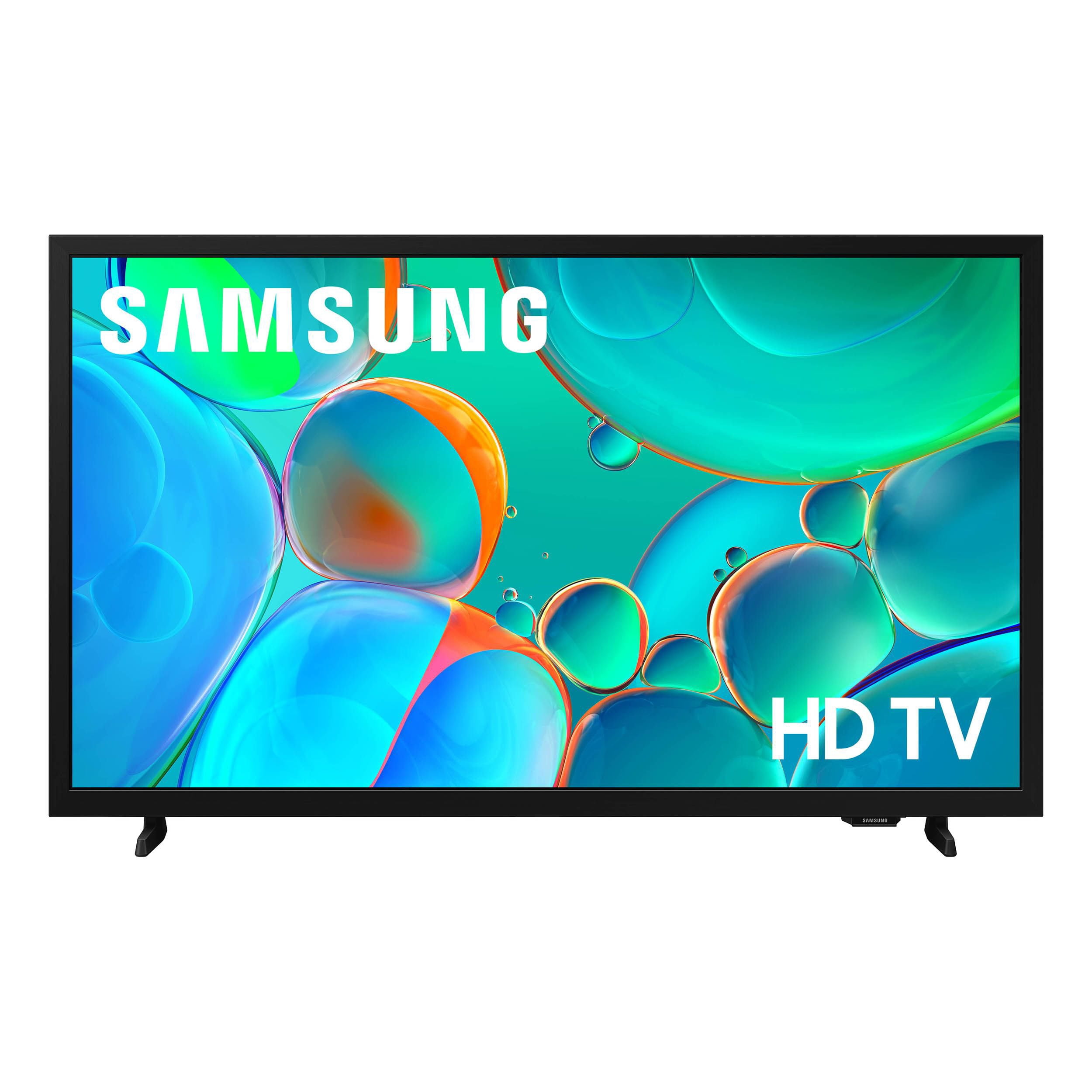
Customer reviews for SAMSUNG 32” Class H5000F Series LED HD Smart Tizen TV for
SAMSUNG 32” Class H5000F Series LED HD Smart Tizen TV
4.6 out of 5 stars
stars
3,104 ratings3,100 reviews
  1. 5 stars76% (2,354)
  2. 4 stars16% (503)
  3. 3 stars4% (126)
  4. 2 stars2% (53)
  5. 1 star2% (68)
Sort by |
Showing 1,711-1,720 of 3,100 reviews
Oct 4, 2025
Reviewer name: Hale91
5 out of 5 stars
5 out of 5 stars review

Top hd quality tv

[This review was collected as part of a promotion.] This tv has been one of the best it has one of the best picture quality ive seen in a tv and ive had it awhile and it had never lost the picture quality not one time and it had a great volume selection with added speakers and surround sound we love it!!

Review from Samsung US
Helpful?3BXE5P3J9PH420390161112
Nov 7, 2025
Reviewer name: KingYote1418
5 out of 5 stars
5 out of 5 stars review

Quite simply the best in every way.

[This review was collected as part of a promotion.] How could on expect a better quality TV? Top marks for sound, clarity and compatibility. This product is the best on the market. What ever you use it for it's excellent is unmatched. My son has one for gaming where says it's like being inside the game. I love watching on mine so incredibly vivid clarity. Simply put amazing. I'll definitely be buying another for my daughter. Thank you samsung for such an excellent TV.

Review from Samsung US
Helpful?3BXE5P3J9PH420390161112
Jul 6, 2026
Reviewer name: little
1 out of 5 stars
1 out of 5 stars review

Redundant

[This review was collected as part of a promotion.] A mover replaced my Fire TV with a Samsung. I hated it. As soon as I went to download apps I wanted it literally made me sign in to every app in order to download it. What a nightmare. My FireTv. I just turn it on and it's all there. I gave it away for FREE to cable guy that came out. Would NEVER a Samsung.

Review from Samsung US
Helpful?3BXE5P3J9PH420390161112
reply from Samsung Advisor

Hi little, We appreciate your feedback on the H5000F TV. If you decide to explore Samsung TVs again in the future, we’re always here to support you - whether it’s setup, features, or troubleshooting. Reach us anytime at 1-800-SAMSUNG (8AM – 9PM EST Mon – Fri, 8AM – 6PM Sat – Sun), or visit the ‘Support’ section of our website for LiveChat, manuals, and more. ~Samsung Advisor

Dec 8, 2025
Reviewer name: Neevagohard
4 out of 5 stars
4 out of 5 stars review

My new samsung hd t v, it's lit

[This review was collected as part of a promotion.] One of the best TV I have ever owned. I can work my TV with my smartphone and, omg all the inputs or something else... samsung. My picture is like real life and you just get lost in the TV. My TV mount makes it even better.It slants tilts and swivel. I can go on and on about this t. V, if you don't have one I highly recommend then you get 1 ASAP, you will not be disappointed.

Review from Samsung US
Helpful?3BXE5P3J9PH420390161112
Oct 22, 2025
Reviewer name: TeTe46
5 out of 5 stars
5 out of 5 stars review

Samsung Tv

[This review was collected as part of a promotion.] Great TV. I can see all of the movies clear. It looks like I'm watching a theater screen. I enjoy movie nights because I know that my television is by far the best that I've bought. More bang for your buck sort of speak. I recommend others to give it a try.

Review from Samsung US
Helpful?3BXE5P3J9PH420390161112
Dec 30, 2025
Reviewer name: SamsungFan1
1 out of 5 stars
1 out of 5 stars review

Love Samsung ... this TV not so much

[This review was collected as part of a promotion.] Positives .... picture quality + free tv. Negatives ... clunky menu software .... if you make a selection it might go to your choice. Resets .... TV resets every few minutes ... so what ever your watching will be interrupted during your viewing time. Remote control input is barely ever accepted by tv. Channel selection .... why do I have to wait 5 minutes+ to select an air channel? Can I just have the old menu selection back? Do not recommend this TV at ALL!

Review from Samsung US
Helpful?3BXE5P3J9PH420390161112
reply from Samsung Advisor

Hi Samsungfan1, If your H5000F TV is taking longer than usual to power on, load apps, or navigate menus, here are a few steps that can help restore normal performance: 1. Try a Cold Boot (Power Reset): With the Samsung remote: • While the TV is on, press and hold the Power button on the remote. • Keep holding until the TV turns off and back on. Without the Samsung remote: • While the TV is on, unplug the power cord from the wall outlet. • Wait 30 seconds, then plug it back in and turn the TV on. 2. Check for Software Updates: Outdated software can affect performance. Go to: Home > left directional key > Settings > Support > Software Update > Update Now 3. Run Device Care: This tool frees up memory, closes background apps, and can improve speed: Settings > Support > Device Care > Start Device Care If you’ve tried these steps and your TV is still slow to respond, feel free to contact Samsung Support for further assistance at 1-800-SAMSUNG, 8AM – 12AM EST, 7 days a week. LiveChat and additional support resources are also available through the Support link on our website. ~Samsung Advisor

Oct 1, 2025
Reviewer name: FloridaGalaxyGirl
5 out of 5 stars
5 out of 5 stars review

Great connection with my phone and tablet

[This review was collected as part of a promotion.] Its a great TV. Volume is excellent. One thing I haven't figured out is when I seen share from my From my laptop, it only gives me half a screen. When I share to another TV, it automatically gives me the entire screen. Also, sometimes the voice command says its Overloaded. A light on the remote would be awesome. Overall, its a great TV and I am Galaxy Girl!

Review from Samsung US
Helpful?3BXE5P3J9PH420390161112
Oct 21, 2025
Reviewer name: Youngin
3 out of 5 stars
3 out of 5 stars review

i love the tv just wish i could coustomize display

[This review was collected as part of a promotion.] I love the tv dont get me wrong but i wish that i could be able to switch vetween display modes for gaming, movie, tv, or coustum for other things like bluray or dvd movie selections. the tv has the size I guess im just trying to say that I wish i could get it to look like theatre style on all options the best i can because the tv deserves the best graphics. Also there should be a setting for people that have trouble seeing and cant get glasses so i dont know how to do that probably add blur or something i dont know thats be a cool thing that people would buy tho fs. but yeah I love your products and all the things you do to help and give to coustomers and i wish to keep shopping with yall for a lifetime.

Review from Samsung US
Helpful?3BXE5P3J9PH420390161112
reply from Samsung Advisor

Hi Youngin, We appreciate your purchase and feedback on the 32" H5000F TV. To change input sources, go to: Connected Devices > Sources. To help you learn your way around all the features of your TV, you can find helpful guides – including the full e-Manual – on our website. Just head to Samsung.com and navigate to: Support > Manual & Software > TVs & Home Theater. From there, you can search for and select your H5000F TV model to download the guides you’d like. You’ll also find these resources built right into your TV under: Settings > Support > Tips and User Guides. If you have any questions or need help, we’re always here. Call 1-800-SAMSUNG from 8AM - 12AM EST, seven days a week, or connect with a LiveChat agent anytime by selecting ‘Support’ on our website. ~ Samsung Advisor

Nov 8, 2025
Reviewer name: BigMike
4 out of 5 stars
4 out of 5 stars review

Had great features and way to set up

[This review was collected as part of a promotion.] Yes I do think it could have more quality to what goes into these designs and the storage that it can hold. I like to see and set mine up to watch pictures on the background and or listen to music while doing chores and stuff around the house. But yes all around great design and good sound.

Review from Samsung US
Helpful?3BXE5P3J9PH420390161112
Jan 5, 2026
Reviewer name: disappointed
1 out of 5 stars
1 out of 5 stars review

I liked my old Samsung TV much better!

This TV was bought to replace a similar Samsung TV (32") for a bedroom. The interface is a disaster. It's used for streaming and frequently I have to restart it several times until it was move to my subscribed channel display. Pictures is okay, sound is so, so but okay. The catch is getting the TV to display my chosen channel list! It's able to handle the wifi band and I stream to a Roku box - that's a relief...but getting my desired channel can be a completely frustrating challenge as it doesn't seem able to move to the Roku channel display.

Review from Samsung US
Helpful?3BXE5P3J9PH420390161112
reply from Samsung Specialist

Hi disappointed, We appreciate your review of Samsung’s H5000F TV. So we can better understand the issues you’re experiencing and provide you with troubleshooting assistance, please reach out to Samsung Customer Support at 1-800-SAMSUNG, available daily from 8AM - 12AM EST. You can also chat with a LiveChat agent by clicking the ‘Support’ link on our website for: • Live Chat • Manuals, Software, & Warranty Info • Creating a Service ticket ~ Samsung Specialist