Skip to Main Content
Sam's Club
Sam's Club
All Departments
All Services
Customer reviews for SAMSUNG 32” Class H5000F Series LED HD Smart Tizen TV for
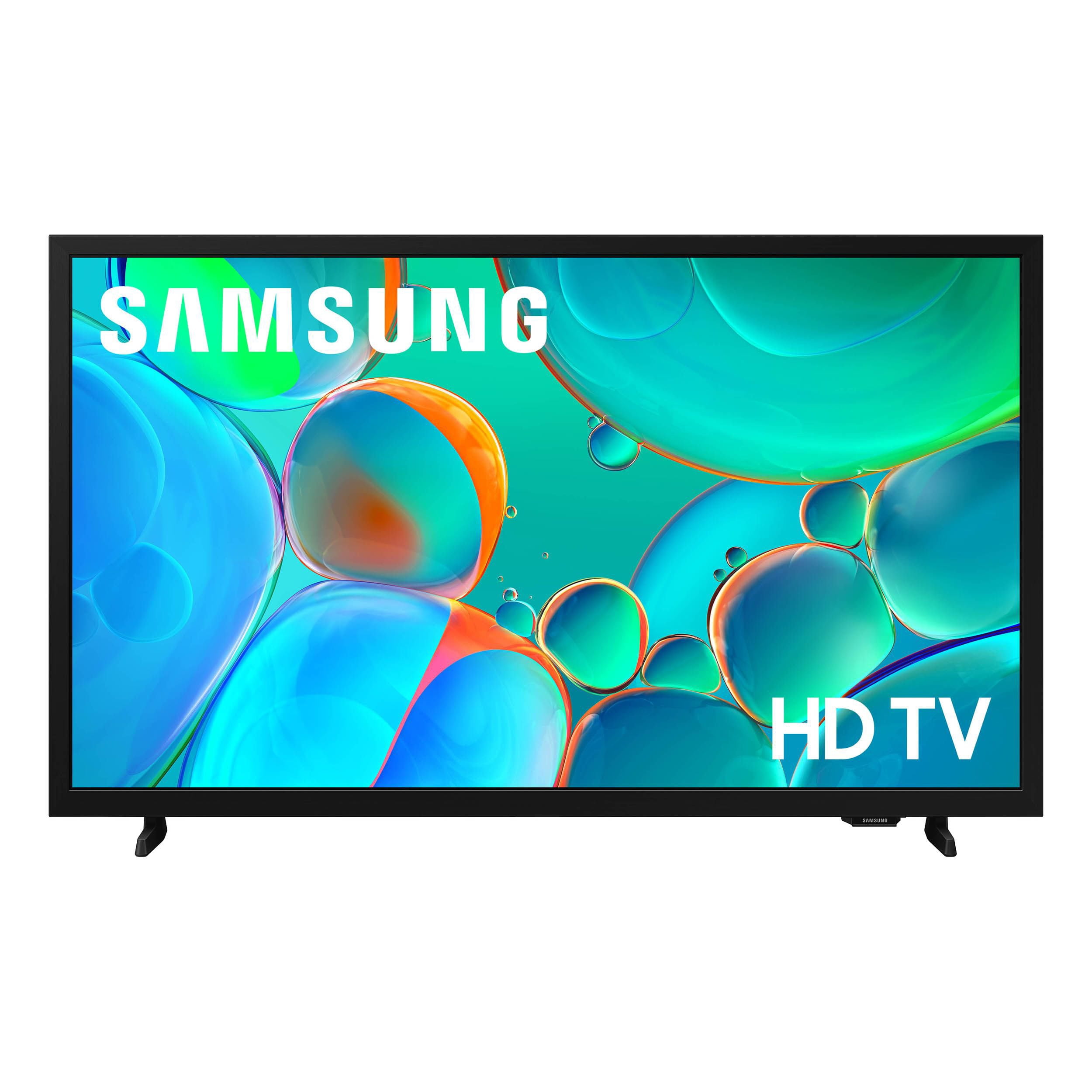
SAMSUNG 32” Class H5000F Series LED HD Smart Tizen TV
4.7 out of 5 stars
stars
2,234 ratings2,234 reviews
  1. 5 stars77% (1,722)
  2. 4 stars16% (368)
  3. 3 stars4% (82)
  4. 2 stars1% (28)
  5. 1 star2% (34)
Sort by |
Showing 141-150 of 2,234 reviews
Jul 15, 2026
BlueMichaela
5 out of 5 stars review

Distance doesn't change Quality

The brightness and clarity on this TV allows me to view it at a distance from my bed, allowing me to buy the TV that fits my space without sacrificing details. The interface is what I have come to expect with Samsung and I am proud to own their products!

Review from Samsung US
Helpful?3BXE5P3J9PH420390161112
Jul 5, 2026
KrazyKatLady
2 out of 5 stars review

Won't Screen Mirror from a Samsung Phone

I bought this TV to work with my Samsung Galaxy S25 phone, particularly for casting from my phone to the TV. This has worked ONCE. No matter how many times I check updates for both, use the Smart View mirror screen on my phone, or restart both appliances it barely ever works. Waste of time & is super annoying that, when you turn the TV on and don't immediately pick something it starts playing Baby Shark TV (gag). I've tried many options from Google and nothing works. Don't bother buying it, get something cheaper.

Review from Samsung US
Helpful?3BXE5P3J9PH420390161112
reply from Samsung Specialist

Thank you for your review. If there’s anything we can assist with, please don’t hesitate to call us at 1-800-SAMSUNG (8AM – 9PM EST Mon – Fri, 8AM – 6PM Sat – Sun), or reach us via text anytime. You can also visit ‘Support’ on our website for: • Live Chat • Manuals, Software, & Warranty Info ~ Samsung Specialist

Jul 5, 2026
Dave
5 out of 5 stars review

Good bedroom tv

This has been a good bedroom tv. It has a nice bright screen and sound is good for TV speakers. The only issues that I had was setting up the tv. I have a 55" and 2 43" TV's. All three are Samsung smart tvs. The set up on those older TVs was much easier. I would recommend this tv.

Review from Samsung US
Helpful?3BXE5P3J9PH420390161112
Jul 7, 2026
HenderM
5 out of 5 stars review

Great value and easy to use

I've been using this TV for a little while now, and I'm really happy with it. The picture looks bright and clear, and the colors stand out without looking overdone. The menu is easy to figure out, so setting everything up didn't take long. The sound is better than I expected for a 32-inch TV, and it works well for everyday watching. Overall, it has been a great purchase, especially for the price.

Review from Samsung US
Helpful?3BXE5P3J9PH420390161112
Jul 20, 2026
Disappointed
2 out of 5 stars review

So Disappointed!

I loved the Samsung that I had to replace. I had it for several years until the picture went out. It was such a nice tv, picture, sound everything. I noticed as soon as I removed the new Samsung from the box it was cheaply made. I am not a fan of this new one. It has a long delay when using remote. Also it always defaults to a free news channel that blares when I turn it on. My past Samsung was not a smart tv and I used a Roku with it. Im starting to wish I purchased a Roku TV.

Review from Samsung US
Helpful?3BXE5P3J9PH420390161112
Jul 21, 2026
edward
1 out of 5 stars review

poor start up procedure

I am very disappointed in the Samsung TV I purchased. The time it takes to start the TV is slow and takes 4 stages just to view live TV. the process takes a long time. It not our internet, we have a strong starlink connection. the remote is small and not user friendly at all. I want to return it for another unit..

Review from Samsung US
Helpful?3BXE5P3J9PH420390161112
Mar 26, 2026
Neeter
5 out of 5 stars review

Great features

[This review was collected as part of a promotion.] I thought it was fantastic and I would recommend this to everyone it's a fantastic television. Very classy the brightness work perfectly the security is great the contrast great the interface is fantastic immersion is very smooth

Review from Samsung US
Helpful?3BXE5P3J9PH420390161112
Jul 5, 2026
Dave
1 out of 5 stars review

It's a terrible TV

The TV is slow, the remote is not at all ergonomic. It is nearly I possible to push then buttons for play, rewind, stop, fast forward without dropping the remote. The Home Screen does not have flexibility to customize the app array to be specific for my preferences. It's a terrible TV.

Review from Samsung US
Helpful?3BXE5P3J9PH420390161112
reply from Samsung Advisor

Hi Dave, Thank you for your feedback on the H5000F. Please know that you can customize your Home screen by installing, removing or adding your favorite apps to the Home screen. Here's how: Searching for & Installing Apps 1. From the Home screen, press left on the remote’s directional pad. 2. Navigate to and select Search. 3. Using the search bar, enter the content or app you’d like to find. 4. Navigate to and select the app you’d like to install, then select Install. Note: Previously installed apps can be accessed on the Settings screen. Adding & Managing Apps on Home Screen 1. Go to App Settings (these can be found at the bottom of the Apps screen) and select the app you want to move. The following options will be available: a. Add to Home: Move the app to your desired location on the Home screen. b. Delete: Delete app. c. Lock/Unlock: Lock the app with a PIN so only you can use it. When the app is selected again, you will be prompted to enter the PIN to unlock it. d. Reinstall: Reinstall the app. e. View Details: View the app’s information and details. If you need more help with app management, please don’t hesitate to reach Samsung Support at 1-800-SAMSUNG, available from 8AM – 9PM EST Mon – Fri, 8AM – 6PM Sat – Sun. You can also visit the Samsung website and click on ‘Support’ for: • Live Chat • Manuals, Software, & Warranty Info ~ Samsung Advisor

Jul 4, 2026
Faustina
4 out of 5 stars review

Great tv

I love the tv. Its just an all around great tv. It has ALL the features I need and more. I really love the sleep mode because I fall asleep with the tv on all the time. Now it's not a problem. The picture is bright and crisp. I couldn't ask for more. It was a great investment!!!

Review from Samsung US
Helpful?3BXE5P3J9PH420390161112
Jul 20, 2026
Jerry
4 out of 5 stars review

Does not play nice with HULU

The TV has a very nice picture, is bright, nice contrast, good sound. The remote seems to be slow in reaction between the time you press the button and the time it causes the TV to react. I have never had a TV do this before. But that is the only criticism I really have except it does not hold onto a signal when using HULU. Not sure where the problem lies except it seems to be a common complaint with this TV.

Review from Samsung US
Helpful?3BXE5P3J9PH420390161112