Skip to Main Content
Sam's Club
Sam's Club
All Departments
All Services
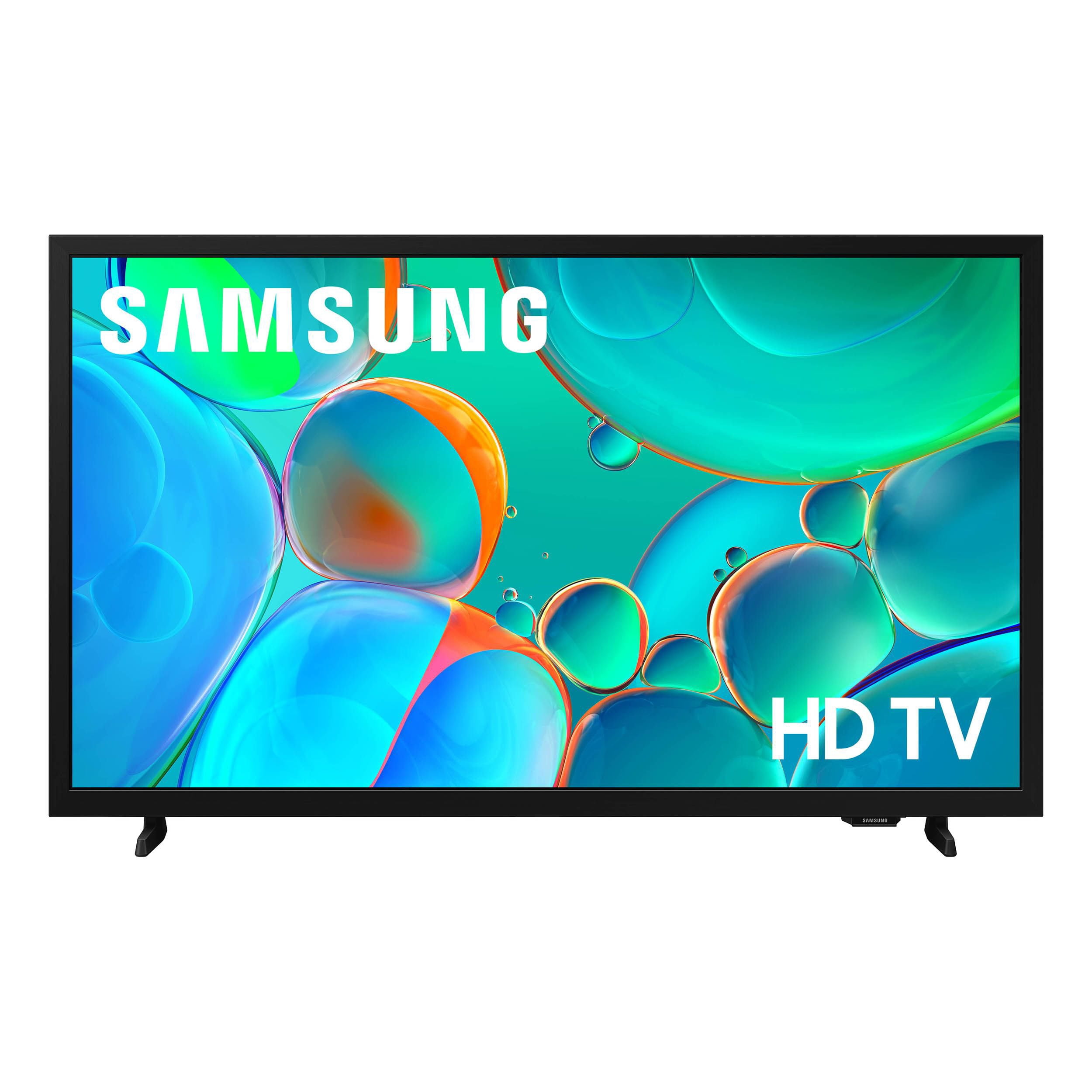
Customer reviews for SAMSUNG 32” Class H5000F Series LED HD Smart Tizen TV for
SAMSUNG 32” Class H5000F Series LED HD Smart Tizen TV
4.7 out of 5 stars
stars
2,241 ratings2,241 reviews
  1. 5 stars77% (1,724)
  2. 4 stars17% (371)
  3. 3 stars4% (82)
  4. 2 stars1% (30)
  5. 1 star2% (34)
Sort by |
Showing 1,461-1,470 of 2,241 reviews
Jan 5, 2026
Jerseygal
3 out of 5 stars review

Pathetic

I hate this tv. I got rid of a Toshiba Fire TV that worked fine because I couldn't stand the constant need to move it off streaming to get regular old cable tv. This one does the same thing. When I turn it on, if I wait, it just might go to the station I was watching last. If not, I have to fiddle with the input which doesn't like to stop on the cable option. In addition, it kept telling me that I could dictate into the remote and the remote they gave me doesn't have that option. They didn't tell me how to get one or even if it would work with my set. If you aren't anxious to stream all the time, look for something else.

Review from Samsung US
Helpful?3BXE5P3J9PH420390161112
reply from Samsung Specialist

Hi Jerseygal, Thank you for your review. While your H5000F TV may currently default to Samsung TV Plus when powered on, you can customize what your TV does at startup by adjusting the Start Screen Options. To do this, navigate to: Settings > All Settings > Advanced Features > Start Screen Option and choose from the following: 1. Start with Smart Hub Home – Automatically launches Smart Hub when the TV is turned on. You can enable or disable this option based on your preference. 2. Autorun Multi View Casting – If you cast YouTube content from your mobile device, the TV will automatically display the content using Multi View. 3. Autorun Multi View Mirroring – When you screen mirror your mobile device, Multi View will automatically open to show your device’s screen. If you need help adjusting these settings or have any other questions, please contact Samsung Support at 1-800-SAMSUNG, 8AM – 12AM EST, 7 days a week. LiveChat agents are also available by clicking on the ‘Support’ link on our website. ~ Samsung Specialist

Jun 22, 2026
Anonymous
5 out of 5 stars review

Awesome tv awesome picture

Awesome tv and picture. Looks great and works great

Review from Samsung US
Helpful?3BXE5P3J9PH420390161112
Jun 22, 2026
Lizzaard
5 out of 5 stars review

Amazing features

Great brand, never had an issue with Samsung anything

Review from Samsung US
Helpful?3BXE5P3J9PH420390161112
Jun 23, 2026
Living room
5 out of 5 stars review

Love the picture quality

I love the quality and performance and the television

Review from Samsung US
Helpful?3BXE5P3J9PH420390161112
Jun 22, 2026
Yeqs
5 out of 5 stars review

Great features

The dely was very slow. The brightness is getting dim

Review from Samsung US
Helpful?3BXE5P3J9PH420390161112
Jun 23, 2026
Whudson39587
5 out of 5 stars review

Definitely Recommend

This television has a great picture, decent sound and is easy to setup.

Review from Samsung US
Helpful?3BXE5P3J9PH420390161112
Jun 20, 2026
Savvie420
5 out of 5 stars review

Just perfect

Beautiful screen, sound, and just the right size for the room.

Review from Samsung US
Helpful?3BXE5P3J9PH420390161112
Jun 22, 2026
Anonymous
5 out of 5 stars review

Hi

No. Thanks u very much for i appreciate I love it so much and thank you

Review from Samsung US
Helpful?3BXE5P3J9PH420390161112
Jun 22, 2026
AshleyVB26
5 out of 5 stars review

Samsung TV

Product is easy to use crystal clear with many options.

Review from Samsung US
Helpful?3BXE5P3J9PH420390161112
Jun 22, 2026
Mudvillenine
5 out of 5 stars review

Security

This model gives me peace of mind that my family is safe while using Samsung products.

Review from Samsung US
Helpful?3BXE5P3J9PH420390161112