Skip to Main Content
Sam's Club
Sam's Club
All Departments
All Services
Customer reviews for SAMSUNG 32” Class H5000F Series LED HD Smart Tizen TV for
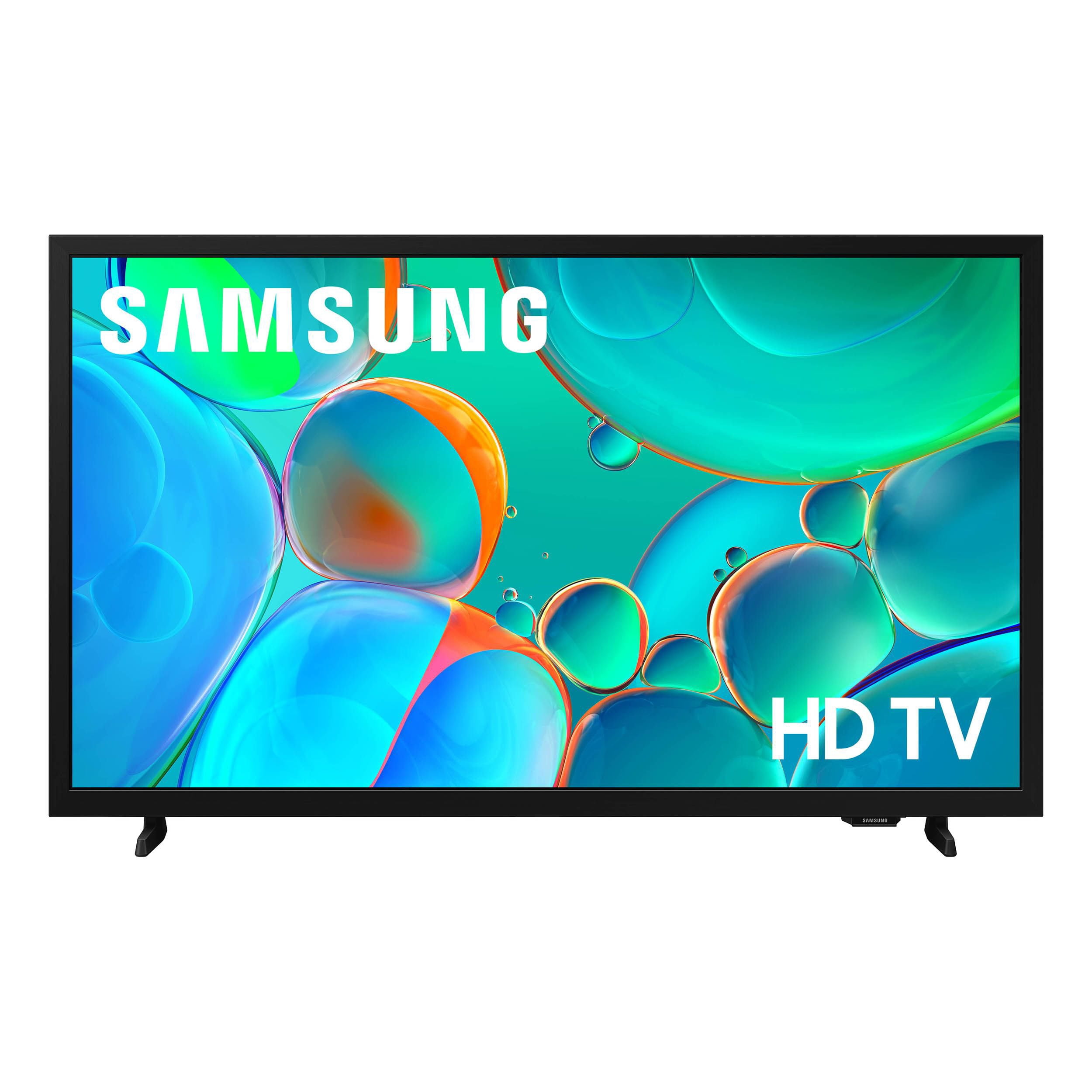
SAMSUNG 32” Class H5000F Series LED HD Smart Tizen TV
4.6 out of 5 stars
stars
3,092 ratings3,089 reviews
  1. 5 stars76% (2,344)
  2. 4 stars16% (501)
  3. 3 stars4% (126)
  4. 2 stars2% (53)
  5. 1 star2% (68)
Sort by |
Showing 1,061-1,070 of 3,089 reviews
Jan 22, 2026
Reviewer name: Tattooguy
1 out of 5 stars
1 out of 5 stars review

Verified Purchase

The sensor for the remote stopped working two weeks after purchasing

Review from walmart.com
Helpful?3BXE5P3J9PH420390161112
reply from Samsung

Hi Tattooguy,<br /><br />Thank you for your feedback. We recommend the following: <br /><br />1. Try cleaning the top edge of the remote IR sensor, then re-pair it by holding Return &#43; Play/Pause for 5 seconds.<br />2. Replace the batteries. Weak or depleted batteries can cause erratic behavior. Insert a fresh set of batteries and make sure they are positioned correctly in the battery compartment.<br />3. Check for available software updates. Occasionally, remote responsiveness issues can be resolved with a firmware update to the TV. Go to: Settings &gt; Support &gt; Software Update &gt; Update Now<br />4. Ensure there are no nearby devices interfering with the signal. Nearby electronics (like soundbars, game consoles, or even sunlight hitting the IR sensor) may interfere with your remote&#39;s signal. Try using the remote with other nearby devices powered off.<br /><br />If the issue continues after trying these steps, please reach out to Samsung Support at 1-800-SAMSUNG, 8AM – 12AM EST, 7 days a week. Our LiveChat agents are also available by clicking the ‘Support’ link on our website.<br /><br />~Samsung Advisor

Feb 14, 2026
Reviewer name: Cristian
5 out of 5 stars
5 out of 5 stars review

Verified Purchase

Samsung smart tv 32inch

Excellent experience thank you

Review from walmart.com
Helpful?3BXE5P3J9PH420390161112
Apr 4, 2026
Reviewer name: connie
2 out of 5 stars
2 out of 5 stars review

Verified Purchase

Picture quality looked grainy, sound quality poor

Review from walmart.com
Helpful?3BXE5P3J9PH420390161112
reply from Samsung

Hi Connie,<br /><br />Thank you for sharing your thoughts on the picture quality of Samsung’s H5000F TV. If the image doesn’t look quite right to you, there are several adjustments that can help optimize performance for your space and preferences.<br /><br />First, make sure your TV is up to date. Firmware updates often include picture quality enhancements. To check for the latest version, go to: Home &gt; Left directional button &gt; Settings &gt; Support &gt; Software Update &gt; Update Now<br /><br />Next, explore available Picture Modes under: Settings &gt; All Settings &gt; Picture &gt; Picture Mode<br />Each mode is tailored to a different viewing style:<br />• Standard – Balanced settings for everyday use<br />• Dynamic – Brighter and sharper for brightly lit rooms<br />• Movie – Softer tones ideal for low-light viewing<br />• Eco – Reduces power consumption by adjusting brightness<br /><br />You can also customize the image further under: Settings &gt; All Settings &gt; Picture &gt; Expert Settings, where you’ll find detailed controls for Brightness &amp; Contrast, Color &amp; Tint, Sharpness, and more.<br /><br />If you’d like help fine-tuning your display or exploring these settings, please call Samsung Customer Support at 1-800-SAMSUNG, 8AM – 9PM EST Mon – Fri, 8AM – 6PM Sat – Sun, or visit the ‘Support’ section on our website to LiveChat with an agent.<br /><br />~ Samsung Advisor

Mar 14, 2026
Reviewer name: Debbydeb
5 out of 5 stars
5 out of 5 stars review

Verified Purchase

perfect size for small room..good quality for the price would definitely recommend

Review from walmart.com
Helpful?3BXE5P3J9PH420390161112
May 11, 2026
Reviewer name: anonymous
1 out of 5 stars
1 out of 5 stars review

Verified Purchase

NO INSTRUCTIONS. COULD NOT GET IT TO WORK

Review from walmart.com
Helpful?3BXE5P3J9PH420390161112
reply from Samsung

Hi,<br /><br />Thank you for sharing your experience. Please know Unpacking &amp; Installation Guide comes included in-box; the full e-Manual is embedded into the TV itself under Home &gt; left directional button &gt; Settings &gt; Support &gt; Tips and User Guides &gt; Open User guide. You can also view/download the full e-Manual on Samsung.com. <br /><br />We are also available and happy to help with any setup questions you may have. Reach out by calling 1-800-SAMSUNG from 8AM – 9PM EST Mon – Fri, 8AM – 6PM Sat – Sun, any day of the week. You can also chat with us online by visiting the ‘Support’ section of our website.<br /><br />~ Samsung Advisor

Feb 4, 2026
Reviewer name: Cynthia
5 out of 5 stars
5 out of 5 stars review

Verified Purchase

Good Value

Love the TV. The only thing missing is a sleep timer which I forgot to check on.

Review from walmart.com
Helpful?3BXE5P3J9PH420390161112
Apr 5, 2026
Reviewer name: Nancy
5 out of 5 stars
5 out of 5 stars review

Verified Purchase

Good quality for a good price

The picture and color are very good. Great quality for a good price. Easy to operate.

Review from walmart.com
Helpful?3BXE5P3J9PH420390161112
Mar 3, 2026
Reviewer name: Victoria
5 out of 5 stars
5 out of 5 stars review

Verified Purchase

Great picture and quality

Review from walmart.com
Helpful?3BXE5P3J9PH420390161112
Feb 6, 2026
Reviewer name: CILEY
5 out of 5 stars
5 out of 5 stars review

Verified Purchase

Alright for the price

I had to purchase a soundbar sound not loud at but now since soundbar installed it's very good

Review from walmart.com
Helpful?3BXE5P3J9PH420390161112
Apr 8, 2026
Reviewer name: Caryl
1 out of 5 stars
1 out of 5 stars review

Verified Purchase

Either this is a poorly made item, it was dropped, or I just got a lemon

Review from walmart.com
Helpful?3BXE5P3J9PH420390161112
reply from Samsung

Hi Caryl,<br /><br />To best assist you, please reach out to us at -800-SAMSUNG, available from 8AM – 9PM EST Mon – Fri, 8AM – 6PM Sat – Sun seven days a week. You can also connect with a LiveChat agent by clicking the ‘Support’ link on our website.<br /><br />~ Samsung Advisor