reply from Shokz
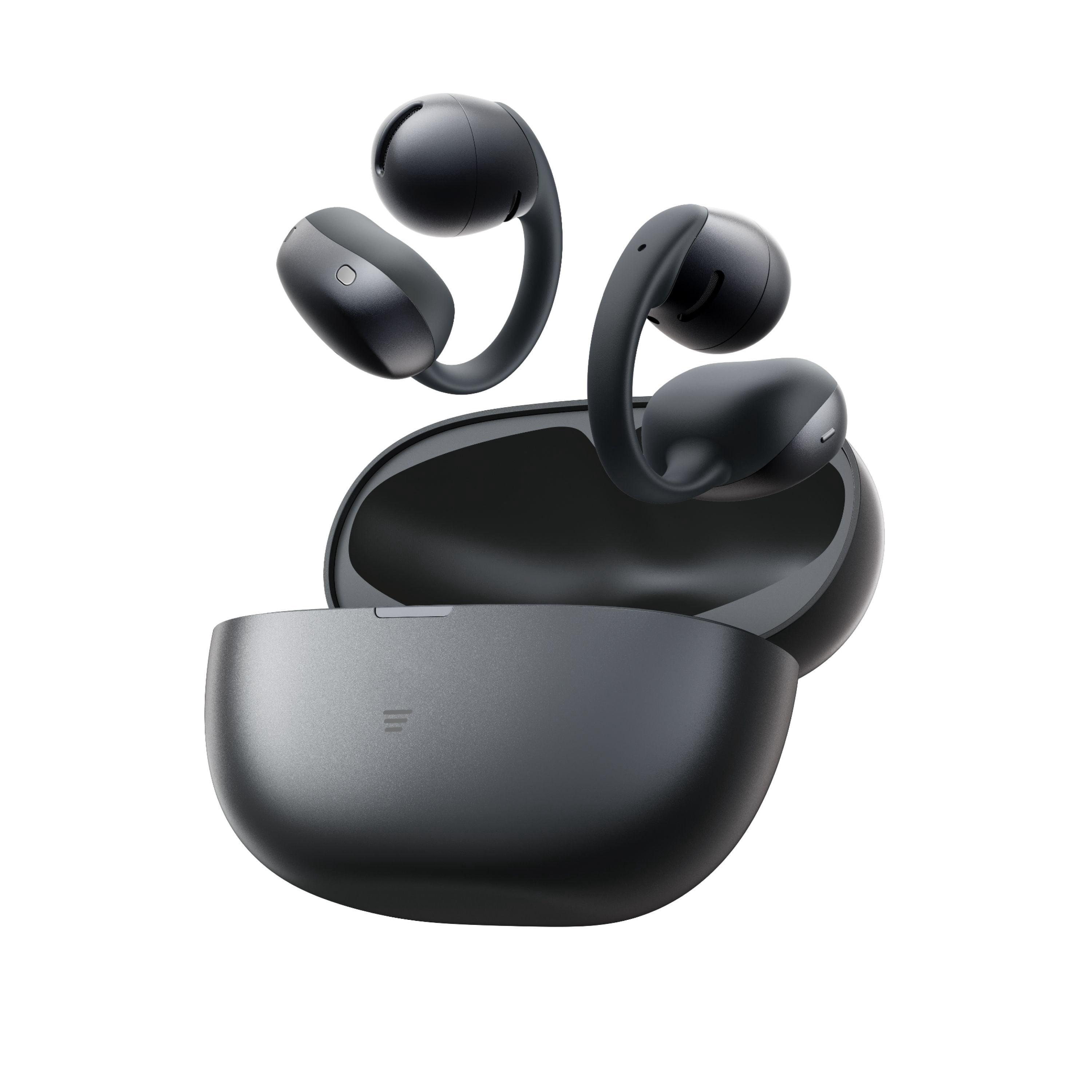
Hi there- Shokz here! We're very sorry to hear this has been your experience. The OpenDots Air by Shokz relies entirely on its charging case to trigger pairing mode. Because they auto-paired to your first phone right out of the box, they won't automatically do it again unless forced. If they are refusing to flash orange and green, a simple factory reset will clear the internal memory and force them back into setup mode. Step 1: Perform a Factory Reset 1. Turn off Bluetooth completely on your first phone so it stops interacting with the earbuds. 2. Put both earbuds back inside the charging case. 3. Leave the charging case lid wide open. 4. Locate the function button on the case (it has a three-line icon on the front or back depending on production batch). 5. Press and hold this button down continuously for 15 to 20 seconds. 6. Do not let go until you see the internal indicator light flash orange three times (or blink rapidly) and then stop. Step 2: Re-enter Pairing Mode Once the reset is finished, close the lid, wait 5 seconds, and open it again. 1. Leave the earbuds in the open case. 2. Press and hold the function button for just 3 to 5 seconds. 3. The light should now start alternating orange and green. This means they are actively searching for a device. 4. Immediately open the Bluetooth settings on your new device and select OpenDots Air by Shokz Please reach out to our Customer Happiness Team if you'd like further assistance. Thank you!

 Customer reviews for Shokz OpenDots Air Open-Ear Clip-On Earbuds for