Skip to Main Content
Sam's Club
Sam's Club
All Departments
All Services
Customer reviews for SAMSUNG 98” Class Q7FD Series QLED 4K UHD Vision AI Smart Tizen TV for
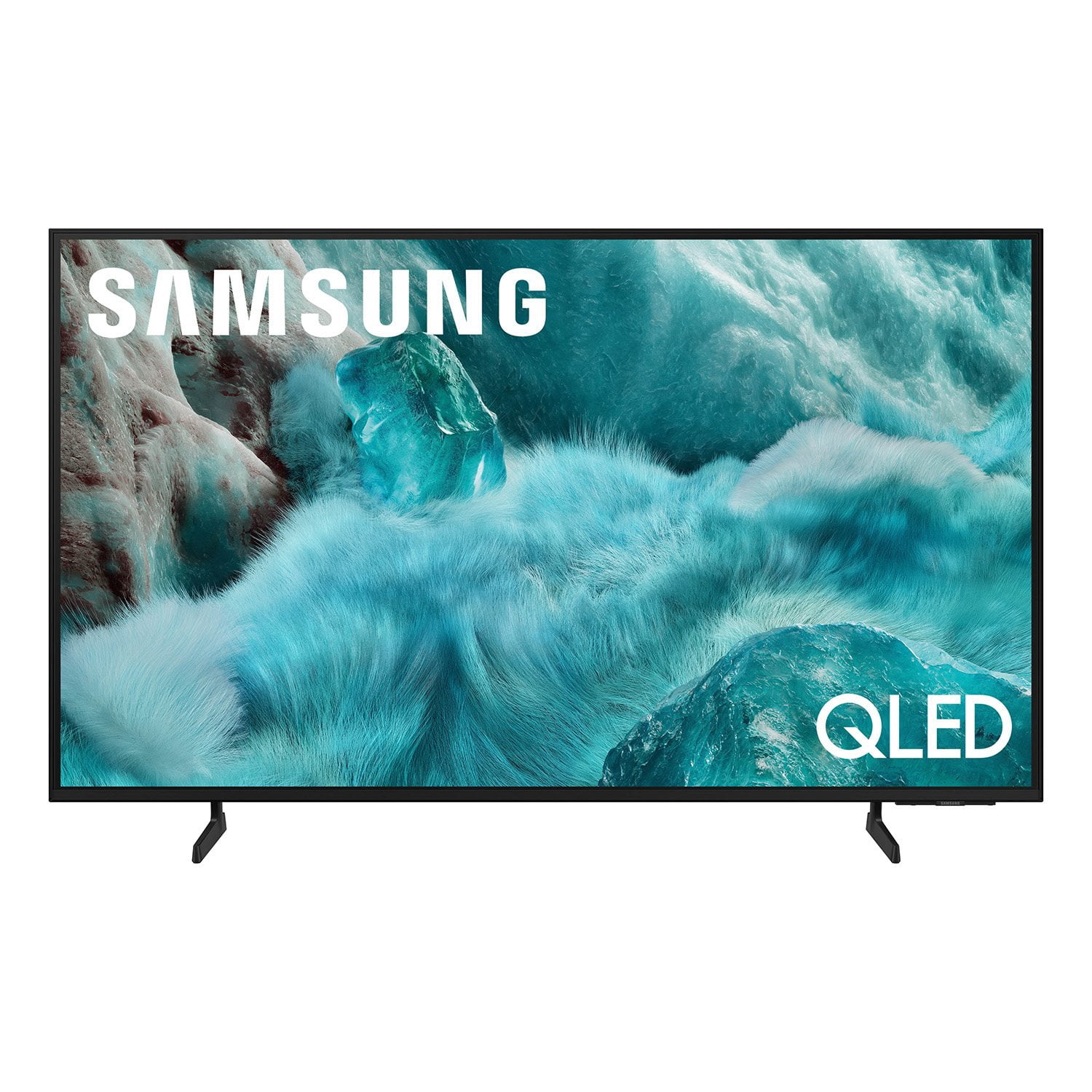
SAMSUNG 98” Class Q7FD Series QLED 4K UHD Vision AI Smart Tizen TV
4.7 out of 5 stars
stars
3,337 ratings3,337 reviews
  1. 5 stars78% (2,600)
  2. 4 stars15% (488)
  3. 3 stars4% (141)
  4. 2 stars1% (43)
  5. 1 star2% (65)
Sort by |
Showing 761-770 of 3,337 reviews
Apr 20, 2026
Reviewer name: Rebecca
5 out of 5 stars
5 out of 5 stars review

Best smart tv

[This review was collected as part of a promotion.] This tv is amazing we love it so much we bought one for our bedroom . This tv is bright vivid great contrast. The colors are amazing especially in Art . They have art that’s so beautiful. We play games with our Xbox pairing controller and we don’t own and Xbox . We use gaming hub this tv interface and resolution is top notch . I love the huge screen I can see everything and I have cataract’s :) I don’t even need my glasses . I love Movie nights now ! Thank you Samsung you have restored my love for your company ! 💕

Review from Samsung US
Helpful?1Y0A5D9ENOZG20182819134
Feb 17, 2026
Reviewer name: Dbtv
5 out of 5 stars
5 out of 5 stars review

Great TV with great features.

[This review was collected as part of a promotion.] This television is of excellent quality, with an outstanding performance from the Turner. The image is outstanding, both in terms of clarity and color, even with an antenna. Regardless of the content you are viewing, the picture remains bright and clear. The contrast is also commendable.

Review from Samsung US
Helpful?1Y0A5D9ENOZG20182819134
Feb 17, 2026
Reviewer name: Zybare
5 out of 5 stars
5 out of 5 stars review

Awesome tv

[This review was collected as part of a promotion.] Beautiful unit, great for gaming. Refresh rate is excellent with no artifacting and the colors are incredibly vibrant, with deep rich blacks, as you qould expect from an OLED tv. Cannot beat a 4k resolution for modern gaming, and with OLED, brightness always looks accurate to the source material without weird colorbanding.

Review from Samsung US
Helpful?1Y0A5D9ENOZG20182819134
Apr 24, 2026
Reviewer name: CHANZE83
5 out of 5 stars
5 out of 5 stars review

Great tv

[This review was collected as part of a promotion.] All around the TV is amazing. Great image quality, the processing speed is good, god colors, its bright, and basicaly it has what youd want in a tv fpr a good price. Would highly reconmend this tv and other samsung tvs as we have 3 currently and have had older models in the past. Also other samsung devices are quality and you know its a trusted brand.

Review from Samsung US
Helpful?1Y0A5D9ENOZG20182819134
Mar 20, 2026
Reviewer name: Kali
5 out of 5 stars
5 out of 5 stars review

Sick tv

[This review was collected as part of a promotion.] "OMG, I just got this Samsung Class QLED Q7FB 4K Vision AI Smart TV (went with the 65-inch from Walmart) and I'm straight-up amazed!!! I upgraded from an old 1080p set that was like 8 years old, and holy crap, the difference is insane. The colors are so vibrant and lifelike—like, the Quantum Dot tech makes everything pop in a way I didn't think was possible at this price. Watching movies on Netflix or sports feels like I'm right there; the picture is super sharp, HDR kicks in beautifully, and even regular shows get upscaled so clean it's ridiculous

Review from Samsung US
Helpful?1Y0A5D9ENOZG20182819134
Feb 24, 2026
Reviewer name: TvConasure
5 out of 5 stars
5 out of 5 stars review

Awesome quality, amazing picture.

[This review was collected as part of a promotion.] This samsung tv is incredible as the brightness and overall resolution is beyond any other brand. The contrast of the picture is beyond any other with the perfect contrast to whatever your movie/tv preferences are. The color is bright and spot on almost like your in the theater and the interface is easy and hassle free with very easy navigation through options and settings.

Review from Samsung US
Helpful?1Y0A5D9ENOZG20182819134
Feb 17, 2026
Reviewer name: Ectofan
5 out of 5 stars
5 out of 5 stars review

Amazing TV for the price!

[This review was collected as part of a promotion.] Had to purchase a new TV for our living room and came across this tv. When looking at a lot of other brands. The picture quality and features built in were perfect for the use I need for it. And when it came to the price there wasn't a better tv out there. Im so glad was able to find this one

Review from Samsung US
Helpful?1Y0A5D9ENOZG20182819134
Feb 18, 2026
Reviewer name: HunnyB
3 out of 5 stars
3 out of 5 stars review

TV is great to watch, but channels are lackluster.

[This review was collected as part of a promotion.] The TV was easy to set up and adding apps were easy enough, but most of the included Samsung channels were less than impressive unfortunately. The included Samsung plus channels was definitely the tipping point to choose this over another brand therefore leaving us a bit disappointed. We definitely enjoy the other features and clarity.

Review from Samsung US
Helpful?1Y0A5D9ENOZG20182819134
reply from Samsung Specialist

HunnyB, We appreciate your feedback on the picture quality of Samsung’s Q7FB TV. If the image doesn’t quite match your preferences, there are several adjustments you can make to better suit your viewing environment and content type. First, please ensure your TV is running the latest firmware, as updates may include important picture quality enhancements. Go to: Home > Left directional button > Settings > Support > Software Update > Update Now To explore picture mode options, navigate to: Home > Left directional button > Settings > All Settings > Picture > Picture Mode. Options include: • Standard – Ideal for general viewing • Dynamic – Brighter and more vibrant for well-lit spaces • Eco – Optimized for energy efficiency • Movie – Best for viewing in low light • Filmmaker Mode – Preserves the content creator’s intent and disables motion smoothing for supported content You can further customize your image by going to: Settings > All Settings > Picture > Expert Settings, where you can adjust Brightness, Contrast, Color Tone, Sharpness, Contrast Enhancer and more. If you’d like help finding the best picture settings for your preferences, please don’t hesitate to contact Samsung Support at 1-800-SAMSUNG, available 8AM – 12AM EST, 7 days a week. You can also LiveChat with an agent or explore additional resources on our website by clicking the ‘Support’ link. ~ Samsung Specialist

Mar 11, 2026
Reviewer name: Isaac
1 out of 5 stars
1 out of 5 stars review

Cheap Tv

I'm locked out of certain settings for some reason. The interface lags and everyone so complicated. I made the mistake thinking everything Samsung was good but apparently I was wrong. I literally can't adjust the photos at all to full screen. I'm also really tired of this TV being weird.

Review from Samsung US
Helpful?1Y0A5D9ENOZG20182819134
reply from Samsung Specialist

Isaac, We appreciate your feedback regarding response time. For optimal performance, please ensure your TV is running the latest firmware. You can check this by going to: Home > left directional key > Settings > Support > Software Update To further optimize performance, try running Device Care, which checks memory, clears unused cached data, and closes background apps: Home > left directional key > Settings > Support > Device Care > Start Device Care To adjust how content is displayed, you can try changing the picture size settings on your external device or on the TV itself: Home > left directional key > Settings > All Settings > Picture > Picture Size Please note: Not all content can be stretched or zoomed without distorting the image. If you need further assistance with settings or any other TV features, feel free to contact Samsung Customer Support at 1-800-SAMSUNG, 8AM – 12AM EST, 7 days a week. LiveChat is also available via the ‘Support’ link on our website. ~ Samsung Specialist

Mar 23, 2026
Reviewer name: TexasCorps
5 out of 5 stars
5 out of 5 stars review

Great reliable TV

[This review was collected as part of a promotion.] Can get very bright, same great, consistent quality as always. Only thing I wish samsung would fix is how their smart hub degredates over time. Will always agree that samsung has a better quality color picture than Sony

Review from Samsung US
Helpful?1Y0A5D9ENOZG20182819134