Skip to Main Content
Sam's Club
Sam's Club
All Departments
All Services
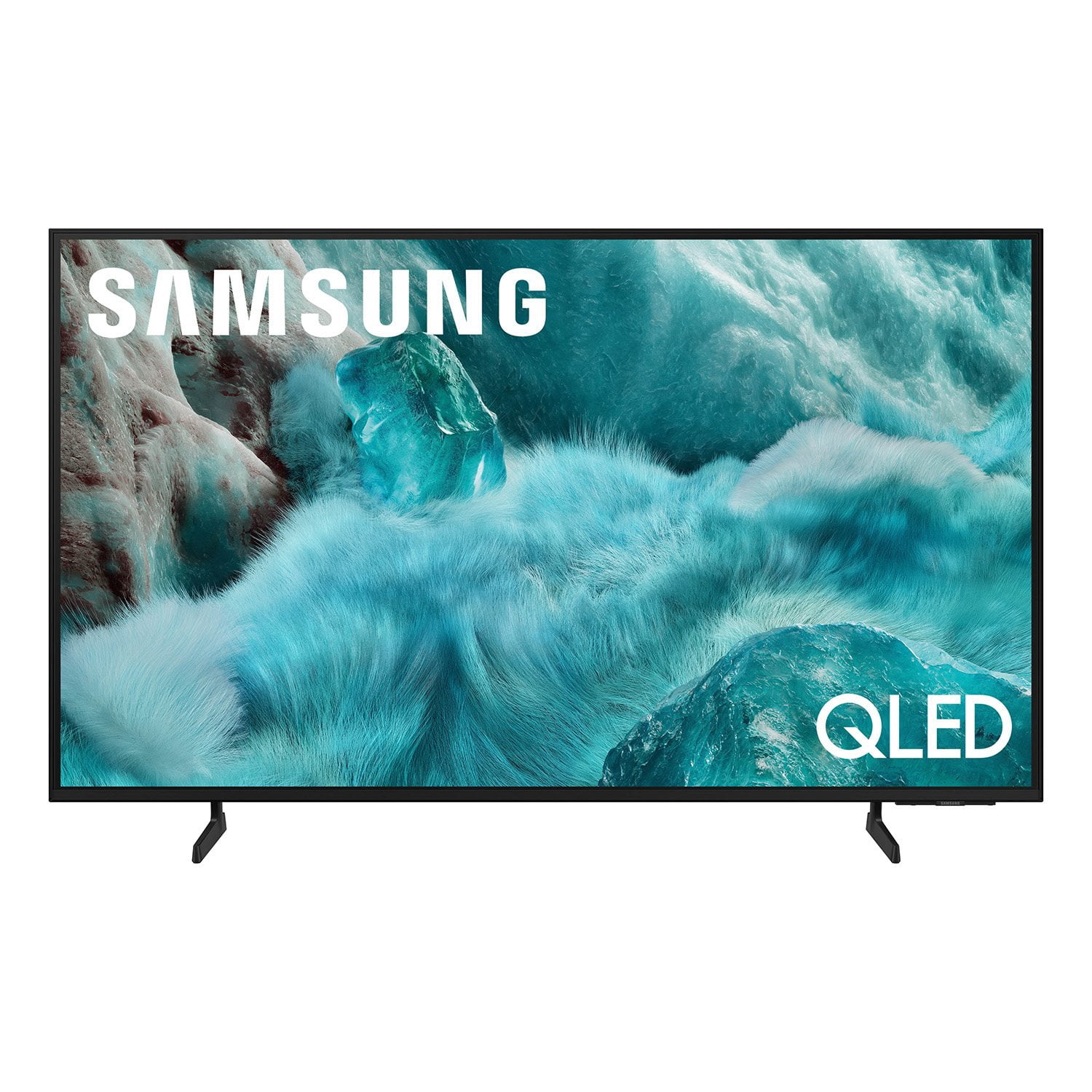
Customer reviews for SAMSUNG 98” Class Q7FD Series QLED 4K UHD Vision AI Smart Tizen TV for
SAMSUNG 98” Class Q7FD Series QLED 4K UHD Vision AI Smart Tizen TV
4.6 out of 5 stars
stars
3,428 ratings3,428 reviews
  1. 5 stars78% (2,667)
  2. 4 stars14% (496)
  3. 3 stars4% (152)
  4. 2 stars1% (45)
  5. 1 star2% (68)
Sort by |
Showing 3,411-3,420 of 3,428 reviews
Jul 31, 2025
Reviewer name: Jenbengotv
5 out of 5 stars
5 out of 5 stars review

Samsung is the best

[This review was collected as part of a promotion.] The picture is very clear. Easy to navigate through all the apps.

Review from Samsung US
Helpful?1Y0A5D9ENOZG20182819134
Jul 20, 2025
Reviewer name: Lisa62
5 out of 5 stars
5 out of 5 stars review

55 In QLED

[This review was collected as part of a promotion.] Lovely picture, easy to operate! Samsung is the brand we buy!

Review from Samsung US
Helpful?1Y0A5D9ENOZG20182819134
Jul 14, 2025
Reviewer name: DevIlPup
5 out of 5 stars
5 out of 5 stars review

Awesome picture and brightness!!

[This review was collected as part of a promotion.] Samsung always delivers on their picture quality by far the best in the game!!!

Review from Samsung US
Helpful?1Y0A5D9ENOZG20182819134
May 5, 2025
Reviewer name: GorgeousView
5 out of 5 stars
5 out of 5 stars review

Love Samsung products

[This review was collected as part of a promotion.] Great picture, and excellent ease of use. Many extra enhanced features that I'm still exploring and eager to use. Thank you Samsung 😊

Review from Samsung US
Helpful?1Y0A5D9ENOZG20182819134
Apr 11, 2025
Reviewer name: Arizonaqt
5 out of 5 stars
5 out of 5 stars review

Great tv to have

[This review was collected as part of a promotion.] Thistle has Great picture quality. I love it! It's so much better than my last TV. It's easy to continue things fromm Samsung phone.

Review from Samsung US
Helpful?1Y0A5D9ENOZG20182819134
Apr 13, 2025
Reviewer name: Familyguy
5 out of 5 stars
5 out of 5 stars review

This is a great TV!

[This review was collected as part of a promotion.] We use our TV to bring our family together for quality time. We watch movies together on our TV. We are able to relax together as a family after working hard all day. It's wonderful.

Review from Samsung US
Helpful?1Y0A5D9ENOZG20182819134
Aug 10, 2025
Reviewer name: HatefulFateful7
4 out of 5 stars
4 out of 5 stars review

This product is a waist money.!

[This review was collected as part of a promotion.] I used it for gaming. But the i find out you can get a computer monitor for less money and 10X better pictures.

Review from Samsung US
Helpful?1Y0A5D9ENOZG20182819134
Apr 12, 2025
Reviewer name: Dealmeindo
5 out of 5 stars
5 out of 5 stars review

All the features are top notch.

[This review was collected as part of a promotion.] It's amazing for gaming and watching sports. I use it for my golf simulator since I don't have a hitting screen or projector yet

Review from Samsung US
Helpful?1Y0A5D9ENOZG20182819134
Apr 15, 2025
Reviewer name: SouthernLady2
5 out of 5 stars
5 out of 5 stars review

Samsung is the best

[This review was collected as part of a promotion.] This tv has amazing quality graphics, love watching movies on it. All the apps are easy to get to. Best TV I've ever bought.

Review from Samsung US
Helpful?1Y0A5D9ENOZG20182819134
Jul 30, 2025
Reviewer name: dthomas30040
1 out of 5 stars
1 out of 5 stars review

Bad TV Should have bought an LG

[This review was collected as part of a promotion.] Streaming.....TV is constantly disconnecting from wifi. The modem and router are connected withing 3 feet of the TV

Review from Samsung US
Helpful?1Y0A5D9ENOZG20182819134
reply from Samsung Specialist

dthomas30040, Thank you for sharing your experience with Wi-Fi connectivity. If your TV is having trouble connecting to the network, the following steps may help resolve the issue: Signal & Setup Tips: 1. Check TV-to-router distance – Your TV should be within 50 feet of the modem or access point for reliable signal strength. 2. Minimize interference – Turn off nearby wireless devices and make sure there are no physical barriers (stone walls, fireplaces, appliances) between the TV and router. Power Cycle Devices: 3. Restart both your TV and router – Unplug both devices for at least 30 seconds, then plug them back in and allow them to reboot fully. Connection Type: 4. Evaluate your connection method – o If using Wi-Fi, move your router closer to the TV and eliminate any obstructions. o For a more stable connection, we strongly recommend using a wired Ethernet cable. o If already using Ethernet, verify the cable is working by testing it with another device. Run Built-In Diagnostic Tools: 5. Network Test: Settings > Support > Device Care > Self Diagnosis > Smart Hub Connection Test 6. Wi-Fi Check: Settings > Support > Device Care > Self Diagnosis > Wi-Fi Last Resort: 7. Perform a Factory Reset (if issues persist): Settings > All Settings > General & Privacy > Reset > Factory Data Reset. Note that this will return all settings to their original defaults. If these steps don’t resolve the issue, please reach out to Samsung Support at 1-800-SAMSUNG, available 8AM – 12AM EST, 7 days a week. LiveChat support and additional help are available at the ‘Support’ link on our website. ~ Samsung Specialist