Skip to Main Content
Sam's Club
Sam's Club
All Departments
All Services
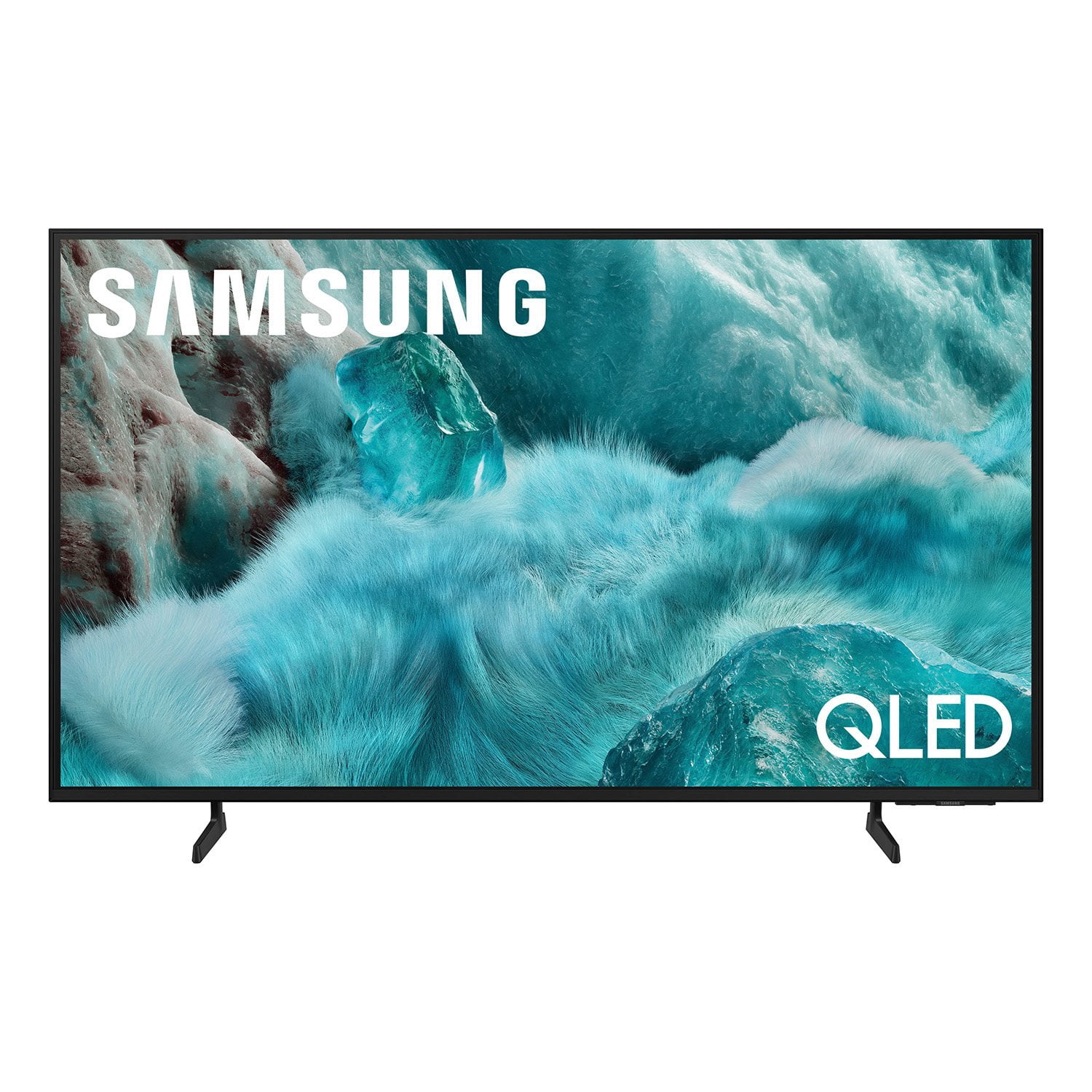
Customer reviews for SAMSUNG 98” Class Q7FD Series QLED 4K UHD Vision AI Smart Tizen TV for
SAMSUNG 98” Class Q7FD Series QLED 4K UHD Vision AI Smart Tizen TV
4.7 out of 5 stars
stars
3,239 ratings3,239 reviews
  1. 5 stars78% (2,521)
  2. 4 stars15% (476)
  3. 3 stars4% (138)
  4. 2 stars1% (40)
  5. 1 star2% (64)
Sort by |
Showing 2,751-2,760 of 3,239 reviews
Aug 22, 2025
Reviewer name: Lovesamsung101
5 out of 5 stars
5 out of 5 stars review

One of the best product I have used

[This review was collected as part of a promotion.] My samsung tv always works and has great features. Screen is really bright and colorful with depth. The blacks are very dark and colors are deep as well. Its always load fast and gives me no problem. I have been using this tv for quite a bit and I will never choose another brand. Always have been using Samsung products and they never disappoints! I love my tv

Review from Samsung US
Helpful?1Y0A5D9ENOZG20182819134
Nov 2, 2025
Reviewer name: PeteStone
4 out of 5 stars
4 out of 5 stars review

Excellent

[This review was collected as part of a promotion.] This product is an amazing addition to your home theater setup. I personally cant get enough of how clear and crisp the video quality is not to mention the beautiful color spectrum. Definitely would recommend this to any movie buff or gamer.

Review from Samsung US
Helpful?1Y0A5D9ENOZG20182819134
Aug 20, 2025
Reviewer name: NewTV4us
4 out of 5 stars
4 out of 5 stars review

Where's the remote?

[This review was collected as part of a promotion.] Love the TV, color, channel choices, size are all great! The remote is so small that I'm afraid I'll loose it or easily misplace it!! Why isn't there a guide option on the remote? It's nice that the remote is chargeable, I like that!!

Review from Samsung US
Helpful?1Y0A5D9ENOZG20182819134
reply from Samsung Specialist

NewTV4us, We appreciate you sharing your experience with the included remote. To help you get the most from your TV and remote functions, you can download the full e-Manual and more by visiting Samsung’s website then navigating to: Support > Manual & Software > TVs & Home Theater. From there, you can search for and select your Q7F TV model to view or download the available guides. The e-Manual & Remote Control Guide are also conveniently built into your TV: Settings > Support > Tips and User Guides Learn TV Remote is another feature designed to help users become familiar with the layout and function of each button on the Samsung remote. When enabled, pressing any button (except the Power button, which will still turn off the TV) will prompt the TV to announce the button’s name and its purpose – without affecting TV operation. This teaching mode is especially useful for users who are visually impaired or new to Samsung remotes. To enable this feature, go to: Settings > All Settings > General & Privacy > Accessibility > Learn TV Remote. To exit, simply press the Return key twice. If you’d like more assistance with this feature, please reach Samsung Support at 1-800-SAMSUNG, available 8AM – 12AM EST, 7 days a week. LiveChat agents are also available through the ‘Support’ link on our website. ~ Samsung Specialist

Aug 22, 2025
Reviewer name: Clw4188
4 out of 5 stars
4 out of 5 stars review

65 inch 4k tv

[This review was collected as part of a promotion.] The TV has a nice picture for steaming but lags at times with fast motion. The remote is the most disappointing part of the TV. It's very slow clicking from app to apps. Volume is slow to respond. I had to buy another Samsung compatible remote that works allot better. Picture looks great for gaming but still some lag at fast motion.

Review from Samsung US
Helpful?1Y0A5D9ENOZG20182819134
May 2, 2025
Reviewer name: Brilliantpicture
5 out of 5 stars
5 out of 5 stars review

Beyond beauty and out this universe

[This review was collected as part of a promotion.] Love playing the ps5 on it you get extra clean,cool beauty experience with this TV no joke I didn't think it would be as it was told it would be but it blew me an friend's and family out the water my little girl which Is ten cause it her spaceship TV because she will whatch space videos on there and believe that she's in space because the image and quality is so brilliant an bright it's almost to real it's a one of a kind beauty that's for sure we have friends that use idk if I can say other brands but will come over to whatch the games an experience the thrill an awestruck of the picture an image that it performs perfectly along with the brilliant colors and sounds you get with it truly appreciated and blown away with it family night and sports gathering is so much cooler and alot better experience because of this TV

Review from Samsung US
Helpful?1Y0A5D9ENOZG20182819134
Aug 22, 2025
Reviewer name: Mbummer
5 out of 5 stars
5 out of 5 stars review

Great replacement and upgrade

[This review was collected as part of a promotion.] I originally had a 50" samsung smart tv from 2018 that broke. I wanted to replace the TV and wasn't sure about buying a new one. After making the purchase and setting it all up I felt like I should have done it sooner. This TV has made enjoying context and shows way easier than before by allowing me to control everything right from my phone. Not to mention how seamless and easy it all was and how incredible the TV looks.

Review from Samsung US
Helpful?1Y0A5D9ENOZG20182819134
Aug 21, 2025
Reviewer name: MarshaG
3 out of 5 stars
3 out of 5 stars review

Loading Apps

[This review was collected as part of a promotion.] It has taken me almost 2 months to finally view Spectrum on this TV. Why do you make it so difficult to load apps? Why do I have to Google how to do it and Samsung doesn't have a booklet explaining the most important thing? I've had 2 computer techs who couldn't get the app loaded. Today I finally had time to play with the TV and got it loaded! Yay me!!

Review from Samsung US
Helpful?1Y0A5D9ENOZG20182819134
reply from Samsung Specialist

MarshaG, We're sorry to hear of this. Please note that the Spectrum app has been available to install on 2025 Samsung TVs as of 4/25. To help you get the most from your TV, you can download the full e-Manual and more by visiting Samsung’s website then navigating to: Support > Manual & Software > TVs & Home Theater. From there, you can search for and select your Q7F TV model to view or download the available guides. The e-Manual and Remote Control Guide are also conveniently built into your TV: Settings > Support > Tips and User Guides If you need additional help, please contact Samsung Support at 1-800-SAMSUNG, 8AM – 12AM EST, 7 days a week. LiveChat agents are also available through the ‘Support’ link on our website. ~ Samsung Specialist

Oct 15, 2025
Reviewer name: JesinCo
5 out of 5 stars
5 out of 5 stars review

Nice, functional TV

[This review was collected as part of a promotion.] This TV is in my bedroom and used only to watch cable channels and streaming. It is a nice TV with a clear screen but without all the bells and whistles, which I didn't need or want for a bedroom TV. I'm pleased.

Review from Samsung US
Helpful?1Y0A5D9ENOZG20182819134
Aug 22, 2025
Reviewer name: MarieI
5 out of 5 stars
5 out of 5 stars review

This is the BEST Tv

[This review was collected as part of a promotion.] I watch this TV every day for months now im laid up in bed and I LOVEEEEEE it !! I only buy samsung it is the only brand that has ever held up for us and this tv hasn't disappointed .!! Gonna buy another but larger for my living room this next yr!! Don't even think about it just do yourself a favor and buy it!!

Review from Samsung US
Helpful?1Y0A5D9ENOZG20182819134
May 21, 2025
Reviewer name: adordaz
5 out of 5 stars
5 out of 5 stars review

I love that the remote is available on the smart a

[This review was collected as part of a promotion.] I usually use my Samsung TV for watching movies at night before bed while eating dinner, or on the weekends during the day to play music on YT to clean my house. When I'm at work I play TV on Samsung TV channel for my pups so they're not bored.

Review from Samsung US
Helpful?1Y0A5D9ENOZG20182819134