Skip to Main Content
Sam's Club
Sam's Club
All Departments
All Services
Customer reviews for SAMSUNG 98” Class Q7FD Series QLED 4K UHD Vision AI Smart Tizen TV for
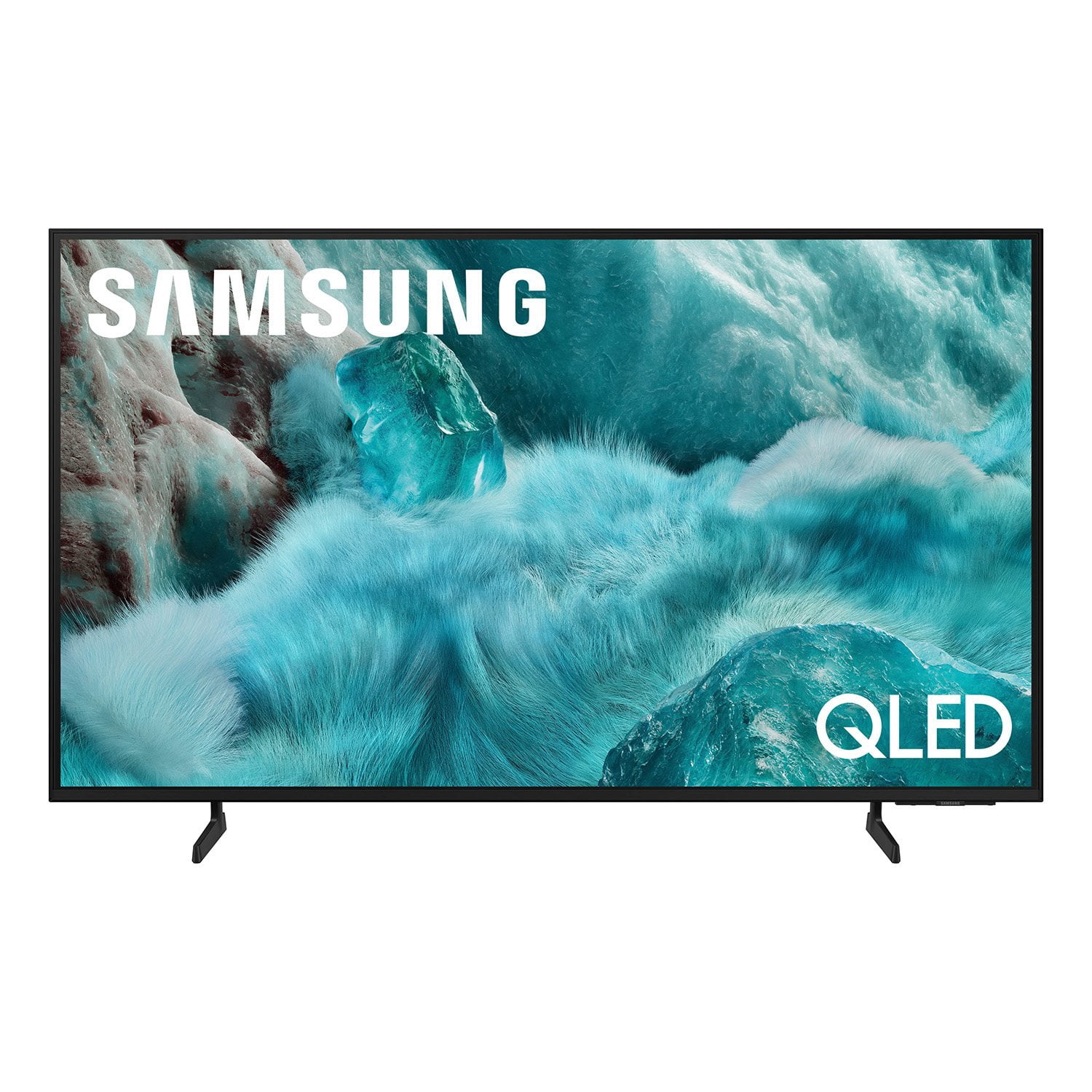
SAMSUNG 98” Class Q7FD Series QLED 4K UHD Vision AI Smart Tizen TV
4.7 out of 5 stars
stars
3,282 ratings3,282 reviews
  1. 5 stars78% (2,556)
  2. 4 stars15% (484)
  3. 3 stars4% (137)
  4. 2 stars1% (41)
  5. 1 star2% (64)
Sort by |
Showing 2,091-2,100 of 3,282 reviews
Mar 23, 2026
Reviewer name: PghYinzer
5 out of 5 stars
5 out of 5 stars review

Quality features

[This review was collected as part of a promotion.] Very happy with aspects. Resolution, brightness color and contrast. Sounds is lower than preferred so I got a sound bar which interfaces great and love the aound

Review from Samsung US
Helpful?1Y0A5D9ENOZG20182819134
Feb 8, 2026
Reviewer name: Bendecida247
5 out of 5 stars
5 out of 5 stars review

Best Picture Quality

[This review was collected as part of a promotion.] I'm big on color and resolution when it comes to my televisions. This one was beyond my expectations.

Review from Samsung US
Helpful?1Y0A5D9ENOZG20182819134
Sep 5, 2025
Reviewer name: Trying
3 out of 5 stars
3 out of 5 stars review

Good picture, but...

[This review was collected as part of a promotion.] We set up the Samsung television, but we are unable to get the remote to change the channels. We have Comcast for our cable and the Comcast remote works well on everything except changing the volume. So we have to use both remotes to watch TV. I have been unable to pair the sound bar with the TV also. Maybe eventually it will all come together?

Review from Samsung US
Helpful?1Y0A5D9ENOZG20182819134
reply from Samsung Specialist

Hello, Thanks for your review. To change the channel using your SolarCell Remote, locate the thin rocker button just below the Play/Pause key and above the Prime Video shortcut. Push up (^) to go up one channel or push down (v) to go to the next channel. Just below the Back button and above the Netflix hotkey, you’ll find a thin rocker-style button with a (+) on top and a (–) below. Push up on this button to raise the volume, or down to lower it. To help you get the most from your TV and remote functions, you can download the full e-Manual and more by visiting Samsung’s website then navigating to: Support > Manual & Software > TVs & Home Theater. From there, you can search for and select your TV model to view or download the available guides. The e-Manual & Remote Control Guide are also conveniently built into your TV: Settings > Support > Tips and User Guides Learn TV Remote is another feature designed to help users become familiar with the layout and function of each button on the Samsung remote. When enabled, pressing any button (except the Power button, which will still turn off the TV) will prompt the TV to announce the button’s name and its purpose – without affecting TV operation. This teaching mode is especially useful for users who are visually impaired or new to Samsung remotes. To enable this feature, go to: Settings > All Settings > General & Privacy > Accessibility > Learn TV Remote. To exit, simply press the Return key twice. If you’d like more assistance with this feature, please reach Samsung Support at 1-800-SAMSUNG, available 8AM – 12AM EST, 7 days a week. LiveChat agents are also available through the ‘Support’ link on our website. ~ Samsung Specialist

Sep 6, 2025
Reviewer name: savry77
4 out of 5 stars
4 out of 5 stars review

QLED SMART TV

[This review was collected as part of a promotion.] I like this TV very much, the picture quality is exemplary but I do have one issue with this product. The remote is seriously deficient! It runs on solar cells for power, so if one leaves it next to the bed overnight theres a good chance it will run out of power and seriously degrade the tv viewing experience upon turning the set on the next day. I purchased a battery operated substitute remote and now all's well. samsung should do better and ditch the solar remote, utilize a universal battery operated remote.

Review from Samsung US
Helpful?1Y0A5D9ENOZG20182819134
Oct 16, 2025
Reviewer name: Techluxe
5 out of 5 stars
5 out of 5 stars review

Flawless Picture & Fantastic Features

[This review was collected as part of a promotion.] The Samsung QLED is fantastic! Completely changed my viewing experience, came from a Sony WEGA TV, and this upgrade was NEEDED. I unboxed and installed without my husband! PICTURE QUALITY SHARP ✅ SOUND QUALITY ✅ GAMING✅ And most importantly, it can still be viewed clearly even in a bright room; the picture doesn’t auto-dim itself. The gaming is great, online setup to Xbox is easy, and as long as you have a good WiFi connection, it’s flawless, no lag, even without a physical Xbox setup The built-in smart features are very convenient! Easy to navigate, and all the apps you could ever need can be installed on the TV. The connection with Samsung Smart-Things makes using my Samsung Zfold a brilliant feature! Sound quality is flawless and can definitely be used in a home theater. Overall great TV, couldn’t be happier. The TV is very sleek and slim compared to my older one! QLED sits flush against the wall, and the setup was super easy. We haven't mounted it yet, our previous TV was not wall-mounted. The TV is lightweight, only 35lbs.

Review from Samsung US
Helpful?1Y0A5D9ENOZG20182819134
Sep 15, 2025
Reviewer name: Jerrikim
5 out of 5 stars
5 out of 5 stars review

This product has very good features

[This review was collected as part of a promotion.] The best tv yet, feels like you are in the TV. I like the way I can hook up all my Samsung products together. Every year they keep getting better and better. I would highly recommend this brand and this TV to everyone. Thank you Samsung.

Review from Samsung US
Helpful?1Y0A5D9ENOZG20182819134
Nov 5, 2025
Reviewer name: TVTed55
5 out of 5 stars
5 out of 5 stars review

Great 65" TV

[This review was collected as part of a promotion.] This is a great TV although getting my old Panasonic sound system to connect was a bit of a challenge. The sound system has RCA cable inputs while the TV does not have RCA output. Purchased several blue tooth to RCA converts which were not acceptable. Finally found one that was USB powered and cabled to the Panasonic and provided surround sound.

Review from Samsung US
Helpful?1Y0A5D9ENOZG20182819134
Dec 20, 2025
Reviewer name: ChanitaJ
5 out of 5 stars
5 out of 5 stars review

Great TV amazing price

[This review was collected as part of a promotion.] The vision AI came with the TV helps to find relevant content which is great. The pictures are so clear. I replace this one from my 2019 TV. It is easy to install however the account setting part takes a bit too long. I think may people might skip it all together but I took time to do it. If it can be shorter I think that would be great. It came with solar power remote. It is a great concept. So far so good, we have been charging it by the window every day. For the TV performance side, pretty good tv, crips and clean. I was able to connect with my other account from all the streaming providers.

Review from Samsung US
Helpful?1Y0A5D9ENOZG20182819134
Sep 3, 2025
Reviewer name: Cliffclaven
5 out of 5 stars
5 out of 5 stars review

A great TV overall

[This review was collected as part of a promotion.] Television has great sound and a great beautiful picture. The multiview feature is amazing, making access to watch tv and your phone or PC at same time with picture in picture. My only complaint is the new style of remote. It is very different from the Samsung remote legacy design. Some of the buttons don't register a "push" very well, specifically the volume and channel buttons are more raised and double function. It just takes some getting used to.

Review from Samsung US
Helpful?1Y0A5D9ENOZG20182819134
Sep 20, 2025
Reviewer name: 81Corvette
5 out of 5 stars
5 out of 5 stars review

great picture

[This review was collected as part of a promotion.] We use our Samsung TV for daily viewing of our shows and the picture is great- we purchased the Samsung TV since our other TV was ten years old and unable to obtain some of the streaming services on older TV - great value and TV

Review from Samsung US
Helpful?1Y0A5D9ENOZG20182819134