Skip to Main Content
Sam's Club
Sam's Club
All Departments
All Services
Customer reviews for SAMSUNG 98” Class Q7FD Series QLED 4K UHD Vision AI Smart Tizen TV for
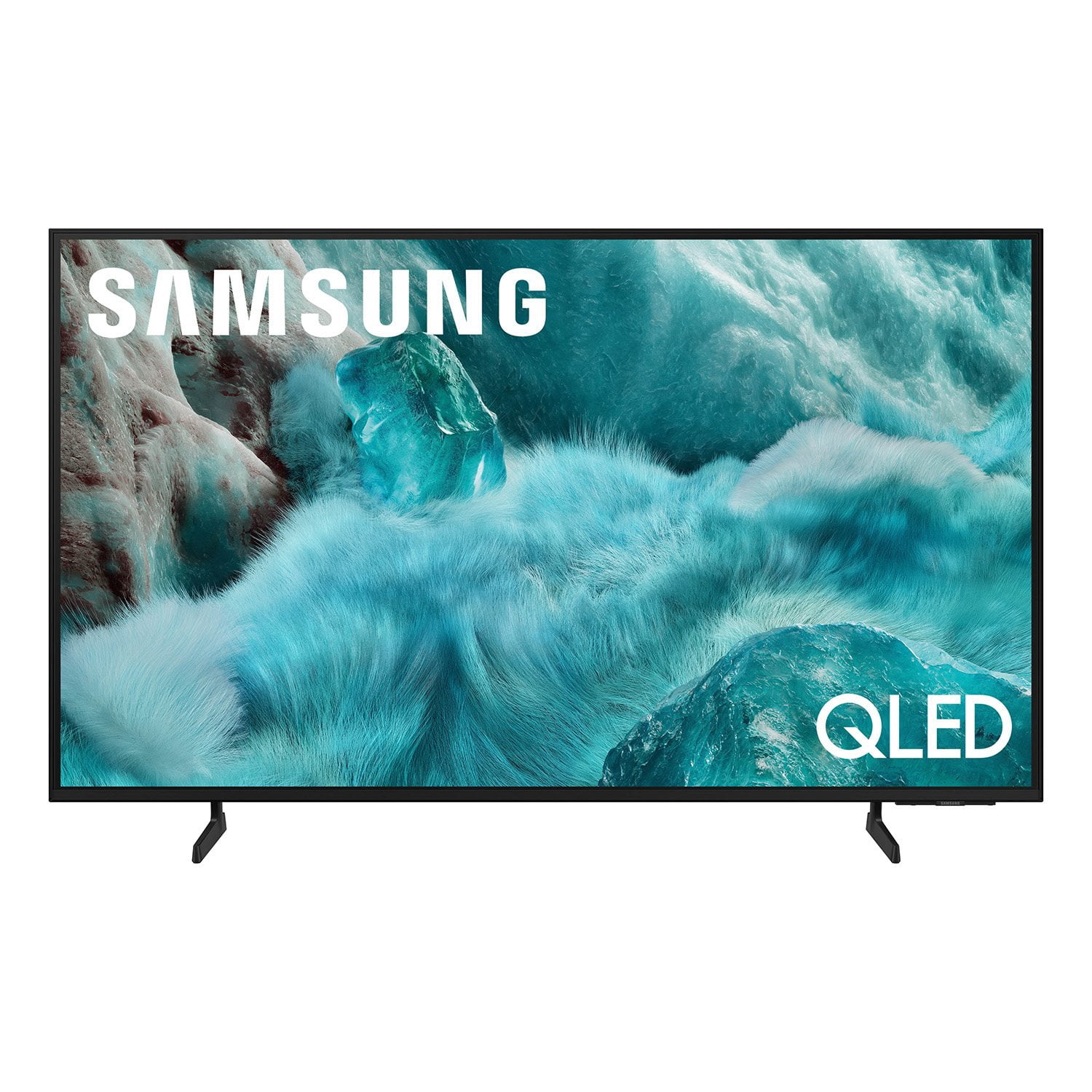
SAMSUNG 98” Class Q7FD Series QLED 4K UHD Vision AI Smart Tizen TV
4.7 out of 5 stars
stars
3,330 ratings3,330 reviews
  1. 5 stars78% (2,593)
  2. 4 stars15% (487)
  3. 3 stars4% (142)
  4. 2 stars1% (43)
  5. 1 star2% (65)
Sort by |
Showing 1,691-1,700 of 3,330 reviews
Feb 20, 2026
Reviewer name: Gerald
5 out of 5 stars
5 out of 5 stars review

Wonderful Television

[This review was collected as part of a promotion.] the Samsung television met all my expectations I'm very pleased with it this is a wonderful set and we'll meet everybody's needs thank you Samsung

Review from Samsung US
Helpful?1Y0A5D9ENOZG20182819134
Mar 5, 2026
Reviewer name: Johnny
5 out of 5 stars
5 out of 5 stars review

Great picture quality I feel like I'm in the movie

[This review was collected as part of a promotion.] This tv graphic are awesome they look so realistic. tv size is perfect I can see movies clear looks amazing the tv control works great the quality of Samsung

Review from Samsung US
Helpful?1Y0A5D9ENOZG20182819134
Jan 5, 2026
Reviewer name: Frustrated ed
3 out of 5 stars
3 out of 5 stars review

Initial setup

Initial set up was not easy. The remote is to small and poorly labeled. The step-by-srep process is too lengthy and complex using the remote (as noted above) and the tv has not been able to connect with the Samsung interface (whatever that is).

Review from Samsung US
Helpful?1Y0A5D9ENOZG20182819134
reply from Samsung Specialist

Hi there, We appreciate you sharing your experience. To help you get the most from your TV and remote functions, you can download the full e-Manual and more by visiting Samsung’s website then navigating to: Support > Manual & Software > TVs & Home Theater. From there, you can search for and select your Q7F TV model to view or download the available guides. The e-Manual & Remote Control Guide are also conveniently built into your TV: Settings > Support > Tips and User Guides. For additional guidance, your TV also includes Accessibility features designed to assist with navigation and remote use. • Learn Menu Screen provides audio guidance for on-screen menus by announcing the name and function of each item as you scroll – without making any changes. This is especially helpful for users who are visually impaired or new to Smart TV menus. Enable via: Settings > All Settings > General & Privacy > Accessibility > Learn Menu Screen. To exit, press the Return key twice. • Learn TV Remote helps users become familiar with the layout and function of each button on the Samsung remote. Pressing a button (other than Power) will prompt the TV to announce its name and purpose, again without affecting TV operation. Enable via: Settings > All Settings > General & Privacy > Accessibility > Learn TV Remote. To exit, press the Return key twice. If you’d like more assistance with these features, please reach Samsung Support at 1-800-SAMSUNG, available 8AM – 12AM EST, 7 days a week. LiveChat agents are also available through the ‘Support’ link on our website. ~ Samsung Specialist

Feb 4, 2026
Reviewer name: Anonymous
5 out of 5 stars
5 out of 5 stars review

Works perfect

[This review was collected as part of a promotion.] great TV works perfect great resolution Great great TV works perfect great resolution great sound great TVs great TV

Review from Samsung US
Helpful?1Y0A5D9ENOZG20182819134
Feb 17, 2026
Reviewer name: Ca7elite
5 out of 5 stars
5 out of 5 stars review

Great overall

[This review was collected as part of a promotion.] Perfect for if you want to use the multi view function if you have a kid and like gaming or watching your own shows

Review from Samsung US
Helpful?1Y0A5D9ENOZG20182819134
Mar 23, 2026
Reviewer name: JwithdaTV
4 out of 5 stars
4 out of 5 stars review

Brilliant colors

[This review was collected as part of a promotion.] Very bright and beautiful colors whenever you turn on the screen, the interface is very easy to navigate, as well as the picture resolution being high.

Review from Samsung US
Helpful?1Y0A5D9ENOZG20182819134
Mar 6, 2026
Reviewer name: Prattman
5 out of 5 stars
5 out of 5 stars review

Its a nice tv!

[This review was collected as part of a promotion.] Absolutly love the brightness. The contrast is very sharp. Have'nt watched a football game yet but im sure the accuracy will be great.

Review from Samsung US
Helpful?1Y0A5D9ENOZG20182819134
Apr 21, 2026
Reviewer name: Pie2
4 out of 5 stars
4 out of 5 stars review

Great features

[This review was collected as part of a promotion.] Brightness and color great! Love the sound amplifier as well as ability for surround sound. The clarity of the picture is like being at the movies.

Review from Samsung US
Helpful?1Y0A5D9ENOZG20182819134
Mar 24, 2026
Reviewer name: blippy1
5 out of 5 stars
5 out of 5 stars review

stunning picture

[This review was collected as part of a promotion.] picture pulls you into the scene that's on screen so you actually feel like you're an actual character in the show

Review from Samsung US
Helpful?1Y0A5D9ENOZG20182819134
Feb 16, 2026
Reviewer name: Brenda
5 out of 5 stars
5 out of 5 stars review

The realness of the picture

[This review was collected as part of a promotion.] excellent picture 100% of the time we doing we enjoy the size of the screen best purchase we've ever made picture is clear and gray looks like real

Review from Samsung US
Helpful?1Y0A5D9ENOZG20182819134