Skip to Main Content
Sam's Club
Sam's Club
All Departments
All Services
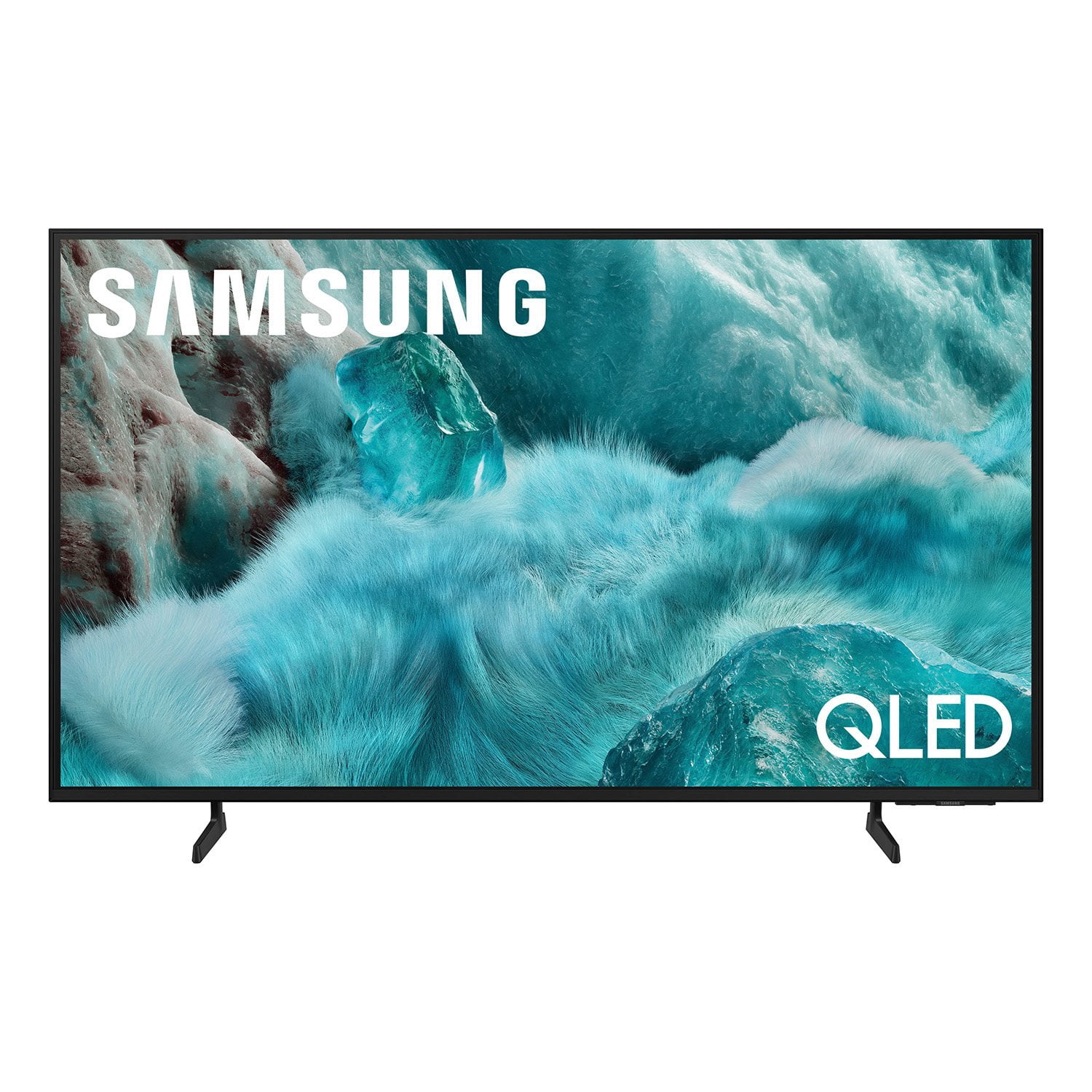
Customer reviews for SAMSUNG 98” Class Q7FD Series QLED 4K UHD Vision AI Smart Tizen TV for
SAMSUNG 98” Class Q7FD Series QLED 4K UHD Vision AI Smart Tizen TV
4.7 out of 5 stars
stars
3,337 ratings3,337 reviews
  1. 5 stars78% (2,600)
  2. 4 stars15% (488)
  3. 3 stars4% (141)
  4. 2 stars1% (43)
  5. 1 star2% (65)
Sort by |
Showing 1,141-1,150 of 3,337 reviews
Jun 6, 2026
Reviewer name: Tera88
5 out of 5 stars
5 out of 5 stars review

All we needed.

[This review was collected as part of a promotion.] It's a little better than I expected. My kids and me enjoy it. Movies, PS5 and our wrestling shows...lol

Review from Samsung US
Helpful?1Y0A5D9ENOZG20182819134
Jun 5, 2026
Reviewer name: Ocjr
5 out of 5 stars
5 out of 5 stars review

Great features and durability

[This review was collected as part of a promotion.] are you Samsung TVs for the last 10 years best resolution and the best durability of any TV brand that I have bought in the last 20 years

Review from Samsung US
Helpful?1Y0A5D9ENOZG20182819134
Jun 14, 2026
Reviewer name: EnriqueSC15
5 out of 5 stars
5 out of 5 stars review

Once of the better tv i had

[This review was collected as part of a promotion.] Nothing, the tv y working really good, and I can play video games when a use gaming hub and the gamen look really good

Review from Samsung US
Helpful?1Y0A5D9ENOZG20182819134
Jun 2, 2026
Reviewer name: Epsi4Rells
5 out of 5 stars
5 out of 5 stars review

Amazing features

[This review was collected as part of a promotion.] Amazing TV. Best I've ever invested in. Fast processing and amazing picture. PS5 Pro is amazing and the apps it has access to are all there, including gaming apps for streaming games.

Review from Samsung US
Helpful?1Y0A5D9ENOZG20182819134
Jun 6, 2026
Reviewer name: TV commercial
3 out of 5 stars
3 out of 5 stars review

double image on tv screen

[This review was collected as part of a promotion.] I do not like the remote control of the TV at all. I better chose the remote control with the number on its. Its have so many hidden key to figure out over and over hard to remember.

Review from Samsung US
Helpful?1Y0A5D9ENOZG20182819134
reply from Samsung Advisor

Hi TV commercial, Thank you for sharing your experience. Samsung remotes are designed to offer convenient control, but we understand if you’d prefer to use a universal remote. Many third-party remotes work well with Samsung TVs, though setup steps may vary by brand and model. To get started, we recommend checking the manufacturer’s instructions for programming codes and pairing methods. If you run into any trouble or have compatibility questions, Samsung Support is happy to help. You can reach us at 1-800-SAMSUNG (8AM – 9PM EST Mon – Fri, 8AM – 6PM Sat – Sun). LiveChat agents are also available at the ‘Support’ link on our website. ~ Samsung Advisor

May 1, 2026
Reviewer name: GreyA_42
5 out of 5 stars
5 out of 5 stars review

Best tv to last you forever

[This review was collected as part of a promotion.] This is the best tv I could of bought for its price. This tv which I have had for around 4 to 5 months and it has been amazing. Samsung always nows how to make the best tvs at an affordable price.

Review from Samsung US
Helpful?1Y0A5D9ENOZG20182819134
Jun 1, 2026
Reviewer name: Rogers
5 out of 5 stars
5 out of 5 stars review

Going to buy another.

[This review was collected as part of a promotion.] Love this TV. Clear picture large enough to see from the neighbors house. 😆 sound is great. Performs as promised.

Review from Samsung US
Helpful?1Y0A5D9ENOZG20182819134
May 20, 2026
Reviewer name: Gelibaby15
5 out of 5 stars
5 out of 5 stars review

Top Tier TV

[This review was collected as part of a promotion.] I love my qled I get immersed in a whole different world with color, Technicolor, the lumens it is definitely an ultimate experience, especially for gaming! Thank you Samsung 🙏

Review from Samsung US
Helpful?1Y0A5D9ENOZG20182819134
Jun 16, 2026
Reviewer name: handyman
2 out of 5 stars
2 out of 5 stars review

Remote

[This review was collected as part of a promotion.] I don't like the AI remote at all and I haven't been able to scan local channels in with the antenna mode. the picture quality is excellent

Review from Samsung US
Helpful?1Y0A5D9ENOZG20182819134
reply from Samsung Specialist

handyman, Thank you for your review. If your TV isn’t receiving all available channels, first check that your coaxial cable is securely connected. Then, try running Auto Program by going to: Home > left directional key > Settings > All Settings > General & Privacy > Broadcasting > Auto Program If the issue persists, a factory reset may help: Home > left directional key > Settings > All Settings > General & Privacy > Factory Data Reset (this will restore all settings on your TV) Please also note: • Broadcasting settings are only accessible when your source is set to TV. • These settings are not available when watching TV via a cable or satellite box. If you continue to experience issues, please don’t hesitate to contact Samsung Customer Support at 1-800-SAMSUNG (8AM – 9PM EST Mon – Fri, 8AM – 6PM Sat – Sun). LiveChat agents and additional resources are also available through the ‘Support’ link on our Samsung website. ~ Samsung Specialist

Apr 26, 2026
Reviewer name: Gdlfreye
3 out of 5 stars
3 out of 5 stars review

Correction to on-screen labels

[This review was collected as part of a promotion.] The television meets the specifications; the only problem was what was stuck to the screen. When I tried to remove it, it was too strong and scratched the screen.

Review from Samsung US
Helpful?1Y0A5D9ENOZG20182819134
reply from Samsung Specialist

Thank you for sharing your review. For further assistance, contact Samsung Support at 1-800-SAMSUNG (8AM – 9PM EST Mon – Fri, 8AM – 6PM Sat – Sun), or reach us via text anytime. You can also visit ‘Support’ on our website for: • Live Chat • Manuals, Software, & Warranty Info ~ Samsung Specialist