Skip to Main Content
Sam's Club
Sam's Club
All Departments
All Services
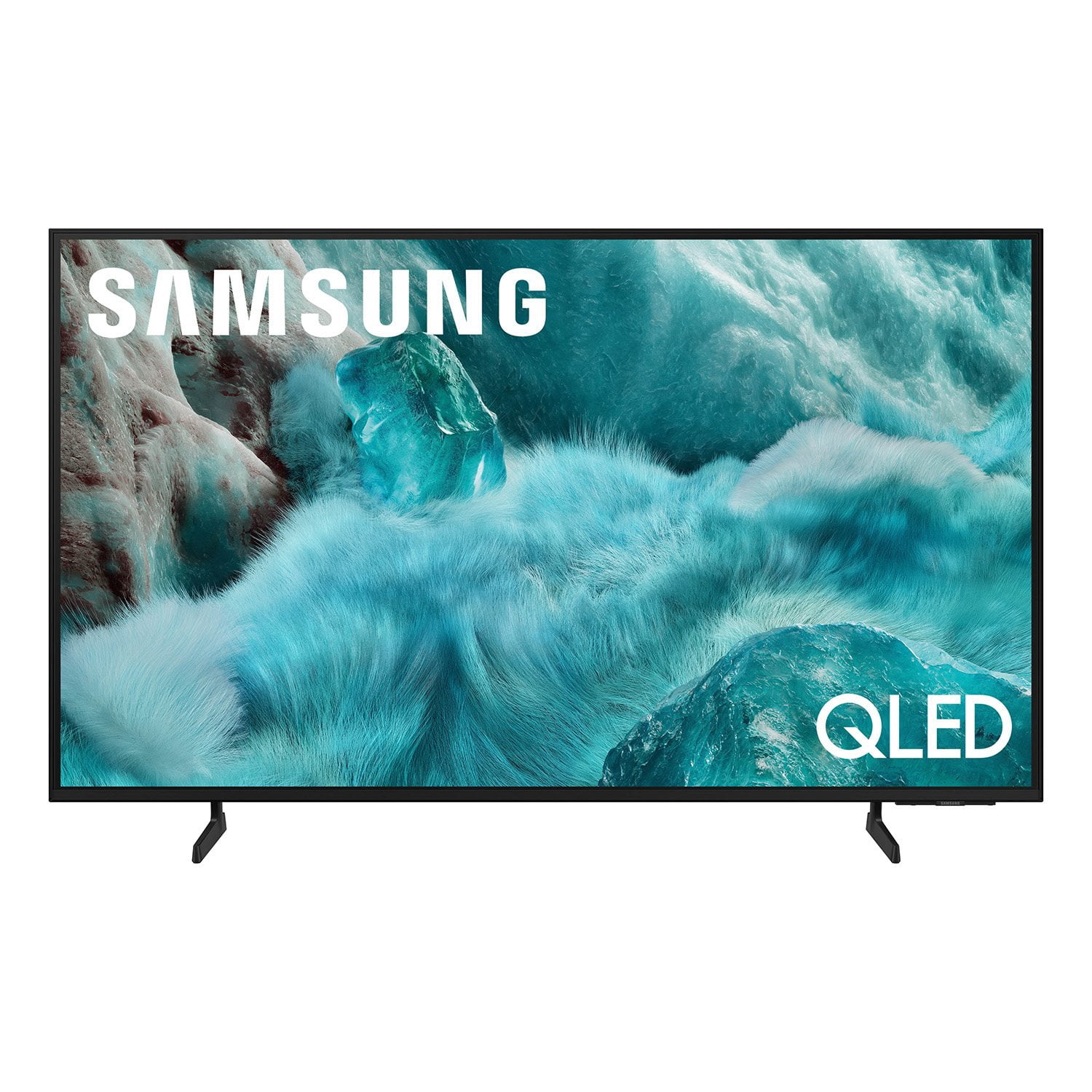
Customer reviews for SAMSUNG 98” Class Q7FD Series QLED 4K UHD Vision AI Smart Tizen TV for
SAMSUNG 98” Class Q7FD Series QLED 4K UHD Vision AI Smart Tizen TV
4.7 out of 5 stars
stars
3,337 ratings3,337 reviews
  1. 5 stars78% (2,600)
  2. 4 stars15% (488)
  3. 3 stars4% (141)
  4. 2 stars1% (43)
  5. 1 star2% (65)
Sort by |
Showing 1,071-1,080 of 3,337 reviews
Jun 21, 2026
Reviewer name: Mickey
5 out of 5 stars
5 out of 5 stars review

I'm very happy with the TV I got

[This review was collected as part of a promotion.] Clearly is excellent it switches over from dynamic to movie view. The quality of the picture is excellent. I love love love my TV should have bought a bigger one

Review from Samsung US
Helpful?1Y0A5D9ENOZG20182819134
May 23, 2026
Reviewer name: Parish
5 out of 5 stars
5 out of 5 stars review

Amazing TV to say the least

[This review was collected as part of a promotion.] The color is so vibrant vary clean style gaming is phenomenal graphics are vary sharp and detailed to say the least it make the games look like movies the sound is like your at the movie theaters

Review from Samsung US
Helpful?1Y0A5D9ENOZG20182819134
Jun 5, 2026
Reviewer name: Jdub
2 out of 5 stars
2 out of 5 stars review

Samsung 50" Q7f

[This review was collected as part of a promotion.] I'm a die hard Samsung fan, I was very unsatisfied with my new TV. I expected so much. Their's blooming, color accuracy

Review from Samsung US
Helpful?1Y0A5D9ENOZG20182819134
reply from Samsung Specialist

We appreciate your feedback on the picture quality of Samsung’s Q7F TV. If the image doesn’t quite match your preferences, there are several adjustments you can make to better suit your viewing environment and content type. First, please ensure your TV is running the latest firmware, as updates may include important picture quality enhancements. Go to: Home > Left directional button > Settings > Support > Software Update > Update Now To explore picture mode options, navigate to: Home > Left directional button > Settings > All Settings > Picture > Picture Mode. Options include: • Standard – Ideal for general viewing • Dynamic – Brighter and more vibrant for well-lit spaces • Eco – Optimized for energy efficiency • Movie – Best for viewing in low light • Filmmaker Mode – Preserves the content creator’s intent and disables motion smoothing for supported content You can further customize your image by going to: Settings > All Settings > Picture > Expert Settings, where you can adjust Brightness, Contrast, Color Tone, Sharpness, Contrast Enhancer and more. If you’d like help finding the best picture settings for your preferences, please don’t hesitate to contact Samsung Support at 1-800-SAMSUNG (8AM – 9PM EST Mon – Fri, 8AM – 6PM Sat – Sun). You can also LiveChat with an agent or explore additional resources on our website by clicking the ‘Support’ link. ~ Samsung Specialist

Jun 1, 2026
Reviewer name: Tony
5 out of 5 stars
5 out of 5 stars review

Awesome TV

[This review was collected as part of a promotion.] I only.buy Samsung television. Tried Sony...didn't like it Tired Panasonic...didn't like it. LG, Sharp, etc didn't like any. Been using Samsung for the longest. Durable, great quality.

Review from Samsung US
Helpful?1Y0A5D9ENOZG20182819134
Jun 5, 2026
Reviewer name: Mike
5 out of 5 stars
5 out of 5 stars review

Best tv ever

[This review was collected as part of a promotion.] Far and away the best tv we’ve ever owned. The bright, sharp pictures and accurate colors continue to amaze us in all the programs watch. The 65 inch size is terrific too.

Review from Samsung US
Helpful?1Y0A5D9ENOZG20182819134
May 11, 2026
Reviewer name: get air
5 out of 5 stars
5 out of 5 stars review

good for bright rooms.

[This review was collected as part of a promotion.] The picture looks good in a bright room with sunlight. Controls are a 4/5. Takes a while to get used to the remote.

Review from Samsung US
Helpful?1Y0A5D9ENOZG20182819134
Jun 20, 2026
Reviewer name: Lynn S
5 out of 5 stars
5 out of 5 stars review

Samsung tv home run

[This review was collected as part of a promotion.] We love our Samsung TVs!!! The colour, brightness, and contrast in superb. Easy to navigate. Love watching the old movies in bed. Highly recommend this brand. Very good pruce point.

Review from Samsung US
Helpful?1Y0A5D9ENOZG20182819134
May 20, 2026
Reviewer name: Anonymous
3 out of 5 stars
3 out of 5 stars review

Average for a SAMSUNG

[This review was collected as part of a promotion.] Picture isn’t the best the color is often distorted especially blue which causes resolution problems.

Review from Samsung US
Helpful?1Y0A5D9ENOZG20182819134
reply from Samsung Specialist

We appreciate your feedback on the picture quality of Samsung’s Q7FD TV. If the image doesn’t quite match your preferences, there are several adjustments you can make to better suit your viewing environment and content type. First, please ensure your TV is running the latest firmware, as updates may include important picture quality enhancements. Go to: Home > Left directional button > Settings > Support > Software Update > Update Now To explore picture mode options, navigate to: Home > Left directional button > Settings > All Settings > Picture > Picture Mode. Options include: • Standard – Ideal for general viewing • Dynamic – Brighter and more vibrant for well-lit spaces • Eco – Optimized for energy efficiency • Movie – Best for viewing in low light • Filmmaker Mode – Preserves the content creator’s intent and disables motion smoothing for supported content You can further customize your image by going to: Settings > All Settings > Picture > Expert Settings, where you can adjust Brightness, Contrast, Color Tone, Sharpness, Contrast Enhancer and more. If you’d like help finding the best picture settings for your preferences, please don’t hesitate to contact Samsung Support at 1-800-SAMSUNG (8AM – 9PM EST Mon – Fri, 8AM – 6PM Sat – Sun). You can also LiveChat with an agent or explore additional resources on our website by clicking the ‘Support’ link. ~ Samsung Specialist

Jun 5, 2026
Reviewer name: BEDTV
5 out of 5 stars
5 out of 5 stars review

MY BEDROOM TV LOVE IT

[This review was collected as part of a promotion.] I enjoy my TV love watching shows in bed mounted on the walk it's my place of peace i love SAMSUNG PRODUCTS THANK YOU

Review from Samsung US
Helpful?1Y0A5D9ENOZG20182819134
Jun 1, 2026
Reviewer name: JTTV
4 out of 5 stars
4 out of 5 stars review

Solid set up

[This review was collected as part of a promotion.] Great color and extremely sharp picture and very impressive response..most of all very light weight

Review from Samsung US
Helpful?1Y0A5D9ENOZG20182819134