Skip to Main Content
Sam's Club
Sam's Club
All Departments
All Services
Customer reviews for SAMSUNG 98” Class U9000HD Series Crystal UHD 4K Vision AI Companion Smart Tizen TV for
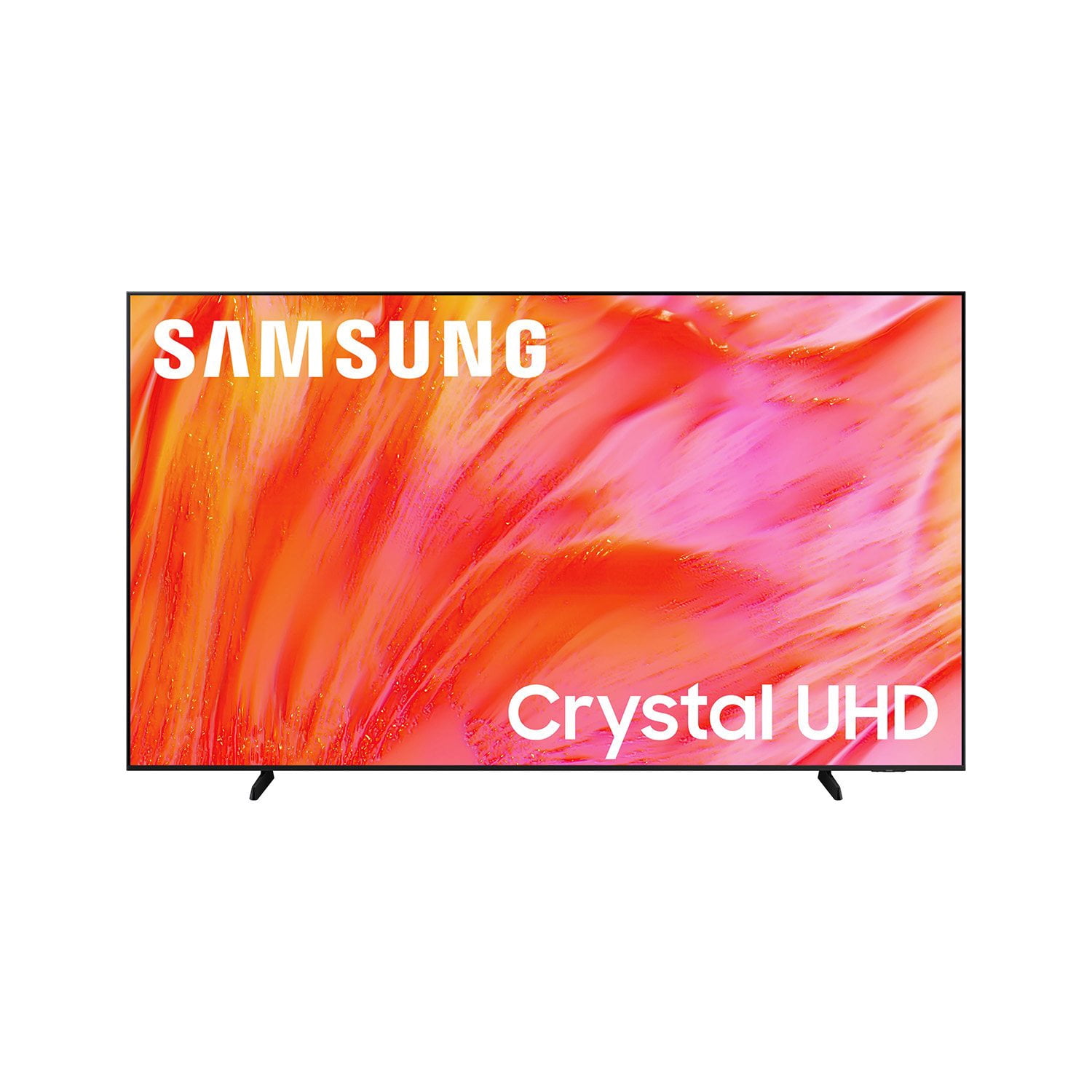
SAMSUNG 98” Class U9000HD Series Crystal UHD 4K Vision AI Companion Smart Tizen TV
4.8 out of 5 stars
stars
16 ratings16 reviews
  1. 5 stars81% (13)
  2. 4 stars13% (2)
  3. 3 stars6% (1)
  4. 2 stars0% (0)
  5. 1 star0% (0)
Sort by |
Showing 1-10 of 16 reviews
Jul 27, 2026
Apriling42
5 out of 5 stars
5 out of 5 stars review

Great features

[This review was collected as part of a promotion.] I'm very happy with this TV! The picture quality is clear and vibrant, the sound is great, and it was easy to set up. The smart features are simple to use, and streaming apps load quickly. Overall, it's an excellent value for the price, and I would definitely recommend it to anyone looking for a quality TV.

Review from Samsung US
Helpful?6E51DSTY533C20164174938
Jul 27, 2026
Langstonlion2014
5 out of 5 stars
5 out of 5 stars review

Awesome Television

[This review was collected as part of a promotion.] Beautiful bold and bright picture. Amazing apps and when hooked to soundbar with q-symphony the sound and picture quality defines the in home movie theater quality.

Review from Samsung US
Helpful?6E51DSTY533C20164174938
Jul 27, 2026
Marbow
5 out of 5 stars
5 out of 5 stars review

Perfect picture

[This review was collected as part of a promotion.] I love this tv. Its amazing. The picture literally come to life and the sound is amazing as well. I love samsung products and dont have nothing but. Everything works seamlessly together.

Review from Samsung US
Helpful?6E51DSTY533C20164174938
Jul 14, 2026
BigMD
5 out of 5 stars
5 out of 5 stars review

Noice and Large

[This review was collected as part of a promotion.] Awesome tv! It's big, the visuals and sounds are great.

Review from Samsung US
Helpful?6E51DSTY533C20164174938
Jul 28, 2026
Joel
5 out of 5 stars
5 out of 5 stars review

Great features

[This review was collected as part of a promotion.] Picture looks awsome, the feature are amazing. The best tv

Review from Samsung US
Helpful?6E51DSTY533C20164174938
Jul 27, 2026
Mallygees
5 out of 5 stars
5 out of 5 stars review

Great overall Features!

[This review was collected as part of a promotion.] Responsiveness Brightness Contrast Uniformity Very Upscaling and a great overall product!

Review from Samsung US
Helpful?6E51DSTY533C20164174938
Jul 22, 2026
Rico
5 out of 5 stars
5 out of 5 stars review

Great quality

[This review was collected as part of a promotion.] Great service an awesome brand love it thanks five starts

Review from Samsung US
Helpful?6E51DSTY533C20164174938
Jul 27, 2026
Rose39
5 out of 5 stars
5 out of 5 stars review

Great feature

[This review was collected as part of a promotion.] Great picture and sound quality, good features easy to understand

Review from Samsung US
Helpful?6E51DSTY533C20164174938
Jul 17, 2026
Showtime
4 out of 5 stars
4 out of 5 stars review

Great feature

[This review was collected as part of a promotion.] Great quality good speed good size I’m so satisfied

Review from Samsung US
Helpful?6E51DSTY533C20164174938
Aug 5, 2026
Larry
3 out of 5 stars
3 out of 5 stars review

Picture

The picture quality is good, could be even better to make it more clear and "3D-like" image if possible.

Review from Samsung US
Helpful?6E51DSTY533C20164174938
reply from Samsung Advisor

Hi Larry, Thank you for your feedback on the Samsung U9000HD TV. If the picture appears unclear, dull, or lacks definition, there are several settings you can adjust to improve clarity and overall image quality. Go to: Settings > All Settings > Picture > Expert Settings, and review these key settings: Picture Clarity Settings: While originally intended for motion handling, these can also impact overall clarity • Off: Disables motion enhancements • Auto: Automatically adjusts based on content • Custom: Lets you fine-tune: o Judder Reduction – Helps smooth out uneven motion o LED Clear Motion – Boosts sharpness in fast-moving content o Noise Reduction – Reduces distortion and enhances detail in lower-resolution sources Core Picture Settings • Brightness – Controls overall screen brightness • Contrast – Enhances the difference between bright and dark areas • Sharpness – Adjusts edge definition; closer to 20 increases detail • Color – Enhances depth and intensity of colors And don’t forget to check for the latest firmware, which may improve performance: Settings > Support > Software Update > Update Now These adjustments can make a noticeable difference in overall clarity. If you need further help tailoring the settings to your preferences or environment, please contact Samsung Support at 1-800-SAMSUNG (8AM – 9PM EST Mon – Fri, 8AM – 6PM Sat – Sun). LiveChat is also available via the ‘Support’ link on our website. ~ Samsung Advisor