Skip to Main Content
Sam's Club
Sam's Club
All Departments
All Services
Customer reviews for SAMSUNG 65” Class M80H Series Mini LED 4K UHD Vision AI Smart Tizen TV for
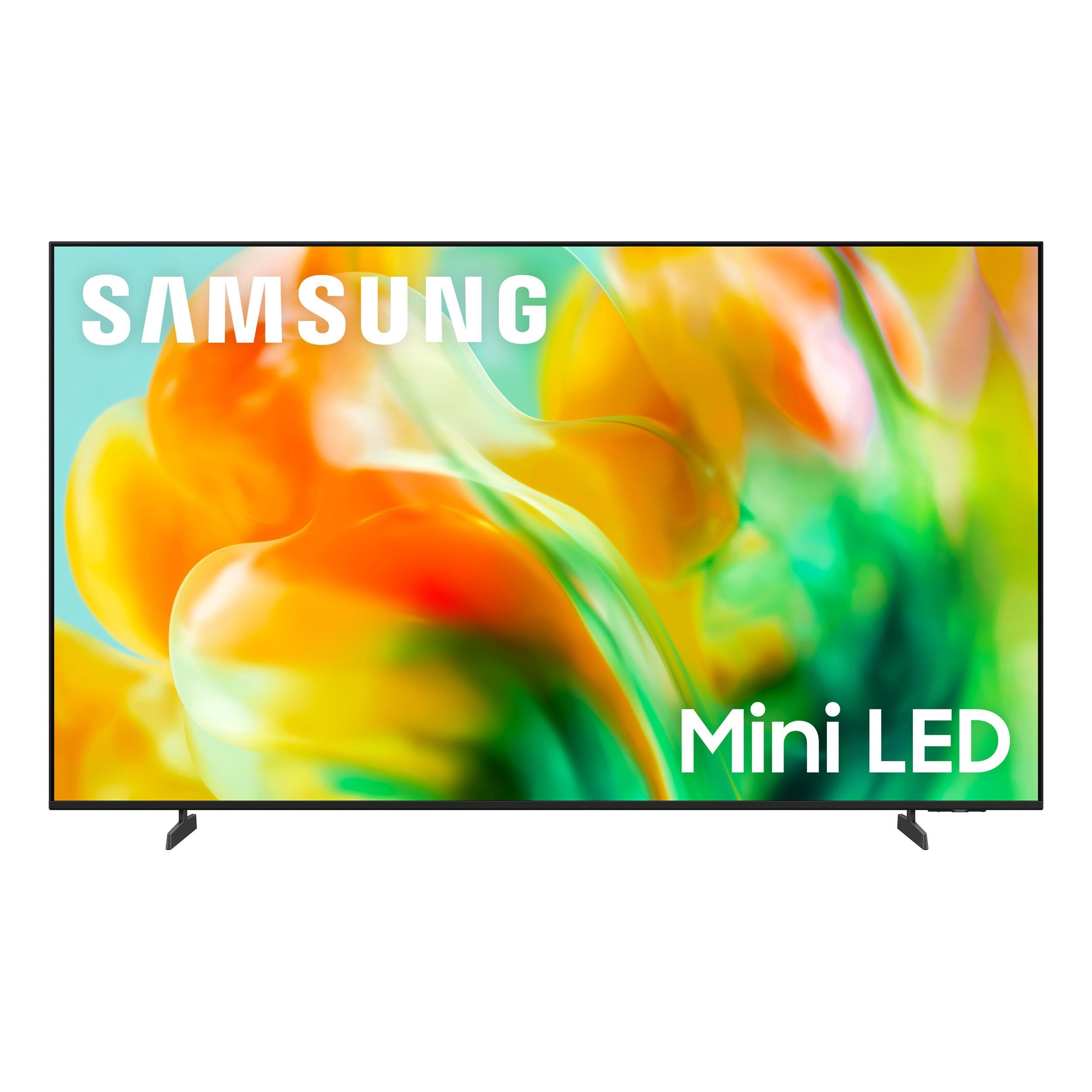
SAMSUNG 65” Class M80H Series Mini LED 4K UHD Vision AI Smart Tizen TV
4.7 out of 5 stars
stars
52 ratings49 reviews
  1. 5 stars75% (39)
  2. 4 stars23% (12)
  3. 3 stars2% (1)
  4. 2 stars0% (0)
  5. 1 star0% (0)

Member photos

Sort by |
Showing 1-10 of 49 reviews
Sep 9, 2026
Reviewer name: CREEKiEGiRL
5 out of 5 stars
5 out of 5 stars review

Stunning Picture Quality and Ultra Fast Response

[This review was collected as part of a promotion.] The brightness and contrast on this Mini LED TV are incredible, delivering deep black levels and vibrant colors even in a well-lit living room. Motion handling is buttery smooth during fast-paced sports and action scenes, and the 4K AI upscaling makes older HD content look remarkably sharp. The interface responsiveness is lightning fast with zero lag when navigating apps or gaming. Overall, it provides an outstanding viewing experience.

Review from Samsung US
Helpful?1S1YEVN8HQIO19920056304
Sep 2, 2026
Reviewer name: Booopak
5 out of 5 stars
5 out of 5 stars review

Great FEATURES

[This review was collected as part of a promotion.] I'm really impressed with the Samsung 75-inch Mini LED M80HD 4K TV. The picture quality is the first thing that stands out. The colors are bright and detailed, and the Mini LED technology gives the picture excellent contrast with deep blacks and bright highlights.

Review from Samsung US
Helpful?1S1YEVN8HQIO19920056304
Sep 5, 2026
Reviewer name: BuyerB
5 out of 5 stars
5 out of 5 stars review

Always a Samsung

I've always bought Samsung Smart TVs. Never had an issue. I upgrade my TVs every once in awhile not because they have an issue . I just want a newer version. This integrated AI is awesome. Keep up the great work. I still own 3 other Samsung Televisions and the all work.

Review from Samsung US
Helpful?1S1YEVN8HQIO19920056304
Aug 23, 2026
Reviewer name: Kasbladez
5 out of 5 stars
5 out of 5 stars review

Samsung Mini LED M80HD

[This review was collected as part of a promotion.] This is the best tv I have ever had. The 144hz is so much better that's the 60hz TCL I had. The brightness is incredible making everything in my games easier to see. The responsiveness of this tv is incredible making everything smooth. The contrast between black and white is so balanced making it an incredible experience. I watch a lot of older things that aren't 4k and this tv makes them look almost brand new. The main reason I got the tv is the refresh rate since I wanted the best experience gaming and watching movies without seeing the blur of the 60 hz.

Review from Samsung US
Helpful?1S1YEVN8HQIO19920056304
Jul 18, 2026
Reviewer name: Maxx
5 out of 5 stars
5 out of 5 stars review

Shocked

[This review was collected as part of a promotion.] Love the m80h it shocked me at how good it was I wanted to honestly dislike it because I wanted a different TV model but honestly Iike this one more than the one I wanted. Screen is excellent with movies and gaming.

Review from Samsung US
Helpful?1S1YEVN8HQIO19920056304
Aug 9, 2026
Reviewer name: mclevall44
5 out of 5 stars
5 out of 5 stars review

Great TV for a Small Room

[This review was collected as part of a promotion.] I love my new Samsung Mini Led. My old Samsung was at least 15 years old and had circles on the screen which means it was dying, but still really good until we bought our new one. It is really fabulous and was easy to install and hook up. I love all the new features, apps, and ease of use. We have only had Samsung so can't compare with other TVs, because they have always performed well and given us years of use.

Review from Samsung US
Helpful?1S1YEVN8HQIO19920056304
Aug 26, 2026
Reviewer name: Chell
4 out of 5 stars
4 out of 5 stars review

Verified Purchase

Crazy Remote

This is a nice 65in TV. the colors are vibrant and clear. The only problem I find is the remote. I don't like this remote. It is hard to use.

Helpful?1S1YEVN8HQIO19920056304
Sep 2, 2026
Reviewer name: Marcus
4 out of 5 stars
4 out of 5 stars review

TV

[This review was collected as part of a promotion.] It is a nice TV nice and bright picture big to enjoy the TV I really like watching movies on it I don't know much more to say the T-Mobile wifi works good and kept up with the TV did not run slow at all

Review from Samsung US
Helpful?1S1YEVN8HQIO19920056304
Sep 5, 2026
Reviewer name: Hoosiers
4 out of 5 stars
4 out of 5 stars review

Good TV

I have been a Samsung fan for years. The mini LED is bright and a good picture for the price. No blur or jittery images during fast moving scenes. The picture quality lacks the rich, deep color of the Sony I replaced but it burned out the motherboard in a year so TGAT brand is off limits. Overall I am pleased with this tv and will continue my love affair with Samsung products.

Review from Samsung US
Helpful?1S1YEVN8HQIO19920056304
Sep 8, 2026
Reviewer name: Casper
3 out of 5 stars
3 out of 5 stars review

It should be a little better sounds quality in TV

It pretty nice but the bluring on some pictures when you switch to different pictures quality and the speakers could be much better and as well as the remote should be better quality the pictures and

Review from Samsung US
Helpful?1S1YEVN8HQIO19920056304
reply from Samsung Advisor

Hi Casper, Thank you for your feedback on the Samsung M80HD TV. If the picture appears unclear, dull, or lacks definition, there are several settings you can adjust to improve clarity and overall image quality. Go to: Settings > All Settings > Picture > Expert Settings, and review these key settings: Picture Clarity Settings: While originally intended for motion handling, these can also impact overall clarity • Off: Disables motion enhancements • Auto: Automatically adjusts based on content • Custom: Lets you fine-tune: o Judder Reduction – Helps smooth out uneven motion o LED Clear Motion – Boosts sharpness in fast-moving content o Noise Reduction – Reduces distortion and enhances detail in lower-resolution sources Core Picture Settings • Brightness – Controls overall screen brightness • Contrast – Enhances the difference between bright and dark areas • Sharpness – Adjusts edge definition; closer to 20 increases detail • Color – Enhances depth and intensity of colors And don’t forget to check for the latest firmware, which may improve performance: Settings > Support > Software Update > Update Now To improve your sound, try different Sound Modes (Standard, Optimized, Amplify), or fine-tune your setup in Expert Settings under: Settings > All Settings > Sound These adjustments can make a noticeable difference in overall clarity and sound. If you need further help tailoring the settings to your preferences or environment, please contact Samsung Support at 1-800-SAMSUNG (8AM – 9PM EST Mon – Fri, 8AM – 6PM Sat – Sun). LiveChat is also available via the ‘Support’ link on our website. ~ Samsung Advisor