Skip to Main Content
Sam's Club
Sam's Club
All Departments
All Services
Customer reviews for SAMSUNG 50” Class M70H Series Mini LED 4K UHD Vision AI Companion Smart Tizen TV for
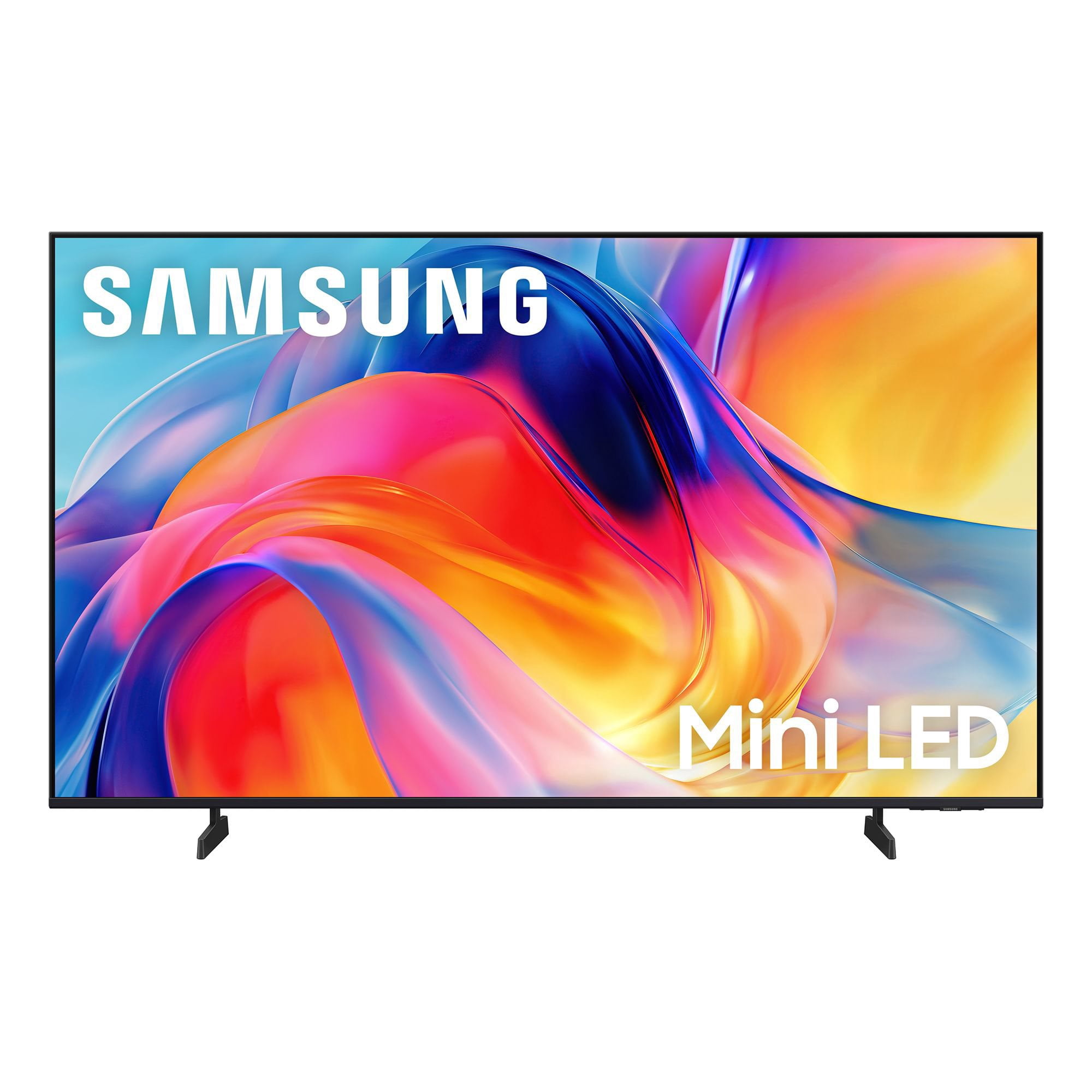
SAMSUNG 50” Class M70H Series Mini LED 4K UHD Vision AI Companion Smart Tizen TV
4.5 out of 5 stars
stars
217 ratings207 reviews
  1. 5 stars69% (149)
  2. 4 stars18% (38)
  3. 3 stars7% (15)
  4. 2 stars4% (9)
  5. 1 star3% (6)

Member photos

  • +41 images
Sort by |
Showing 171-180 of 207 reviews
Aug 5, 2026
Reviewer name: Happy tv
5 out of 5 stars
5 out of 5 stars review

Great features

Great picture, great features. Great support. Totally satisfied!

Review from Samsung US
Helpful?1EVP58TZUXKR19863669143
Aug 20, 2026
Reviewer name: Retired505
5 out of 5 stars
5 out of 5 stars review

Great TV

Another great TV from Samsung. Easy setup and great picture.

Review from Samsung US
Helpful?1EVP58TZUXKR19863669143
Aug 5, 2026
Reviewer name: nina
4 out of 5 stars
4 out of 5 stars review

features: cannot silence voice when turning tv on

cannot silence tv speakers when connected to my spectrum cable box and exterior speakers

Review from Samsung US
Helpful?1EVP58TZUXKR19863669143
Aug 5, 2026
Reviewer name: Todd H
2 out of 5 stars
2 out of 5 stars review

color quality

Very poor picture color quality with reds and greens.

Review from Samsung US
Helpful?1EVP58TZUXKR19863669143
reply from Samsung Advisor

Hi Todd H, We appreciate your feedback on the picture quality of Samsung’s M70HD TV. If the image doesn’t quite match your preferences, there are several adjustments you can make to better suit your viewing environment and content type. First, please ensure your TV is running the latest firmware, as updates may include important picture quality enhancements. Go to: Home > Left directional button > Settings > Support > Software Update > Update Now To explore picture mode options, navigate to: Home > Left directional button > Settings > All Settings > Picture > Picture Mode. Options include: • Standard – Ideal for general viewing • Dynamic – Brighter and more vibrant for well-lit spaces • Eco – Optimized for energy efficiency • Movie – Best for viewing in low light • Filmmaker Mode – Preserves the content creator’s intent and disables motion smoothing for supported content You can further customize your image by going to: Settings > All Settings > Picture > Expert Settings, where you can adjust Brightness, Contrast, Color Tone, Sharpness, Contrast Enhancer and more. If you’d like help finding the best picture settings for your preferences, please don’t hesitate to contact Samsung Support at 1-800-SAMSUNG (8AM – 9PM EST Mon – Fri, 8AM – 6PM Sat – Sun). You can also LiveChat with an agent or explore additional resources on our website by clicking the ‘Support’ link. ~ Samsung Advisor

Aug 20, 2026
Reviewer name: JohnL
5 out of 5 stars
5 out of 5 stars review

Great features

Excellent picture. Brightness and clarity are great

Review from Samsung US
Helpful?1EVP58TZUXKR19863669143
Aug 20, 2026
Reviewer name: Lilah
5 out of 5 stars
5 out of 5 stars review

Great TV

Everything is great! Brightness, color, contrast, responsive & uniformity

Review from Samsung US
Helpful?1EVP58TZUXKR19863669143
Aug 9, 2026
Reviewer name: Traveler
5 out of 5 stars
5 out of 5 stars review

Brightness

Awesome screen views , love the vivid picture and the size of screen

Review from Samsung US
Helpful?1EVP58TZUXKR19863669143
Aug 5, 2026
Reviewer name: None
5 out of 5 stars
5 out of 5 stars review

Great features

This is my 6th Samsung tv never a problem always plats beautifully

Review from Samsung US
Helpful?1EVP58TZUXKR19863669143
Aug 5, 2026
Reviewer name: Modesto
4 out of 5 stars
4 out of 5 stars review

Good TV

It’s a good TV. Not the best but for the price, good

Review from Samsung US
Helpful?1EVP58TZUXKR19863669143
Aug 5, 2026
Reviewer name: Starky
5 out of 5 stars
5 out of 5 stars review

Easy setup Starky

Easy setup and operation .. easy to get to the various apps

Review from Samsung US
Helpful?1EVP58TZUXKR19863669143