Skip to Main Content
Sam's Club
Sam's Club
All Departments
All Services
Customer reviews for SAMSUNG 50” Class M70H Series Mini LED 4K UHD Vision AI Companion Smart Tizen TV for
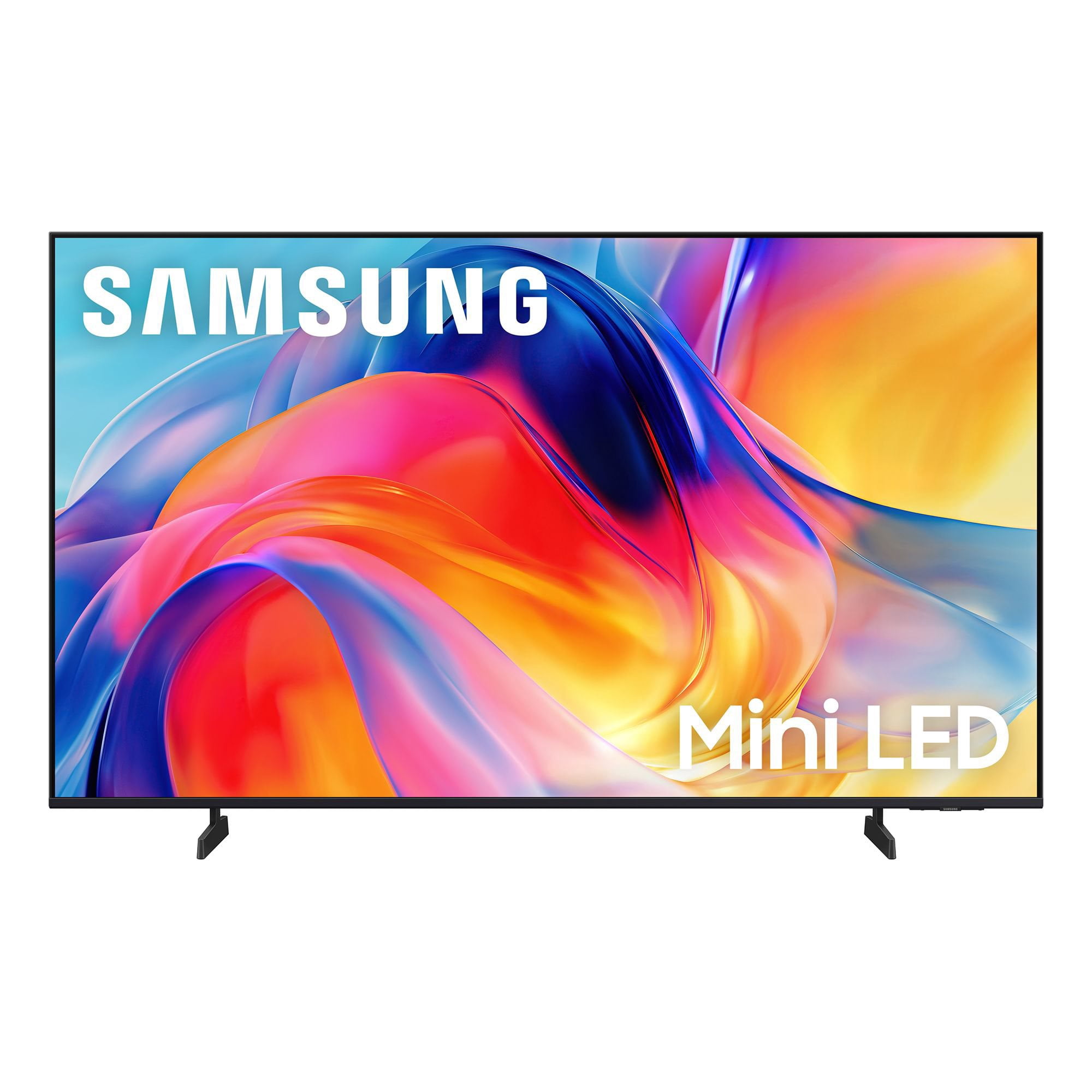
SAMSUNG 50” Class M70H Series Mini LED 4K UHD Vision AI Companion Smart Tizen TV
4.4 out of 5 stars
stars
285 ratings271 reviews
  1. 5 stars68% (195)
  2. 4 stars16% (45)
  3. 3 stars8% (23)
  4. 2 stars4% (12)
  5. 1 star4% (10)

Member photos

  • +60 images
Sort by |
Showing 101-110 of 271 reviews
Jun 20, 2026
Reviewer name: 1234
2 out of 5 stars
2 out of 5 stars review

poor remote

[This review was collected as part of a promotion.] The remote is no good I have to use the old remote from a old samsung tv to change the stations. That's no good. If i had seen the remote and how it was made with no key board or numbers on it i would have bought another brand with a remote i could use a lot easier.

Review from Samsung US
Helpful?1EVP58TZUXKR19863669143
reply from Samsung Advisor

Hi 1234, We appreciate your thoughts on the M70H TV’s remote. While it may appear minimal at first glance, many of the buttons are designed with dual or long-press functions to help reduce clutter without sacrificing functionality. For example: • Volume rocker: Push UP/DOWN to adjust volume; press and release quickly to MUTE. • Long-press Volume button: Hold for more than 1 second to access Accessibility Shortcuts. • RETURN button: Press to go back to the previous screen or menu; when watching TV, it takes you back to the previous channel. These combined functions help create a cleaner design while keeping everything you need just a button away. If you ever need help with your remote or want to learn more shortcuts, we’re here to assist. You can reach us at 1-800-SAMSUNG (8AM – 9PM EST Mon – Fri, 8AM – 6PM Sat – Sun), or reach us via text anytime. You can also visit ‘Support’ on our website for: • Live Chat • Manuals, Software, & Warranty Info ~ Samsung Advisor

Jun 22, 2026
Reviewer name: Ibarra
5 out of 5 stars
5 out of 5 stars review

Very good product

[This review was collected as part of a promotion.] This television offers impressive picture quality with vibrant colors and deep blacks. Its interface is intuitive and easy to navigate, allowing you to access your favorite content without hassle. Connectivity is excellent, making it easier to integrate with other devices in your home. In addition, its modern and elegant design is perfectly suited to any space. You will enjoy an immersive, high-level viewing experience with this device.

Review from Samsung US
Helpful?1EVP58TZUXKR19863669143
Jul 21, 2026
Reviewer name: Clos
4 out of 5 stars
4 out of 5 stars review

Great for sporting events

[This review was collected as part of a promotion.] I love it. My 65” mounted to a wall swivel. Just in time to enjoy every minute of every World Cup Soccer Match. As a sports junkie, I specifically selected this model for the enhanced sports optics.

Review from Samsung US
Helpful?1EVP58TZUXKR19863669143
Jun 11, 2026
Reviewer name: Tori
5 out of 5 stars
5 out of 5 stars review

Just buy the Samsung

[This review was collected as part of a promotion.] Simple to set up. Overall picture is beautiful for the price. I've gone through a few different tvs and ended up back on a Samsung due to their durability and long life line. I still use a Samsung in my room from 8 years ago. That should tell you all you need to know.

Review from Samsung US
Helpful?1EVP58TZUXKR19863669143
Jun 5, 2026
Reviewer name: ChicagoBoy
4 out of 5 stars
4 out of 5 stars review

Good TV for the Price

[This review was collected as part of a promotion.] The screen size and picture quality are very good. The sound is just average. The remote work well but it lacks audio input even though the TV has Bixby. Had to buy another remote with audio input button to be able to use verbal commands. I do not know if it is the third party remote or the TV but the verbal commands do not always work. When moving the curser or loading an app the TV is a little slow. Trying to find and use the settings is not very clear cut.

Review from Samsung US
Helpful?1EVP58TZUXKR19863669143
Jul 20, 2026
Reviewer name: Mark
2 out of 5 stars
2 out of 5 stars review

Initial results

[This review was collected as part of a promotion.] I recently bought my tv and believe I need to return it under the warranty. The screen blacks out at random times, very annoying, the sound continues to work, but the screen goes black for - one second.

Review from Samsung US
Helpful?1EVP58TZUXKR19863669143
reply from Samsung Advisor

Hi Mark, Thanks for sharing your experience with your screen displaying a black screen and “No Signal” message. This typically indicates a connection or source issue. Let’s walk through a few steps to help get things working again. 1. Check Source & Connections • Confirm the source: Use the remote to make sure the TV is set to the correct input. Go to: Home > Left directional key > Connected Devices > Sources • Verify connections: Ensure all external devices (like a cable box or Blu-ray player) are powered on and securely connected via HDMI. Try switching to a different HDMI port or using another cable to rule out a faulty connection. For best results, use a High Speed HDMI cable with Ethernet (HEAC) – this supports stable 4K video and audio signals for most external devices. • Using a soundbar or A/V receiver? If you're connected through the TV’s HDMI eARC port, be sure to use a certified Ultra High Speed HDMI cable to enable lossless audio formats like Dolby Atmos and maintain proper eARC functionality. • Power cycle the TV: Unplug it from the wall for at least 60 seconds, then plug it back in. 2. Update Your TV Software • Make sure your TV is running the latest firmware: Home > Left directional key > Settings > Support > Software Update 3. Signal & Broadcast Checks (Especially important if you're using a cable box or antenna.) • Check signal strength: Home > Left directional key > Settings > Support > Device Care > Self Diagnosis > Broadcast Signal • Run Auto Program: Home > Left directional key > Settings > All Settings > General & Privacy > Broadcasting > Auto Program 4. Advanced Troubleshooting • HDMI Test: Home > Left directional key > Settings > Support > Device Care > Self Diagnosis > HDMI Test • Try a different device: Connect another external device to the same port to help identify whether the issue lies with the original device or the TV. • Check the power source: Make sure the TV is plugged into a working outlet. If using a surge protector, try plugging directly into the wall. • Factory reset (if needed): As a last resort, you can reset the TV to its default settings. (Note: this will erase your personal preferences.) If none of these steps resolve the issue, contact Samsung Support for further assistance at 1-800-SAMSUNG (8AM – 9PM EST Mon – Fri, 8AM – 6PM Sat – Sun), or reach us via text anytime. You can also visit ‘Support’ on our website for: • Live Chat • Manuals, Software, & Warranty Info ~ Samsung Advisor

Jun 20, 2026
Reviewer name: ScottieMom
5 out of 5 stars
5 out of 5 stars review

Very Pleased With Purchase

[This review was collected as part of a promotion.] We love our new television! It was very easy to set up. The picture has excellent clarity; it looks like you could jump into the picture! The color is spot on and the sound quality is also excellent.

Review from Samsung US
Helpful?1EVP58TZUXKR19863669143
Jul 5, 2026
Reviewer name: The Bowler
4 out of 5 stars
4 out of 5 stars review

Good TV for the Price

[This review was collected as part of a promotion.] The TV has a very good picture from all angles. The audio is just average. The physical setup was relatively easy. Going through the menu to setup the TV up at times was very confusing. Trying to find certain settings was very difficult at times. The remote did not come with a voice command button even though the TV supported voice control via Bixby so I had to buy another remote with the voice button. The paper instructions could have been more comprehensive. I added a sound bar to improve the audio quality.

Review from Samsung US
Helpful?1EVP58TZUXKR19863669143
Jul 5, 2026
Reviewer name: Fred
4 out of 5 stars
4 out of 5 stars review

Changes??

[This review was collected as part of a promotion.] I previously had another 50 inch Samsung tv and loved it! The picture got smaller and smaller, so I replaced it with another Samsung 50 inch tv. I had my tv mounted on a swing out wall mount. The mounting holes on the new tv are 3 inches lower that the previous tv!! Considerable modifications were made to ensure proper placement in cabinet. The power plug in is UNDER the swing arm mounting plate ?? I previously used a BOSE external speaker which utilized an optical cable. No optical plugin on new tv!!!!! I was able to connect with Bluetooth , but have yet to get it functioning properly! Minor issues, but combined they were very time consuming and frustrating! But I am looking forward to watching my new Samsung!! Thank you!

Review from Samsung US
Helpful?1EVP58TZUXKR19863669143
Jul 20, 2026
Reviewer name: Wheelie
5 out of 5 stars
5 out of 5 stars review

Fantastic TV

[This review was collected as part of a promotion.] The TV is fabulous! The magnificent brightness ,colors and contrasts are amazing! It was an easy setup and we use the remote without difficulty, but must say old remote, with numbers and functions, a thing of the past, is what I wish would return! That’s never happening, but you can only hope!!!

Review from Samsung US
Helpful?1EVP58TZUXKR19863669143