Skip to Main Content
Sam's Club
Sam's Club
All Departments
All Services
Customer reviews for SAMSUNG 55” Class M70H Series Mini LED 4K UHD Vision AI Companion Smart Tizen TV for
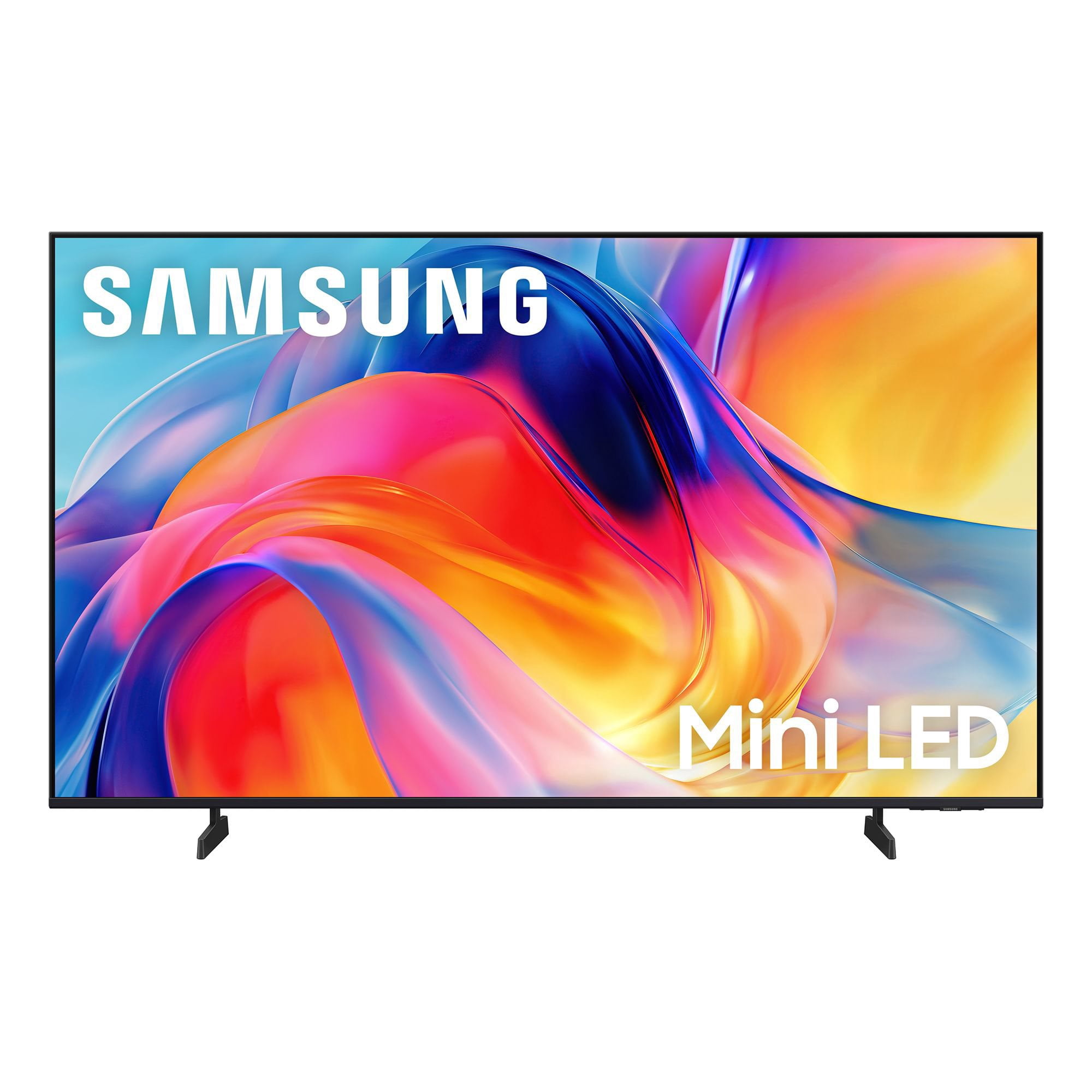
SAMSUNG 55” Class M70H Series Mini LED 4K UHD Vision AI Companion Smart Tizen TV
4.5 out of 5 stars
stars
275 ratings265 reviews
  1. 5 stars70% (193)
  2. 4 stars15% (41)
  3. 3 stars8% (22)
  4. 2 stars4% (12)
  5. 1 star3% (7)

Member photos

  • +56 images
Sort by |
Showing 221-230 of 265 reviews
Jun 24, 2026
Reviewer name: Wicckkid
4 out of 5 stars
4 out of 5 stars review

Great picture and stable viewing

[This review was collected as part of a promotion.] Colol is great sounds clear and long life expectancy

Review from Samsung US
Helpful?38IP7LKS6PZ819847274541
Jul 5, 2026
Reviewer name: Ehan
2 out of 5 stars
2 out of 5 stars review

Accessibility

[This review was collected as part of a promotion.] Remote control not a good design TV apps and download not easy to do

Review from Samsung US
Helpful?38IP7LKS6PZ819847274541
reply from Samsung Advisor

Hi Ehan, Thank you for your feedback on the M70HD TV. While the Solar Cell Remote may appear minimal, many buttons offer multiple or long-press functions to help simplify the design without sacrificing functionality. For example: • Settings/Number/Color: Allows you to easily access your TV's Quick Settings and input channel numbers. • Volume rocker: Push up/down to adjust volume. Press and release quickly to mute. • Long-press Volume button: Hold for more than 1 second to open Accessibility Shortcuts. • RETURN button: Press to go back to the previous menu or screen. While watching TV, it takes you back to the previous channel. These functions allow for a more streamlined experience without adding extra buttons. Regarding app management on your TV, please know that you can customize your Home screens by installing, removing or adding your favorite apps to Apps Home and/or For You Home screen. Here's how: Searching for & Installing Apps 1. From the Home screen, press up on the remote’s directional pad. 2. Navigate to and select Search. 3. Using the search bar, enter the content or app you’d like to find. 4. Navigate to and select the app you’d like to install, then select Install. Note: Previously installed apps can be accessed on the Settings screen. Adding & Managing Apps on Home Screen 1. Go to App Settings (these can be found at the bottom of the Apps screen) and select the app you want to move. The following options will be available: a. Add to Home: Move the app to your desired location on the Home screen. b. Delete: Delete app. c. Lock/Unlock: Lock the app with a PIN so only you can use it. When the app is selected again, you will be prompted to enter the PIN to unlock it. d. Reinstall: Reinstall the app. e. View Details: View the app’s information and details. If you need more help with app management, please don’t hesitate to reach Samsung Support at 1-800-SAMSUNG (8AM – 9PM EST Mon – Fri, 8AM – 6PM Sat – Sun), or reach us via text anytime. You can also visit ‘Support’ on our website for: • Live Chat • Manuals, Software, & Warranty Info ~ Samsung Advisor

Jul 5, 2026
Reviewer name: Puffkolly
5 out of 5 stars
5 out of 5 stars review

I love everything

[This review was collected as part of a promotion.] Excellent color and responsiveness Great television

Review from Samsung US
Helpful?38IP7LKS6PZ819847274541
Jul 5, 2026
Reviewer name: jersey813
5 out of 5 stars
5 out of 5 stars review

Samsung 55" TV Good value

[This review was collected as part of a promotion.] great tv, i am very pleased with my purchase of this Samsung TV. Only problem is the sound.

Review from Samsung US
Helpful?38IP7LKS6PZ819847274541
Jun 20, 2026
Reviewer name: None
5 out of 5 stars
5 out of 5 stars review

Works just as it should.

[This review was collected as part of a promotion.] Easy set up - even for this old lady. I like the 55” screen.

Review from Samsung US
Helpful?38IP7LKS6PZ819847274541
Jul 5, 2026
Reviewer name: none
5 out of 5 stars
5 out of 5 stars review

great

[This review was collected as part of a promotion.] tv responds great color awesome overall very satisfied with the Tv

Review from Samsung US
Helpful?38IP7LKS6PZ819847274541
Jun 5, 2026
Reviewer name: Erika
5 out of 5 stars
5 out of 5 stars review

Perfect Picture

[This review was collected as part of a promotion.] Great TV! Easy to use. Picture is fantastic. Definitely recommend.

Review from Samsung US
Helpful?38IP7LKS6PZ819847274541
Jul 20, 2026
Reviewer name: Ali mo
5 out of 5 stars
5 out of 5 stars review

Color

[This review was collected as part of a promotion.] Nice Tv but the remote control quality is not good

Review from Samsung US
Helpful?38IP7LKS6PZ819847274541
Jul 5, 2026
Reviewer name: Rapilado
5 out of 5 stars
5 out of 5 stars review

Samsung 50 inch LED tv

[This review was collected as part of a promotion.] Just the right color, contrast, and brightness for this new mini LED tv.

Review from Samsung US
Helpful?38IP7LKS6PZ819847274541
Jun 21, 2026
Reviewer name: gcmdv
5 out of 5 stars
5 out of 5 stars review

Great tv

[This review was collected as part of a promotion.] Perfect picture and color. Tons of features, highly recommend

Review from Samsung US
Helpful?38IP7LKS6PZ819847274541