Skip to Main Content
Sam's Club
Sam's Club
All Departments
All Services
Customer reviews for SAMSUNG 65” Class M70H Series Mini LED 4K UHD Vision AI Companion Smart Tizen TV for
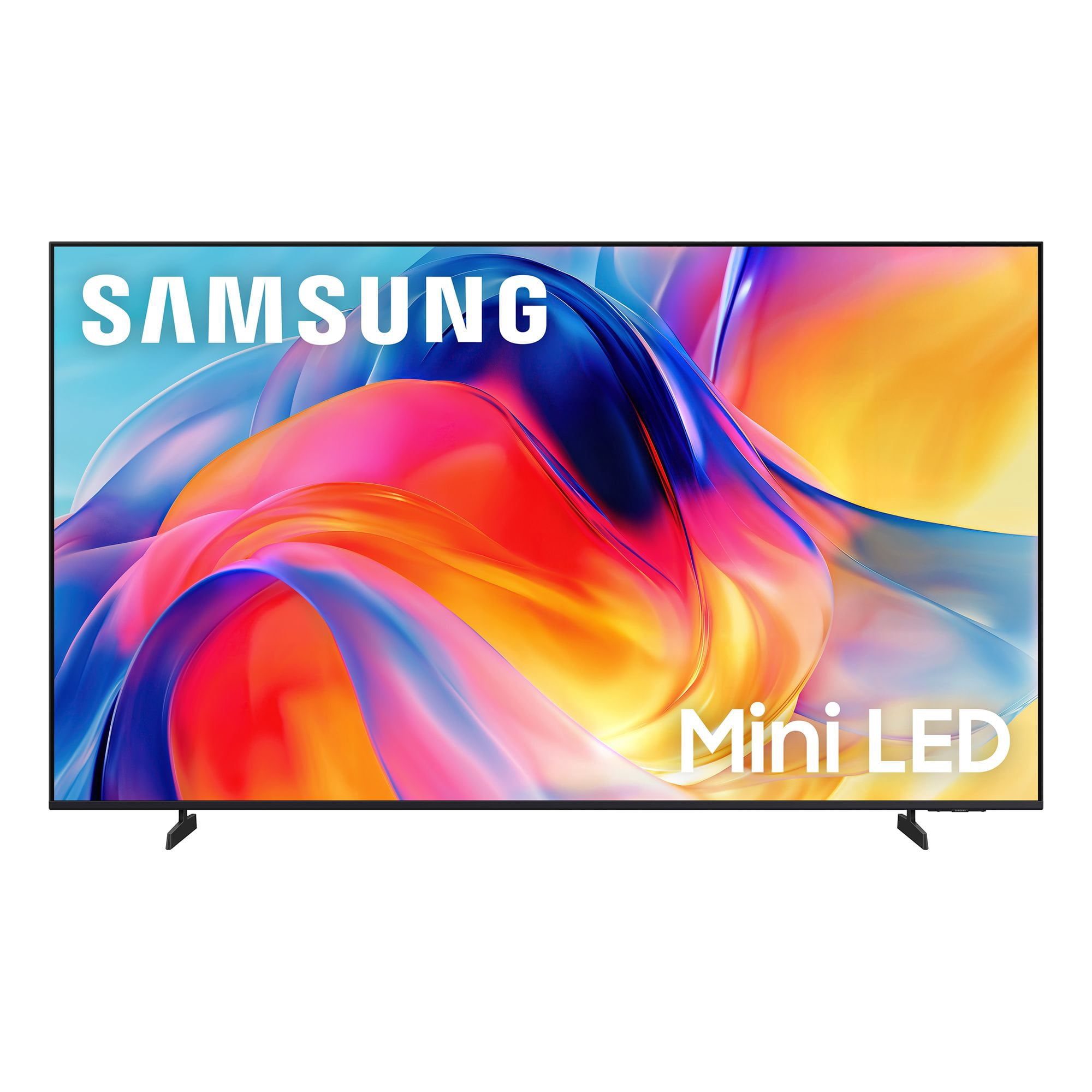
SAMSUNG 65” Class M70H Series Mini LED 4K UHD Vision AI Companion Smart Tizen TV
4.5 out of 5 stars
stars
470 ratings446 reviews
  1. 5 stars71% (336)
  2. 4 stars15% (70)
  3. 3 stars7% (32)
  4. 2 stars5% (23)
  5. 1 star2% (9)

Member photos

  • +122 images
Sort by |
Showing 231-240 of 446 reviews
Jul 20, 2026
Reviewer name: Wheelie
5 out of 5 stars
5 out of 5 stars review

Fantastic TV

[This review was collected as part of a promotion.] The TV is fabulous! The magnificent brightness ,colors and contrasts are amazing! It was an easy setup and we use the remote without difficulty, but must say old remote, with numbers and functions, a thing of the past, is what I wish would return! That's never happening, but you can only hope!!!

Review from Samsung US
Helpful?0XWIJWU36LZK19823766916
Jun 21, 2026
Reviewer name: SergioLA
5 out of 5 stars
5 out of 5 stars review

Sharp details, and vibrant colors.

[This review was collected as part of a promotion.] I recently purchased two Samsung 65-Inch Class Mini LED M70HD 4K TVs, and I couldn't be happier with them. The picture quality is outstanding, with sharp details, vibrant colors, and impressive brightness that makes movies, sports, and streaming content look fantastic. The Mini LED technology really enhances contrast, making dark scenes look much more realistic. Setup was quick and easy, and the smart TV interface is intuitive and responsive. I also appreciate the sleek design, which looks great in my living room. This TV offers excellent performance and value for the price. I would highly recommend it to anyone looking for a high-quality 4K television.

Review from Samsung US
Helpful?0XWIJWU36LZK19823766916
Jul 5, 2026
Reviewer name: Yasso
5 out of 5 stars
5 out of 5 stars review

Excellent picture, easy setup, and outstanding tv.

⭐⭐⭐⭐⭐ Excellent TV! Crystal-clear picture, vibrant colors, and great sound. Easy to set up and the smart features work flawlessly. Highly recommend! Option 2: ⭐⭐⭐⭐⭐ Very impressed! The picture quality is stunning, the interface is fast, and streaming apps load quickly. Great value for the money. Option 3: ⭐⭐⭐⭐⭐ Fantastic purchase! Bright, sharp display with smooth performance. Perfect for movies, sports, and gaming. Samsung delivered another great TV.

Review from Samsung US
Helpful?0XWIJWU36LZK19823766916
Jul 6, 2026
Reviewer name: Tin Indian
4 out of 5 stars
4 out of 5 stars review

Remote Control

[This review was collected as part of a promotion.] TV works good and the picture is good. No real complaints about the TV. The remote control is another subject. It doesn't have a number keypad, but it does have a button you can push which brings up numbers and the the screen, then you have arrow left or right or up and down then push an enter button to select a number. Way too much work to put in a TV channel. The whole remote is horrible compared to the older one I had on my last Samsung. Fortunately, my old remote works with this TV. Samsung really went backward when they designed the remote.

Review from Samsung US
Helpful?0XWIJWU36LZK19823766916
May 10, 2026
Reviewer name: XoxoJojo
5 out of 5 stars
5 out of 5 stars review

Real life in a box on my wall!

[This review was collected as part of a promotion.] Needed a smaller TV for my kids room and they absolutely love it. Just because it's smaller doesn't mean it lacks in quality or features! My kids are obsessed with it and I can't get them off the dang Xbox! The picture looks crazy, like real life is shining through the screen. The color is so vibrant and bright that you wouldn't know it's a movie if it didn't have a tiny black frame around it. Me and my family love Samsung and all our products! Thank you!

Review from Samsung US
Helpful?0XWIJWU36LZK19823766916
Jul 20, 2026
Reviewer name: David
5 out of 5 stars
5 out of 5 stars review

Great picture

[This review was collected as part of a promotion.] I absolutely love this TV. It is a replacement for another brand that stopped working. The Samsung is very responsive, color and contrast, brightness is all top notch. I even slurred and purchased the matching 5.1 sound bar. I love this system.

Review from Samsung US
Helpful?0XWIJWU36LZK19823766916
Jul 5, 2026
Reviewer name: The Bowler
4 out of 5 stars
4 out of 5 stars review

Good TV for the Price

[This review was collected as part of a promotion.] The TV has a very good picture from all angles. The audio is just average. The physical setup was relatively easy. Going through the menu to setup the TV up at times was very confusing. Trying to find certain settings was very difficult at times. The remote did not come with a voice command button even though the TV supported voice control via Bixby so I had to buy another remote with the voice button. The paper instructions could have been more comprehensive. I added a sound bar to improve the audio quality.

Review from Samsung US
Helpful?0XWIJWU36LZK19823766916
Jun 5, 2026
Reviewer name: ChicagoBoy
4 out of 5 stars
4 out of 5 stars review

Good TV for the Price

[This review was collected as part of a promotion.] The screen size and picture quality are very good. The sound is just average. The remote work well but it lacks audio input even though the TV has Bixby. Had to buy another remote with audio input button to be able to use verbal commands. I do not know if it is the third party remote or the TV but the verbal commands do not always work. When moving the curser or loading an app the TV is a little slow. Trying to find and use the settings is not very clear cut.

Review from Samsung US
Helpful?0XWIJWU36LZK19823766916
Jun 20, 2026
Reviewer name: ScottieMom
5 out of 5 stars
5 out of 5 stars review

Very Pleased With Purchase

[This review was collected as part of a promotion.] We love our new television! It was very easy to set up. The picture has excellent clarity; it looks like you could jump into the picture! The color is spot on and the sound quality is also excellent.

Review from Samsung US
Helpful?0XWIJWU36LZK19823766916
Jul 20, 2026
Reviewer name: Mark
2 out of 5 stars
2 out of 5 stars review

Initial results

[This review was collected as part of a promotion.] I recently bought my tv and believe I need to return it under the warranty. The screen blacks out at random times, very annoying, the sound continues to work, but the screen goes black for - one second.

Review from Samsung US
Helpful?0XWIJWU36LZK19823766916
reply from Samsung Advisor

Hi Mark, Thanks for sharing your experience with your screen displaying a black screen and “No Signal” message. This typically indicates a connection or source issue. Let’s walk through a few steps to help get things working again. 1. Check Source & Connections • Confirm the source: Use the remote to make sure the TV is set to the correct input. Go to: Home > Left directional key > Connected Devices > Sources • Verify connections: Ensure all external devices (like a cable box or Blu-ray player) are powered on and securely connected via HDMI. Try switching to a different HDMI port or using another cable to rule out a faulty connection. For best results, use a High Speed HDMI cable with Ethernet (HEAC) – this supports stable 4K video and audio signals for most external devices. • Using a soundbar or A/V receiver? If you're connected through the TV’s HDMI eARC port, be sure to use a certified Ultra High Speed HDMI cable to enable lossless audio formats like Dolby Atmos and maintain proper eARC functionality. • Power cycle the TV: Unplug it from the wall for at least 60 seconds, then plug it back in. 2. Update Your TV Software • Make sure your TV is running the latest firmware: Home > Left directional key > Settings > Support > Software Update 3. Signal & Broadcast Checks (Especially important if you're using a cable box or antenna.) • Check signal strength: Home > Left directional key > Settings > Support > Device Care > Self Diagnosis > Broadcast Signal • Run Auto Program: Home > Left directional key > Settings > All Settings > General & Privacy > Broadcasting > Auto Program 4. Advanced Troubleshooting • HDMI Test: Home > Left directional key > Settings > Support > Device Care > Self Diagnosis > HDMI Test • Try a different device: Connect another external device to the same port to help identify whether the issue lies with the original device or the TV. • Check the power source: Make sure the TV is plugged into a working outlet. If using a surge protector, try plugging directly into the wall. • Factory reset (if needed): As a last resort, you can reset the TV to its default settings. (Note: this will erase your personal preferences.) If none of these steps resolve the issue, contact Samsung Support for further assistance at 1-800-SAMSUNG (8AM – 9PM EST Mon – Fri, 8AM – 6PM Sat – Sun), or reach us via text anytime. You can also visit ‘Support’ on our website for: • Live Chat • Manuals, Software, & Warranty Info ~ Samsung Advisor