Join Now
Skip to Main Content
Sam's Club
Sam's Club
All Departments
All Services
Customer reviews for SAMSUNG 65” Class M70H Series Mini LED 4K UHD Vision AI Companion Smart Tizen TV for
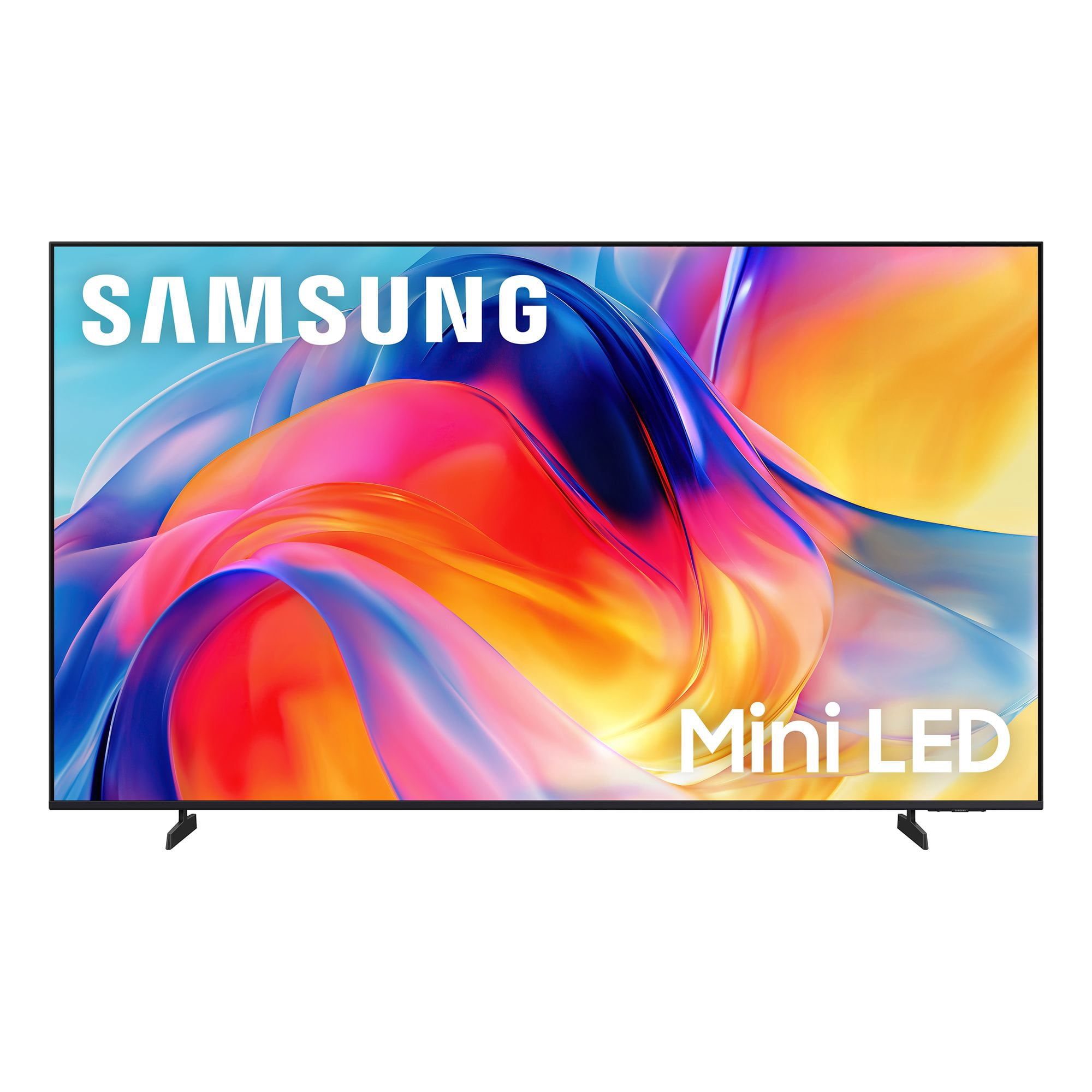
SAMSUNG 65” Class M70H Series Mini LED 4K UHD Vision AI Companion Smart Tizen TV
4.5 out of 5 stars
stars
470 ratings446 reviews
  1. 5 stars71% (336)
  2. 4 stars15% (70)
  3. 3 stars7% (32)
  4. 2 stars5% (23)
  5. 1 star2% (9)

Member photos

  • +122 images
Sort by |
Showing 201-210 of 446 reviews
Oct 5, 2026
Reviewer name: Derek
2 out of 5 stars
2 out of 5 stars review

Not happy that I can't hook up a center terminal

[This review was collected as part of a promotion.] Very happy with the pitch quality as I have 10 Samsung TVs not having the fact that the HDMI does not work to route the sound to my center channel and subwoofer

Review from Samsung US
Helpful?0XWIJWU36LZK19823766916
reply from Samsung Advisor

Hi Derek, Thank you for your feedback. To best understand and assist you with the issues you are experiencing, please contact us at 1-800-SAMSUNG (8AM – 9PM EST Mon – Fri, 8AM – 6PM Sat), or reach us via text anytime. You can also visit ‘Support’ on our website for: • Live Chat • Manuals, Software, & Warranty Info ~ Samsung Advisor

Oct 6, 2026
Reviewer name: Bamadog
5 out of 5 stars
5 out of 5 stars review

Mini65

[This review was collected as part of a promotion.] Great picture and fast wish I would of had a bigger space for a larger screen but overall great quality.

Review from Samsung US
Helpful?0XWIJWU36LZK19823766916
Oct 10, 2026
Reviewer name: BarbO
5 out of 5 stars
5 out of 5 stars review

Love This T.V.!
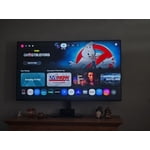
[This review was collected as part of a promotion.] Love my Samsung TV. Great vibrant color and contrast. I'm going to buy a smaller one for my bedroom.

Review from Samsung US
Helpful?0XWIJWU36LZK19823766916
Oct 13, 2026
Reviewer name: Yupyup
5 out of 5 stars
5 out of 5 stars review

Love it

[This review was collected as part of a promotion.] Love it. Great tv for the price. I also compared the specs to 4 other tvs currently in stores at this price range, and this tv had overall better specs by far. I absolutely love it

Review from Samsung US
Helpful?0XWIJWU36LZK19823766916
Oct 5, 2026
Reviewer name: Rayc
5 out of 5 stars
5 out of 5 stars review

Great Experience

[This review was collected as part of a promotion.] The TV is great - clear, vibrant, and responsive. The TV is loaded with various choices of different apps. Easy to use, except for some apps are awkward.

Review from Samsung US
Helpful?0XWIJWU36LZK19823766916
Sep 21, 2026
Reviewer name: Mathtchr
4 out of 5 stars
4 out of 5 stars review

Volume

[This review was collected as part of a promotion.] Volume control needs numbers so that one can see the exact volume setting. We had that on our prior TV and miss that feature on our Samsung.

Review from Samsung US
Helpful?0XWIJWU36LZK19823766916
Sep 21, 2026
Reviewer name: Dancemf
3 out of 5 stars
3 out of 5 stars review

Where are the rest of the apps!??

[This review was collected as part of a promotion.] I'm frustrated with the selection of apps available. I'm not able to download or add any apps that I used to have on my last TV. This limits my viewing from programming I should be able to see.

Review from Samsung US
Helpful?0XWIJWU36LZK19823766916
reply from Samsung Advisor

Hi Dancemf, Thank you for sharing your experience. Please know that you can customize your Home screens by installing, removing or adding your favorite apps to Apps Home and/or For You Home screen. Here's how: Searching for & Installing Apps 1. From the Home screen, press up on the remote’s directional pad. 2. Navigate to and select Search. 3. Using the search bar, enter the content or app you’d like to find. 4. Navigate to and select the app you’d like to install, then select Install. Note: Previously installed apps can be accessed on the Settings screen. Adding & Managing Apps on Home Screen 1. Go to App Settings (these can be found at the bottom of the Apps screen) and select the app you want to move. The following options will be available: a. Add to Home: Move the app to your desired location on the Home screen. b. Delete: Delete app. c. Lock/Unlock: Lock the app with a PIN so only you can use it. When the app is selected again, you will be prompted to enter the PIN to unlock it. d. Reinstall: Reinstall the app. e. View Details: View the app’s information and details. If you need more help with app management, please don’t hesitate to reach Samsung Support at 1-800-SAMSUNG (8AM – 9PM EST Mon – Fri, 8AM – 6PM Sat – Sun), or reach us via text anytime. You can also visit ‘Support’ on our website for: • Live Chat • Manuals, Software, & Warranty Info ~ Samsung Advisor

Sep 22, 2026
Reviewer name: HREllis
5 out of 5 stars
5 out of 5 stars review

Love the TV

[This review was collected as part of a promotion.] My new TV is everything I wanted..Very clear picture and very good contrast.I am very satisfied.Ibeould highly recommend this TV.

Review from Samsung US
Helpful?0XWIJWU36LZK19823766916
Oct 5, 2026
Reviewer name: John
2 out of 5 stars
2 out of 5 stars review

Poor sound quality

[This review was collected as part of a promotion.] The sound quality of the 75” is absolutely terrible. Picture is fine but I'm going to have to purchase a sound bar to improve the quality.

Review from Samsung US
Helpful?0XWIJWU36LZK19823766916
reply from Samsung Advisor

Hi John, Thank you for purchasing Samsung’s M70HD TV and for sharing your feedback on the sound quality. To ensure you’re experiencing the best possible audio, we first recommend checking that your TV is running the latest firmware. To do this, navigate to: Home > left directional key > Settings > Support > Software Update If the sound still doesn’t meet your expectations, there are a few settings you can try adjusting: Go to: Settings > All Settings > Sound > Sound Mode • Standard: Balanced sound without emphasis on any one range • Optimized: Enhanced effects and spacious sound • Amplify: Boosts mid and high tones to make dialogue clearer You can also explore Expert Settings to fine-tune options such as Balance, Equalizer, Auto Volume, and more to match your personal preferences. For further help adjusting your sound settings or finding the right soundbar for your space, feel free to reach Samsung Support at 1-800-SAMSUNG (8AM – 9PM EST Mon – Fri, 8AM – 6PM Sat) or visit the Support link on our website. ~ Samsung Advisor

Oct 12, 2026
Reviewer name: Buddha
5 out of 5 stars
5 out of 5 stars review

Top of the line
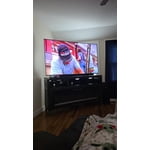
[This review was collected as part of a promotion.] You get a lot of tv for the price. It also has great brightness display and speakers are nice and loud.

Review from Samsung US
Helpful?0XWIJWU36LZK19823766916