
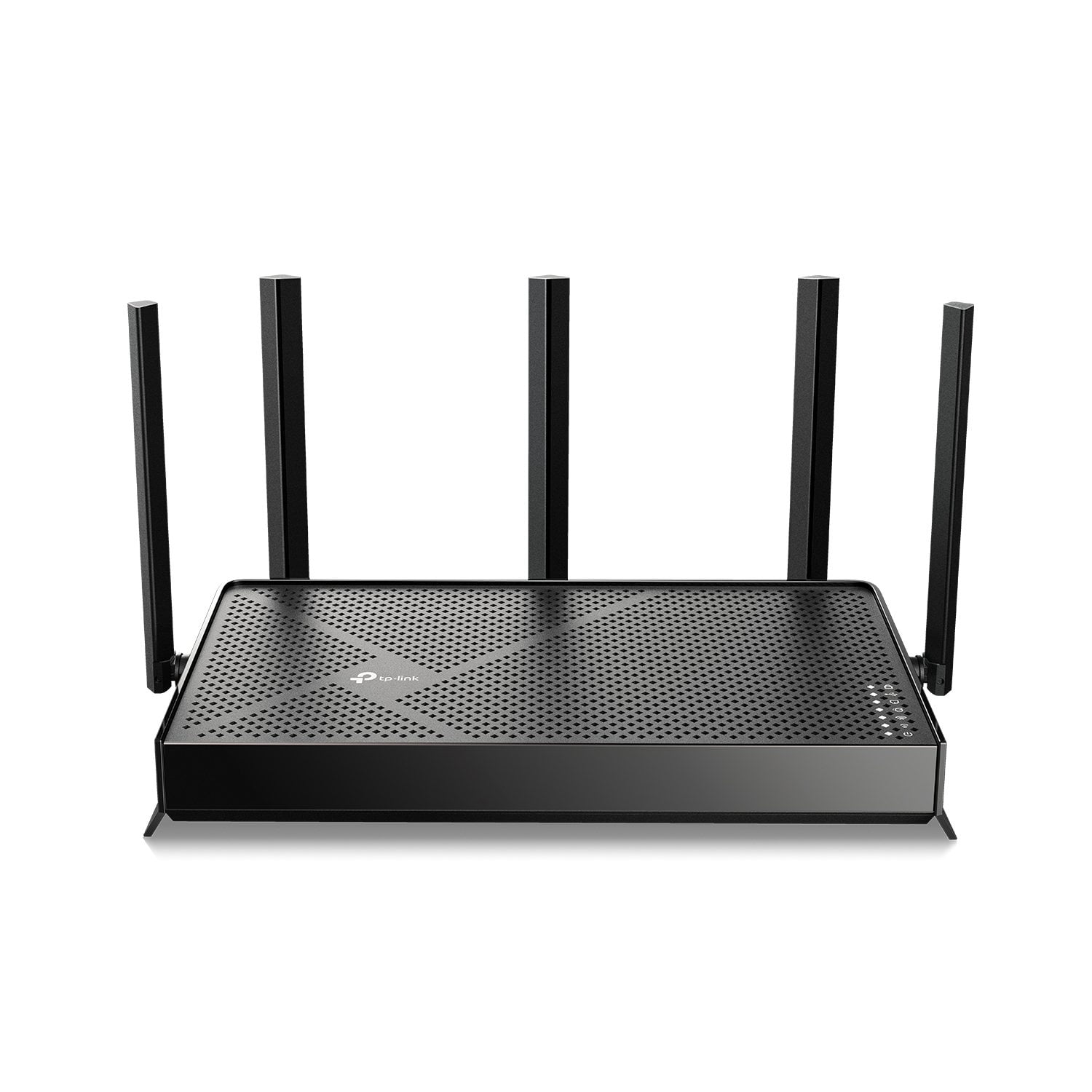
 Customer reviews for TP-Link Archer BE4600 Wi-Fi 7 Router for
TP-Link Archer BE4600 Wi-Fi 7 Router
4.1 out of 5 stars
stars
22 ratings13 reviews
Sort by |
Showing 1-10 of 13 reviews
Apr 28, 2026
Reviewer name: M Stephens
5 out of 5 stars review
Verified Purchase
Quick and Easy to set up and a great value
Helpful?
May 3, 2026
Reviewer name: anonymous
5 out of 5 stars review
Easy to setup and manage
Helpful?
Sep 6, 2026
Reviewer name: Rgl
5 out of 5 stars review
Verified Purchase
1#
Helpful?
Aug 28, 2026
Reviewer name: Sparky
5 out of 5 stars review
Verified Purchase
Very good
Helpful?
Aug 30, 2026
Reviewer name: CC
5 out of 5 stars review
Verified Purchase
Good
Helpful?
Sep 15, 2026
Reviewer name: Gina B
4 out of 5 stars review
Verified Purchase
Easy to see up
Helpful?
Aug 18, 2026
Reviewer name: Rick
1 out of 5 stars review
Bad Connections
Helpful?
reply from TPLinkSupport
Sep 29, 2026
Reviewer name: anonymous
1 out of 5 stars review
Do NOT Recommend
Helpful?
reply from TPLinkSupport
Aug 4, 2026
Reviewer name: JRB
1 out of 5 stars review
WHERE IS THE MAGNIFYING GLASS?
Helpful?
reply from TPLinkSupport
Jun 3, 2026
Reviewer name: Bryan
1 out of 5 stars review
Pain to set up
Helpful?
reply from TPLinkSupport