Skip to Main Content
Sams Club
Sams Club
Customer reviews for Samsung Galaxy Buds3 FE for
Samsung Galaxy Buds3 FE
4.6 out of 5 stars
stars336 ratings336 reviews
  1. 5 stars76% (256)
  2. 4 stars15% (51)
  3. 3 stars5% (16)
  4. 2 stars1% (4)
  5. 1 star3% (9)

Member photos

  • +53 images
Sort by |
Showing 1-10 of 336 reviews
Mar 30, 2026
SimpleGuy80
5 out of 5 stars review

Excellent tablet

[This review was collected as part of a promotion.] I love this tablet. I use it for taking notes and the S pen is seamless. In addition, the Galaxy AI feature helps me keep everything organized!

Review from Samsung US
Helpful?6TPCE2UJ36JM18803665318
Dec 6, 2025
LovinSTab11
5 out of 5 stars review

Very intuitive tablet

[This review was collected as part of a promotion.] Using the Galaxy AI on my tablet has made it easier to come up with suggestions for artwork and fact checking for assignments. Very light and visually easy on the eyes. The tablet connects easily with my Galaxy Cell Phone through Smart things device control. If I need a bigger picture the Smart View allows Mirror Screen to my Smart TV

Review from Samsung US
Helpful?6TPCE2UJ36JM18803665318
Nov 11, 2025
Keith1982
5 out of 5 stars review

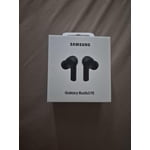
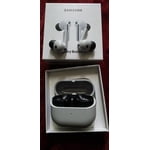
Samsung galaxy buds 3 fe

[This review was collected as part of a promotion.] By far, the best sound for the dollar price is amazing. The AI technology and the device is awesome best. Noise-canceling features. And amazing, immersive sound Must have for anybody who loves music or audiobooks

Review from Samsung US
Helpful?6TPCE2UJ36JM18803665318
Jan 11, 2026
strongnetal
5 out of 5 stars review

BUDS 3 FE

It's no different than the Pro series' seamless connectivity. The battery lasts longer. The sound may not be like the Pro, but the bass is still good with good quality. Noise cancellation is great. I was surprised by the call quality, which is the reason why I bought it. The other party hears less background noise, which feels comfortable.

Review from Samsung US
Helpful?6TPCE2UJ36JM18803665318
reply from R&R

Hey strongnetal, Thank you for sharing your experience with Galaxy Buds3 FE. Designed to provide reliable connectivity, long-lasting battery life, and clear call quality, these earbuds offer a well-balanced listening experience. Your feedback highlights how effective noise control and voice clarity can make everyday conversations feel more natural and comfortable. Insights like this help demonstrate the versatility of Galaxy Buds3 FE across various use cases. Thank you for choosing Samsung. -Ty Samsung Support smsng.us/Samsung-Support Samsung Community smsng.us/Samsung-Community Facebook smsng.us/Facebook-Messenger X https://smsng.us/X-Messages

Apr 20, 2026
Hunter54
4 out of 5 stars review

Great buds

[This review was collected as part of a promotion.] Galaxy ai is great and the buds pairing up is great. Sound quality and battery last is very good

Review from Samsung US
Helpful?6TPCE2UJ36JM18803665318
reply from R&R

Howdy Hunter54, It's wonderful to hear that the Buds3 FE offer impressive sound quality, long battery life, and effortless pairing. These everyday features work together to create a smooth listening experience. Thank you for sharing your thoughts with us. We are thrilled to have you as part of the Samsung community. -Ty Samsung Support smsng.us/Samsung-Support Samsung Community smsng.us/Samsung-Community Facebook smsng.us/Facebook-Messenger X https://smsng.us/X-Messages

Mar 14, 2026
Char44
4 out of 5 stars review

Almost perfect tablet

[This review was collected as part of a promotion.] I use my tablet for personal streaming, watching You Tube videos, email and text. It works well doing all of these things. I love the screen size and the weight of the device. Very portable allowing me to move freely around the house, especially in the kitchen. I can pull up a recipe and view it as I cook. The AI features are helpful when I have a question, need information or help composing a important text or email. I took away a point due to the included Spen breaking with very light usage. I was just starting to learn how to use the samsung notes app which comes installed on the tablet. Very unfortunate as it makes a really good tablet less than perfect.

Review from Samsung US
Helpful?6TPCE2UJ36JM18803665318
Dec 30, 2025
Vict
3 out of 5 stars review

Still no charger??

This product came without the option of extended external storage limiting my capacity in terms of memory but not only that it didnt even come with a charger?? How am I supposed to charge the device I paid for when it came with one historically. They might as well put a fruit logo in the back and call themselves a cheap company.

Review from Samsung US
Helpful?6TPCE2UJ36JM18803665318
reply from R&R Team

Hey Vict, thank you for sharing your thoughts about your Samsung Galaxy Tab S11 with us. We know it can take time to fully discover your device and best align to your preferences. This device does have the option to use a micro SD card for storage expansion on your device if you are finding the installed storage insufficient. We also no longer provide charging adapters and recommend using ones from previous devices to charge your device, and help us reduce electronic waste. We have provided a link to the Samsung Support Team to assist you if you have questions about these features. We appreciate you being a Samsung customer. -Elizabeth Samsung Support smsng.us/Samsung-Support Samsung Community smsng.us/Samsung-Community Facebook smsng.us/Facebook-Messenger X https://smsng.us/X-Messages

Dec 21, 2025
Disappointed
1 out of 5 stars review

Overheats Quick

Tablet is powerful, but the thermals are terrible. It runs really hot and heats up really quick. I ran the same game at all the same settings on both the Galaxy Tab S9 and the Tab s11. The S9 NEVER dropped frames, never auto dimmed the screen, never thermal throttle or got uncomfortable to hold in almost 2 years of heavy gaming on it. The Tab S11 thermal throttles within a half hour. Drops frames, has random screen glitches that look like GPU overheating symptoms. The screen auto dims under load which is obnoxious. From my reading, Samsung made the non-ultra variant thinner and had to use a subpar vapor chamber. Then underclocked the processor to compensate for thermals. Yet it still can't sustain loads.

Review from Samsung US
Helpful?6TPCE2UJ36JM18803665318
reply from R&R Team

Hello there, we appreciate you taking time out of your day to share your thoughts about your Samsung Galaxy Tab S11 with us. We know how important the usage of your tablet is for your more intense activities like your favorite games. We have provided links to resources to help you adjust the refresh rate, maintain the optimal temperature, and adjust the settings for the display to your preferences. We have also shared a link to the Samsung Support Team to offer assistance if you continue to experience frustrations with your device. We appreciate you being a Samsung customer. -Elizabeth How to adjust refresh rate options on your Galaxy phone or tablet https://www.samsung.com/us/support/answer/ANS10003396/ Keep your Galaxy device at its normal operating temperature https://www.samsung.com/us/support/answer/ANS00076952/ Product Manuals https://www.samsung.com/us/support/downloads/ Samsung Support smsng.us/Samsung-Support Samsung Community smsng.us/Samsung-Community Facebook smsng.us/Facebook-Messenger X https://smsng.us/X-Messages

Jan 2, 2026
Benpai74
1 out of 5 stars review

Do not buy

Earbuds were grear at first but unfortunately they are now just wigging out. The left bud has a high pitched sound at times while also lowering the volume randomly.

Review from Samsung US
Helpful?6TPCE2UJ36JM18803665318
reply from R&R

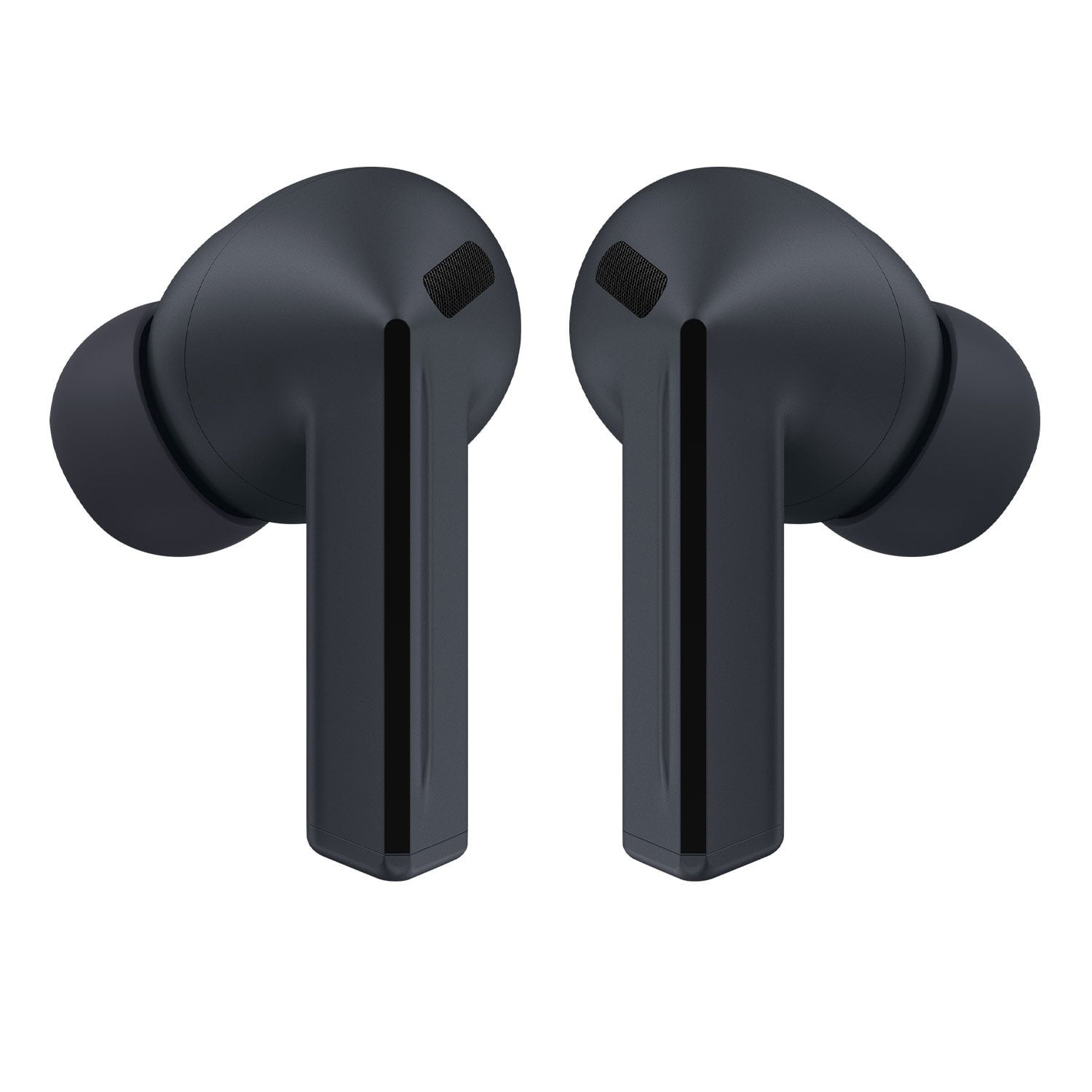
Salutations Benpai74, Thank you for sharing your experience with the Galaxy Buds3 FE. These earbuds are designed to deliver clear sound and seamless Galaxy connectivity for daily use. Sound quality is key to enjoyment. When Active Noise Canceling, Adaptive, or Ambient Sound features are active, the sound from the sub-microphone, located on the top outer edge of your earbuds, is adjusted based on the noise control mode and transmitted through the speaker. However, covering or touching the area around the sub-microphone while putting on, removing, or adjusting your earbuds can cause the microphone to pick up sound, resulting in beeping or howling noises. Please make sure the sub-microphone isn't covered when these features are active. Refer to the online article linked below for more information about loopback and feedback, and how to avoid them. Thank you for being part of the Samsung community. Beeping or howling noise when holding the Galaxy Buds https://www.samsung.com/us/support/troubleshoot/TSG10003620/ -Ty Samsung Support smsng.us/Samsung-Support Samsung Community smsng.us/Samsung-Community Facebook smsng.us/Facebook-Messenger X https://smsng.us/X-Messages

Dec 12, 2025
Jamie
1 out of 5 stars review

Earbud 3 pro

They dont stay in your ear well. Poor design. If you want to make great products you should contact people like me that use your products 20 hours a day so I could tell you what to improve on. The design is poor not allowing you to push the earbuds in snuggly due to to way they are designed. You earsbud 2 pro fit perfectly but because you tried to copy airpods but designed these in a way you can't get them snuggly I.n your ear they will fall out and its hard to even hear them well. Get product testers for beta testing so if changes need to be made you can do it before mass producing them.

Review from Samsung US
Helpful?6TPCE2UJ36JM18803665318
reply from R&R

Hi Jamie, Thank you for your insights on the Galaxy Buds3 FE. These earbuds are designed for clear sound and stylish comfort, and your feedback on fit will help improve future designs for secure wear and great sound during all activities. Proper fit is essential for several reasons: it enhances sound quality, increases comfort, and prevents the earbuds from falling out. Improper wearing can cause discomfort, sound leaks, and even loss of an earbud, especially while jogging. Make sure they fit well. The Galaxy Buds3 FE come with different-sized ear tips. First, select the correct size for your ears. They should sit snugly with no gaps, which helps prevent sound leaks and ensures optimal audio quality. For instructions on changing tips, refer to our guide. Also, look for the L and R marks at the bottom of the earbuds. Insert the R earbud into your right ear with the R facing you, and the L into your left ear with the L facing you. Tilt the stem slightly so the microphone points toward your mouth instead of downward. Adjust the buds by rotating them forward or back until they feel comfortable. You can also perform a fit test to confirm you have the right fit. Please find out more about how to achieve a good fit with your Galaxy Buds3 FE by checking out the online resource linked below. Thank you for your feedback and for being part of the Samsung family. How to wear your Samsung Galaxy Buds3, Buds3 Pro, or Buds3 FE https://www.samsung.com/us/support/answer/ANS10003519/ -Ty Samsung Support smsng.us/Samsung-Support Samsung Community smsng.us/Samsung-Community Facebook smsng.us/Facebook-Messenger X https://smsng.us/X-Messages