Skip to Main Content
Sam's Club
Sam's Club
All Departments
All Services
Customer reviews for SAMSUNG 3.1.2 Channel Soundbar w/Dolby Atmos 5.1 - HW-QS700F for
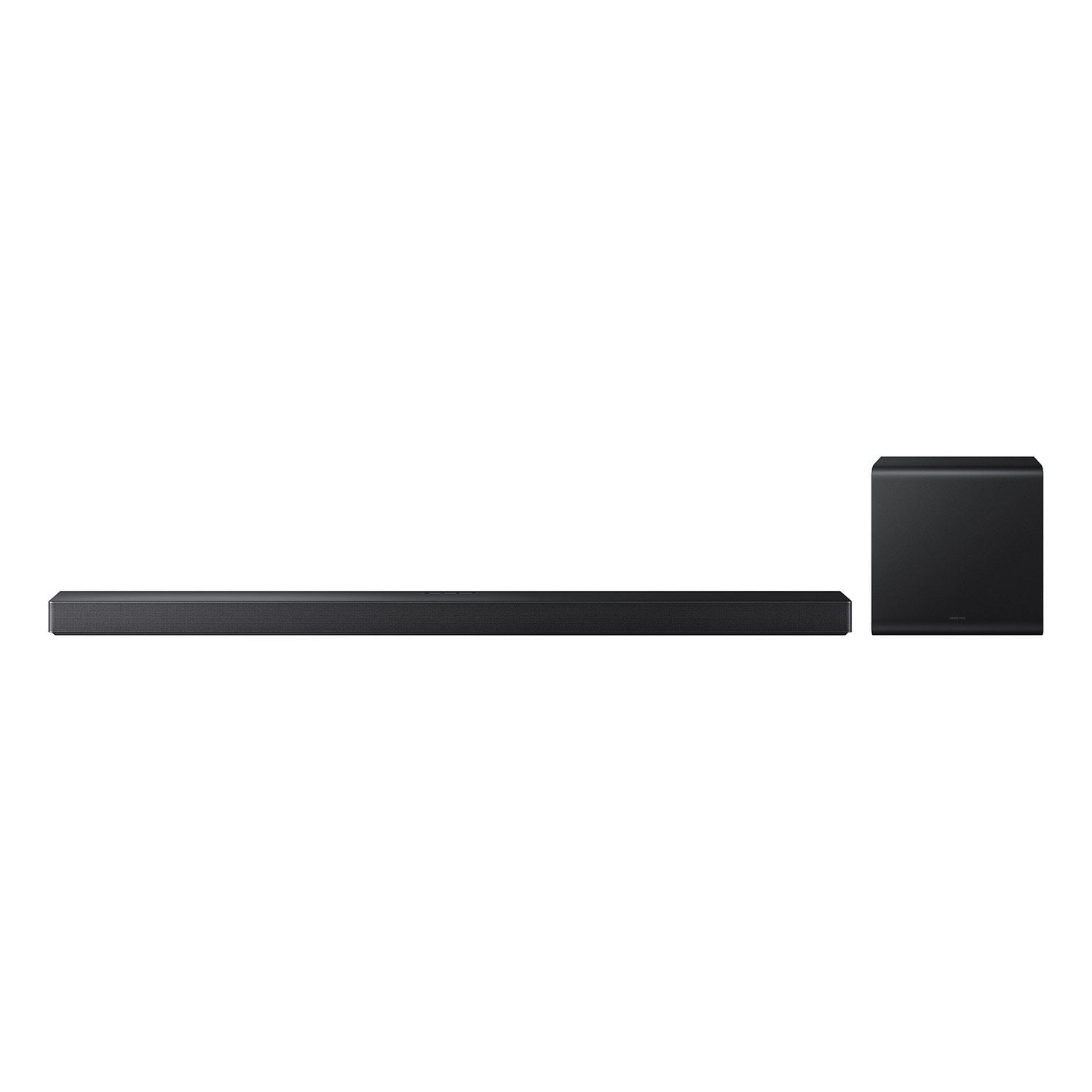
SAMSUNG 3.1.2 Channel Soundbar w/Dolby Atmos 5.1 - HW-QS700F
4.7 out of 5 stars
stars
260 ratings260 reviews
  1. 5 stars78% (204)
  2. 4 stars17% (45)
  3. 3 stars3% (9)
  4. 2 stars0% (0)
  5. 1 star1% (2)

Member photos

  • +157 images
Sort by |
Showing 111-120 of 260 reviews
Dec 25, 2025
Reviewer name: SamsungStud
5 out of 5 stars
5 out of 5 stars review

This Speaker was amazing

[This review was collected as part of a promotion.] The depth of sound from the subwoofer and the sound bars crisp and clean sound makes you hear every clash or kiss, every cry for help or cry for justice. Truly puts you in the frame of the movie

Review from Samsung US
Helpful?1QJD61U580YK18380619547
Nov 29, 2025
Reviewer name: DrBeard
5 out of 5 stars
5 out of 5 stars review

This product is amazing

[This review was collected as part of a promotion.] The best investment in surround sound quality. I feel that the price-quality ratio is quite satisfactory.

Review from Samsung US
Helpful?1QJD61U580YK18380619547
Jan 20, 2026
Reviewer name: Safety man
5 out of 5 stars
5 out of 5 stars review

Awsome Sound Bar

Easy setup, Awsome sound, only issue is sometimes get an echo during certain shows always random and I am sure it is a sync or audio in the sound track issue, would highly recommended, very satisfied.

Review from Samsung US
Helpful?1QJD61U580YK18380619547
Nov 25, 2025
Reviewer name: Inddey99
5 out of 5 stars
5 out of 5 stars review

Great sound experience

[This review was collected as part of a promotion.] This is what we wanted to hear. Great sound with clear vocals. Love to start my day with it and party on it. Great job.

Review from Samsung US
Helpful?1QJD61U580YK18380619547
Dec 5, 2025
Reviewer name: Ginger
5 out of 5 stars
5 out of 5 stars review

Awsome picture

[This review was collected as part of a promotion.] We have another Samsung TV in our home & by far this brand is the best. We love the picture and sound. Happy to be able to share our thoughts on this great device.

Review from Samsung US
Helpful?1QJD61U580YK18380619547
Dec 22, 2025
Reviewer name: Kojikhanaa
5 out of 5 stars
5 out of 5 stars review

Immersive and sleek

[This review was collected as part of a promotion.] This fits perfectly in my living room. The sound is deep, and Q-Symphony takes it to another level. Great mid level system with tons of features.

Review from Samsung US
Helpful?1QJD61U580YK18380619547
Oct 22, 2025
Reviewer name: Lovesamsung
5 out of 5 stars
5 out of 5 stars review

Amazing quality
[This review was collected as part of a promotion.] I can’t say enough how amazing every one of my Samsung devices are, quality sound and pictures

Review from Samsung US
Helpful?1QJD61U580YK18380619547
Oct 13, 2025
Reviewer name: GrzMan
4 out of 5 stars
4 out of 5 stars review

Improved Sound Quality

[This review was collected as part of a promotion.] Happy thus far with our Samsung 3.1 Soundbar. Looks good and has improved our sound quality.

Review from Samsung US
Helpful?1QJD61U580YK18380619547
Oct 20, 2025
Reviewer name: Itsjustok
3 out of 5 stars
3 out of 5 stars review

It’s just ok

[This review was collected as part of a promotion.] I like how slim it is - but you give up sound performance

Review from Samsung US
Helpful?1QJD61U580YK18380619547
reply from Samsung Solutions

Hi Itsjustok, Thank you for sharing your review of the HW-QS700FYour experiences and feedback are very important to us and will be shared with our product teams. You can optimize the audio performance for your specific content by pressing the SOUND MODE button on your remote, and then selecting the desired sound effect. You can adjust the Treble and Bass by pressing the TONE CONTROL button then use the UP/DOWN buttons to change the levels between -6 to +6. By pressing the CH LEVEL button, you can adjust the volume of the available channels. Each time you press the CH LEVEL button it will switch to a different channel such as Center, Front Top, or Rear Level. After selecting the channel you wish to adjust, use the UP/DOWN buttons on the provided Soundbar remote to adjust the volume between -6 to +6. If you would like louder (or softer) bass from your subwoofer, you can adjust the level by rocking the WOOFER button on the soundbar remote, and then adjusting the level from -6 to +6. To set the subwoofer volume level to 0, press the button in. With the sound mode set to Standard, press and hold the Sound Control button for about 5 seconds to adjust the sound for each frequency band for precise audio adjustments. 150Hz, 300Hz, 600Hz, 1.2kHz, 2.5kHz, 5kHz, and 10kHz are selectable using the Left/Right buttons and each can be adjusted to a setting between -6 to +6 using the Up/Down buttons. I hope this tip helps improve your enjoyment. For more help, please call us at 1-800-SAMSUNG (Ask for Soundbars), 8 AM – 12 AM EST, 7 days a week. Live Chat with an agent as well as manuals, software, creating a service ticket, and warranty info can be found at the ‘Support’ link on our Samsung website. ~ Samsung Solutions

Nov 3, 2025
Reviewer name: Lovetolove
4 out of 5 stars
4 out of 5 stars review

Great product

[This review was collected as part of a promotion.] Will recommend it to friends and family. I love this product.

Review from Samsung US
Helpful?1QJD61U580YK18380619547