Skip to Main Content
Sam's Club
Sam's Club
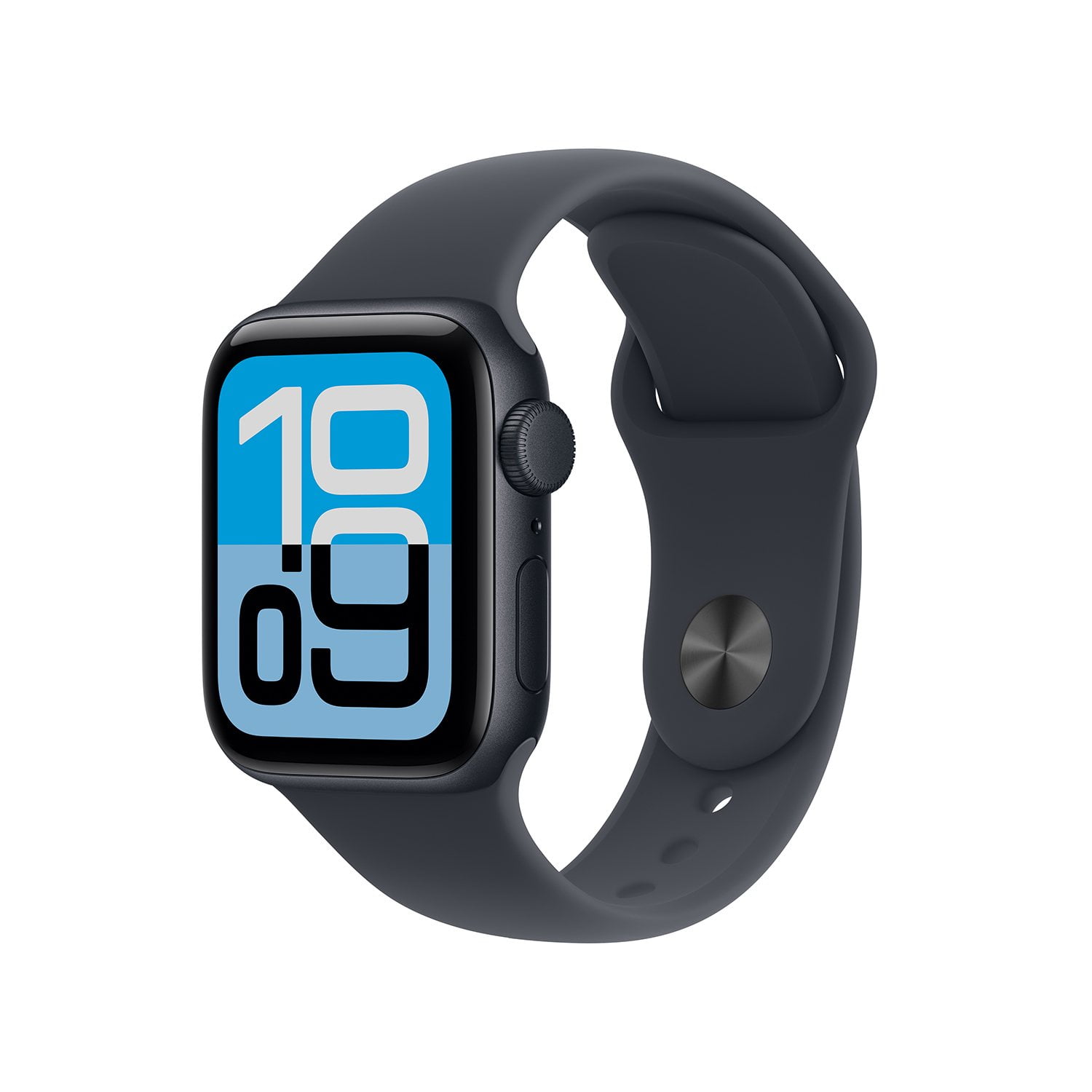
Customer reviews for Apple Watch SE 3 GPS + Cellular 40mm Aluminum Case for
Apple Watch SE 3 GPS + Cellular 40mm Aluminum Case
4.1 out of 5 stars
stars55 ratings55 reviews
  1. 5 stars69% (38)
  2. 4 stars5% (3)
  3. 3 stars4% (2)
  4. 2 stars5% (3)
  5. 1 star16% (9)

Member photos

Sort by |
Showing 1-10 of 55 reviews
Nov 2, 2025
PhyreSpirit
5 out of 5 stars review

Verified Purchase

Good watch

The watch is organized very chaotic at factory settings, but once you get the hang of changing the settings, it's very user-friendly. It's easy to change the backgrounds, and nice that you can use your own photos or photos that you buy or that come with the watch. It's also very nice that you can scroll through your apps with the touch of a finger. I do like the feature that if you double tap with two fingers, you can zoom in, that works well for an older person like me. The volume is sufficient during a phone call for me to hear it, which is nice and the person I am talking to can hear me as well which is also nice. I would recommend this watch.

Review from ATT.com
Helpful?2RI6WLG6IUO917824468087
Jan 13, 2026
Ryan4
5 out of 5 stars review

Verified Purchase

A great option for kids

We purchased this to use with our younger kids. It works as you would expect from an Apple product. It is a good way to keep in touch with them. They are loving them as well.

Review from ATT.com
Helpful?2RI6WLG6IUO917824468087
Apr 24, 2026
Anonymous
5 out of 5 stars review

Verified Purchase

N/a

I was very skeptical about getting the watch because I was not sure if I would like it. After receiving the watch and wearing it for a few days, I really enjoyed it. I love all the different things that it's capable of doing, including watching my health, exercising and monitoring my blood pressure.

Review from ATT.com
Helpful?2RI6WLG6IUO917824468087
Jan 30, 2026
LydiaMP
4 out of 5 stars review

Verified Purchase

Great Watch

I upgraded from a series 6 that had no cellular or gps. so i would say this was a huge upgrade for me. i wear my apple watch daily and have for years. it works smoothly and is my favorite apple watch i've owned so far.

Review from ATT.com
Helpful?2RI6WLG6IUO917824468087
Feb 14, 2026
Disappointing 2
3 out of 5 stars review

Verified Purchase

It's ok

I got this watch for my kid. I've heard great things about the Apple Watches for kids, but honestly the set up for it at home is terrible and I still cannot get the find my location services to work correctly on his device.

Review from ATT.com
Helpful?2RI6WLG6IUO917824468087
reply from AT&T CARE - Jessica

Hi there, we’re sorry the setup has been frustrating, especially when this is meant to keep your kid connected and safe. Let’s go over a few quick things that usually fix Find My and setup issues. Quick troubleshooting to try at home Confirm Family Setup: The watch must be set up as “For a Family Member” (not paired like an adult watch). Location Services ON (iPhone): Settings > Privacy & Security > Location Services > ON Enable Find My: Settings > [your name] > Find My > ON Make sure the watch appears in the Find My app. Check permissions: Settings > Privacy & Security > Location Services > Find My → set to While Using (or Always, if available). Restart both devices: Power off the iPhone and Apple Watch, then turn them back on. Update software: Make sure both iOS and watchOS are fully up to date. Still need help? These teams can assist AT&T Support (cellular line & NumberSync): 📞 800‑331‑0500 🌐 https://www.att.com/get-support/?source=ILC309046520 Apple Support (Watch setup, Family Setup & Find My): 📞 800‑275‑2273 🌐 https://support.apple.com Once everything’s set up correctly, the experience should be much smoother. We appreciate you sharing your feedback and giving us the chance to help.

Feb 18, 2026
Df1234
3 out of 5 stars review

Verified Purchase

Instead of a phone

We purchased this watch for my 11.5 yr old to have in place of a phone. It's great ... when it works. We pay for the cellular plan but the connection is always lost.

Review from ATT.com
Helpful?2RI6WLG6IUO917824468087
reply from AT&T CARE - Jessica

Hi Df1234 — thanks for sharing your experience. We’re glad to hear the Apple Watch SE (3rd gen) is a good fit conceptually for your child, but we’re sorry the cellular connection hasn’t been reliable. We know that defeats the purpose when it’s being used instead of a phone. For NumberSync watches, connectivity can be impacted by coverage, watch settings, or how it’s paired to the account. A few quick things to check: Make sure the watch has cellular activated and is properly linked via NumberSync Keep watchOS up to date Restart both the watch and the paired iPhone Confirm coverage in your area, as watches rely solely on LTE when away from Wi‑Fi We’d love to help make this more dependable. Please contact us at https://www.att.com/get-support/?source=ILC309046520 so our team can review the line, settings, and network coverage to help improve the connection. We appreciate you choosing AT&T—and thanks for trusting us with something this important 💙

Mar 7, 2026
Shelia T
2 out of 5 stars review

Verified Purchase

Battery sucks

I ordered this watch after my 4-5 year old watch wouldn't hold a charge. I expected good battery quality boy was I wrong this watch has to be charged daily even with minimal use. If I could return it without paying restocking fees I would have. Very disappointed in Apple.

Review from ATT.com
Helpful?2RI6WLG6IUO917824468087
reply from AT&T CARE - Isabella

Thank you for taking the time to share your experience with us, Shelia. We’re sorry to hear that your new Apple Watch SE isn’t meeting your expectations when it comes to battery life. After upgrading from an older watch, it’s understandable that you were hoping for a noticeable improvement, and we know how disappointing it can feel to charge a device more often than expected. Before assuming the battery is defective, here are a few quick steps that may help improve performance: 1️⃣Check for software updates: Go to the Watch app on your iPhone, then General and Software Update. New updates often include battery optimizations. 2️⃣Review background activity: Apps running in the background can drain the battery. In the Watch app, go to General and Background App Refresh to turn off anything you don’t need. 3️⃣Adjust display settings: Lowering brightness or shortening the Wake Duration can help extend battery life. 4️⃣Turn off features you don’t use: Things like "Always On Display", continuous heart rate tracking, or cellular connectivity can use more power. Disabling unused features can make a noticeable difference. 5️⃣Restart your watch: A simple restart can clear temporary glitches that may affect battery performance. 6️⃣Check battery health: On your watch, go to Settings, Battery, then Battery Health to see if the battery is performing normally. If you’ve tried these steps and the battery still drains quickly, we recommend visiting an Apple Store or an AT&T location so a specialist can take a closer look. You deserve a device that works the way you expect. Thank you again for sharing your feedback. We appreciate the opportunity to support you. 💙

Jan 8, 2026
CassieFaye
2 out of 5 stars review

Verified Purchase

Not Worth It

This watch is just ok. My old watch had more features and being that this one is brand new the battery life is terrible. I have to charge it daily whereas my old watch I could go a min of two to three days without having to charge it. This was one of those purchases I regret purchasing and probably wouldn't have had I known that this version of the Apple Watch doesn't have as many features as I used with my previous watch coupled with the fact that the battery life sucks.

Review from ATT.com
Helpful?2RI6WLG6IUO917824468087
reply from AT&T CARE

Hey Cassie, we understand that your new Apple Watch SE 3 hasn’t met your expectations, especially regarding battery life and features. We understand how important it is for your device to keep up with your daily needs, and it’s disappointing to hear this hasn’t been your experience. Battery performance can vary depending on settings, usage, and background activity, and there may be adjustments we can suggest to help extend the time between charges. We’d love the chance to learn more about your usage and see if we can help improve your experience. Thank you for taking the time to share your thoughts. Here are also few steps you can try to increase the battery life for your Apple Watch: ⁠Enable Low Power Mode: This feature reduces background sensors, disables the Always-On display, and limits network activity. To enable it, press the side button to open Control Center, tap the battery percentage, and turn on Low Power Mode. You can also schedule it to turn off after a certain period. 2. Turn Off Always On Display: This feature can be turned off to save battery life. Go to Settings > Display & Brightness > Always On, and toggle it off. 3. Disable Background App Refresh: Prevent apps from refreshing in the background to save battery. Go to Settings > General > Background App Refresh, and turn it off. 4.Adjust Brightness: Lower the screen brightness to reduce idle power consumption 5. Manage Notifications and Haptics: Reduce notifications and haptic feedback to conserve battery. 6.Optimize Charging and Battery Health: Use the optimized charging feature to reduce the time your watch stays at full charge, slowing down battery aging

Feb 27, 2026
Anonymous
1 out of 5 stars review

Verified Purchase

Disappointed, Battery on Watch

The Apple local paint is so starting to be high quality although I love the design. The watch itself does not last more than 10 hours of charge which I find it to be unacceptable as I've had watches that cost three times less that last all week long on a chart, truly disappointed that I paid so much for a watch that does not maintain a full charge more than 10 hours

Review from ATT.com
Helpful?2RI6WLG6IUO917824468087
Jan 19, 2026
mitchell4126
1 out of 5 stars review

Verified Purchase

Not a fan

Definitely not worth the money. Try to mirror my phone and i have tried to get all settings correct and still dont receive half the calls and notifications to my phone. I used to charge my fitbit products every five days. Insane to have to charge this daily

Review from ATT.com
Helpful?2RI6WLG6IUO917824468087