Skip to Main Content
Sam's Club
Sam's Club
All Departments
All Services
Customer reviews for Apple Watch Series 11 GPS + Cellular 46mm Aluminum Case for
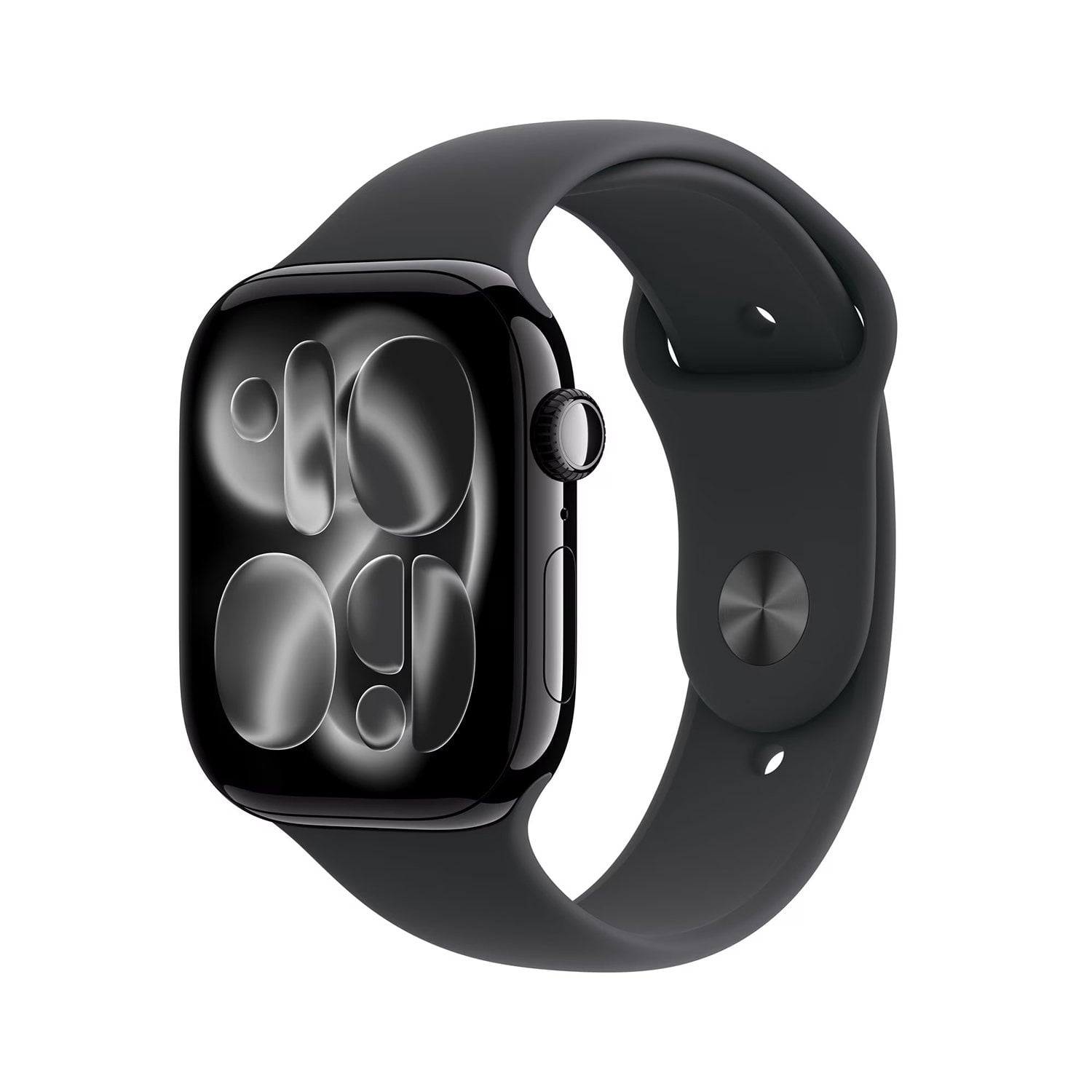
Apple Watch Series 11 GPS + Cellular 46mm Aluminum Case
4.5 out of 5 stars
stars
202 ratings202 reviews
  1. 5 stars81% (163)
  2. 4 stars5% (11)
  3. 3 stars4% (9)
  4. 2 stars2% (5)
  5. 1 star7% (14)

Member photos

  • +17 images
Sort by |
Showing 111-120 of 202 reviews
Oct 30, 2025
Reviewer name: Jayman_us
5 out of 5 stars
5 out of 5 stars review

Verified Purchase

Great Watch!

Great watch. Quick and easy purchase.

Review from ATT.com
Helpful?3D6SQPX1Q6NM17819957006
Apr 25, 2026
Reviewer name: dustin
5 out of 5 stars
5 out of 5 stars review

Verified Purchase

[This review was collected as part of a promotion.] Pretty spot on

Review from walmart.com
Helpful?3D6SQPX1Q6NM17819957006
Apr 18, 2026
Reviewer name: Bdunk
5 out of 5 stars
5 out of 5 stars review

Verified Purchase

Apple Watch series 11 review

Watch is awesome. Love the depth and temp features.

Review from ATT.com
Helpful?3D6SQPX1Q6NM17819957006
Apr 3, 2026
Reviewer name: Jilian
3 out of 5 stars
3 out of 5 stars review

Verified Purchase

Cellular

Cellular keeps going off!!!

Review from ATT.com
Helpful?3D6SQPX1Q6NM17819957006
reply from AT&T CARE - Isabella

Hi there, Jilian. We’re so sorry to hear your Apple Watch Series 11 is having trouble staying connected to the cellular network. We know how important it is to stay reachable, even when your phone isn’t nearby, and this is not the situation we want you to experience. To help with the disconnection, try these tips: -Toggle Airplane Mode: Swipe up to open Control Center, turn on Airplane Mode for 15 seconds, and then turn it back off to force a reconnection. -Update Software: Ensure both your iPhone and Apple Watch are running the latest versions of iOS and watchOS 26. -Restart Both Devices: Power off both your iPhone and Apple Watch, then turn them back on. This can clear temporary software glitches. -Check Carrier Settings: On your iPhone, go to Settings > General > About. If a carrier settings update is available, a prompt will appear to install it. If the issues persist, AT&T Support can also help review your network connection: AT&T Wireless Support: 📞 800‑331‑0500 (or dial 611 from your AT&T phone) 🔗 https://www.att.com/support We appreciate you taking the time to leave a review and share your experience.

Mar 13, 2026
Reviewer name: Anonymous
5 out of 5 stars
5 out of 5 stars review

Verified Purchase

Watch came fast and easy to set up service

Great watch and band with big screen

Review from ATT.com
Helpful?3D6SQPX1Q6NM17819957006
Mar 19, 2026
Reviewer name: Danisophi
5 out of 5 stars
5 out of 5 stars review

Verified Purchase

Best watch ever

I love my watch it's exactly what i was looking for i love apple and att services

Review from ATT.com
Helpful?3D6SQPX1Q6NM17819957006
Feb 8, 2026
Reviewer name: Anonymous
5 out of 5 stars
5 out of 5 stars review

Verified Purchase

Review

Was mailed safely & product meets all expectations.

Review from ATT.com
Helpful?3D6SQPX1Q6NM17819957006
Feb 3, 2026
Reviewer name: Victoria Marin
5 out of 5 stars
5 out of 5 stars review

Verified Purchase

Love it i like it

Great and useful lovemy apple watch

Review from ATT.com
Helpful?3D6SQPX1Q6NM17819957006
Mar 9, 2026
Reviewer name: Christina
5 out of 5 stars
5 out of 5 stars review

Verified Purchase

[This review was collected as part of a promotion.] Great product and an awesome price!

Review from walmart.com
Helpful?3D6SQPX1Q6NM17819957006
May 13, 2026
Reviewer name: mike west
5 out of 5 stars
5 out of 5 stars review

Verified Purchase

great purchase

great watch and features good buy

Review from ATT.com
Helpful?3D6SQPX1Q6NM17819957006