Skip to Main Content
Sam's Club
Sam's Club
All Departments
All Services
Customer reviews for SAMSUNG 48” Class S90FD Series 4K OLED Smart TV for
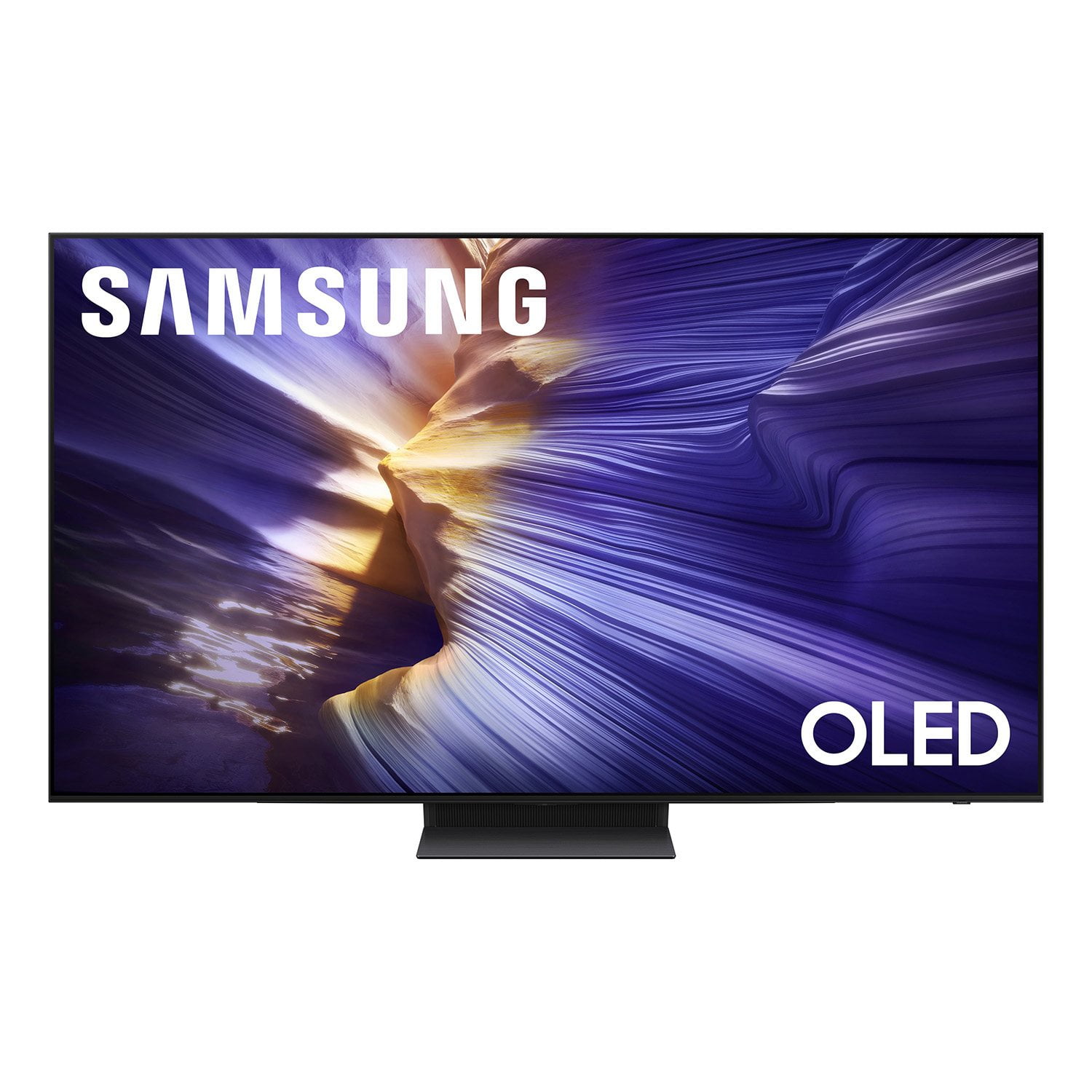
SAMSUNG 48” Class S90FD Series 4K OLED Smart TV
4.7 out of 5 stars
stars
586 ratings586 reviews
  1. 5 stars79% (465)
  2. 4 stars14% (82)
  3. 3 stars4% (22)
  4. 2 stars2% (12)
  5. 1 star1% (5)

Member photos

  • +182 images
Sort by |
Showing 211-220 of 586 reviews
Aug 31, 2026
Reviewer name: Anonymous
5 out of 5 stars
5 out of 5 stars review

Awsome

Product is great. Menu is very qu k, easy to set up. Picture is bright, contrast is great. It uniformity and responsiveness are upscaling

Review from Samsung US
Helpful?47UFZLBAKP7S17341154852
Sep 5, 2026
Reviewer name: Blondee
5 out of 5 stars
5 out of 5 stars review

Wonderful

The TV is fabulous and the brightness and clarity and the colors are amazing. Love it and it's really quick responsiveness.

Review from Samsung US
Helpful?47UFZLBAKP7S17341154852
reply from Samsung Advisor

Hi Blondee, We appreciate your feedback regarding response time. For optimal performance, please ensure your TV is running the latest firmware. You can check this by going to: Home > left directional key > Settings > Support > Software Update To further optimize performance, try running Device Care, which checks memory, clears unused cached data, and closes background apps: Home > left directional key > Settings > Support > Device Care > Start Device Care If issues continue, please reach Samsung Support at 1-800-SAMSUNG (8AM – 9PM EST Mon – Fri, 8AM – 6PM Sat – Sun). LiveChat is also available via the ‘Support’ link on our website. ~ Samsung Advisor

Jul 5, 2026
Reviewer name: Richie
5 out of 5 stars
5 out of 5 stars review

Great TV

[This review was collected as part of a promotion.] So far, I lLove It. Still leaning all the features. Contrast is Great. I also purchased Samsung Theater System. They work goid together.♥️

Review from Samsung US
Helpful?47UFZLBAKP7S17341154852
Jun 1, 2026
Reviewer name: Combovercool
5 out of 5 stars
5 out of 5 stars review

Great TV, color, contrast and brightness is great
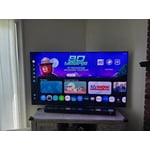
[This review was collected as part of a promotion.] Excellent colors, the contrast inky blacks, high brightness even in a full daylight room. I love this TV! The resolution is insane on this. Watching 4k movies is like being at the movie theater.

Review from Samsung US
Helpful?47UFZLBAKP7S17341154852
Jun 22, 2026
Reviewer name: TreyLuvSamsung
5 out of 5 stars
5 out of 5 stars review

Great Tv!

[This review was collected as part of a promotion.] I've had this TV for about 5 months and had no issues thus far. The colors are bright and it sounds great when watching movies or playing video games

Review from Samsung US
Helpful?47UFZLBAKP7S17341154852
Jun 22, 2026
Reviewer name: Frank535
5 out of 5 stars
5 out of 5 stars review

Great product

[This review was collected as part of a promotion.] The Samsung Tv is great quality and provide very great visual landscape. The TV is responsive with the AI button. It provides great feedback and information.

Review from Samsung US
Helpful?47UFZLBAKP7S17341154852
Jul 5, 2026
Reviewer name: Weebles
5 out of 5 stars
5 out of 5 stars review

Great all around TV system

[This review was collected as part of a promotion.] Great TV system. We needed an upgrade and thus Samsung we bought is so great. From Movies to gaming

Review from Samsung US
Helpful?47UFZLBAKP7S17341154852
Jul 6, 2026
Reviewer name: TVLover
3 out of 5 stars
3 out of 5 stars review

Could be easier to operate

[This review was collected as part of a promotion.] I do not like the fact that it will turn on by itself, I have attempted to trun off every feature in order to make the tv stay off when I turn it off.

Review from Samsung US
Helpful?47UFZLBAKP7S17341154852
reply from Samsung Advisor

Hi TVLover, Thanks for sharing your experience. If your TV is powering on by itself, there are a few settings and external triggers to review: 1. Power On with Mobile – Your TV may be connected to the SmartThings app or other networked devices. To stop wake signals, turn this feature off: Settings > All Settings > Connection > Network > Expert Settings > Power On with Mobile = Off 2. Check for Active Timers – Go to Settings > All Settings > General & Privacy > System Manager > Time > Timer Settings, then disable any On Timers or Sleep Timers 3. Anynet+ (HDMI-CEC) – If your TV is connected to external HDMI devices, one of them may be triggering power-on behavior. To disable this feature: Settings > All Settings > General & Privacy > External Device Manager > Anynet+ (HDMI-CEC) = Off 4. Software Update – Make sure your TV is up to date: Settings > Support > Software Update > Update Now If you’ve ruled out all the above and your TV still powers on unexpectedly, try unplugging it for 30 seconds. Should the issue continue, please call Samsung Support at 1-800-SAMSUNG, (8AM – 9PM EST Mon – Fri, 8AM – 6PM Sat – Sun). LiveChat is also available via the ‘Support’ link on our website. ~ Samsung Advisor

Jun 20, 2026
Reviewer name: Windsman12
5 out of 5 stars
5 out of 5 stars review

Great Picture
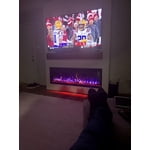
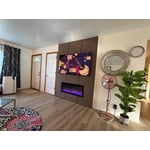
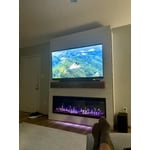
[This review was collected as part of a promotion.] This is by far the best tv I've ever owned. Great features and looks great hanging above my new electric fire place. Amazing picture when watching in 4k. Very happy with my purchase.

Review from Samsung US
Helpful?47UFZLBAKP7S17341154852
Jun 21, 2026
Reviewer name: Cufi Kastrati
5 out of 5 stars
5 out of 5 stars review

👍👍👍👍👍

[This review was collected as part of a promotion.] Love the huge screen and software responsiveness. This TV has put me back to movie watching mode. Great product!

Review from Samsung US
Helpful?47UFZLBAKP7S17341154852