Skip to Main Content
Sams Club
Sams Club
Customer reviews for SAMSUNG 55” Class QN80FD Series Neo QLED Smart TV for
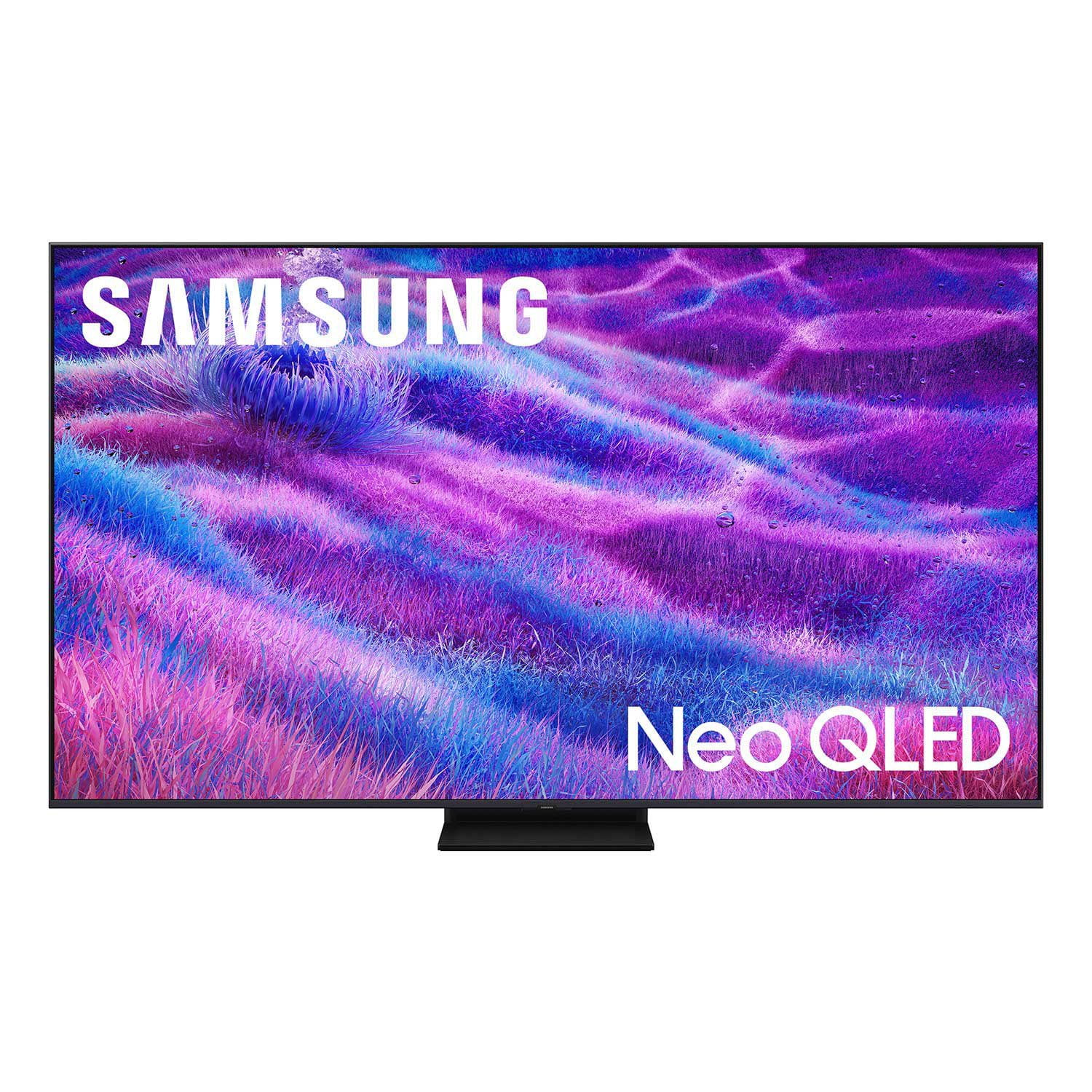
SAMSUNG 55” Class QN80FD Series Neo QLED Smart TV
4.7 out of 5 stars
stars275 ratings275 reviews
  1. 5 stars82% (225)
  2. 4 stars13% (35)
  3. 3 stars2% (5)
  4. 2 stars2% (6)
  5. 1 star1% (4)

Member photos

  • +94 images
Sort by |
Showing 71-80 of 275 reviews
Mar 5, 2026
Shanski4
5 out of 5 stars review

My Favorite TV

[This review was collected as part of a promotion.] Great TV! The brightness, contrast, and clarity is amazing. Awesome resolution for gaming! My favorite upgrade to the living room. Love the solar powered remote, i never have to worry about batteries again!

Review from Samsung US
Helpful?63DO25UI0SP317310171928
Feb 11, 2026
Cpaine
5 out of 5 stars review

Great everything

[This review was collected as part of a promotion.] Samsung nails it again ive tried other brands but never going back i love how seamlessly all my Samsung devices connect and sync to one another plus everything about this is high class and amazing I can't say anything negative only positive im definitely impressed

Review from Samsung US
Helpful?63DO25UI0SP317310171928
Feb 6, 2026
Golflen
4 out of 5 stars review

Picture

[This review was collected as part of a promotion.] I'm not too pleased with the broadcast resolution on my 75" Class NEO QLED (2025) TV. If i get any show, like Football Games, the picture is PERFECT/GREAT!! Can't get a refined facial appearance no matter what settings I try. Overall the TV is GREAT! Just not happy with the "HEAVY MAKEUP" look on today's content. Would love have a way to tune this better.

Review from Samsung US
Helpful?63DO25UI0SP317310171928
Feb 17, 2026
Vengified
5 out of 5 stars review

Dad's favorite toy.

[This review was collected as part of a promotion.] This thing is amazing! I have always been a fan of Samsung, but felt down with the 75" Crystal UHD I had. Not necessarily the fault of Samsung, but more so my wallet. Now that I actually invested time and effort into choosing a TV with the things I desire, I am beyond thrilled. It has a plexiglass protector, to avoid another car shattering it, but again, that is my doing. Once the youngest child learns, it will be glorious without the sheet of plastic.

Review from Samsung US
Helpful?63DO25UI0SP317310171928
Mar 18, 2026
Jmj155
5 out of 5 stars review

Great ai features

[This review was collected as part of a promotion.] Im coming from a vizio tv and thought I was satisfied. When my tv died samsung had great deals so I pulled the plug and bought one. 😳😳😳 wow was i surprised the picture way better than vizio the sound didn't need a sound bar the features and Ai integration are seamless and easy none the less I thought Iwas getting a great deal on a tv now I got a steal should've went with samsung a long time ago.

Review from Samsung US
Helpful?63DO25UI0SP317310171928
Feb 17, 2026
OleTBW
4 out of 5 stars review

Great but sound has major issues.

[This review was collected as part of a promotion.] TV has a lot of great options but there are some pretty significant downfalls to be aware of. HDMI audio via E arc is useless. Constantly jitters on and off sound. Optical is your only option. Menus and settings are easy enough. Remote is very nice and USB c is awesome. Brightness is fantastic in a brightly lit room

Review from Samsung US
Helpful?63DO25UI0SP317310171928
Mar 23, 2026
Lucky
5 out of 5 stars review

Great picture and sounds quality

[This review was collected as part of a promotion.] 1. Great for Gaming Supports 4K up to 144Hz + VRR + HDMI 2.1 (all ports) RTINGS.com Very low input lag → smooth PS5 / Xbox gameplay FreeSync Premium Pro support Uses Mini-LED (Neo QLED) → better contrast than normal LED Colors look vibrant and natural � TechRadar AI upscaling works well for HD → 4K content Good for Netflix, YouTube, sports

Review from Samsung US
Helpful?63DO25UI0SP317310171928
Mar 13, 2026
Brando
5 out of 5 stars review

Bring an IMAX like experience to your Living Room

[This review was collected as part of a promotion.] This TV is amazing. Our living room is like a personal movie theater! We don't even go to the movies anymore! The picture quality and brightness are exceptional, even in our room with a full wall of windows.

Review from Samsung US
Helpful?63DO25UI0SP317310171928
Feb 24, 2026
Sujatha
5 out of 5 stars review

Great Features & Amazing Quality

[This review was collected as part of a promotion.] We really like this Samsung TV! The picture quality is outstanding — very bright, sharp, and vibrant. Colors look natural, and the contrast makes movies and shows feel more realistic. The sound quality is also good, and the smart features are easy to use. Setup was quick, and the design looks sleek in our living room. Overall, it’s a great TV for watching movies, sports, and streaming. Highly recommended!

Review from Samsung US
Helpful?63DO25UI0SP317310171928
Apr 6, 2026
Lost Samsung Customer
1 out of 5 stars review

Disappointing

[This review was collected as part of a promotion.] Quality of image is disappointing. I have a 15 year old 55" Samsung with higher picture quality than this TV.

Review from Samsung US
Helpful?63DO25UI0SP317310171928
reply from Samsung Specialist

We appreciate your input on the picture quality of Samsung’s QN80F TV. If the image isn’t meeting your expectations, there are several adjustments you can make to improve your viewing experience. First, please ensure your TV is running the latest firmware, as updates may include important picture quality enhancements. Go to: Home > Left directional button > Settings > Support > Software Update > Update Now Then, select a Picture Mode that best fits your environment: Home > Home > left directional key > Settings > All Settings > Picture > Picture Mode 1. Standard – Default mode for general viewing 2. Dynamic – Brighter and clearer in well-lit rooms 3. Eco – Optimized for energy saving 4. Movie – Best for watching in dark environments 5. Filmmaker Mode – Preserves content exactly as intended by creators You can also enhance your experience by enabling AI Mode, which automatically adjusts picture and sound based on your surroundings and usage patterns: Settings > All Settings > Advanced Features > AI Mode Settings > AI Mode If these adjustments don’t improve your picture quality, feel free to contact Samsung Customer Support at 1-800-SAMSUNG (8AM – 9PM EST Mon – Fri, 8AM – 6PM Sat – Sun). You can also LiveChat with an agent or find helpful guides by visiting the ‘Support’ section of our website. ~ Samsung Specialist