Skip to Main Content
Sam's Club
Sam's Club
All Departments
All Services
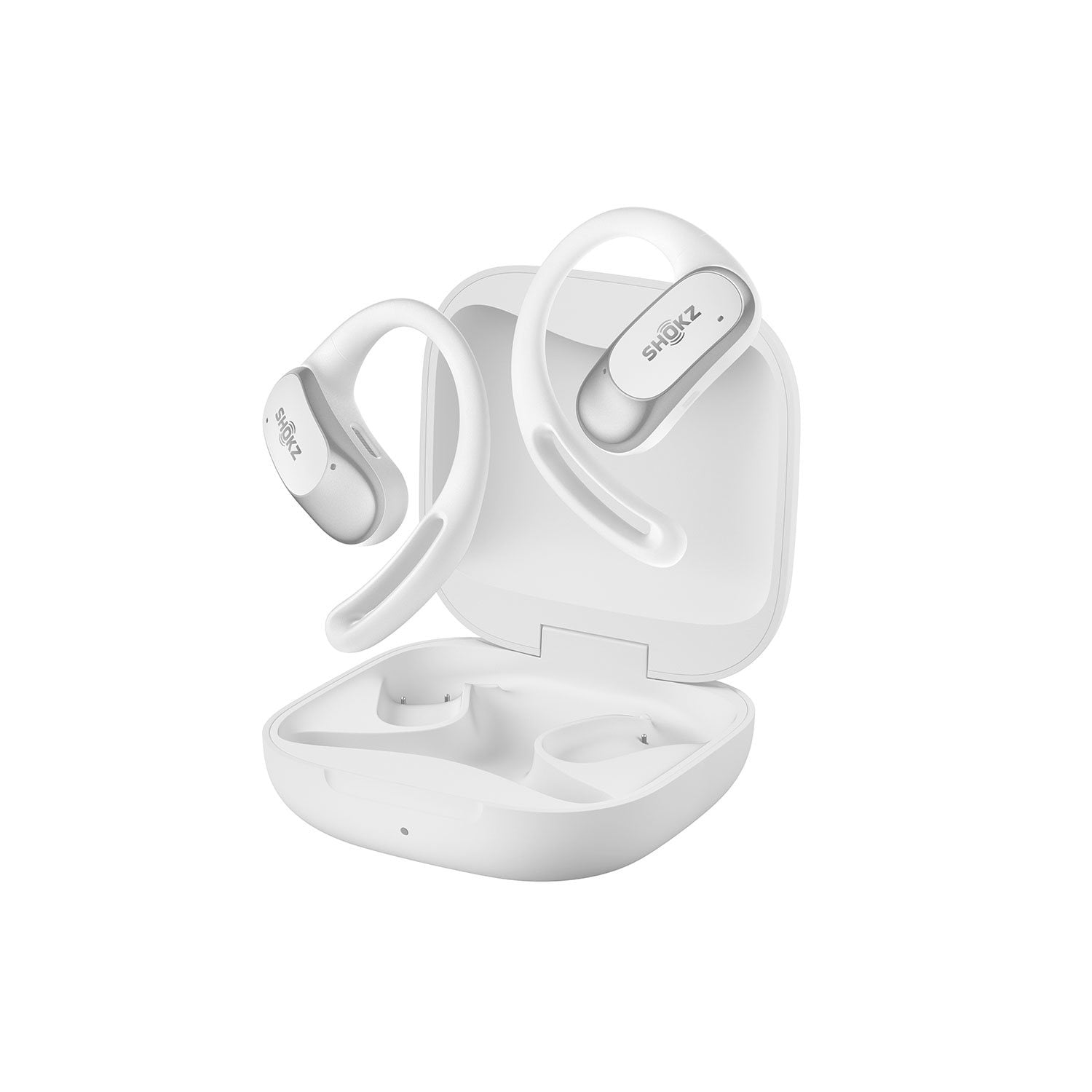
Customer reviews for Shokz OpenFit Air Open-Ear True Wireless Earbuds for
Shokz OpenFit Air Open-Ear True Wireless Earbuds
4.1 out of 5 stars
stars
756 ratings513 reviews
  1. 5 stars60% (450)
  2. 4 stars15% (114)
  3. 3 stars12% (93)
  4. 2 stars5% (37)
  5. 1 star8% (62)

Member photos

  • +6 images
Sort by |
Showing 71-80 of 513 reviews
Apr 13, 2026
Reviewer name: Carol P.
1 out of 5 stars
1 out of 5 stars review

Disappointed

I was hoping these would be as great as my OPEN RUN, they are not. I cannot answer the phone with them, as I can with my OPEN RUN, a great disappointment. The tap/ double tap is not working. Volume is easy to adjust. So I must still fumble with the phone to accept the call. Listening to an audio book is nice, sound quality is wonderful. I will continue to use my OPEN RUN and these will look nice on a shelf.

Review from Shokz
Helpful?65FX8LZX47EA16545610004
Apr 4, 2026
Reviewer name: Kathy
5 out of 5 stars
5 out of 5 stars review

Verified Purchase

I bought these before, but lost one. I like the way they work so I got them again!

Review from walmart.com
Helpful?65FX8LZX47EA16545610004
Apr 28, 2026
Reviewer name: Artur
5 out of 5 stars
5 out of 5 stars review

Verified Purchase

good price good quality best open ear bluetooth.... recommend

Review from walmart.com
Helpful?65FX8LZX47EA16545610004
May 9, 2026
Reviewer name: TM
2 out of 5 stars
2 out of 5 stars review

Verified Purchase

More volume needed

Not loud enough on an airplane!

Helpful?65FX8LZX47EA16545610004
reply from Shokz

Hi there- Shokz here! We're very sorry to hear this has been your experience. We highly recommend ensuring that the latest firmware version has been upgraded via the Shokz app for the best experience with your OpenFit Air. There is also a phone setting that may resolve any low volume issues. 1. Turn Off Volume Limit Settings For iPhone: Go to Settings > Sounds & Haptics > Headphone Safety, switch off the Reduce Loud Audio feature. For Samsung: Go to Settings > Sounds and Vibration > Volume, click More, and turn off Media Volume Limit. For other Android phones: Go to the Bluetooth Settings on the phone, find the headphones and make sure that the Absolute Volume feature is switched on for them. 2. Adjust EQ Settings Connect your headphones to the Shokz App and switch the EQ modes to Vocal or Bass Boost mode. If you decide these are not a good fit for you, we kindly ask that you reach out to Sam's Club Customer Service directly to learn of their return policy. Please contact the Customer Happiness Team or visit our website directly to submit a warranty claim. Thank you!

Jun 9, 2026
Reviewer name: RRT
5 out of 5 stars
5 out of 5 stars review

Verified Purchase

Shokz are good!

Reasonably priced, very comfortable

Helpful?65FX8LZX47EA16545610004
Jun 9, 2026
Reviewer name: Kay
5 out of 5 stars
5 out of 5 stars review

Verified Purchase

Awesome

These are awesome comfortable great price

Helpful?65FX8LZX47EA16545610004
Jun 12, 2026
Reviewer name: PrincessCrabbyPants
5 out of 5 stars
5 out of 5 stars review

Verified Purchase

Super Ear Buds

Best Ear Bud Company Ever

Helpful?65FX8LZX47EA16545610004
Jun 4, 2026
Reviewer name: Den
5 out of 5 stars
5 out of 5 stars review

Verified Purchase

Super earbuds for the money.

Sound great! Easy to use! Great battery life!

Helpful?65FX8LZX47EA16545610004
May 21, 2026
Reviewer name: Texas Papaw
5 out of 5 stars
5 out of 5 stars review

Verified Purchase

Love my new buds

Great alternative to more expensive brands with equal quality

Helpful?65FX8LZX47EA16545610004
Sep 10, 2025
Reviewer name: Dave
5 out of 5 stars
5 out of 5 stars review

Verified Purchase

Great earbuds

He’s over there earbuds have one of the best sounds that I’ve ever heard. It’s a wonderful product.

Helpful?65FX8LZX47EA16545610004