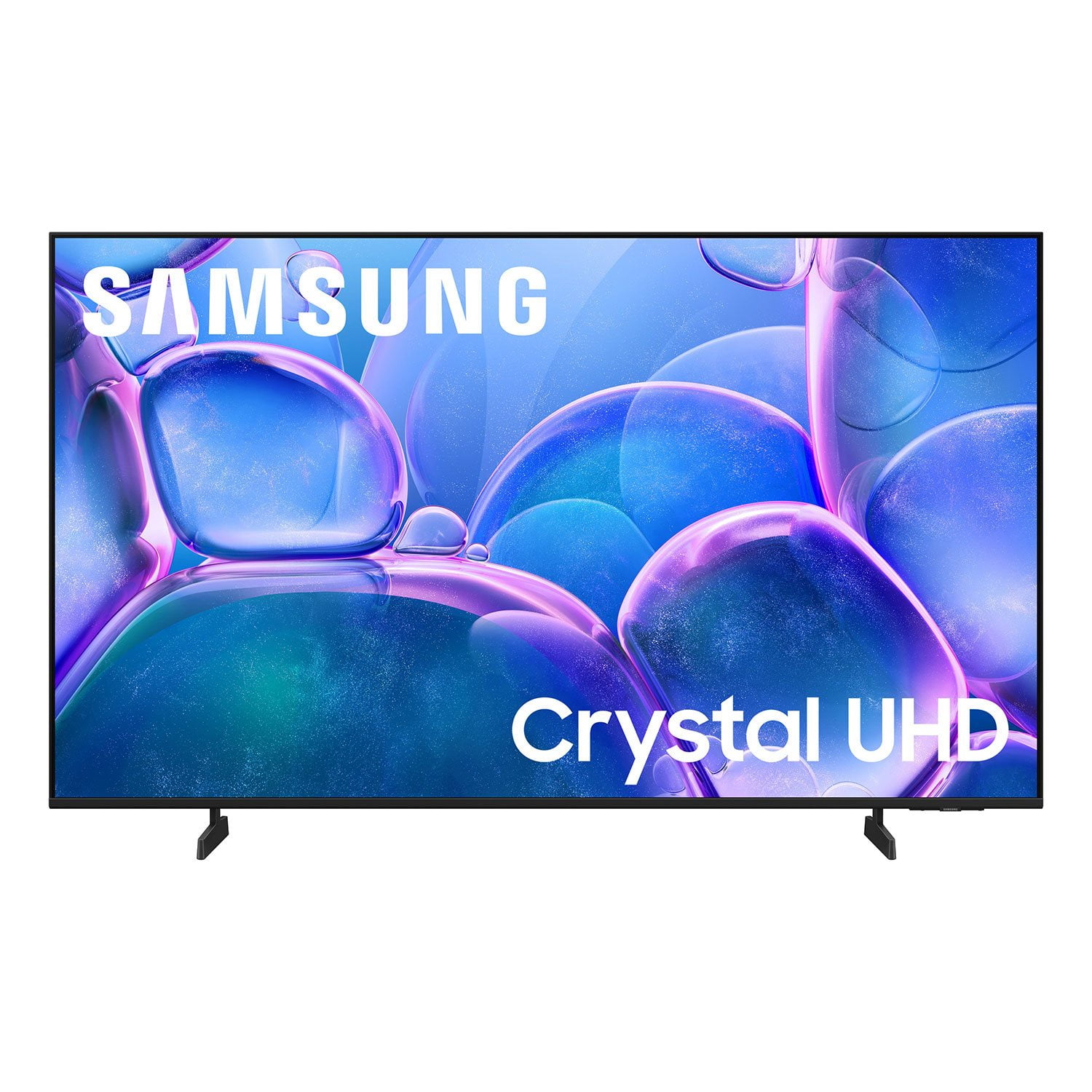
Customer reviews for SAMSUNG 50" Class U7900F Series 4K Crystal UHD Smart TV forMember photos


+886 images
Awesome Picture
[This review was collected as part of a promotion.] I'm really happy with my new TV! The picture quality is crystal clear, and the setup process was super easy. It was up and running in no time, with no hassle at all. The image is vibrant and sharp, perfect for watching sports. Great price Highly recommend.
Easy Set Up
[This review was collected as part of a promotion.] I use my Samsung for streaming only. I love all the apps that are available. The picture quality is excellent. This is the third Samsung TV that I have purchased my first one was not a smart TV, so that tells you how long I have owned each one. I have had a 32 inch, 47 inch, and have recently graduated to a 55 inch.
The Hands Down Best TVs!
[This review was collected as part of a promotion.] We have four Samsung TVs in our home, two 55” and two 32”. One 55” is in the Living Room for news, sports (especially the big games), favorite shows, and Netflix, Prime etc. the other 55” is in the garage/man cave for big games, poker games and parties. The 32” TVs: one is in my home office/music room. I use that one for news, background music and for watching music lessons, both subscription and YouTube lessons. The other 32” is the spare bedroom for guests or when the grandkids stay over. They can watch their cartoons and play video games without disrupting the rest of the family and activities. We love Samsung TVs for their easy to use and manage “Smart” features. Samsung TVs are also incredibly reliable, reasonably priced, and provide great value.
Not nearly as good as the 20 year old Vizio i had
[This review was collected as part of a promotion.] The remote is unreliable sometimes it works other times it doesn't. The smart things app usually does work. The sound is terrible using the internal speakers. I was forced to use a soundbar for adequate volume. Only two HDMI inputs is unacceptable. Overall I would not recommend this product and look forward to replacing it soon.
Hi JunkTV, We appreciate your feedback on the U7900 TV. If your TV is responding slowly or inconsistently to the remote, try the following steps: 1. Re-pair the remote – Stand within 1 foot of your TV and press Return and Play/Pause simultaneously for at least 5 seconds. A message should appear confirming it's connected. 2. Check the battery level – Go to: Home > left directional key > Settings > All Settings > General & Privacy > Remote Control 3. Ensure proper charging – SolarCell Remotes can charge using: o Room light or direct sunlight (solar panel should face light source) o USB-C cable (preferably Samsung-branded) 4. Update your TV’s firmware – Go to: Settings > Support > Software Update > Update Now 5. Run Device Care to clear memory and close background apps that may slow performance: Settings > Support > Device Care > Start Device Care If these steps don’t resolve the issue, please contact Samsung Support at 1-800-SAMSUNG, 8AM – 12AM EST, 7 days a week. LiveChat is also available through the ‘Support’ link on our website. ~ Samsung Advisor
Still Figuring It Out
[This review was collected as part of a promotion.] So far, I'm in the fence about this TV. The picture is amazing, but the functions are confusing and, at times, inconvenient. I don't like how downloading an app doesn't automatically bring it to the home page. I don't like how, on the remote, the left volume button has so many functions, so trying to mute the TV will bring up an avatar doing sign language. I don't like how I need to but a soundbar to utilize Bixby. The volume isn't that great either. I do, however, like that it's a Samaung TV and I'm able to watch Roku TV. As mentioned, picture is beautiful. I really feel like I need too many spent gadgets to fully appreciate what this TV is capable of, so I'll hold on to it until I unlock it's full potential. Overall, I'd buy again... so far.
Hi Azitokbl,\n\nWe appreciate your feedback and have a few tips that may improve your experience. \n\nFirst, to customize your Home Screen: \n1. Go to App Settings (these can be found at the bottom of the Apps screen) and select the app you want to move. The following options will be available:\na. Add to Home: Move the app to your desired location on the Home screen.\nb. Delete: Delete app (applicable for manually installed apps only)\n\nNext, to disable the accessibility feature you mentioned go to Menu > Settings > All Settings > General & Privacy > Accessibility.\n\nFinally, please know you do not need a soundbar to utilize Bixby. You can access Bixby via the Samsung SmartThings app. \n\nIf you need additional support, Samsung is here to help. Please call us at 1-800-SAMSUNG, available daily from 8AM - 12AM EST. You can also chat with a LiveChat agent by clicking the ‘Support’ link on our website for:\n• Live Chat\n• Manuals, Software, & Warranty Info\n• Creating a Service ticket\n\n~ Samsung Advisor\n
Outstanding Quality
[This review was collected as part of a promotion.] I can't express how impressed I am with my new 55-inch Samsung TV. From the moment I unboxed it, the experience has been nothing short of exceptional. The setup was incredibly easy and straightforward; within minutes, we were connected to our Wi-Fi and streaming our favorite shows. The picture quality is what truly sets this television apart. The colors are so vibrant and lifelike, and the 4K resolution is astonishingly crisp and clear. The detail is so sharp that old movies feel like new again, and streaming our favorite nature documentaries is a breathtaking experience. Even with the lights on and some glare from the window, the image remains vivid and bright. The smart features are intuitive and seamless. Navigating between apps like Netflix, YouTube, and Amazon Prime Video is fast and responsive. The sleek, minimalist design is another huge plus; the ultra-thin bezel makes the screen feel even larger and more immersive, and when we're not watching TV, the Art Mode feature transforms it into a beautiful piece of art. For gamers, this TV is an absolute dream. The low input lag and fast response time make for a perfectly smooth and responsive experience. Paired with its clear and crisp audio, every game feels incredibly immersive. For the price, the combination of a stunning display, excellent smart features, and easy usability makes this Samsung TV an unbeatable value. This is easily the best TV we have ever owned.
Great hardware
[This review was collected as part of a promotion.] I love this tv. crystal clear picture and sound. The only thing I didn't like was how slow the software is. I got it because it was loaded with smart tizen which would allow me to stream and download streaming apps but unfortunately the software is slow to switch between apps and the only way to use voice control which isn't as intuitive as Roku is through the phone app. If it wasn't for the software I would've given this tv a 10 star.
Love my Samsung products.
[This review was collected as part of a promotion.] I gave been using Samsung TV's for 25 plus years and have always been extremely satisfied with each one. Features on each have been very useful for my needs and some have been above and beyond my expectations. I will continue to stay with Samsung for my next tv purchase. I currently have 5, the oldest being purchased in 1994 and still works like new. Keep making great TV's. Thank you from a very satisfied customer.
Great picture and sound but tough to program
[This review was collected as part of a promotion.] We use this TV in our bedroom and want to leave it on with low volume while we sleep. We have not been able to turn off the auto off function and we wake up as soon as it shuts itself off. There seems to be no way to set it to manual always on.
Gamalot, We’re sorry to hear your TV is turning off on its own. Please try the following troubleshooting steps which may help resolve the issue: 1. Unplug the TV from the wall outlet or surge protector for at least 30 seconds. 2. Inspect the power cord for any visible damage. If damaged, the cord may need to be replaced. 3. Plug the TV directly into a wall outlet, bypassing any power strip or surge protector for now. 4. If the TV remains on long enough, try updating the TV’s software: Home > left directional key > Settings > Support > Software Update > Update Now. Note: If your TV powers off during the update, it could result in damage, so only proceed if the TV is stable. Next, check the TV’s Power and Energy Saving settings to ensure no timers or auto-off features are enabled: • Sleep Timer: Settings > All Settings > General & Privacy > Power and Energy Saving > Sleep Timer • Auto Power Off and Off Timer: Settings > All Settings > General & Privacy > Power and Energy Saving > Auto Power Off/Off Timer Also, if you have devices connected via HDMI, check if Anynet+ (HDMI-CEC) is enabled, as this can allow external devices to control the TV and may cause it to turn off: Settings > All Settings > General & Privacy > External Device Manager > Anynet+ (HDMI-CEC) = Off If your TV continues to power off unexpectedly, please call us at 1-800-SAMSUNG, 8AM – 12AM EST, 7 days a week. Our LiveChat agents are also available through the ‘Support’ link on our website. ~ Samsung Pro
Hard to set up
[This review was collected as part of a promotion.] I received this TV as a present. I never had a Samsung product. I must say it was not a easy set up as other brands . However I really enjoy my new Samsung tv. I stream and watch a lot of movies and take advantage of the live tv that my tv has to offer . I have had it for a little over a month and I have had no issues at all . Thank you for such a wonderful product