Skip to Main Content
Sams Club
Sams Club
Customer reviews for SAMSUNG 55" Class U7900F Series 4K Crystal UHD Smart TV for
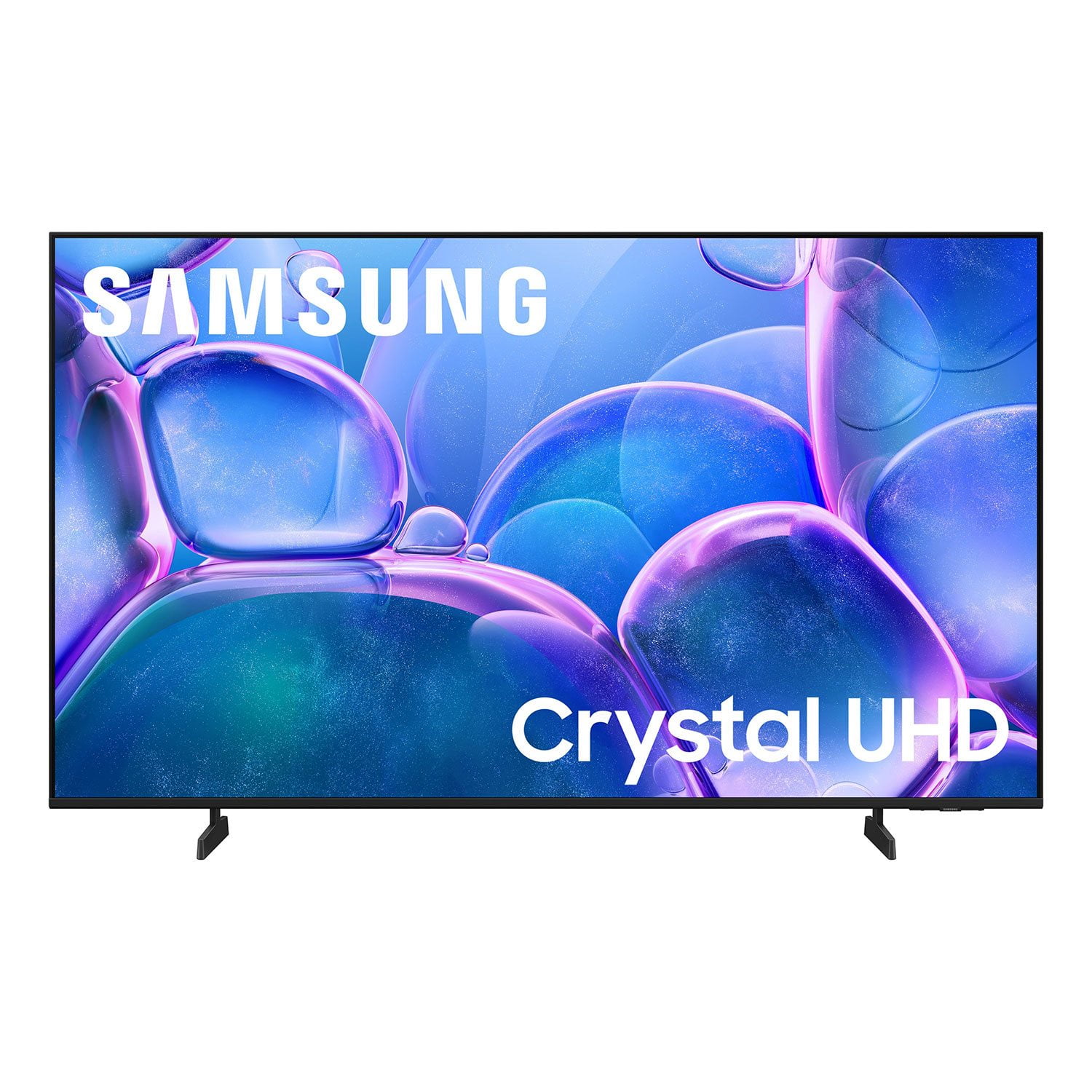
SAMSUNG 55" Class U7900F Series 4K Crystal UHD Smart TV
4.6 out of 5 stars
stars1,807 ratings1,707 reviews
  1. 5 stars78% (1,414)
  2. 4 stars14% (251)
  3. 3 stars4% (78)
  4. 2 stars1% (25)
  5. 1 star2% (39)

Member photos

  • +654 images
Sort by |
Showing 381-390 of 1,707 reviews
Feb 17, 2026
Nita
5 out of 5 stars review

Great features, would recommend

[This review was collected as part of a promotion.] The quality in sound of being clear, vibrant, and typically high-pitched. Our Samsung TV has truly stood the best of time.It’s easy to use, easy to navigate, and has definitely proven to be a great investment for our home.

Review from Samsung US
Helpful?3X98WOQFG1UG16471557124
Feb 17, 2026
Samsunglover
5 out of 5 stars review

70 inch samsung

[This review was collected as part of a promotion.] I have a lot of Samsung products from the phone refrigerator and washer and dryer this was my first time purchasing a TV and over 10 years . this was the best decision I could have made 10/10 will be shopping for more when I move again. The picture quality is amazing.

Review from Samsung US
Helpful?3X98WOQFG1UG16471557124
Feb 17, 2026
Capu
2 out of 5 stars review

Disappointed with the functionality

[This review was collected as part of a promotion.] In terms of resolution and picture quality, this TV is an excellent buy. The image is sharp, bright, and very enjoyable for everyday viewing. However, the functionality is limited. It only has two HDMI ports. In my case, one is used for the cable box and the other for my home theater system, which leaves no additional HDMI inputs available. Another significant limitation is the app platform. The TV does not allow you to add apps beyond those offered in Samsung’s app store. I was unable to install some of the streaming services I use, such as Peacock, Max (HBO Max), and Paramount+. As a result, I now need to purchase an external streaming device like a Roku or Fire Stick — but with no available HDMI ports, that creates another challenge. I want to emphasize that I am a big Samsung fan. I love the brand and own several Samsung products, including my phone, refrigerator, stove, and air conditioner. That’s actually why I chose this TV. I was aware of the HDMI limitation when I purchased it, but it was not clearly advertised that app availability would also be restricted by the platform. Overall, the picture quality is very good, but the limited connectivity and restricted app ecosystem reduce its overall functionality.

Review from Samsung US
Helpful?3X98WOQFG1UG16471557124
reply from Samsung Advisor

Hi Capu, Thank you for reaching out to us. Please know the apps you listed: Peacock, Max (HBO Max), and Paramount+ are all available for download. To ensure your TV is up to date, please update your Firmware. Go to Settings> Support> Software Update. To Search for & Install Apps: 1. From the Home screen, press left on the remote’s directional pad. 2. Navigate to and select Search. 3. Using the search bar, enter the content or app you’d like to find. 4. Navigate to and select the app you’d like to install, then select Install. Note: Previously installed apps can be accessed on the Settings screen. Adding & Managing Apps on Home Screen 1. Go to App Settings (these can be found at the bottom of the Apps screen) and select the app you want to move. The following options will be available: a. Add to Home: Move the app to your desired location on the Home screen. b. Delete: Delete app. c. Lock/Unlock: Lock the app with a PIN so only you can use it. When the app is selected again, you will be prompted to enter the PIN to unlock it. d. Reinstall: Reinstall the app. e. View Details: View the app’s information and details. If you continue to have issues, please contact us at 1-800-SAMSUNG, available daily from 8AM - 12AM EST. You can also visit the Samsung website and click on ‘Support’ for: • Live Chat • Manuals, Software, & Warranty Info ~ Samsung Advisor

Feb 13, 2026
Deity666
4 out of 5 stars review

Great tv but it doesnt have pip

[This review was collected as part of a promotion.] The tv is amazing but it lacks the key feature the pip that thought that all modern Samsung TVs come with little somebody surprised it didn't the home screen could be a litle better but all and all its a good tv

Review from Samsung US
Helpful?3X98WOQFG1UG16471557124
Feb 17, 2026
Moravation
3 out of 5 stars review

Great T.V. but

[This review was collected as part of a promotion.] The TV keeps losing wifi signal and does not allow for the phone to screen mirror. I have to completely restart the T.V. and aswell as the Bluetooth. I have a speaker that I have to keep reinstalling due to the Bluetooth being lost.

Review from Samsung US
Helpful?3X98WOQFG1UG16471557124
reply from Samsung Advisor

Hi Moravation, Thank you for reaching out to us. Please ensure your TV is running the latest Firmware. Go to Settings> Support> Software Update. Please ensure your TV is running the latest Firmware, version 1132.0. Go to Settings> Support> Software Update. If this firmware version is not yet available on your TV, you can download the update on a USB drive and manually update your TV: 1. On Samsung's website (upper right corner), go to: Support > Manual & Software > Find your TV model, and click on the Firmware – Upgrade File. 2. When the file has finished downloading, locate it and then unzip it. There is normally one folder inside but there may be multiple files. 3. Copy or move all of the files that were included in the zip file to a USB flash drive, but do not place them inside any other folders. If you place the software folders inside a folder on the USB flash drive, the TV or monitor will not find them. 4. Connect the USB drive containing the software upgrade into a USB port on your device. 5. Using your device's remote, navigate to and select Settings, then select All Settings, and then select Support. Select Software Update, select Update Now, and then select Yes if prompted. Your device will search the USB drive for update files. Follow the on-screen instructions to install the updated software. Updates usually take a few minutes; please do not turn off the TV until the update is complete. When the update is finished, it will restart automatically. If you need additional support, Samsung is here to help. Please call us at 1-800-SAMSUNG, available daily from 8AM - 12AM EST. You can also chat with a LiveChat agent by clicking the ‘Support’ link on our website. ~ Samsung Advisor

Feb 17, 2026
BigBad
4 out of 5 stars review

Great TV, needs more memory

[This review was collected as part of a promotion.] Overall it's a great TV, not as crisp of a picture as the 8 or 9 series, but still good. Only down side is all ofnthe undeletable apps take up so much space that I had to get a Roku because I no longer had room to update my TV with the few streaming apps that I have.

Review from Samsung US
Helpful?3X98WOQFG1UG16471557124
Feb 17, 2026
Deidra46
5 out of 5 stars review

Great buy 10 out of 10 recommend

[This review was collected as part of a promotion.] I love this tv the graphics and colors are amazing the size is great and the sound is like your in a theater. It like being in the movies but in the comfort of home. It is light weight not heavy at all. The resolution is great the brightness is ten out of ten.

Review from Samsung US
Helpful?3X98WOQFG1UG16471557124
Mar 5, 2026
Marcus
5 out of 5 stars review

Great TV for bedroom

[This review was collected as part of a promotion.] Bought this TV not expecting much because it wasn't high end model. Wow was I presently surprised. Picture is excellent! Features are great , wireless dex from my phone works seemlessly and smart things makes it so easy to use my phone as a remote. Can't wait till my living room tv breaks so I can replace it with a Samsung

Review from Samsung US
Helpful?3X98WOQFG1UG16471557124
Feb 16, 2026
Savage
5 out of 5 stars review

My Review 70" Class Crystal UHD U7900FD 4K Smart

[This review was collected as part of a promotion.] The brightness levels on the TV are amazing and perfectly fitting to the eye. Color and resolution are also extremely amazing. It has top notch security preferences and sittings in your tvs settings. Also to be completely honest with you, I could ask for any better anesthetics on a tv...

Review from Samsung US
Helpful?3X98WOQFG1UG16471557124
Feb 11, 2026
Mr T
3 out of 5 stars review

Get what you pay for

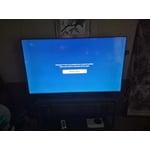
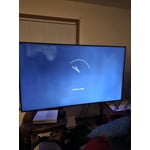
Gliche could not even watch some streaming channels. Looks like a known issue when reviewing other sites. Most be a software issue because works fine when I attached a Ruku device. Like the picture and sound, maybe a software update will resolve this issue but there are none available at this time.

Review from Samsung US
Helpful?3X98WOQFG1UG16471557124
reply from Samsung Advisor

Hi Mr T, Thank you for sharing your experience. Please ensure your TV is running the latest Firmware, version 1132.0. Go to Settings> Support> Software Update. If this firmware version is not yet available on your TV, you can download the update on a USB drive and manually update your TV: 1. On Samsung's website (upper right corner), go to: Support > Manual & Software > Find your TV model, and click on the Firmware – Upgrade File. 2. When the file has finished downloading, locate it and then unzip it. There is normally one folder inside but there may be multiple files. 3. Copy or move all of the files that were included in the zip file to a USB flash drive, but do not place them inside any other folders. If you place the software folders inside a folder on the USB flash drive, the TV or monitor will not find them. 4. Connect the USB drive containing the software upgrade into a USB port on your device. 5. Using your device's remote, navigate to and select Settings, then select All Settings, and then select Support. Select Software Update, select Update Now, and then select Yes if prompted. Your device will search the USB drive for update files. Follow the on-screen instructions to install the updated software. Updates usually take a few minutes; please do not turn off the TV until the update is complete. When the update is finished, it will restart automatically. If you need additional support, Samsung is here to help. Please call us at 1-800-SAMSUNG, available daily from 8AM - 12AM EST. You can also chat with a LiveChat agent by clicking the ‘Support’ link on our website. ~Samsung Advisor