Skip to Main Content
Sam's Club
Sam's Club
Customer reviews for SAMSUNG 55" Class U7900F Series 4K Crystal UHD Smart TV for
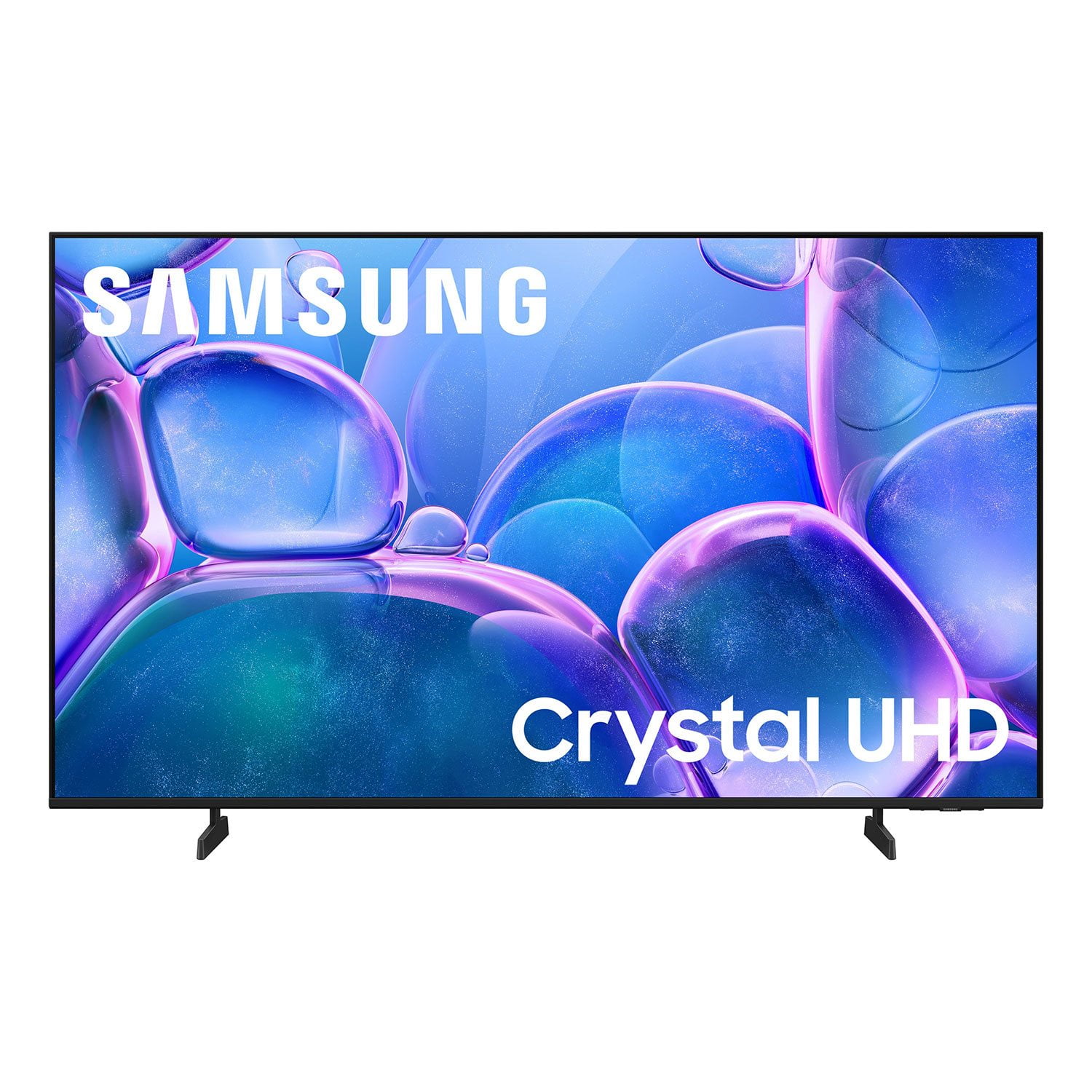
SAMSUNG 55" Class U7900F Series 4K Crystal UHD Smart TV
4.6 out of 5 stars
stars2,389 ratings2,289 reviews
  1. 5 stars76% (1,827)
  2. 4 stars14% (338)
  3. 3 stars5% (121)
  4. 2 stars2% (42)
  5. 1 star3% (61)

Member photos

  • +877 images
Sort by |
Showing 2,141-2,150 of 2,289 reviews
Dec 24, 2025
Gracias
5 out of 5 stars review

Amazing products

[This review was collected as part of a promotion.] Flawless connection with my Samsung phone and watch. Makes everything way better

Review from Samsung US
Helpful?3X98WOQFG1UG16471557124
Feb 5, 2026
Blue
5 out of 5 stars review

Samsung TV

[This review was collected as part of a promotion.] Very clear, bright, colorful with great picture quality.

Review from Samsung US
Helpful?3X98WOQFG1UG16471557124
Dec 23, 2025
Spiderman
5 out of 5 stars review

Excellent features for budget

[This review was collected as part of a promotion.] Great picture, easy setup, works best using the asmar Things app and software remote.

Review from Samsung US
Helpful?3X98WOQFG1UG16471557124
Oct 14, 2025
Charles
3 out of 5 stars review

Would not update

[This review was collected as part of a promotion.] The home bar crashes and not responsive. ...........

Review from Samsung US
Helpful?3X98WOQFG1UG16471557124
reply from Samsung Advisor

Hi Charles, Thank you for your review. If you've successfully logged in to your Samsung Account but Smart Hub isn’t loading or functioning correctly, try the following steps: 1. Check your internet connection: Go to Settings > Network > Network Status to confirm the TV is connected to a stable network. 2. Cold boot your TV: With the TV on, press and hold the Power button on your remote until the TV turns off and back on. This can help clear temporary glitches. 3. Reset Smart Hub: Go to Settings > Support > Device Care > Self Diagnosis > Reset Smart Hub. This will reset Smart Hub apps and settings (you may need to log back into your apps). 4. Check for firmware updates: Go to Settings > Support > Software Update > Update Now to ensure you’re running the latest version. If Smart Hub still doesn’t load after these steps, we’re happy to assist further. Please contact Samsung Support at 1-800-SAMSUNG, 8AM – 12AM EST, 7 days a week. LiveChat and additional support resources are also available through the Support link on our website. ~ Samsung Advisor

Feb 9, 2026
Fred
5 out of 5 stars review

TV

[This review was collected as part of a promotion.] Amazing tv, good UI and we had a blast watching our favorite shows

Review from Samsung US
Helpful?3X98WOQFG1UG16471557124
Oct 21, 2025
Allycat
5 out of 5 stars review

New Definition to crystal clear

[This review was collected as part of a promotion.] New to the Samsung family, and i absolutely love this TV. The clarity is unmatched.

Review from Samsung US
Helpful?3X98WOQFG1UG16471557124
Oct 14, 2025
CynNaGM
5 out of 5 stars review

has great features

[This review was collected as part of a promotion.] I use samsung for karaoke night and watching the football with friends.

Review from Samsung US
Helpful?3X98WOQFG1UG16471557124
Dec 18, 2025
Rhaedxibhim
4 out of 5 stars review

My Samsung

[This review was collected as part of a promotion.] I enjoy the feathers like Samsung tv, and vivid colors

Review from Samsung US
Helpful?3X98WOQFG1UG16471557124
Oct 15, 2025
Love2watch
5 out of 5 stars review

Excellent picture quality

[This review was collected as part of a promotion.] I use it for streaming sports as well entertainment....

Review from Samsung US
Helpful?3X98WOQFG1UG16471557124
Oct 16, 2025
Lajohns65
5 out of 5 stars review

Great features

[This review was collected as part of a promotion.] Good picture and sound. Was surprized to see i could use it as a computer

Review from Samsung US
Helpful?3X98WOQFG1UG16471557124