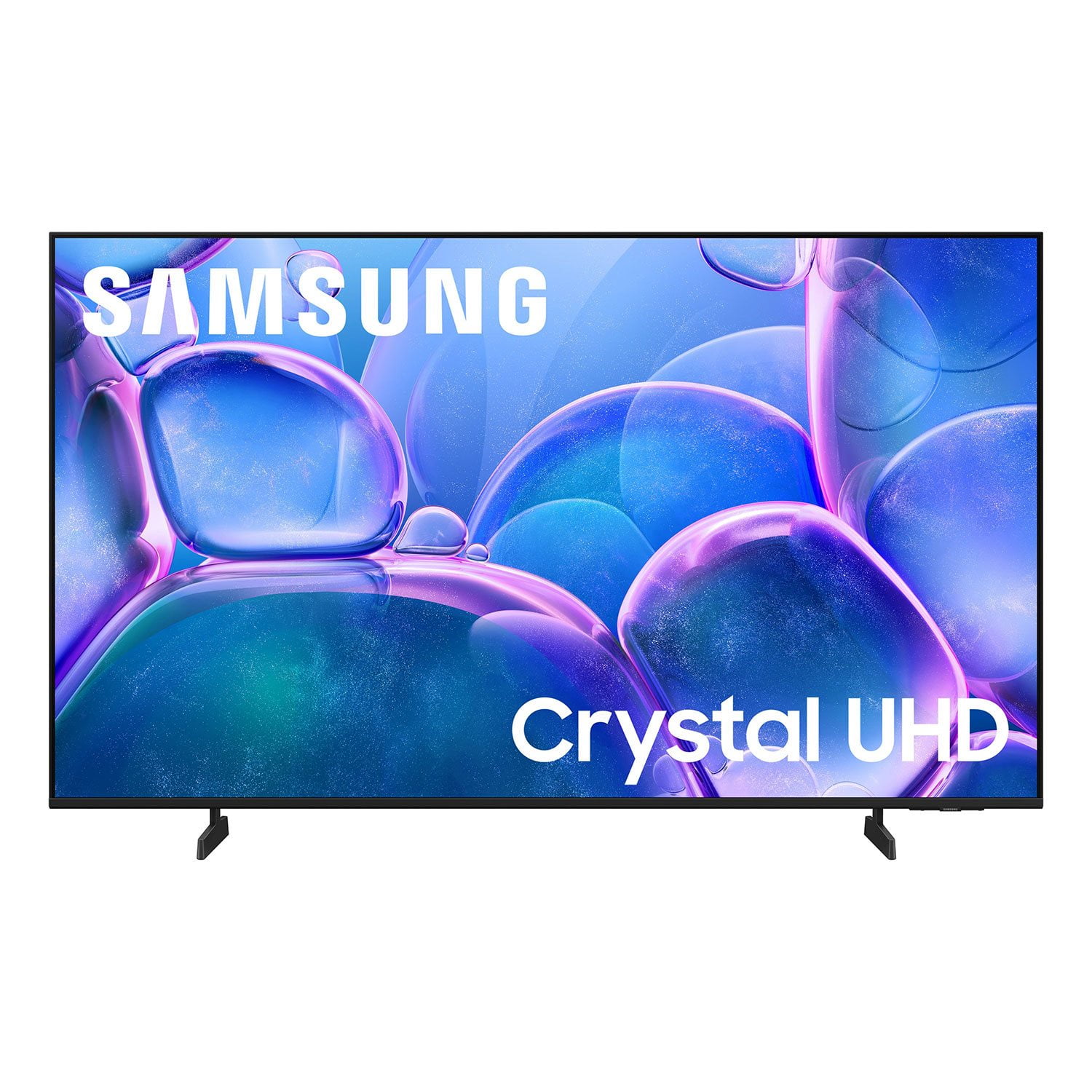
Customer reviews for SAMSUNG 55" Class U7900F Series 4K Crystal UHD Smart TV forMember photos


+761 images
Picture Skips
[This review was collected as part of a promotion.] Just bought the tv a couple weeks ago, and sometimes while watching tv, the picture skips, repeatedly sometimes. It’ll look like a person is going forward and backwards multiple times. Very annoying.
Hi ANTreu90, Thank you for sharing your experience. Buffering during streaming is typically related to internet speed or signal strength. This can happen when your connection isn’t able to deliver data quickly enough for smooth playback. We recommend the following steps to help improve streaming performance: 1. Use a 5GHz Wi-Fi connection, if available 2. Try a wired LAN connection for more stability 3. Reposition your router to minimize obstacles between it and the TV 4. Make sure your TV is running the latest firmware (Settings > Support > Software Update) 5. Run Device Care to optimize performance: Home > left directional key > Settings > Support > Device Care > Start Device Care If buffering continues, you may want to contact your internet service provider to check your current speed or explore upgrade options. If we can assist further, please call us at 1-800-SAMSUNG, available daily from 8AM - 12AM EST. You can also chat with a LiveChat agent by clicking the ‘Support’ link on our website for: • Live Chat • Manuals, Software, & Warranty Info • Creating a Service ticket ~ Samsung Advisor
Great 75" Smart TV
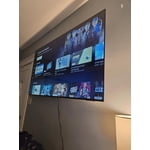
[This review was collected as part of a promotion.] I love my new Samsung 75" Smart TV. It was easy to set up, and I no longer need so many HDMI cords like my old big screen TV. It is a real plug-and-play setup with apps already installed. I no longer have to use my Apple TV device—the apps are all available. I would definitely recommend this version of Samsung TV. It looks good hanging on my wall like a piece of great art!
Amazing picture quality for a cheaper Tv
[This review was collected as part of a promotion.] Amazing picture quality for a cheaper tv the name Crystal really suits it because when I first saw one it looked like the screen must be made of Crystal it was such a beautiful picture. I fell in love with Samsung Crystal UHD tv's from my first viewing of one in a home and not in a bright store. Would recommend highly if on a budget and cant afford more expensive Oled Samsung tv's.
El prodcuto puede mejorar
[This review was collected as part of a promotion.] Good afternoon. Before receiving this product, I had the U8000 model. The difference is remarkable in terms of image quality, the way the menu is presented in general, and the configuration. The change is very noticeable. To be honest, I don't like this 7900 product very much; I prefer the version I had. It's more user-friendly and has better quality. After turning it on, I somehow felt I should upgrade to something better because I feel it doesn't meet my expectations.
Hi Cliente, Thank you for sharing your experience on the U7900 TV's image and User Interface. If the image doesn’t quite match your preferences, there are several adjustments you can make to better suit your viewing environment and content type. First, please ensure your TV is running the latest firmware, as updates may include important picture quality enhancements. Go to: Home > Left directional button > Settings > Support > Software Update > Update Now To explore picture mode options, navigate to: Home > Left directional button > Settings > All Settings > Picture > Picture Mode. Options include: • Standard – Ideal for general viewing • Dynamic – Brighter and more vibrant for well-lit spaces • Eco – Optimized for energy efficiency • Movie – Best for viewing in low light • Filmmaker Mode – Preserves the content creator’s intent and disables motion smoothing for supported content You can further customize your image by going to: Settings > All Settings > Picture > Expert Settings, where you can adjust Brightness, Contrast, Color Tone, Sharpness, Contrast Enhancer and more. If you’d like help finding the best picture settings for your preferences, please don’t hesitate to contact Samsung Support at 1-800-SAMSUNG, available 8AM – 12AM EST, 7 days a week. You can also LiveChat with an agent or explore additional resources on our website by clicking the ‘Support’ link. ~ Samsung Advisor
Happy Now?
[This review was collected as part of a promotion.] You clowns have been on my back to review this thing since it was delivered. Here's my review: It's a TV that I watch TV shows and movies on. It works. It shows me moving pictures and makes noises that seem appropriate for the moving pictures I am watching. Happy now, you pests? I'll never buy one of your products again, clingy weasels.
JimboTelevision, Thanks for sharing your thoughts. If there's anything we can do to improve your experience, please reach Samsung Support at 1-800-SAMSUNG, 8AM - 12AM EST, 7 days a week. Or visit us on the Samsung website and click on the ‘Support’ link for: • LiveChat • Manuals, Software, & Warranty Info ~ Samsung Pro
Great Model
[This review was collected as part of a promotion.] We have really enjoyed this TV model; we have over 7 different properties and have stopped using projectors for our meeting rooms and use this model to help project information straight from our devices. This is perfect for anyone who wants to cast from their device onto this TV. During breaks, there is a screensaver option that casts jazz music along with panoramic views of areas from all over the world that really helps the crowd feel less overwhelmed after a day of convention seminars. Thanks Samsung!
Not so great.
This product is not what I expected.Expectation is very low,color is not what it was advertised to be.The TV has a skipping problem while surfing for apps. My Vizio 65 inch that is 6 year old p3rfroms better in color etc .I will say that Samsung tech service is great, anytime I call the go of their was to assist. Product I. Question is the 65 in U7900F series
Hi Pablo, Thank you for sharing your experience. Buffering during streaming is typically related to internet speed or signal strength. This can happen when your connection isn’t able to deliver data quickly enough for smooth playback. We recommend the following steps to help improve streaming performance: 1. Use a 5GHz Wi-Fi connection, if available 2. Try a wired LAN connection for more stability 3. Reposition your router to minimize obstacles between it and the TV 4. Make sure your TV is running the latest firmware (Settings > Support > Software Update) 5. Run Device Care to optimize performance: Home > left directional key > Settings > Support > Device Care > Start Device Care If buffering continues, you may want to contact your internet service provider to check your current speed or explore upgrade options. To explore picture mode options, navigate to: Home > Left directional button > Settings > All Settings > Picture > Picture Mode. Options include: • Standard – Ideal for general viewing • Dynamic – Brighter and more vibrant for well-lit spaces • Eco – Optimized for energy efficiency • Movie – Best for viewing in low light • Filmmaker Mode – Preserves the content creator’s intent and disables motion smoothing for supported content You can further customize your image by going to: Settings > All Settings > Picture > Expert Settings, where you can adjust Brightness, Contrast, Color Tone, Sharpness, Contrast Enhancer and more. If you’d like help fine-tuning your display or exploring these settings, please call Samsung Customer Support at 1-800-SAMSUNG, available 8AM – 12AM EST, 7 days a week, or visit the ‘Support’ section on our website to LiveChat with an agent. ~Samsung Advisor
Perfectly priced Tv!
[This review was collected as part of a promotion.] For a TV at this price you would expect a low budget low spec TV. That’s not what you are getting. You are getting a 4k 75 inch tv with a snappy operating system and great picture quality! Amazing deal on an amazing TV!
Best TV hands down
[This review was collected as part of a promotion.] I absolutely love my new Samsung TV. The picture quality is Great! The sound is wonderful! And I purchased a 75" definitely the biggest screen I've ever owned. Lots of new features compared to the last Samsung TV I had. I would definitely recommend the newer models with the additional features.
Great TV and features except closed captioning
[This review was collected as part of a promotion.] We primarily use this for over the air television broadcasts. Also for streaming on a number of streaming services. We have been able to eliminate a separate Roku since Samsung supports all the streaming services we use. This makes it much easier. The one continuing problem is the closed captioning on broadcasts. There is no simple way to turn closed captioning on and off. You are required to go through a number of menus to do this. Why can't there be a SINGLE button on the remote like other manufacturers provide to simply turn it on and off? And what are the color buttons for? I have never seen any use for them. maybe allow them to be programmed?