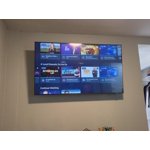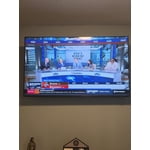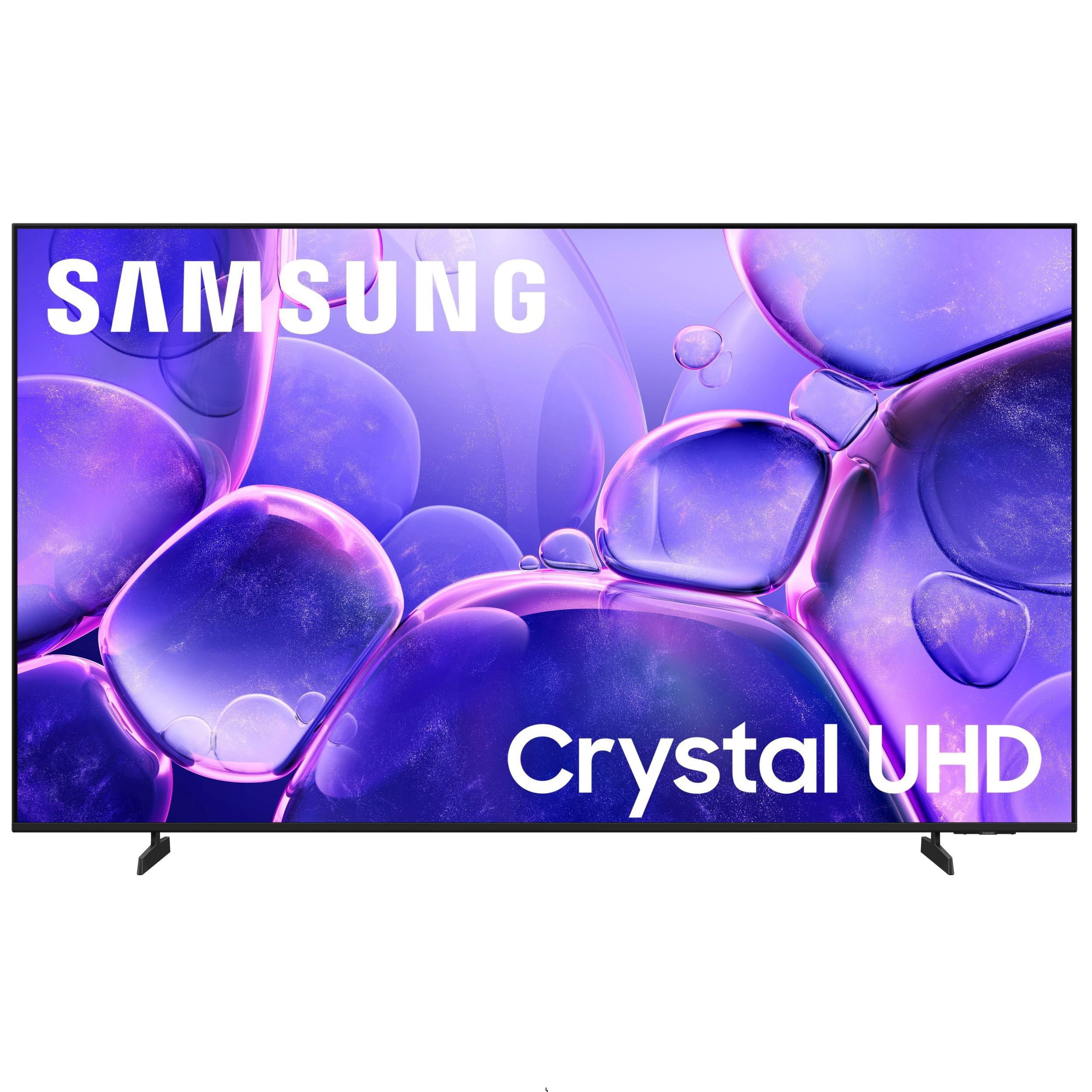
Customer reviews for SAMSUNG 85" Class U8000F Series 4K Crystal UHD Smart TV forMember photos


+336 images
Don't waste your money on ANY Samsung tv!!!
The color of the screen is off. Everything has a yellow tint. Also the volume on the tv varies all by itself. Sound effects are extremely loud and you have to turn the volume down, yet when people speak you have to turn the volume up. But the remote won't turn the volume up or down, when you tap the button it kicks you to a completely different screen. There are also no buttons for certain services, like voice remote, no number buttons where you can type in the number of the channel you want to watch. It is extremely poorly designed and implemented. I am taking this back to the store where I purchased it and will get my money back. And I will give your product bad reviews to anyone who's asks what I think of it.
Hi Sarge, We appreciate you sharing your experience. If you have not yet returned your unit, please give us the opportunity to troubleshoot your issue and to work towards a solution. You can reach Samsung Support at 1-800-SAMSUNG (ask for TVs), 8 AM – 12 AM EST, 7 days a week. We hope to hear from you. ~ Samsung Specialist
Picture quality
[This review was collected as part of a promotion.] The picture quality is poor when watching sports. The image is very blurry. Tried adjusting the picture settings but it did not improve the quality. Using an older model for our primary TV. Very disappointing!
Hi Trobert765, Thank you for your feedback on the Samsung U8000F TV and your experience when watching fast-motion content. If the picture appears blurry or unnatural during high-speed scenes, there are several settings you can adjust to improve motion clarity. Go to: Home > left directional key > Settings > All Settings > Picture > Expert Settings, and review these key settings: Picture Clarity Settings • Off: Disables all motion enhancement • Auto: Automatically adjusts motion clarity based on content • Custom: Enables manual control of: o Judder Reduction: Smooths motion in film-based content o LED Clear Motion: Increases sharpness during fast movement o Noise Reduction: Helps reduce distortion in lower-quality sources Additional Picture Controls • Brightness – Adjust overall image brightness • Contrast – Controls the difference between light and dark areas • Sharpness – Enhances the definition of object edges • Color – Adjusts color intensity for more natural or vivid tones We hope these settings help improve your viewing experience, especially with fast-moving content. If you'd like further assistance, feel free to reach out to Samsung Support at 1-800-SAMSUNG, 8AM – 12AM EST, 7 days a week. LiveChat is also available via the ‘Support’ link on our website. ~ Samsung Advisor
Screensaver
I would like to have the screensaver adjustable for time out because there are many times when you don't want to turn off the TV, but you do not want the distraction of everything of the screen. On my model TV, the screensaver only kicks in only after two hours of non-activity.
UX could use some TLC
[This review was collected as part of a promotion.] The image quality is fine and I've not experienced an issue with viewing shows. Challenge is that the TV runs slowly often. It seems to have trouble loading apps, navigation the interface and sometimes just being responsive to the remote. Not really sure why this is the case but it's hugely disruptive to our experience.
Hi Littlegretz, We appreciate your feedback regarding your U8000F TV’s performance. If you're experiencing slow apps, freezing, or lag in general response time, try the following steps: 1. Check for firmware updates – Keeping your TV up to date can resolve many performance issues: Home > left directional key > Settings > Support > Software Update > Update Now 2. Run Device Care – This tool checks system memory, frees up cached data, and closes background apps that could be slowing things down: Home > left directional key > Settings > Support > Device Care > Start Device Care 3. Cold boot your TV – With the TV powered on, press and hold the Power button on your remote for 5+ seconds until the TV restarts. This helps refresh the system. If you're still noticing performance issues after these steps, please contact Samsung Support at 1-800-SAMSUNG, 8AM – 12AM EST, 7 days a week. You can also connect with a LiveChat agent via the ‘Support’ link on our website. ~ Samsung Advisor
Great TV Best Picture Ever
[This review was collected as part of a promotion.] This TV has been amazing since we got it out of the box turned it on hooked it up and logged in everything we needed to log into, never had any issues out of it has great clear picture. I love all the extras that you can do with it. You can connect your phone to it. Mirror screen your devices. And you can continue to use that device and it not show what you're doing on the device, it only shows what you mirrored and played to the TV from your device.. you can even control the TV with t.he Remote and not have to control it with the device that you mirrored to the TV.
This product has absolutely great features!!
[This review was collected as part of a promotion.] I absolutely love this TV. Im so happy I received it for my birthday! It's great for movie nights, streaming and when I play my Xbox. The images and features are amazing! I'll never buy another brand of TV again! It had to be a Samsung!
TV is easy to setup, with great picture & features
[This review was collected as part of a promotion.] We own 4 TV's 1-75" & 3-50" one in main living area 2 in bedrooms & one on outdoor patio area. All are on streaming with Spectrum & work great, they were easy to setup. They have great picture and very usable features, wouldn't buy anything other than Samsung. Will be replacing one more in my office with an updated one.
It's absolutely fantastic an easy on the eyes
[This review was collected as part of a promotion.] It's good for when I'm home an Im in another room an I can still hear it clearly as if I'm still in the same room an I like how when I'm looking at in it makes me feel like I'm wherever they are even old movies an old shows also
Great picture, user friendly.
[This review was collected as part of a promotion.] The picture looks great and the sound is good also. I primarily use it to stream channels through my cable app. Wifi streaming made the setup very quick. Love all the channels that come on Samsung Plus.
Picture is great, but . . .
I love the picture and the price on this TV, but overall, it has several faults. The "smart" menu system on this TV SUCKS, and the remote is worthless. This is the sixth Samsung TV that I've owned, but it may be my last. The remote that comes with the TV is worthless. I've already replaced the remote that came with the TV through customer service, because it was dead on arrival. No problem, except it took over two weeks for the replacement to arrive. The replacement works most of the time, but I've found that one of the old non-smart remotes I have from a previous Samsung TV works much better than the new smart one. I also downloaded the Samsung TV app for my phone, and I've found it works better than either remote. The second major problem I have is the menu system on the TV. I have the TV hooked up to an antenna in my office, and it takes about six clicks and several minutes, yes, minutes, to navigate to the over-the-air channel I want when I initially turn the TV on in the morning. This is ridiculous. It usually takes at least three attempts through the menu to get the channel to play on the TV. The last problem is in trying to add apps. I've added the Xfinity Stream app three times, but it does not appear on the list of possible "channels" to navigate to. There are at least ten different choices of "channels", two or possibly three that I will use, but Xfinity does not appear. It does appear in the APP section if I search for it. Overall, the TV works great. I'll be replacing our main large screen TV in the Family Room in the near future, but I'm really not sure if I'll get another Samsung or change to a different brand. My son purchased a 65 inch LG that has a menu system that is efficient and works and the picture is amazing. Of course it was about $500 more than this TV. But price should not have anything to do with functionality.
OrygunDuck, Thank you for sharing your feedback with us. To help you get the most from your TV, you can download the full e-Manual and more by visiting Samsung’s website, then navigating to: Support > Manual & Software > TVs & Home Theater. From there, you can search for and select your U8000FD TV model to view or download the available guides. The e-Manual & User Guide are also conveniently built into your TV: Settings > Support > Tips and User Guides. Your TV includes Learn Menu Screen, an accessibility feature that provides audio guidance for on-screen menus. When enabled, your TV will announce the name and function of each menu item as you scroll, without making any changes. This feature is particularly helpful for users who are visually impaired or new to Smart TV menus. To enable, go to: Settings > All Settings > General & Privacy > Accessibility > Learn Menu Screen. To exit, press the Return key twice. If you're experiencing freezing or lag in general response time, please try the following steps: 1. Check for firmware updates – Keeping your TV up to date can resolve many performance issues: Home > left directional key > Settings > Support > Software Update > Update Now 2. Run Device Care – This tool checks system memory, frees up cached data, and closes background apps that could be slowing things down: Home > left directional key > Settings > Support > Device Care > Start Device Care 3. Cold boot your TV – With the TV powered on, press and hold the Power button on your remote for 5+ seconds until the TV restarts. This helps refresh the system. If you’d like more assistance, please reach Samsung Support at 1-800-SAMSUNG, available 8AM – 12AM EST, 7 days a week. LiveChat agents are also available through the ‘Support’ link on our website. ~ Samsung Specialist