Skip to Main Content
Sam's Club
Sam's Club
Customer reviews for SAMSUNG 85" Class U8000F Series 4K Crystal UHD Smart TV for
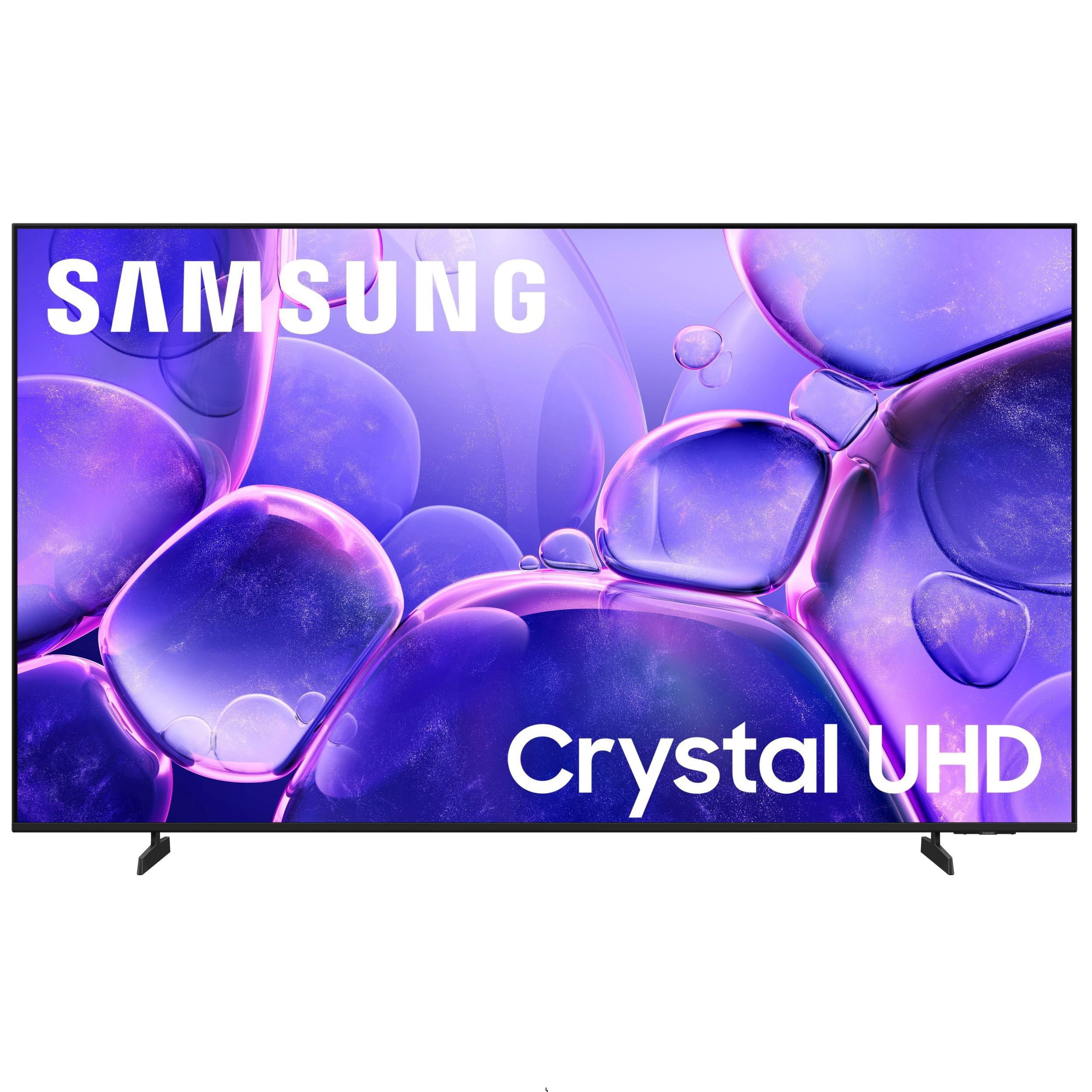
SAMSUNG 85" Class U8000F Series 4K Crystal UHD Smart TV
4.6 out of 5 stars
stars1,572 ratings1,547 reviews
  1. 5 stars74% (1,170)
  2. 4 stars15% (234)
  3. 3 stars5% (82)
  4. 2 stars3% (42)
  5. 1 star3% (44)

Member photos

  • +463 images
Sort by |
Showing 1,191-1,200 of 1,547 reviews
Feb 17, 2026
Eddie
5 out of 5 stars review

Tv #1

[This review was collected as part of a promotion.] Best tv ever best resolution brightness contrast it has the best refresh rate = great viewing

Review from Samsung US
Helpful?3CTS2O15ZY1416007408101
Mar 23, 2026
Will
5 out of 5 stars review

Great TV

[This review was collected as part of a promotion.] This has been one of my favorite TVs yet, I really love how quick it is.

Review from Samsung US
Helpful?3CTS2O15ZY1416007408101
Mar 23, 2026
My 50 inch
2 out of 5 stars review

It out didn't with

[This review was collected as part of a promotion.] Well every time it turns on ½ the time it the clor aree all messed up

Review from Samsung US
Helpful?3CTS2O15ZY1416007408101
reply from Samsung Advisor

Hi there, We're sorry to hear about the color issues you are experiencing on your TV. Please ensure your TV is running the latest Firmware, version 1132.0. Go to Settings> Support> Software Update. If this firmware version is not yet available on your TV, you can download the update on a USB drive and manually update your TV: 1. On Samsung's website (upper right corner), go to: Support > Manual & Software > Find your TV model, and click on the Firmware – Upgrade File. 2. When the file has finished downloading, locate it and then unzip it. There is normally one folder inside but there may be multiple files. 3. Copy or move all of the files that were included in the zip file to a USB flash drive, but do not place them inside any other folders. If you place the software folders inside a folder on the USB flash drive, the TV or monitor will not find them. 4. Connect the USB drive containing the software upgrade into a USB port on your device. 5. Using your device's remote, navigate to and select Settings, then select All Settings, and then select Support. Select Software Update, select Update Now, and then select Yes if prompted. Your device will search the USB drive for update files. Follow the on-screen instructions to install the updated software. Updates usually take a few minutes; please do not turn off the TV until the update is complete. When the update is finished, it will restart automatically. If you need additional support, Samsung is here to help. Please call us at 1-800-SAMSUNG, available daily from 8AM - 12AM EST. You can also chat with a LiveChat agent by clicking the ‘Support’ link on our website. ~ Samsung Advisor

Feb 27, 2026
Sammy
5 out of 5 stars review

Good tv

[This review was collected as part of a promotion.] I love it and it have good quality and resolution

Review from Samsung US
Helpful?3CTS2O15ZY1416007408101
Mar 5, 2026
adavila
5 out of 5 stars review

More than i expected

[This review was collected as part of a promotion.] Excellent resolution. clear voice and sound. The view in sea documentaries is annoying.

Review from Samsung US
Helpful?3CTS2O15ZY1416007408101
Mar 14, 2026
Tony
5 out of 5 stars review

Great features

[This review was collected as part of a promotion.] Yes this was very helpful and im greatful to be a part of this hoping I win

Review from Samsung US
Helpful?3CTS2O15ZY1416007408101
Feb 14, 2026
BoomingBoy
5 out of 5 stars review

Great images

[This review was collected as part of a promotion.] Excellent view and resolution. Provide incredible visual effects and sound.

Review from Samsung US
Helpful?3CTS2O15ZY1416007408101
Apr 12, 2026
Modan
4 out of 5 stars review

Best TV's on the market

[This review was collected as part of a promotion.] By far the most reliable, quality TV I've ever owned. Great picture, user friendly

Review from Samsung US
Helpful?3CTS2O15ZY1416007408101
Mar 23, 2026
Chrissy
5 out of 5 stars review

Samsung 65 in tv

[This review was collected as part of a promotion.] Bright.picture sharp resolution easy to operate love this tv!

Review from Samsung US
Helpful?3CTS2O15ZY1416007408101
Feb 17, 2026
Speedy28
5 out of 5 stars review

Just love it

[This review was collected as part of a promotion.] I just love my TV. Love the resolution. Sound is great. Overall an awesome product.

Review from Samsung US
Helpful?3CTS2O15ZY1416007408101