Skip to Main Content
Sam's Club
Sam's Club
Customer reviews for SAMSUNG 58” Class U8000F Series 4K Crystal UHD Smart TV for
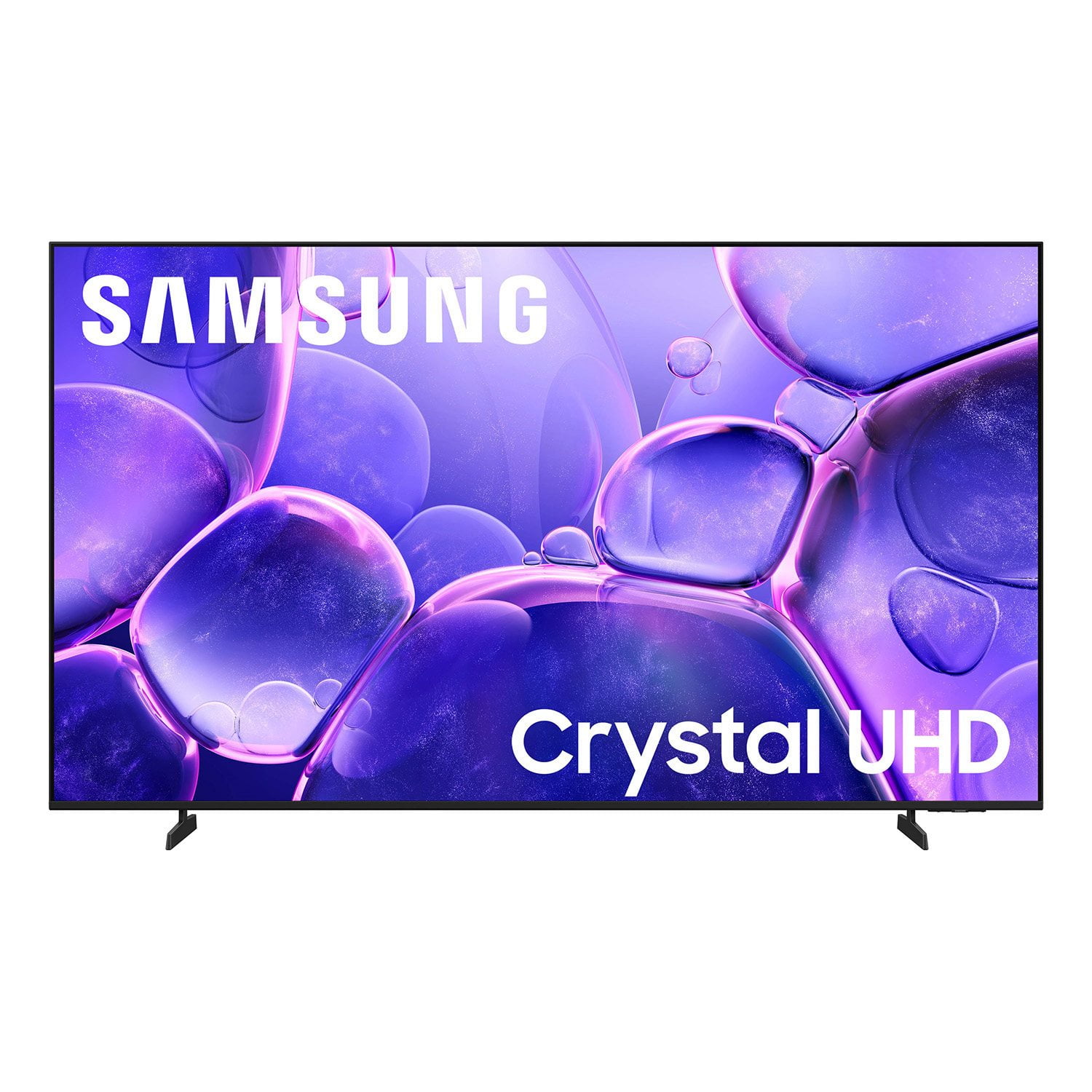
SAMSUNG 58” Class U8000F Series 4K Crystal UHD Smart TV
4.6 out of 5 stars
stars1,539 ratings1,533 reviews
  1. 5 stars74% (1,145)
  2. 4 stars15% (232)
  3. 3 stars5% (79)
  4. 2 stars3% (40)
  5. 1 star3% (43)

Member photos

  • +448 images
Sort by |
Showing 1,321-1,330 of 1,533 reviews
Mar 23, 2026
Tony
5 out of 5 stars review

Crystal clear

[This review was collected as part of a promotion.] Awesome clarity . This TV has a beautiful picture and is crystal clear.

Review from Samsung US
Helpful?1U5QA8D4IAB615677157353
Apr 5, 2026
Flatbush 40
3 out of 5 stars review

20

[This review was collected as part of a promotion.] They said it has Alexa app on there it really doesn’t it has Bixby very disappointing

Review from Samsung US
Helpful?1U5QA8D4IAB615677157353
reply from Samsung Advisor

Hi Flatbush 40, We apologize for any confusion. The U8000F does not offer a built-in voice assistant. You can however connect external devices such as an Alexa device to control your TV. If you have any questions or need help, we’re always here. Call 1-800-SAMSUNG from 8AM – 9PM EST Mon – Fri, 8AM – 6PM Sat – Sun, or connect with a LiveChat agent anytime by selecting ‘Support’ on our website. ~ Samsung Advisor

Mar 23, 2026
Craw
5 out of 5 stars review

Perfect 👌

[This review was collected as part of a promotion.] Perfect picture easy to navigate Samsung obviously the best 👌

Review from Samsung US
Helpful?1U5QA8D4IAB615677157353
Mar 12, 2026
XfitGramps
5 out of 5 stars review

Sufficient Enough for my Garage and/or Patio TV

[This review was collected as part of a promotion.] The Aesthetics, Brightness, Connectivity, and Resolution are sufficient enough to my needs.

Review from Samsung US
Helpful?1U5QA8D4IAB615677157353
Feb 21, 2026
Copycatjet4
2 out of 5 stars review

Samsong Can Do Better than this

[This review was collected as part of a promotion.] Im Not happy with the sound system I wantt to connect to a coaxil cable but how on this tv

Review from Samsung US
Helpful?1U5QA8D4IAB615677157353
reply from Samsung Advisor

Hi Copycatjet4, Thank you for reaching out to us. The coax cable is located on the back of the TV. For further setup assistance, please utilize this guide. You can also call us with any questions you may have. Call us at 1-800-SAMSUNG, 8AM - 12AM EST, 7 days a week. You can also LiveChat with an agent at the ‘Support’ link on our website. ~ Samsung Advisor

Mar 26, 2026
Scotty7
5 out of 5 stars review

Great picture and features

[This review was collected as part of a promotion.] Love my Samsung smart tv.. its one of my prized possessions..highly recommend

Review from Samsung US
Helpful?1U5QA8D4IAB615677157353
Mar 5, 2026
Paul
1 out of 5 stars review

Not as clear as advertised.

[This review was collected as part of a promotion.] Not as clear as advertised. Very grainy. Is it even 4K? Two after I bought it went on sale. SMH

Review from Samsung US
Helpful?1U5QA8D4IAB615677157353
reply from Samsung Advisor

Hi Paul, Thank you for your feedback on the Samsung U8000F TV. If the picture appears unclear, dull, or lacks definition, there are several settings you can adjust to improve clarity and overall image quality. Go to: Settings > All Settings > Picture > Expert Settings, and review these key settings: Picture Clarity Settings: While originally intended for motion handling, these can also impact overall clarity • Off: Disables motion enhancements • Auto: Automatically adjusts based on content • Custom: Lets you fine-tune: o Judder Reduction – Helps smooth out uneven motion o LED Clear Motion – Boosts sharpness in fast-moving content o Noise Reduction – Reduces distortion and enhances detail in lower-resolution sources Core Picture Settings • Brightness – Controls overall screen brightness • Contrast – Enhances the difference between bright and dark areas • Sharpness – Adjusts edge definition; closer to 20 increases detail • Color – Enhances depth and intensity of colors And don’t forget to check for the latest firmware, which may improve performance: Settings > Support > Software Update > Update Now These adjustments can make a noticeable difference in overall clarity. If you need further help tailoring the settings to your preferences or environment, please contact Samsung Support at 1-800-SAMSUNG, 8AM – 12AM EST, 7 days a week. LiveChat is also available via the ‘Support’ link on our website. ~ Samsung Advisor

Feb 17, 2026
KGGG
5 out of 5 stars review

Great tv

[This review was collected as part of a promotion.] I love the tv, its so amazing compared to other tvd ive had

Review from Samsung US
Helpful?1U5QA8D4IAB615677157353
Mar 26, 2026
Obedisa328
5 out of 5 stars review

Pretty good for its price

[This review was collected as part of a promotion.] Pretty good looking tv, nice on brightness, easy to set up, 4k its excellent and sound 👌

Review from Samsung US
Helpful?1U5QA8D4IAB615677157353
Mar 24, 2026
Salone
4 out of 5 stars review

The features are good, wish there were more

[This review was collected as part of a promotion.] The picture quality is great, sound and screen size is awesome. I wiold buy again

Review from Samsung US
Helpful?1U5QA8D4IAB615677157353