Skip to Main Content
Sam's Club
Sam's Club
Customer reviews for SAMSUNG 58” Class U8000F Series 4K Crystal UHD Smart TV for
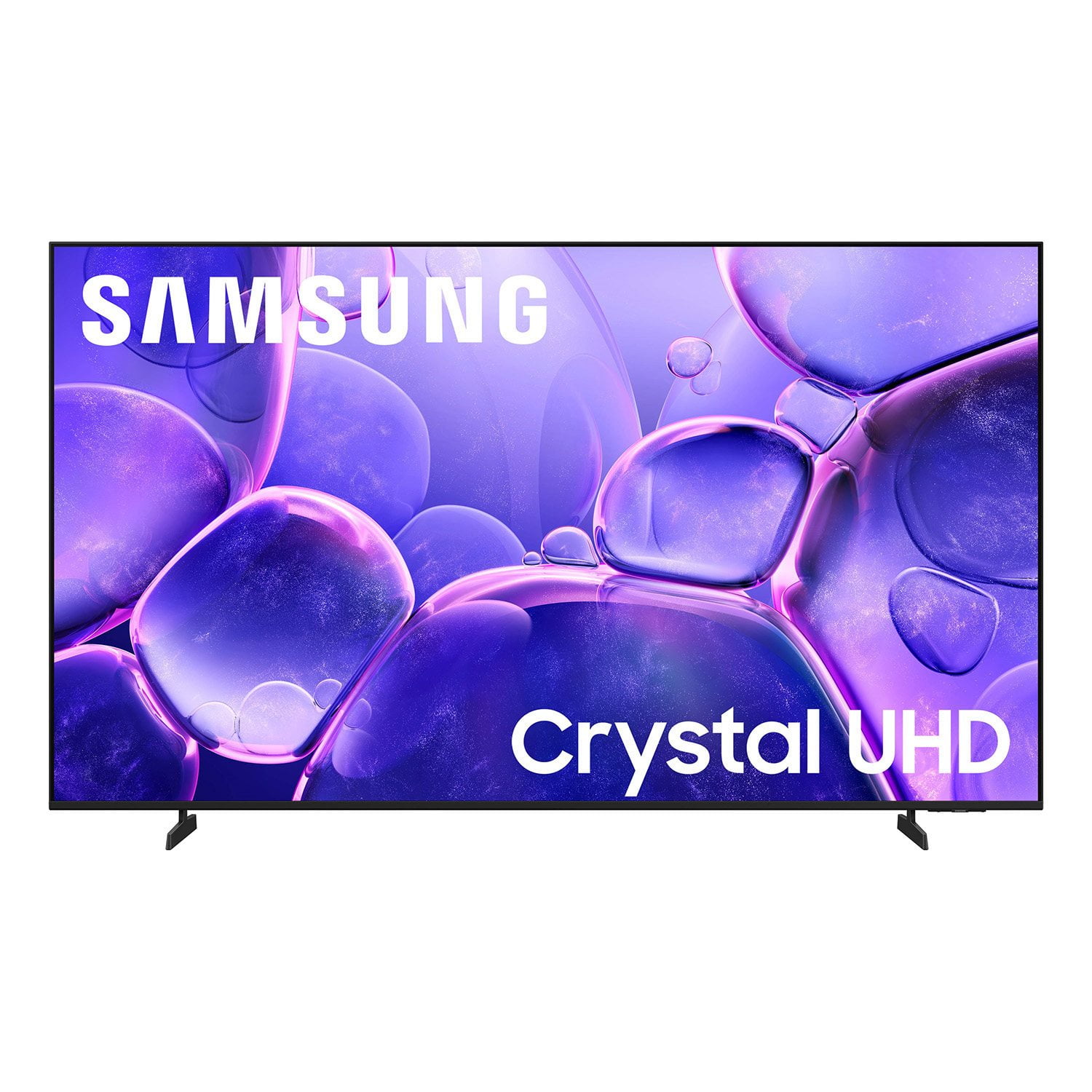
SAMSUNG 58” Class U8000F Series 4K Crystal UHD Smart TV
4.6 out of 5 stars
stars1,539 ratings1,533 reviews
  1. 5 stars74% (1,145)
  2. 4 stars15% (232)
  3. 3 stars5% (79)
  4. 2 stars3% (40)
  5. 1 star3% (43)

Member photos

  • +448 images
Sort by |
Showing 1,281-1,290 of 1,533 reviews
Feb 18, 2026
Knelle
5 out of 5 stars review

Great picture!

[This review was collected as part of a promotion.] Great picture for the price, better then other more expensive tvs.

Review from Samsung US
Helpful?1U5QA8D4IAB615677157353
Mar 23, 2026
Laceranger
5 out of 5 stars review

Great picture

[This review was collected as part of a promotion.] Worked great picture but broke on my move when taking pads off bottom was not sturdy enough

Review from Samsung US
Helpful?1U5QA8D4IAB615677157353
Feb 25, 2026
RonMcCools
5 out of 5 stars review

Good option

[This review was collected as part of a promotion.] Is very good tv the definition is perfect the sound too

Review from Samsung US
Helpful?1U5QA8D4IAB615677157353
Feb 17, 2026
Doomstyker
3 out of 5 stars review

Was good when it worked

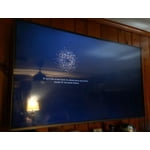
[This review was collected as part of a promotion.] Was good when it worked i moved and all these lines appeared my other tv was fine.

Review from Samsung US
Helpful?1U5QA8D4IAB615677157353
reply from Samsung Advisor

Hi Doomstyker, Thank you for sharing your experience with Samsung’s U8000F. If your TV is displaying lines on the screen, we recommend the following steps to help isolate the issue: 1. Check all input cable connections for any external devices (e.g., HDMI, streaming boxes, Blu-ray players) 2. Switch channels or inputs to see if the issue appears across all sources 3. Run a Picture Test to check for panel-related issues: Settings > Support > Device Care > Self Diagnosis > Picture Test 4. Perform a cold boot by holding the power button on your remote for about 10 seconds 5. Ensure your TV has the latest software installed: Settings > Support > Software Update It is also possible that the TV was damaged during transit, if care was not taken. For further assistance, please contact Samsung Support at 1-800-SAMSUNG, 8AM – 12AM EST, 7 days a week. LiveChat and additional support resources are also available through the Support link on our website. ~ Samsung Advisor

Mar 5, 2026
MrTV
5 out of 5 stars review

Great Buy

[This review was collected as part of a promotion.] Very nice picture guide loads fast easy operating at good price

Review from Samsung US
Helpful?1U5QA8D4IAB615677157353
Apr 5, 2026
Nance home
5 out of 5 stars review

Never buy nothing but Samsung never had problems

[This review was collected as part of a promotion.] Samsung is about the best TV you ever buy again never buy anything else

Review from Samsung US
Helpful?1U5QA8D4IAB615677157353
Mar 23, 2026
Sosooo8585
5 out of 5 stars review

Great view for Great deal

[This review was collected as part of a promotion.] Great deal Great quality Great picture all to good to be true.

Review from Samsung US
Helpful?1U5QA8D4IAB615677157353
Mar 23, 2026
OpieTV
4 out of 5 stars review

Great Features

[This review was collected as part of a promotion.] Ease of use and color are very good. The remote is smaller than I would like

Review from Samsung US
Helpful?1U5QA8D4IAB615677157353
Mar 26, 2026
Scotty7
5 out of 5 stars review

Great picture and features

[This review was collected as part of a promotion.] Love my Samsung smart tv.. its one of my prized possessions..highly recommend

Review from Samsung US
Helpful?1U5QA8D4IAB615677157353
Mar 23, 2026
None
5 out of 5 stars review

Great features

[This review was collected as part of a promotion.] Is it great product I will buy it again. The pictures are very clear and precise.

Review from Samsung US
Helpful?1U5QA8D4IAB615677157353