Skip to Main Content
Sam's Club
Sam's Club
All Departments
All Services
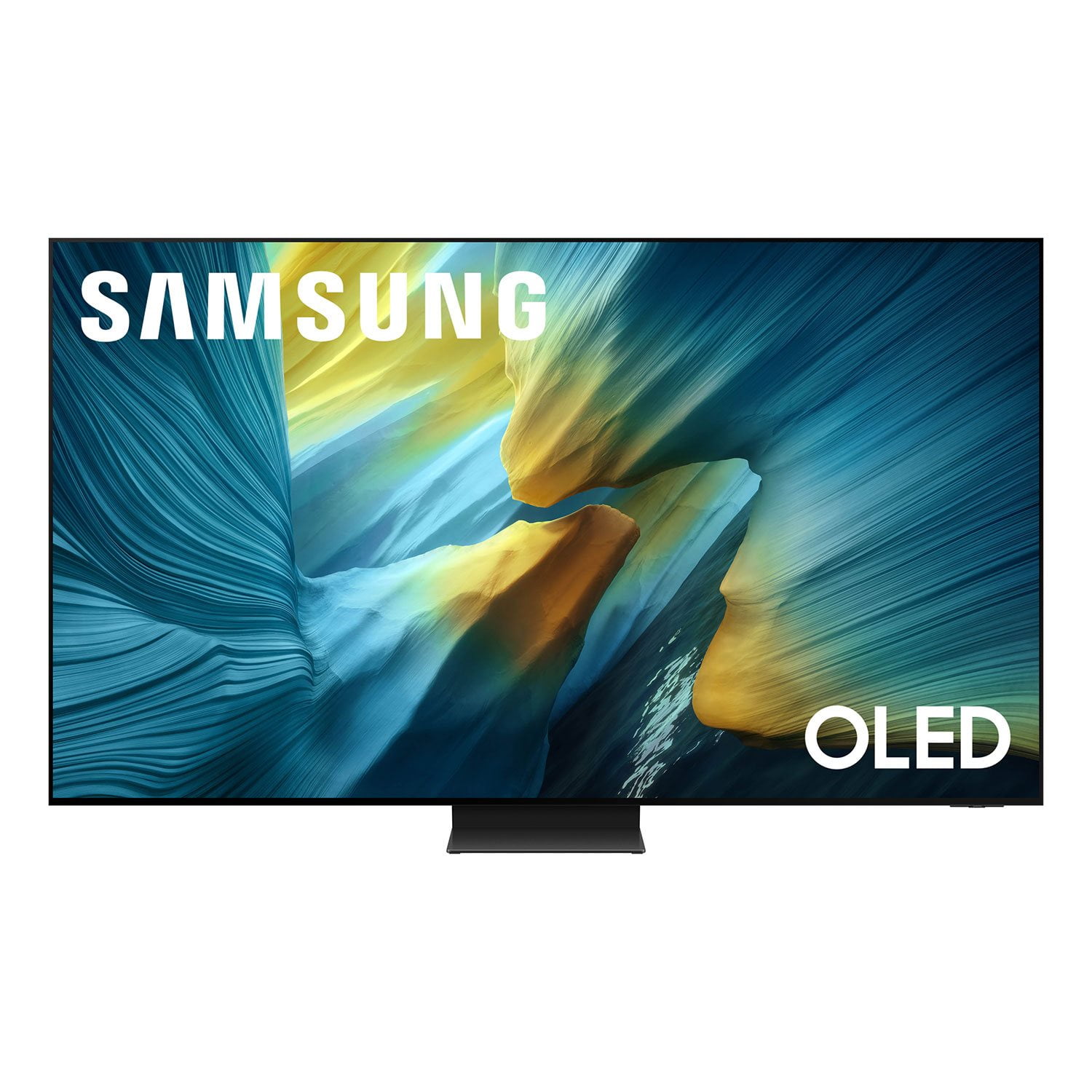
Customer reviews for SAMSUNG 55” Class S95FD Series 4K OLED Smart TV for
SAMSUNG 55” Class S95FD Series 4K OLED Smart TV
4.7 out of 5 stars
stars
769 ratings768 reviews
  1. 5 stars84% (644)
  2. 4 stars10% (80)
  3. 3 stars3% (23)
  4. 2 stars1% (9)
  5. 1 star2% (13)

Member photos

  • +255 images
Sort by |
Showing 421-430 of 768 reviews
Aug 22, 2025
Cindyp
5 out of 5 stars review

Great Picture

[This review was collected as part of a promotion.] We are really impressed with the picture quality, it blew us away. The new screen mutes the lights and the lights coming through the window!! The 1st night we had the new TV, we watched some older movies and the quality was fantastic. We have had the F95S tv for over a month and couldn't be happier.

Review from Samsung US
Helpful?1JNYDL88JM7O15601715182
Oct 18, 2025
MakemyDayyyyyy
5 out of 5 stars review

This item, this is a work of art!

[This review was collected as part of a promotion.] Samsung has been a family favorite for as long as I can remember, Samsung OLED is a great example of when technology meets great minds . As we get older the products here at Samsung grow and change as well. The OLED is a beautiful, crisp and clear reminder of how much growth and time has gone into their products.

Review from Samsung US
Helpful?1JNYDL88JM7O15601715182
Aug 2, 2025
Disappointed
1 out of 5 stars review

Great anti-reflection, poor image quality

Great anti-reflection, works as intended. Would be good brightness too, but you don't get to pick your brightness in many settings - for some reason it forces you to a low brightness even when you have brightness set to full (50). Horrible unavoidable artifacts in many scenes due to a software problem in handling jutter. Either you have it full on, and you get whole image color flicker in dark scenes, or full off and you get horrible motion artifacts around moving objects. In between, both are bad.

Review from Samsung US
Helpful?1JNYDL88JM7O15601715182
reply from Samsung Specialist

Hi Disappointed, We appreciate your input on the picture quality of Samsung’s S95F TV. If the image isn’t meeting your expectations, there are several adjustments you can make to improve your viewing experience. First, please ensure your TV is running the latest firmware, as updates may include important picture quality enhancements. Go to: Home > Left directional button > Settings > Support > Software Update > Update Now Then, select a Picture Mode that best fits your environment: Home > Home > left directional key > Settings > All Settings > Picture > Picture Mode 1. Standard – Default mode for general viewing 2. Dynamic – Brighter and clearer in well-lit rooms 3. Eco – Optimized for energy saving 4. Movie – Best for watching in dark environments 5. Filmmaker Mode – Preserves content exactly as intended by creators You may also want to check if energy saving or AI settings are enabled. These can automatically adjust the brightness based on your room’s lighting. • For energy settings, go to: Settings > All Settings > General & Privacy > Power and Energy Saving • For AI settings, go to: Settings > All Settings > Advanced Features > AI Mode Settings If these adjustments don’t improve your picture quality, feel free to contact Samsung Customer Support at 1-800-SAMSUNG, available 8AM – 12AM EST, 7 days a week. You can also LiveChat with an agent or find helpful guides by visiting the ‘Support’ section of our website. ~ Samsung Specialist

Sep 7, 2025
ILoveTVs
5 out of 5 stars review

Best TV I've Ever Seen, Except for the Sony A95L

[This review was collected as part of a promotion.] Amazing in every way. BY FAR the best TV I've ever seen, and I've seen A LOOOOT of TVs. The only TV that's better is the Sony A95L. The matte finish isn't as big of a deal as you would think. And it REALLY works. But it's not that noticeable, and I think most people would actually prefer it. Very impressive upscaling. 10/10 stars. HIGHLY RECOMMEND.

Review from Samsung US
Helpful?1JNYDL88JM7O15601715182
Nov 22, 2025
VJREDDY
5 out of 5 stars review

S95F Anti Glare

[This review was collected as part of a promotion.] Very impressed with anti glare 2.0 feature in this TV. We have 10 windows on the background and lot of sunlight during the day but this TV handled all the glare like a champ without compromising on the picture quality. Design is also so nice and sleek. Really like the TV and its performance.

Review from Samsung US
Helpful?1JNYDL88JM7O15601715182
Aug 13, 2025
Bonburner
5 out of 5 stars review

Stunning TV

[This review was collected as part of a promotion.] I was hesitant with the TV because of the black level lift and the anti-glare filter, but because of how bright my living room is I needed the filter. In 2025 Samsung has the best anti-glare filter so they were my go to pick. Thankfully the black level lifting does not bother me as much as I feared.

Review from Samsung US
Helpful?1JNYDL88JM7O15601715182
Nov 4, 2025
Chris
3 out of 5 stars review

Great picture, bad OS and annoying pop-ups

Overall the picture is top quality. The matte screen is awesome in my living room with tons of natural light. Unfortunately I don't care much for the AI features. Tends to make the picture look a little too extreme and overprocessed. Also the built in operating system isn't very good. I especially dislike the fact that it will force intrusive pop-up ads for the AI features that cover the screen even when using another source at least once per day.

Review from Samsung US
Helpful?1JNYDL88JM7O15601715182
reply from Samsung Specialist

Chris, Thank you for sharing your feedback on the picture quality of your Samsung S95F TV. AI Mode is designed to adapt your TV’s image based on ambient lighting, content type, and your personal viewing habits. To adjust these features, navigate to: Settings > All Settings > Advanced Features > AI Mode Settings > AI Mode If the image isn’t meeting your expectations, we recommend adjusting AI features that can help with picture quality: • Adaptive Picture > AI Optimized: Automatically adjusts picture settings based on lighting and what you're watching. • EyeComfort Mode: Reduces brightness and adds warmer tones based on time of day and room lighting. • AI Customization Mode: Allows the TV to recognize content types (like sports or movies) and apply your preferred picture settings for each. If you prefer to disable AI Mode, there are additional adjustments you can make to improve your viewing experience. You can select a Picture Mode that best fits your environment: Home > Home > left directional key > Settings > All Settings > Picture > Picture Mode 1. Standard – Default mode for general viewing 2. Dynamic – Brighter and clearer in well-lit rooms 3. Eco – Optimized for energy saving 4. Movie – Best for watching in dark environments 5. Filmmaker Mode – Preserves content exactly as intended by creators Please also ensure your TV is running the latest firmware, as updates may include important picture quality enhancements. Go to: Home > Left directional button > Settings > Support > Software Update > Update Now If these adjustments don’t improve your picture quality, feel free to contact Samsung Customer Support at 1-800-SAMSUNG, available 8AM – 12AM EST, 7 days a week. You can also LiveChat with an agent or find helpful guides by visiting the ‘Support’ section of our website. ~ Samsung Specialist

Nov 9, 2025
Love2live
5 out of 5 stars review

Awesome color and features.

[This review was collected as part of a promotion.] This is by far the best product I've ever owned. It has great features and the color is so vivid, the setup was easy to follow, and the price was very competitive. GREAT PRODUCT!!!!!!! Getting a "75" for my living room.

Review from Samsung US
Helpful?1JNYDL88JM7O15601715182
Oct 13, 2025
AliJ1ggy
5 out of 5 stars review

Spectacular

[This review was collected as part of a promotion.] The Samsung S95F provides a vivid, like-like experience. The colors are out of this world. You don’t realize what details you’ve missed in movies before until you watch it on the S95F. When it comes to size, it really does matter. Don’t opt for the 65”, step it up and get the 77”!

Review from Samsung US
Helpful?1JNYDL88JM7O15601715182
Oct 21, 2025
Paulinwolfetown
5 out of 5 stars review

excellent features

[This review was collected as part of a promotion.] This OLED tv has an excellent picture and color one of the biggest assets is the non glare screen. Now i can view without darkening room by pulling down shades or closing curtains. I also purchased a state of the art Samsung wireless home theater system an easy install, plug & play. Couldn't ask for a better system.

Review from Samsung US
Helpful?1JNYDL88JM7O15601715182