Skip to Main Content
Sam's Club
Sam's Club
All Departments
All Services
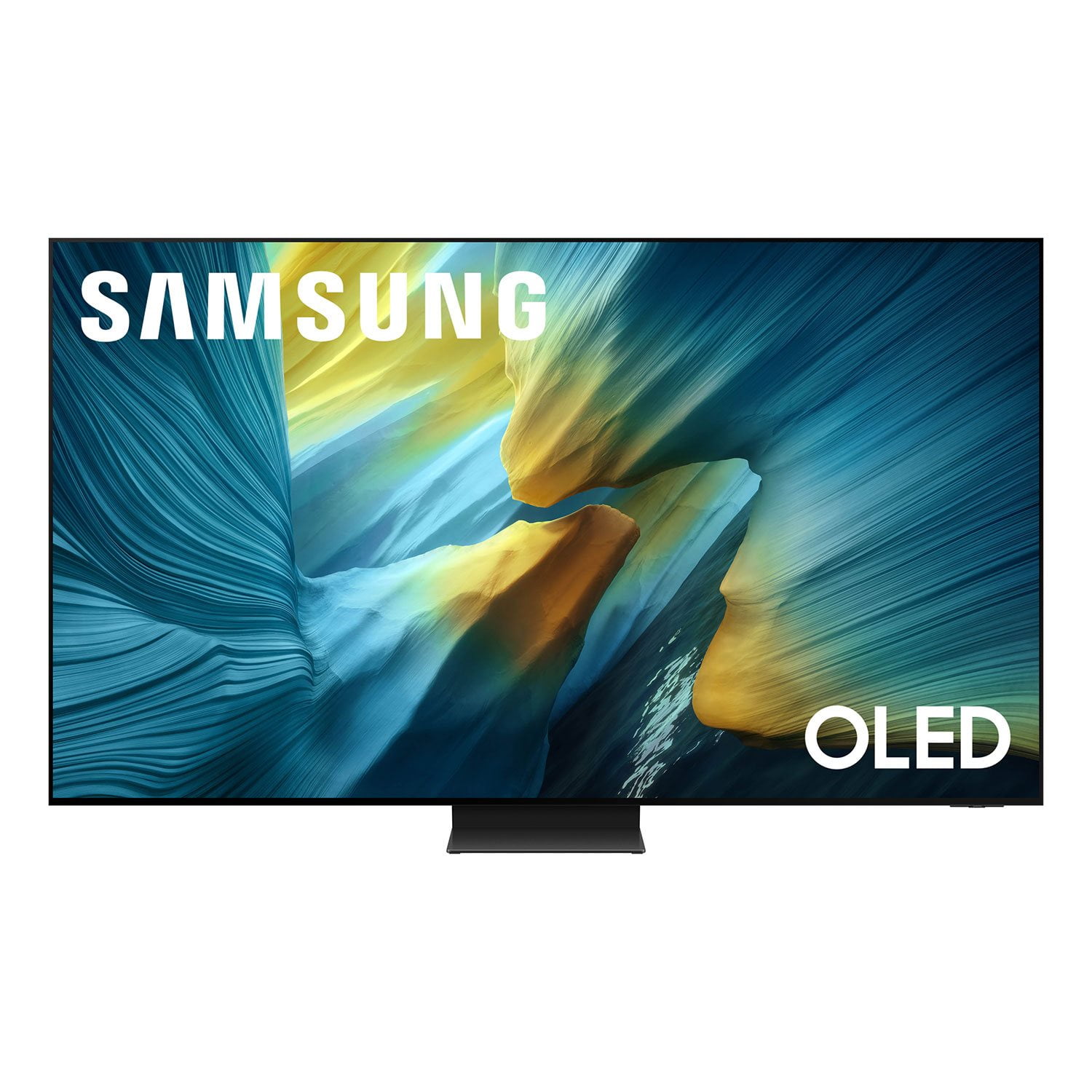
Customer reviews for SAMSUNG 55” Class S95FD Series 4K OLED Smart TV for
SAMSUNG 55” Class S95FD Series 4K OLED Smart TV
4.7 out of 5 stars
stars
850 ratings849 reviews
  1. 5 stars83% (702)
  2. 4 stars11% (92)
  3. 3 stars4% (30)
  4. 2 stars1% (11)
  5. 1 star2% (15)

Member photos

  • +288 images
Sort by |
Showing 301-310 of 849 reviews
Aug 15, 2026
Reviewer name: DrDeny
5 out of 5 stars
5 out of 5 stars review

Crisp and Clear

This is a very nice TV. Image is crisp and clear. Colors are bright. And it was very easy to set up. I am very happy with this purchase.

Review from Samsung US
Helpful?1JNYDL88JM7O15601715182
Aug 19, 2026
Reviewer name: Jaded warrior
5 out of 5 stars
5 out of 5 stars review

EXEPTIONAL!!!

High Quality !! If you are looking for a t.v. with great picture," You can't go wrong with Samsung! "

Review from Samsung US
Helpful?1JNYDL88JM7O15601715182
May 21, 2026
Reviewer name: MaryB
5 out of 5 stars
5 out of 5 stars review

Sharp picture quality
[This review was collected as part of a promotion.] Great picture quality beautiful colors ,blackest blacks absolutely love this TV !!!!

Review from Samsung US
Helpful?1JNYDL88JM7O15601715182
Sep 8, 2026
Reviewer name: TAinNH
3 out of 5 stars
3 out of 5 stars review

Color

This is my 4th Samsung TV. I can not get the color quality like the others. Color and sharpness is not consistent and changes while viewing.

Review from Samsung US
Helpful?1JNYDL88JM7O15601715182
reply from Samsung Advisor

Hi TAinNH, We appreciate you sharing details about the color and sharpness fluctuations you’ve experienced on your Samsung S95F TV. This behavior may be related to energy-saving features, AI-powered optimizations, or dynamic picture settings that automatically adjust screen brightness based on content and viewing environment. Please try disabling the following features: Settings > All Settings > General & Privacy > Power and Energy Saving > Brightness Optimization, Energy Saving Solution, and Motion Lighting If these are already off, check if Contrast Enhancer is enabled, which can also cause brightness to shift depending on scene changes: Settings > All Settings > Picture > Expert Settings > Contrast Enhancer Samsung’s newer TVs also include AI-powered features designed to adapt picture settings automatically. While many viewers enjoy this enhancement, others prefer more manual control. To adjust these features, go to: Settings > All Settings > Advanced Features > AI Mode Settings To ensure optimal performance, please also confirm your TV is running the latest firmware: Settings > Support > Software Update > Update Now We hope these steps help stabilize your screen brightness. If you continue to experience issues, please don’t hesitate to contact Samsung Customer Support at 1-800-SAMSUNG (8AM – 9PM EST Mon – Fri, 8AM – 6PM Sat – Sun) or visit the Support link on our website. LiveChat is also available via the ‘Support’ link on our website. ~Samsung Advisor

May 22, 2026
Reviewer name: csosa
5 out of 5 stars
5 out of 5 stars review

gret tv

[This review was collected as part of a promotion.] best investment i made. i don’t so much money on other brands and will never go back to another brand

Review from Samsung US
Helpful?1JNYDL88JM7O15601715182
Jun 1, 2026
Reviewer name: Josh
5 out of 5 stars
5 out of 5 stars review

Great picture, easy to use. Lots of free TV !

[This review was collected as part of a promotion.] The Samsung OLED has a great picture ans is easy to use and set up. My last Samsung TV lasted over 15 years. It is worth the investment.

Review from Samsung US
Helpful?1JNYDL88JM7O15601715182
Jun 4, 2026
Reviewer name: lThCG
5 out of 5 stars
5 out of 5 stars review

Review of S95F

[This review was collected as part of a promotion.] Very pleased with our purchase of this tv. The only problem is programing a second remote control that uses installing batteries instead of the charging remote control that comes with the tv.

Review from Samsung US
Helpful?1JNYDL88JM7O15601715182
Jun 20, 2026
Reviewer name: BOUGHT AT ABT
1 out of 5 stars
1 out of 5 stars review

HATE THIS TV

[This review was collected as part of a promotion.] I HATE THIS TELEVISION. IT IS INCREDIBLY HARD TO NAVIGATE, HAS A MIND OF ITS OWN, FREQUENTLY REVERTS TO SAMSUNG TV PLUS, WHICH IS A BIG MINUS. NEVER AGAIN.

Review from Samsung US
Helpful?1JNYDL88JM7O15601715182
reply from Samsung Specialist

We appreciate you sharing your user experience. To help you get the most from your TV, you can download the full e-Manual and more by visiting Samsung’s website then navigating to: Support > Manual & Software > TVs & Home Theater. From there, you can search for and select your TV model to view or download the available guides. The e-Manual and Remote Control Guide are also conveniently built into your TV: Settings > Support > Tips and User Guides If you need additional help, please contact Samsung Support at 1-800-SAMSUNG (8AM – 9PM EST Mon – Fri, 8AM – 6PM Sat – Sun). LiveChat agents are also available through the ‘Support’ link on our website. ~ Samsung Specialist

Jun 23, 2026
Reviewer name: BeemerM
5 out of 5 stars
5 out of 5 stars review

HD to the max!

[This review was collected as part of a promotion.] After upgrading from an old TV, I was left with my jaw on the floor. Crisp clear picture. Felt like I was there in real time. Truly a beautiful TV.

Review from Samsung US
Helpful?1JNYDL88JM7O15601715182
Jun 22, 2026
Reviewer name: Tj F
5 out of 5 stars
5 out of 5 stars review

Sharp Resolution

[This review was collected as part of a promotion.] Insane resolution and crispness of picture. Levels above the competition. I wouldn't buy any other brand . Matter of fact, you couldnt give me another tv.

Review from Samsung US
Helpful?1JNYDL88JM7O15601715182