Skip to Main Content
Sams Club
Sams Club
Customer reviews for SAMSUNG 55” Class S95FD Series 4K OLED Smart TV for
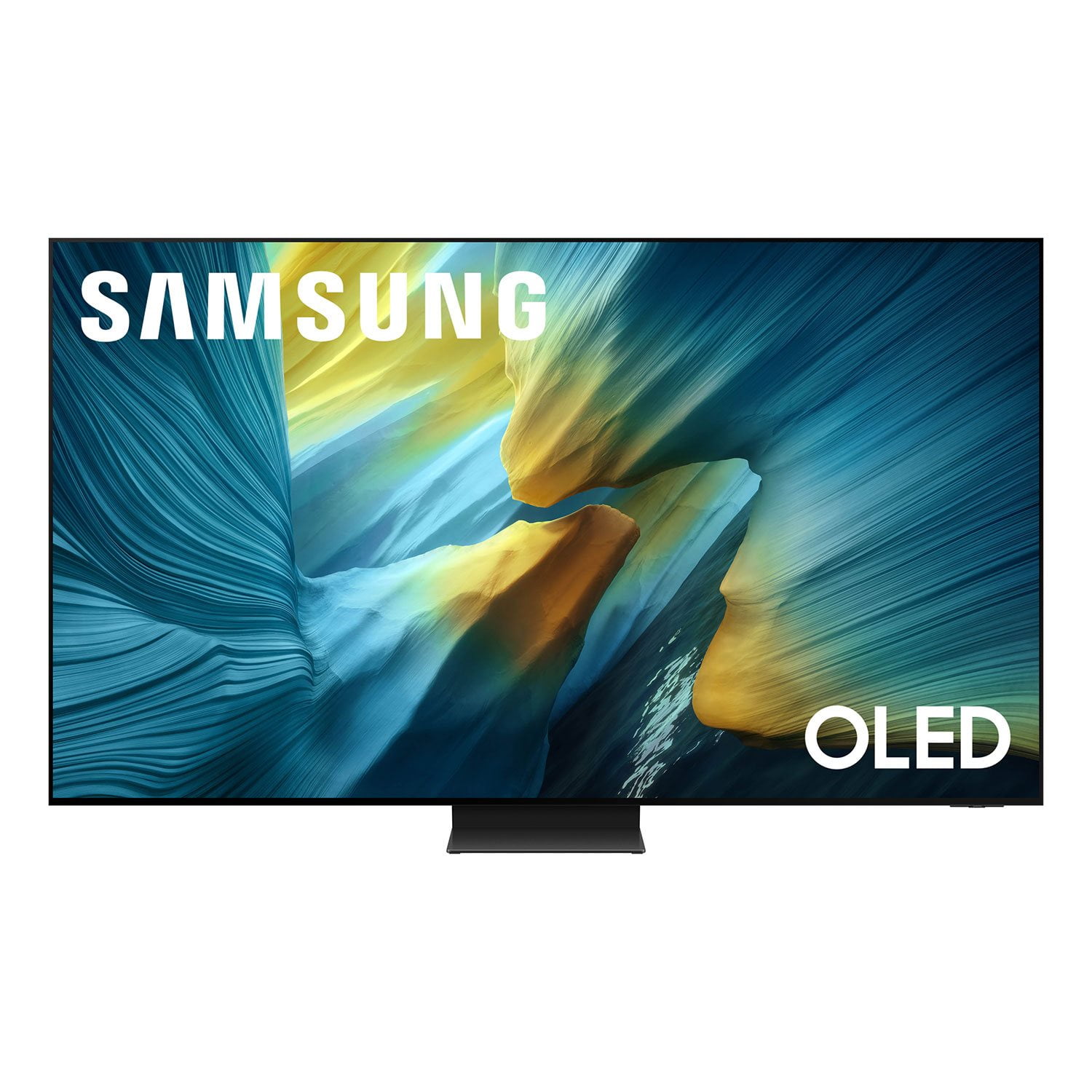
SAMSUNG 55” Class S95FD Series 4K OLED Smart TV
4.7 out of 5 stars
stars310 ratings309 reviews
  1. 5 stars83% (257)
  2. 4 stars12% (38)
  3. 3 stars3% (8)
  4. 2 stars1% (3)
  5. 1 star1% (4)

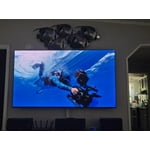
Member photos

  • +80 images
Sort by |
Showing 251-260 of 309 reviews
Feb 3, 2026
Donmizzy
5 out of 5 stars review

I Love it it's a wonderful tv great quality my kid

[This review was collected as part of a promotion.] Thank-you for a great tv for me & my FAMILY THANK YOU

Review from Samsung US
Helpful?1JNYDL88JM7O15601715182
Mar 19, 2026
Kiron
5 out of 5 stars review

Great product

[This review was collected as part of a promotion.] Crystal Clear picture. Awesome sounds. Images looks like live

Review from Samsung US
Helpful?1JNYDL88JM7O15601715182
Feb 18, 2026
Valsully
5 out of 5 stars review

Love it!

[This review was collected as part of a promotion.] Beautiful tv would purchase again and tell others to buy!

Review from Samsung US
Helpful?1JNYDL88JM7O15601715182
Feb 28, 2026
njwino
5 out of 5 stars review

Life like

[This review was collected as part of a promotion.] It is like I am right there with them. Real life.

Review from Samsung US
Helpful?1JNYDL88JM7O15601715182
Feb 17, 2026
Evan11
5 out of 5 stars review

Great product

[This review was collected as part of a promotion.] Excellent quality. TV have great features . Screen is really clear

Review from Samsung US
Helpful?1JNYDL88JM7O15601715182
Mar 16, 2026
Addy
3 out of 5 stars review

Sometimes it freezes

[This review was collected as part of a promotion.] Sometimes it freezes on me and I need time shut it off and turn it back on to reset it

Review from Samsung US
Helpful?1JNYDL88JM7O15601715182
reply from Samsung Specialist

Addy, We appreciate your feedback regarding your TV’s performance. If you're experiencing freezing or lag in general response time, please try the following steps: 1. Check for firmware updates – Keeping your TV up to date can resolve many performance issues: Home > left directional key > Settings > Support > Software Update > Update Now 2. Run Device Care – This tool checks system memory, frees up cached data, and closes background apps that could be slowing things down: Home > left directional key > Settings > Support > Device Care > Start Device Care 3. Cold boot your TV – With the TV powered on, press and hold the Power button on your remote for 5+ seconds until the TV restarts. This helps refresh the system. If you're still noticing performance snags after these steps, please contact Samsung Support at 1-800-SAMSUNG, 8AM – 12AM EST, 7 days a week. You can also connect with a LiveChat agent via the ‘Support’ link on our website. ~ Samsung Specialist

Feb 17, 2026
Edward
5 out of 5 stars review

Love it

[This review was collected as part of a promotion.] This product works great love the picture quality and easy to navigate

Review from Samsung US
Helpful?1JNYDL88JM7O15601715182
Mar 5, 2026
Gabo
5 out of 5 stars review

The screen and sound

[This review was collected as part of a promotion.] It has a very good resolution to watch movies and play games

Review from Samsung US
Helpful?1JNYDL88JM7O15601715182
Feb 26, 2026
Kaiwk
5 out of 5 stars review

Amazing

[This review was collected as part of a promotion.] This is amazing product i am using. Quality and colors are perfect. You should buy this.

Review from Samsung US
Helpful?1JNYDL88JM7O15601715182
Jan 21, 2026
Anonymous
5 out of 5 stars review

Beautiful picture

The picture is so bright and vibrant it lights up my room it's almost too bright at night though but it's hard to consider that a downside

Review from Samsung US
Helpful?1JNYDL88JM7O15601715182