Skip to Main Content
Sams Club
Sams Club
Customer reviews for SAMSUNG 65” Class S85FD Series 4K OLED Smart TV for
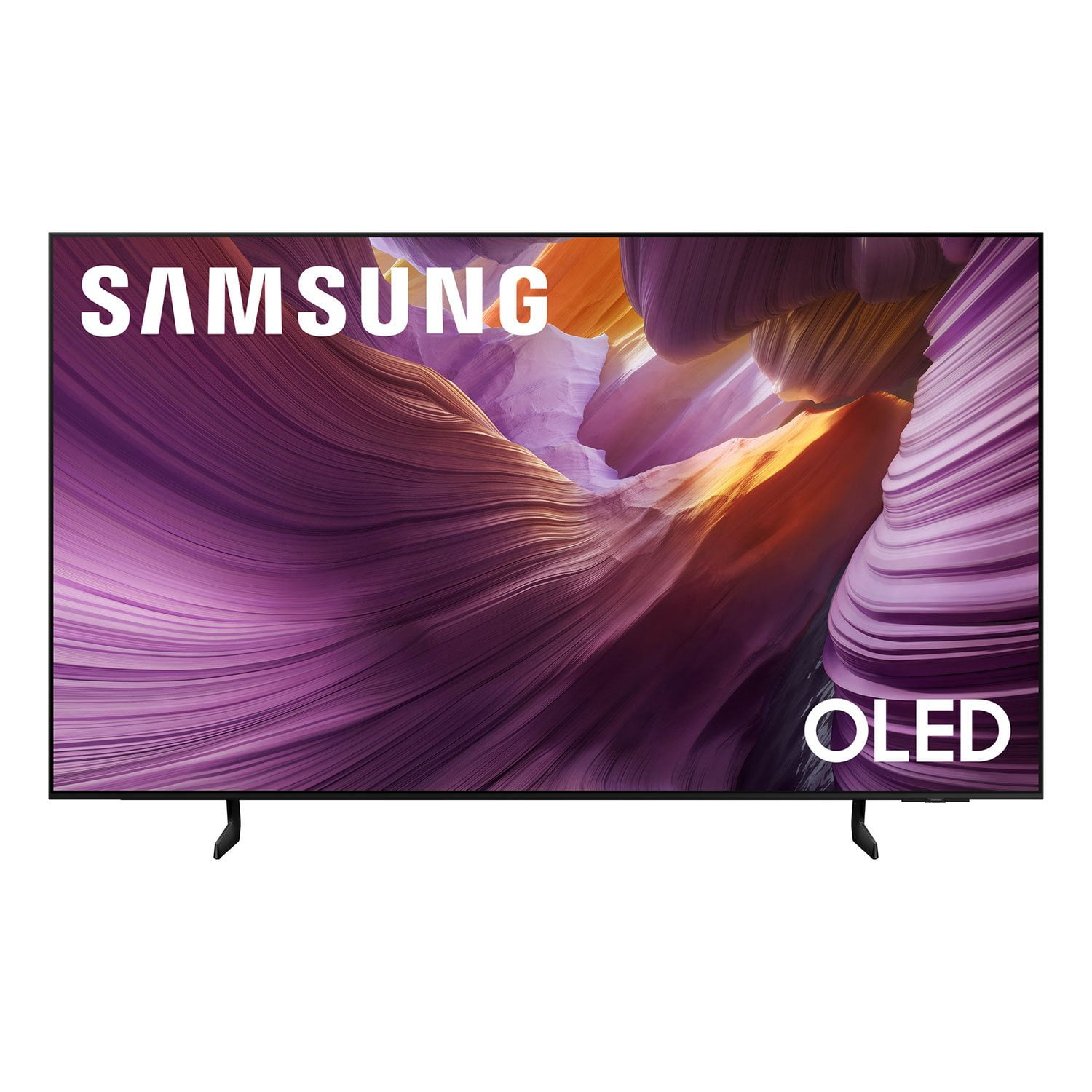
SAMSUNG 65” Class S85FD Series 4K OLED Smart TV
4.8 out of 5 stars
stars122 ratings121 reviews
  1. 5 stars83% (101)
  2. 4 stars13% (16)
  3. 3 stars3% (4)
  4. 2 stars0% (0)
  5. 1 star1% (1)

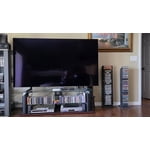
Member photos

  • +11 images
Sort by |
Showing 61-70 of 121 reviews
Apr 5, 2026
Erica marie
5 out of 5 stars review

Great picture and sound

[This review was collected as part of a promotion.] This TV has the perfect picture and overall appearance. and easy to navigate

Review from Samsung US
Helpful?5FIAKKB1UO4Y15601715163
Mar 23, 2026
Djneff
5 out of 5 stars review

Very easy to setup and watch

[This review was collected as part of a promotion.] this TV is phenomenal . it fit's my wall perfectly and the picture is magnificent .

Review from Samsung US
Helpful?5FIAKKB1UO4Y15601715163
Mar 23, 2026
Calfeyes
5 out of 5 stars review

Awesome tv

[This review was collected as part of a promotion.] Everything is great about the TV. I would recommend it to everyone

Review from Samsung US
Helpful?5FIAKKB1UO4Y15601715163
Oct 18, 2025
CoupleBandz
5 out of 5 stars review

This is the best tv ive ever had promised u 10/10

[This review was collected as part of a promotion.] I use the tv for mostly gaming atleast 6 hour a day i love the picture quality i swear the games be looking like real life people

Review from Samsung US
Helpful?5FIAKKB1UO4Y15601715163
Nov 4, 2025
Charliesdad
5 out of 5 stars review

Samsung is a staple in out ecosystem.

[This review was collected as part of a promotion.] All samsung products ts for us. They work, the quality is top notch and everything just pairs easy!

Review from Samsung US
Helpful?5FIAKKB1UO4Y15601715163
Nov 16, 2025
Soundquality
5 out of 5 stars review

Great picture and sound quality

[This review was collected as part of a promotion.] This device has good sound and picture quality. Easy to pair up with my samsung phone as well as other devices near me.

Review from Samsung US
Helpful?5FIAKKB1UO4Y15601715163
Aug 20, 2025
Whatsupdoc21
5 out of 5 stars review

Spectacular picture you ha pre to experience to be

[This review was collected as part of a promotion.] Currently we are using the new TV for streaming watching only. Just finished watching the 3rd season of “Reacher” on Prime Video and the characters and action scenes were so vivid that everything seemed to have a 3D quality to them. A hipuge difference from our previous LCD set. We are exploring more of the features and enjoying what we have found so far!

Review from Samsung US
Helpful?5FIAKKB1UO4Y15601715163
Jun 20, 2025
SamsungForLife
5 out of 5 stars review

Samsung family entertainment item

[This review was collected as part of a promotion.] We use our Samsung TV on a daily basis to watch Netflix and other streaming services together as a family, we enjoy the fast Wi-Fi connection, allowing us to update and be up-to-date on the best and latest and greatest movies and TV shows we also connected our gaming console to it, and it's such a fun time playing games with the family. We stream vr content to the t v with its awesome ability to connect to our devices. Whenever we have friends and family over, we watch a movie together and the quality of the picture is crisp clear, the audio is great. I've owned many samsung tvs throughout the years, and they never failed to bring us joy.

Review from Samsung US
Helpful?5FIAKKB1UO4Y15601715163
Aug 22, 2025
Alex1320
3 out of 5 stars review

This TV is a bad, complicated product.

[This review was collected as part of a promotion.] This is a bad product, comThis TV is a poor, complicated product. The price I paid for it isn't worth the quality of the product. Furthermore, the TV control isn't intuitive at all; it's difficult to understand. I don't even know how to get the most out of this TV because everything in it is complicated to use.plicate to used.

Review from Samsung US
Helpful?5FIAKKB1UO4Y15601715163
reply from Samsung Specialist

Alex1320, We appreciate your input on the picture quality of Samsung’s S85FD TV. If the image isn’t meeting your expectations, there are several adjustments you can make to improve your viewing experience. First, please ensure your TV is running the latest firmware, as updates may include important picture quality enhancements. Go to: Home > Left directional button > Settings > Support > Software Update > Update Now Then, select a Picture Mode that best fits your environment: Home > Home > left directional key > Settings > All Settings > Picture > Picture Mode 1. Standard – Default mode for general viewing 2. Dynamic – Brighter and clearer in well-lit rooms 3. Eco – Optimized for energy saving 4. Movie – Best for watching in dark environments 5. Filmmaker Mode – Preserves content exactly as intended by creators You can also enhance your experience by enabling AI Mode, which automatically adjusts picture and sound based on your surroundings and usage patterns: Settings > All Settings > Advanced Features > AI Mode Settings > AI Mode To help you get the most from your TV, you can download the full e-Manual and more by visiting Samsung’s website then navigating to: Support > Manual & Software > TVs & Home Theater. From there, you can search for and select your TV model to view or download the available guides. The e-Manual and Remote Control Guide are also conveniently built into your TV: Settings > Support > Tips and User Guides If you need additional help, please contact Samsung Support at 1-800-SAMSUNG, 8AM – 12AM EST, 7 days a week. LiveChat agents are also available through the ‘Support’ link on our website. ~ Samsung Specialist

Aug 4, 2025
Love2watchhockey
1 out of 5 stars review

Terrible Resolution

[This review was collected as part of a promotion.] I just bought this TV to replace an 18 year-old Samsung TV. My 18 year-old TV has better picture quality than this brand new TV model. Every channel whether it’s a TV show, movie or news network the picture quality is horrible and not clean and crisp. This TV will be going back and I’ll be getting the LG.

Review from Samsung US
Helpful?5FIAKKB1UO4Y15601715163
reply from Samsung Specialist

Love2watchhockey, We appreciate your input on the picture quality of Samsung’s S85FD TV. If the image isn’t meeting your expectations, there are several adjustments you can make to improve your viewing experience. First, please ensure your TV is running the latest firmware, as updates may include important picture quality enhancements. Go to: Home > Left directional button > Settings > Support > Software Update > Update Now Then, select a Picture Mode that best fits your environment: Home > Home > left directional key > Settings > All Settings > Picture > Picture Mode 1. Standard – Default mode for general viewing 2. Dynamic – Brighter and clearer in well-lit rooms 3. Eco – Optimized for energy saving 4. Movie – Best for watching in dark environments 5. Filmmaker Mode – Preserves content exactly as intended by creators You can also enhance your experience by enabling AI Mode, which automatically adjusts picture and sound based on your surroundings and usage patterns: Settings > All Settings > Advanced Features > AI Mode Settings > AI Mode If these adjustments don’t improve your picture quality, feel free to contact Samsung Customer Support at 1-800-SAMSUNG, available 8AM – 12AM EST, 7 days a week. You can also LiveChat with an agent or find helpful guides by visiting the ‘Support’ section of our website. ~ Samsung Specialist