Skip to Main Content
Sam's Club
Sam's Club
All Departments
All Services
Customer reviews for SAMSUNG 77” Class S85FD Series 4K OLED Smart TV for
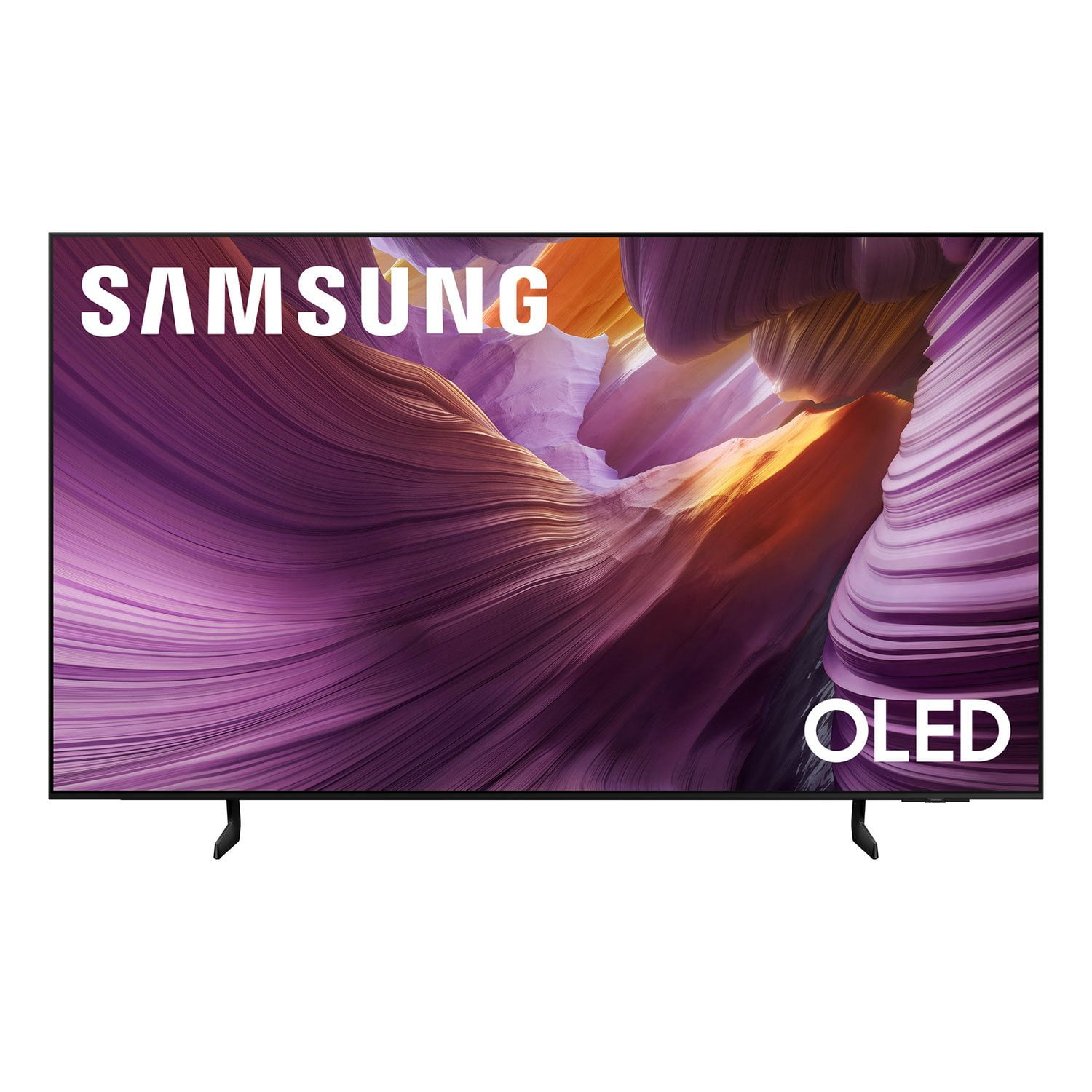
SAMSUNG 77” Class S85FD Series 4K OLED Smart TV
4.8 out of 5 stars
stars
189 ratings189 reviews
  1. 5 stars81% (153)
  2. 4 stars15% (28)
  3. 3 stars4% (7)
  4. 2 stars0% (0)
  5. 1 star1% (1)

Member photos

  • +28 images
Sort by |
Showing 161-170 of 189 reviews
Oct 14, 2025
Reviewer name: ArisZaide
5 out of 5 stars
5 out of 5 stars review

The Best Ever

[This review was collected as part of a promotion.] It has the best picture and sounds. The world needs to see this.

Review from Samsung US
Helpful?2E2KGPC6PTAQ15601665372
Dec 29, 2025
Reviewer name: Batman
4 out of 5 stars
4 out of 5 stars review

Sounds, acoustics and clear tv

[This review was collected as part of a promotion.] This product has good sound, bass acoustics. Also picture is crystal clear

Review from Samsung US
Helpful?2E2KGPC6PTAQ15601665372
May 2, 2025
Reviewer name: LadyElease
5 out of 5 stars
5 out of 5 stars review

Great tv for the price

[This review was collected as part of a promotion.] We mostly use this tv for XboxSX gaming. We haven't had any issues with our Samsung Tv, has fantastic features, fabulous picture, colors, contrast/blacks, ai for super fast and easy set ups (personally im a woman geek for learning all the functions, usage, and purposes of any and all features and functions of our electronics) , gaming options, my music is easily accessible from the tv , to my phone, to my family hub fridge. Everything has always been super easy to set up and or transfer with Samsung, and we love that! The only con I can give this tv as of now, would be the built in speakers, and sound. I definitely feel sound quality should be just as important as the picture quality.

Review from Samsung US
Helpful?2E2KGPC6PTAQ15601665372
Jun 20, 2025
Reviewer name: SamsungForLife
5 out of 5 stars
5 out of 5 stars review

Samsung family entertainment item
[This review was collected as part of a promotion.] We use our Samsung TV on a daily basis to watch Netflix and other streaming services together as a family, we enjoy the fast Wi-Fi connection, allowing us to update and be up-to-date on the best and latest and greatest movies and TV shows we also connected our gaming console to it, and it's such a fun time playing games with the family. We stream vr content to the t v with its awesome ability to connect to our devices. Whenever we have friends and family over, we watch a movie together and the quality of the picture is crisp clear, the audio is great. I've owned many samsung tvs throughout the years, and they never failed to bring us joy.

Review from Samsung US
Helpful?2E2KGPC6PTAQ15601665372
Aug 4, 2025
Reviewer name: Love2watchhockey
1 out of 5 stars
1 out of 5 stars review

Terrible Resolution

[This review was collected as part of a promotion.] I just bought this TV to replace an 18 year-old Samsung TV. My 18 year-old TV has better picture quality than this brand new TV model. Every channel whether it’s a TV show, movie or news network the picture quality is horrible and not clean and crisp. This TV will be going back and I’ll be getting the LG.

Review from Samsung US
Helpful?2E2KGPC6PTAQ15601665372
reply from Samsung Specialist

Love2watchhockey, We appreciate your input on the picture quality of Samsung’s S85FD TV. If the image isn’t meeting your expectations, there are several adjustments you can make to improve your viewing experience. First, please ensure your TV is running the latest firmware, as updates may include important picture quality enhancements. Go to: Home > Left directional button > Settings > Support > Software Update > Update Now Then, select a Picture Mode that best fits your environment: Home > Home > left directional key > Settings > All Settings > Picture > Picture Mode 1. Standard – Default mode for general viewing 2. Dynamic – Brighter and clearer in well-lit rooms 3. Eco – Optimized for energy saving 4. Movie – Best for watching in dark environments 5. Filmmaker Mode – Preserves content exactly as intended by creators You can also enhance your experience by enabling AI Mode, which automatically adjusts picture and sound based on your surroundings and usage patterns: Settings > All Settings > Advanced Features > AI Mode Settings > AI Mode If these adjustments don’t improve your picture quality, feel free to contact Samsung Customer Support at 1-800-SAMSUNG, available 8AM – 12AM EST, 7 days a week. You can also LiveChat with an agent or find helpful guides by visiting the ‘Support’ section of our website. ~ Samsung Specialist

Aug 17, 2025
Reviewer name: LOVEmyTV
5 out of 5 stars
5 out of 5 stars review

This product has amazing futures
[This review was collected as part of a promotion.] This TV has completely changed the way we watch and play at home. The live streaming runs flawlessly, with no lag, making it perfect for gaming sessions where every second matters. The picture quality is sharp, vibrant, and smooth, so whether I’m streaming or gaming, it feels like everything is happening right in front of me. The sound fills the room beautifully, adding that cinematic touch without needing extra speakers. The size of the screen is just right—big enough to impress without overwhelming the space. Everyone who visits my house immediately notices it and asks about it because it really stands out. My family loves movie nights even more now, since the picture and sound make it feel like we’re at the theater. Gaming feels immersive, movies feel larger than life, and streaming is effortless. This TV simply makes everything better and it honestly feels like a glimpse into how awesome the future of home entertainment can be.

Review from Samsung US
Helpful?2E2KGPC6PTAQ15601665372
Aug 20, 2025
Reviewer name: Whatsupdoc21
5 out of 5 stars
5 out of 5 stars review

Spectacular picture you ha pre to experience to be

[This review was collected as part of a promotion.] Currently we are using the new TV for streaming watching only. Just finished watching the 3rd season of “Reacher” on Prime Video and the characters and action scenes were so vivid that everything seemed to have a 3D quality to them. A hipuge difference from our previous LCD set. We are exploring more of the features and enjoying what we have found so far!

Review from Samsung US
Helpful?2E2KGPC6PTAQ15601665372
Aug 22, 2025
Reviewer name: Alex1320
3 out of 5 stars
3 out of 5 stars review

This TV is a bad, complicated product.
[This review was collected as part of a promotion.] This is a bad product, comThis TV is a poor, complicated product. The price I paid for it isn't worth the quality of the product. Furthermore, the TV control isn't intuitive at all; it's difficult to understand. I don't even know how to get the most out of this TV because everything in it is complicated to use.plicate to used.

Review from Samsung US
Helpful?2E2KGPC6PTAQ15601665372
reply from Samsung Specialist

Alex1320, We appreciate your input on the picture quality of Samsung’s S85FD TV. If the image isn’t meeting your expectations, there are several adjustments you can make to improve your viewing experience. First, please ensure your TV is running the latest firmware, as updates may include important picture quality enhancements. Go to: Home > Left directional button > Settings > Support > Software Update > Update Now Then, select a Picture Mode that best fits your environment: Home > Home > left directional key > Settings > All Settings > Picture > Picture Mode 1. Standard – Default mode for general viewing 2. Dynamic – Brighter and clearer in well-lit rooms 3. Eco – Optimized for energy saving 4. Movie – Best for watching in dark environments 5. Filmmaker Mode – Preserves content exactly as intended by creators You can also enhance your experience by enabling AI Mode, which automatically adjusts picture and sound based on your surroundings and usage patterns: Settings > All Settings > Advanced Features > AI Mode Settings > AI Mode To help you get the most from your TV, you can download the full e-Manual and more by visiting Samsung’s website then navigating to: Support > Manual & Software > TVs & Home Theater. From there, you can search for and select your TV model to view or download the available guides. The e-Manual and Remote Control Guide are also conveniently built into your TV: Settings > Support > Tips and User Guides If you need additional help, please contact Samsung Support at 1-800-SAMSUNG, 8AM – 12AM EST, 7 days a week. LiveChat agents are also available through the ‘Support’ link on our website. ~ Samsung Specialist

Jul 4, 2025
Reviewer name: Samsunglife86
5 out of 5 stars
5 out of 5 stars review

Love the connection to my mobile
[This review was collected as part of a promotion.] Love the definition on my TV easy connection to the apps smart view love smart things picture processor super fast

Review from Samsung US
Helpful?2E2KGPC6PTAQ15601665372
Jul 14, 2025
Reviewer name: FreemanD
5 out of 5 stars
5 out of 5 stars review

This TV is really awesome

[This review was collected as part of a promotion.] This TV is amazing I cannot wait till College Football Because the picture makes you feel like you're in the movie you're watching so I can't wait to watch some football on the sound is amazing

Review from Samsung US
Helpful?2E2KGPC6PTAQ15601665372