Skip to Main Content
Sam's Club
Sam's Club
All Departments
All Services
Customer reviews for SAMSUNG 77” Class S85FD Series 4K OLED Smart TV for
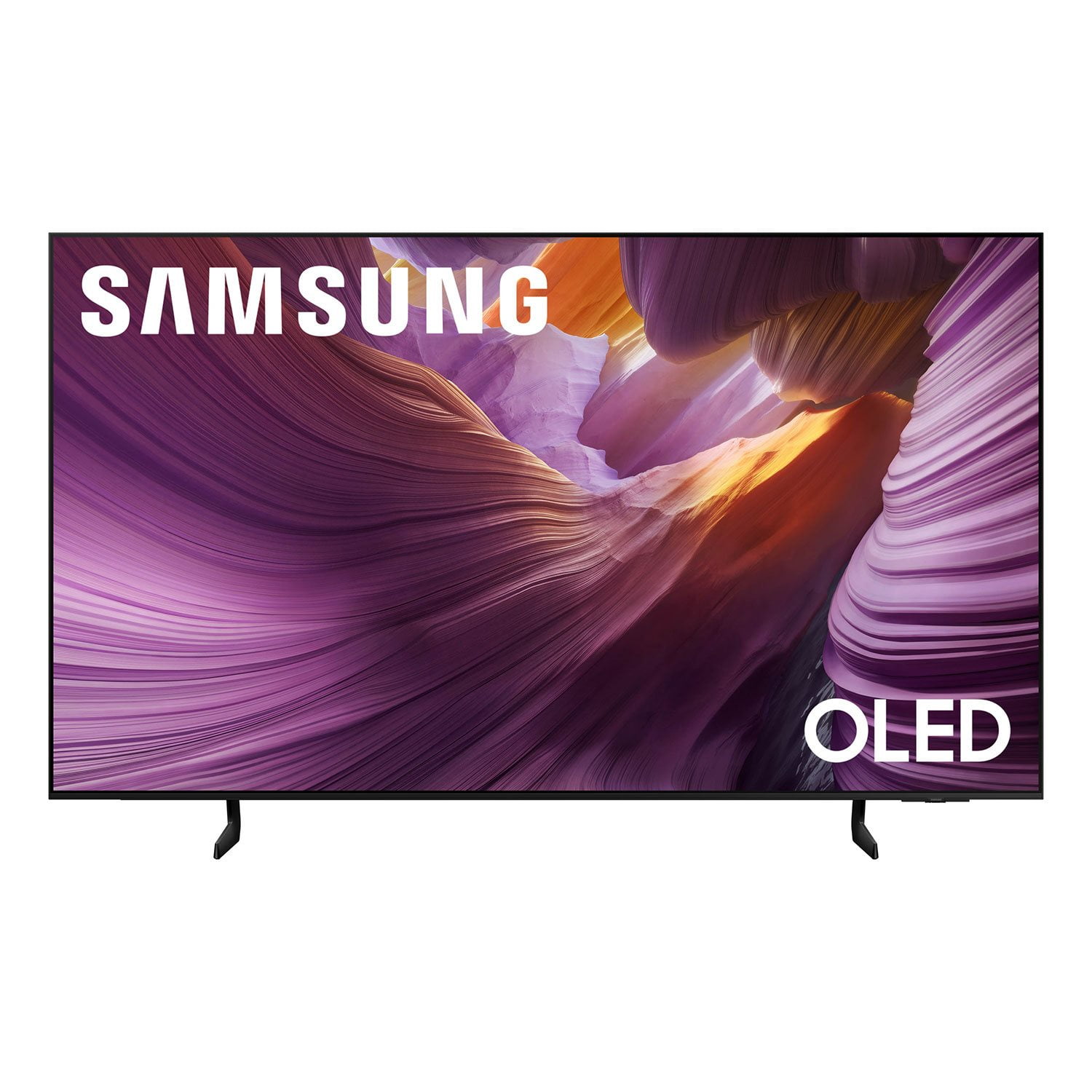
SAMSUNG 77” Class S85FD Series 4K OLED Smart TV
4.8 out of 5 stars
stars
200 ratings200 reviews
  1. 5 stars81% (161)
  2. 4 stars15% (30)
  3. 3 stars4% (8)
  4. 2 stars0% (0)
  5. 1 star1% (1)

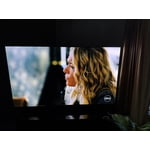
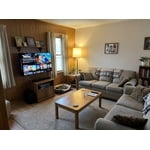
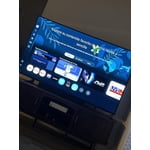
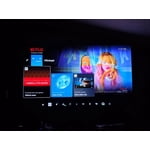
Member photos

  • +30 images
Sort by |
Showing 91-100 of 200 reviews
Jul 28, 2026
Reviewer name: Quehefner
5 out of 5 stars
5 out of 5 stars review

Great features
[This review was collected as part of a promotion.] This is a great TV and TV brand I wish the app was PlayStation based instead of Xbox

Review from Samsung US
Helpful?2E2KGPC6PTAQ15601665372
Aug 1, 2026
Reviewer name: Fernando
5 out of 5 stars
5 out of 5 stars review

The best TV I I've buy

[This review was collected as part of a promotion.] Great quality, It one of the best TV i i I've have, I recommend

Review from Samsung US
Helpful?2E2KGPC6PTAQ15601665372
Jul 28, 2026
Reviewer name: Carlos
5 out of 5 stars
5 out of 5 stars review

Love it

[This review was collected as part of a promotion.] Love thisTV. Beautiful i.age and incredible value.

Review from Samsung US
Helpful?2E2KGPC6PTAQ15601665372
Jul 27, 2026
Reviewer name: Wijackrabbit
5 out of 5 stars
5 out of 5 stars review

Colors are bright

[This review was collected as part of a promotion.] Picture is amazing, its a very high quality tv with theater sound.

Review from Samsung US
Helpful?2E2KGPC6PTAQ15601665372
Apr 20, 2026
Reviewer name: Tigersgirl28
5 out of 5 stars
5 out of 5 stars review

Love it

[This review was collected as part of a promotion.] Contrast, resolution, brightness is beautiful. Can see the screen from the side. Volume gets high

Review from Samsung US
Helpful?2E2KGPC6PTAQ15601665372
Mar 3, 2026
Reviewer name: Fabs
5 out of 5 stars
5 out of 5 stars review

Samsung Large TV

[This review was collected as part of a promotion.] Beautiful, large to see, bright colors, easy to maintain

Review from Samsung US
Helpful?2E2KGPC6PTAQ15601665372
Apr 5, 2026
Reviewer name: Erica marie
5 out of 5 stars
5 out of 5 stars review

Great picture and sound

[This review was collected as part of a promotion.] This TV has the perfect picture and overall appearance. and easy to navigate

Review from Samsung US
Helpful?2E2KGPC6PTAQ15601665372
Mar 6, 2026
Reviewer name: Bealer03
5 out of 5 stars
5 out of 5 stars review

Great features

[This review was collected as part of a promotion.] Such a pleasure watching tv on this amazing television

Review from Samsung US
Helpful?2E2KGPC6PTAQ15601665372
Feb 22, 2026
Reviewer name: Luv2shop
5 out of 5 stars
5 out of 5 stars review

Great features

[This review was collected as part of a promotion.] Amazing picture and sound. The quality is superb. The refresh rate is so fast and smooth.

Review from Samsung US
Helpful?2E2KGPC6PTAQ15601665372
Apr 25, 2026
Reviewer name: Btcp
3 out of 5 stars
3 out of 5 stars review

Almost great

[This review was collected as part of a promotion.] Product is ok. Blacks are not as well defined as i would like for an oled

Review from Samsung US
Helpful?2E2KGPC6PTAQ15601665372
reply from Samsung Specialist

Btcp, We appreciate your input on the picture quality. If the image isn’t meeting your expectations, there are several adjustments you can make to improve your viewing experience. First, please ensure your TV is running the latest firmware, as updates may include important picture quality enhancements. Go to: Home > Left directional button > Settings > Support > Software Update > Update Now Then, select a Picture Mode that best fits your environment: Home > Home > left directional key > Settings > All Settings > Picture > Picture Mode 1. Standard – Default mode for general viewing 2. Dynamic – Brighter and clearer in well-lit rooms 3. Eco – Optimized for energy saving 4. Movie – Best for watching in dark environments 5. Filmmaker Mode – Preserves content exactly as intended by creators You can also enhance your experience by enabling AI Mode, which automatically adjusts picture and sound based on your surroundings and usage patterns: Settings > All Settings > Advanced Features > AI Mode Settings > AI Mode If these adjustments don’t improve your picture quality, feel free to contact Samsung Customer Support at 1-800-SAMSUNG (8AM – 9PM EST Mon – Fri, 8AM – 6PM Sat – Sun). You can also LiveChat with an agent or find helpful guides by visiting the ‘Support’ section of our website. ~ Samsung Specialist