Join Now
Skip to Main Content
Sam's Club
Sam's Club
All Departments
All Services
Customer reviews for SAMSUNG 65" Class QN70FD Series 4K Neo QLED Smart TV for
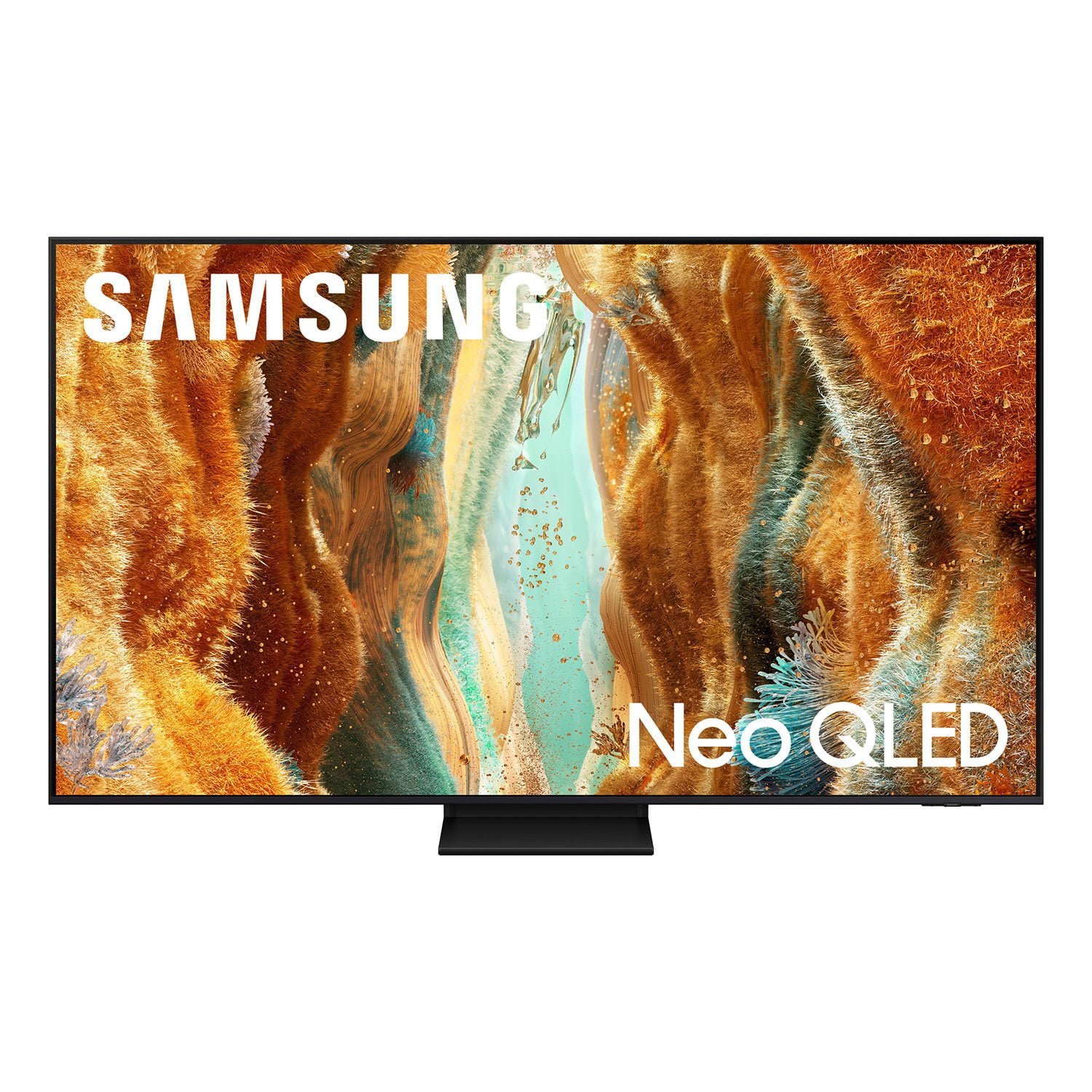
SAMSUNG 65" Class QN70FD Series 4K Neo QLED Smart TV
4.7 out of 5 stars
stars
1,138 ratings1,081 reviews
  1. 5 stars80% (915)
  2. 4 stars12% (134)
  3. 3 stars4% (44)
  4. 2 stars1% (15)
  5. 1 star3% (30)

Member photos

  • +408 images
Sort by |
Showing 851-860 of 1,081 reviews
Apr 20, 2025
Reviewer name: Love2golf
5 out of 5 stars
5 out of 5 stars review

Crisp, clear picture

[This review was collected as part of a promotion.] My favorite thing you watch on this Neo Qled tv is golf, crispness of the players shots and the clarity of the scenery of the courses is spectacular

Review from Samsung US
Helpful?274TZIZPP1RI15586314068
Jun 27, 2026
Reviewer name: MT406
5 out of 5 stars
5 out of 5 stars review

Live the integration

[This review was collected as part of a promotion.] great picture especially when it's very bright in the room. Love the easy integration with Samsung ecosystem. Remote leaves some to be desired but like the voice option and built-in solar charger.

Review from Samsung US
Helpful?274TZIZPP1RI15586314068
Jul 2, 2026
Reviewer name: mike49
2 out of 5 stars
2 out of 5 stars review

tv great as long not into xbox cloud gaming

here thing why offer xbox cloud support when has no dolby vision for games need it like select exclusives and 3rd party games. which offer written needed right on box.

Review from Samsung US
Helpful?274TZIZPP1RI15586314068
reply from Samsung Specialist

Thank you for your review. If there’s anything we can assist with, please don’t hesitate to call us at 1-800-SAMSUNG (8AM – 9PM EST Mon – Fri, 8AM – 6PM Sat – Sun), or reach us via text anytime. You can also visit ‘Support’ on our website for: • Live Chat • Manuals, Software, & Warranty Info ~ Samsung Specialist

Jul 5, 2025
Reviewer name: Jameesmom12
5 out of 5 stars
5 out of 5 stars review

The product has great color.

[This review was collected as part of a promotion.] I use it to watch television. And as I have said the color is great. I have always purchased a Samsung and have never been wrong with my choice. This is a great product. Samsung is very easy to work with. Very pleased

Review from Samsung US
Helpful?274TZIZPP1RI15586314068
Oct 27, 2025
Reviewer name: Gravity
5 out of 5 stars
5 out of 5 stars review

Mind-Blowing Brightness and Cinematic Colors

[This review was collected as part of a promotion.] I've owned several premium TVs over the years, but the Samsung Neo QLED 4K (2025) QN70F completely blew me away. The brightness is stunning — HDR scenes pop with incredible contrast and color accuracy. The Quantum Matrix backlighting really makes dark scenes look deep without losing detail. Motion is buttery-smooth whether I'm gaming, watching sports, or streaming movies. The interface feels faster and more intuitive than before, and connecting my soundbar and consoles took seconds. The build quality is sleek and premium, and even the upscaling of older content looks crisp. Overall, this TV makes everything I watch feel like a theater experience — absolutely worth every penny. Highly recommend it for anyone serious about home entertainment.

Review from Samsung US
Helpful?274TZIZPP1RI15586314068
Nov 24, 2025
Reviewer name: AJ UGA
1 out of 5 stars
1 out of 5 stars review

Multiple issues

BEWARE I have yet another issue with this TV Display= Not Good First problem previously reported was "soap opera mode" that has a dizzying picture effect. Second problem was getting movies to properly size and fill the entire screen Now that I applied the recommendations, it produced a NEW problem- Blurry images, specifically: When watching a live event (Football) a wide shot of the filed & all players has a blurry edge around the outline of each player . But, once the camera zooms in and re-focuses on a single player, it then adjust the image to become steady, crisp & clear image- How is this corrected ??/ When watching a live football game a full picture of all players , the filed, etc produces a grainy / fuzzy silhouette around the players, almost outlining their bodies. But, once the camera zooms in on an individual player it re-focuses the image and then produces a clear , crisp picture Why is this occurring and how to correct this problem ? Why ? How to correct ? 1- Samsung's website posts instructions to remove the dizzy picture format also know as "soap opera mode" that feels like a virtual reality movie you are trapped in. Bt you can NOT apply the posted instructions to this TV - they will not work 2-The TV will not auto adjust movies to fit your entire screen. The Fit To Screen feature does not allow you to adjust and re-format most films to fill the entire screen so instead you have a blank space with no images on the sides or top & bottom

Review from Samsung US
Helpful?274TZIZPP1RI15586314068
reply from Samsung Specialist

Hi AJ UGA, Thank you for your feedback on the Samsung QN70F TV. Black bars may appear depending on the original format of the content you’re viewing: • Black bars on the sides are common when HD channels display upscaled SD (4:3) content • Black bars on the top and bottom occur when watching films shot in wider aspect ratios than your TV supports To adjust how content is displayed, you can try changing the picture size settings on your external device or on the TV itself: Home > left directional key > Settings > All Settings > Picture > Picture Size Please note: Not all content can be stretched or zoomed without distorting the image. If the picture appears blurry or unnatural during high-speed scenes, there are several settings you can adjust to improve motion clarity. Picture Clarity Settings: While originally intended for motion handling, these can also impact overall clarity • Off: Disables motion enhancements • Auto: Automatically adjusts based on content • Custom: Lets you fine-tune: o Judder Reduction – Helps smooth out uneven motion o LED Clear Motion – Boosts sharpness in fast-moving content o Noise Reduction – Reduces distortion and enhances detail in lower-resolution sources Core Picture Settings • Brightness – Controls overall screen brightness • Contrast – Enhances the difference between bright and dark areas • Sharpness – Adjusts edge definition; closer to 20 increases detail • Color – Enhances depth and intensity of colors You may also want to enable AI Mode, which automatically adapts picture settings based on your content, room lighting, and usage patterns. Go to: Settings > All Settings > Advanced Features > AI Mode Settings And don’t forget to check for the latest firmware, which may improve performance: Settings > Support > Software Update > Update Now These adjustments can make a noticeable difference in overall clarity. If you need further help tailoring the settings to your preferences or environment, please contact Samsung Support at 1-800-SAMSUNG, 8AM – 12AM EST, 7 days a week. LiveChat is also available via the ‘Support’ link on our website. ~ Samsung Specialist

May 17, 2025
Reviewer name: MrMcChickenMan
5 out of 5 stars
5 out of 5 stars review

Brilliant Picture and Smooth Performance

[This review was collected as part of a promotion.] The QN70F Neo QLED 4K TV has completely elevated my viewing experience. I use it daily for streaming, watching sports, and gaming, and it consistently delivers outstanding picture quality. The Neo QLED panel offers deep contrast, sharp detail, and vivid colors that make everything from dark movie scenes to bright outdoor sports look fantastic. Motion handling is incredibly smooth, which makes fast-paced action and gameplay seamless with no noticeable blur. The brightness and anti-reflection technology also help it perform beautifully in my living room, even during the daytime. Smart features are intuitive, and navigating apps or switching sources is quick and easy. The design is sleek and modern, with ultra-thin bezels that help keep the focus on the screen. Whether you're a casual viewer or a tech enthusiast, this TV offers premium performance in every category.

Review from Samsung US
Helpful?274TZIZPP1RI15586314068
Jul 7, 2025
Reviewer name: Tizzle
5 out of 5 stars
5 out of 5 stars review

Awesome as Always

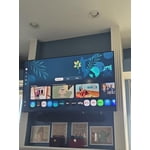
[This review was collected as part of a promotion.] As usual, Samsung doesn't fail to deliver with this TV! It is super easy to set up with my Galaxy phone, but imagine it isn't that much harder with a different phone. The picture is great, have it hanging about 6 feet up in a living room with rooms of sunshine because of the 3 sky lights and huge floor to ceiling, wall to wall window facing SW. Safe to say, it's a bright room with tons of natural light 6-10 hours a day, so glares can be an issue but with this Neo QLED that isn't an issue. Needless to say, glad I did my research when debating between OLED and QLED with the decision coming down to everyone saying QLED is better with bright rooms and so far, seems to be spot on. To top it off, Samsung made it easy with their promo, trade-in, install, and military offer so thanks again for another home run Samsung!

Review from Samsung US
Helpful?274TZIZPP1RI15586314068
Oct 22, 2025
Reviewer name: GaryB1
5 out of 5 stars
5 out of 5 stars review

Great features on newest TV

[This review was collected as part of a promotion.] Was impressed by all the features on this Neo QLED TV. Originally not impressed by the picture quality, but after performing the optimization with my Samsung cellphone it now looks 100% better. Now the picture quality is amazing no matter what I am watching. Picture is super clear and sharp, this was an upgrade from a previous Samsung LED TV that had a refresh rate of only 60Hz. I can't wait to watch more sports and videos with fast movements. I am very glad that I purchased this newest TV.

Review from Samsung US
Helpful?274TZIZPP1RI15586314068
Jan 24, 2026
Reviewer name: CRASH_2600
5 out of 5 stars
5 out of 5 stars review

SAMSUNG did it again!!!

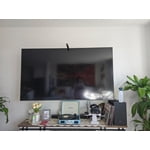
I was skeptical about buying a tv at this price. If you are in the market for a new tv, this is definitely the one you want to buy. The picture, contrast, quality, color, is on point. I had my tv mounted so it looks even better. SAMSUNG really came through with this one.

Review from Samsung US
Helpful?274TZIZPP1RI15586314068