Skip to Main Content
Sam's Club
Sam's Club
All Departments
All Services
Customer reviews for SAMSUNG 65" Class QN70FD Series 4K Neo QLED Smart TV for
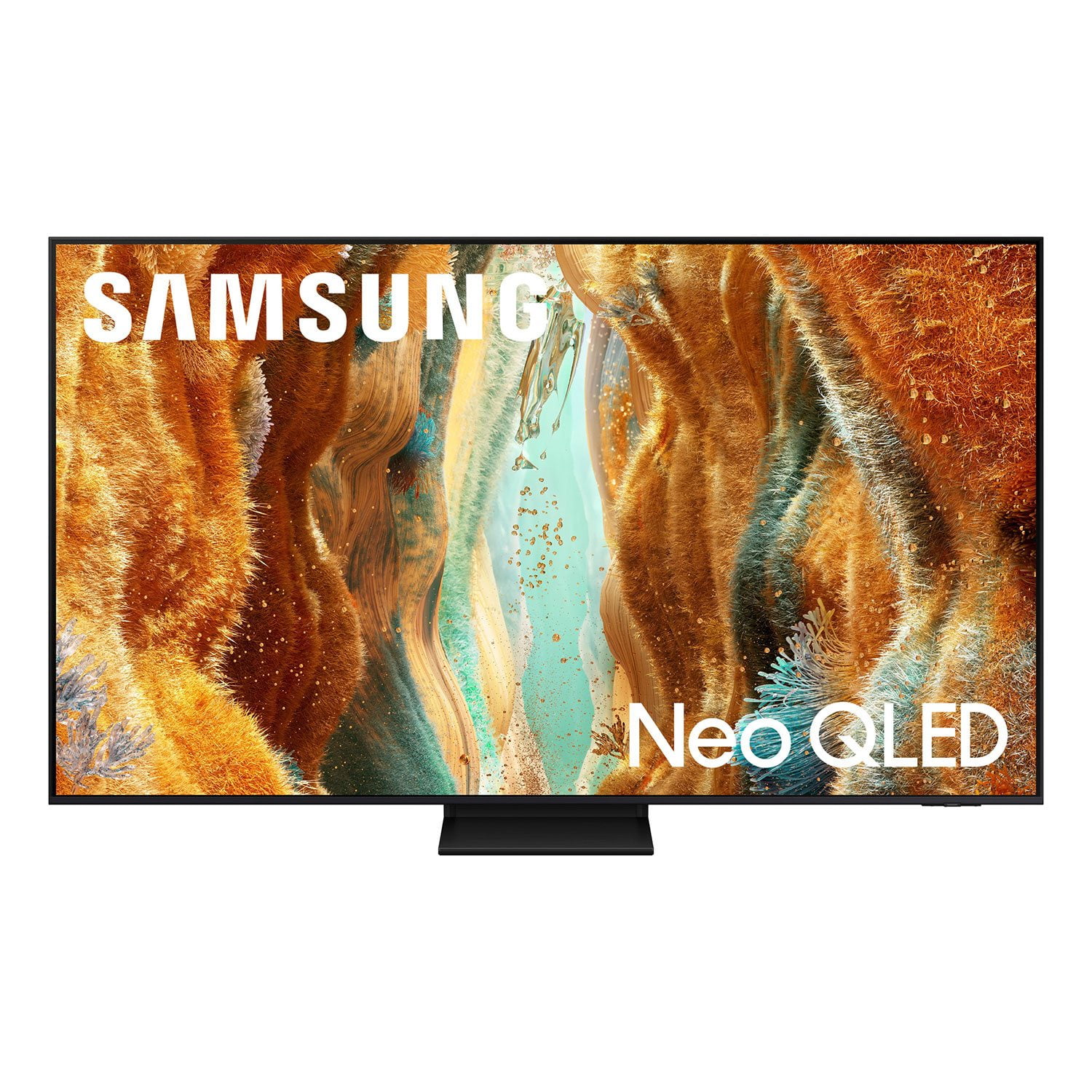
SAMSUNG 65" Class QN70FD Series 4K Neo QLED Smart TV
4.7 out of 5 stars
stars
958 ratings912 reviews
  1. 5 stars81% (779)
  2. 4 stars11% (104)
  3. 3 stars4% (36)
  4. 2 stars1% (13)
  5. 1 star3% (26)

Member photos

  • +328 images
Sort by |
Showing 361-370 of 912 reviews
Jun 22, 2026
Reviewer name: Rudra
5 out of 5 stars
5 out of 5 stars review

Great TV at a great price
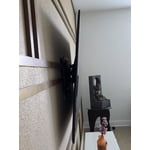
[This review was collected as part of a promotion.] I bought Samsung QN75F in November 25. It is a great Tv at a great price. The picture and sound quality are amazing. The features it offers are great.

Review from Samsung US
Helpful?274TZIZPP1RI15586314068
Jun 1, 2026
Reviewer name: Dyankees
5 out of 5 stars
5 out of 5 stars review

Awesome TV

[This review was collected as part of a promotion.] I love this TV. The picture is beautiful. It is very user friendly and it comes with a lot of free content.

Review from Samsung US
Helpful?274TZIZPP1RI15586314068
May 26, 2026
Reviewer name: Forestgirl
5 out of 5 stars
5 out of 5 stars review

Stunning Television

[This review was collected as part of a promotion.] Excellent brightness and clarity with beautiful contrast and resolution. Colors are vibrant and sound quality is great.

Review from Samsung US
Helpful?274TZIZPP1RI15586314068
Jun 27, 2026
Reviewer name: MT406
5 out of 5 stars
5 out of 5 stars review

Live the integration

[This review was collected as part of a promotion.] great picture especially when it's very bright in the room. Love the easy integration with Samsung ecosystem. Remote leaves some to be desired but like the voice option and built-in solar charger.

Review from Samsung US
Helpful?274TZIZPP1RI15586314068
Jul 5, 2026
Reviewer name: Coolguy350
5 out of 5 stars
5 out of 5 stars review

Awesome Tv

[This review was collected as part of a promotion.] I love this tv. It is awesome. It has beautiful pictures and my family loves it as well. It has me favorite apps ready when I want to view it

Review from Samsung US
Helpful?274TZIZPP1RI15586314068
Jun 5, 2026
Reviewer name: Scott
4 out of 5 stars
4 out of 5 stars review

Great TV , ruined by advertising

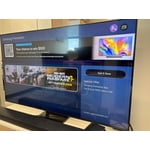
[This review was collected as part of a promotion.] The tv is amazing, but the software is covered in advertising. The home page has 1 narrow row of my apps. The rest is all advertising.

Review from Samsung US
Helpful?274TZIZPP1RI15586314068
Jun 5, 2026
Reviewer name: Paul D
5 out of 5 stars
5 out of 5 stars review

Very bright and clear screen

[This review was collected as part of a promotion.] This TV was one of my best purchases. It is very, very clear and bright. It responds Quickly to the remote control.

Review from Samsung US
Helpful?274TZIZPP1RI15586314068
Jun 7, 2026
Reviewer name: wynnkin
5 out of 5 stars
5 out of 5 stars review

awesome colors

[This review was collected as part of a promotion.] awesome colors. best ever in our house. menu is kinda for old peron (75) but i ended up with a great picture.

Review from Samsung US
Helpful?274TZIZPP1RI15586314068
Jul 5, 2026
Reviewer name: ClintG
5 out of 5 stars
5 out of 5 stars review

Great value

[This review was collected as part of a promotion.] Great TV for the price. Picture and colors really pop. I also love how it integrates into the Samsung ecosystem and Smart Things.

Review from Samsung US
Helpful?274TZIZPP1RI15586314068
Jun 5, 2026
Reviewer name: Grumpy Old Man
1 out of 5 stars
1 out of 5 stars review

Difficult at best

[This review was collected as part of a promotion.] From the cheap stand to the inefficient and unresponsive remote this is a very disappointing product.

Review from Samsung US
Helpful?274TZIZPP1RI15586314068
reply from Samsung Specialist

We appreciate your feedback regarding response time. For optimal performance, please ensure your TV is running the latest firmware. You can check this by going to: Home > left directional key > Settings > Support > Software Update To further optimize performance, try running Device Care, which checks memory, clears unused cached data, and closes background apps: Home > left directional key > Settings > Support > Device Care > Start Device Care If issues continue, please reach Samsung Support at 1-800-SAMSUNG (8AM – 9PM EST Mon – Fri, 8AM – 6PM Sat – Sun). LiveChat is also available via the ‘Support’ link on our website. ~ Samsung Specialist